Send enquiry ⏎

Adobe Dreamweaver Online Live Class by Experts

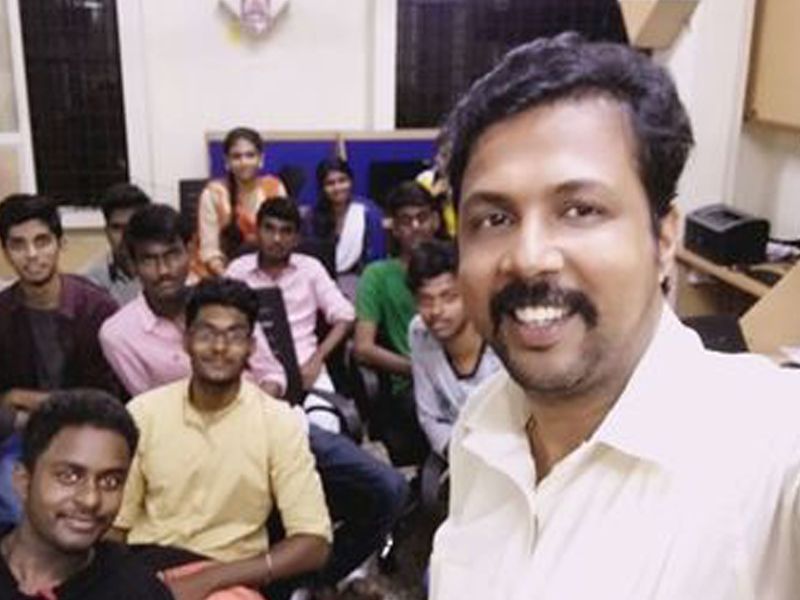
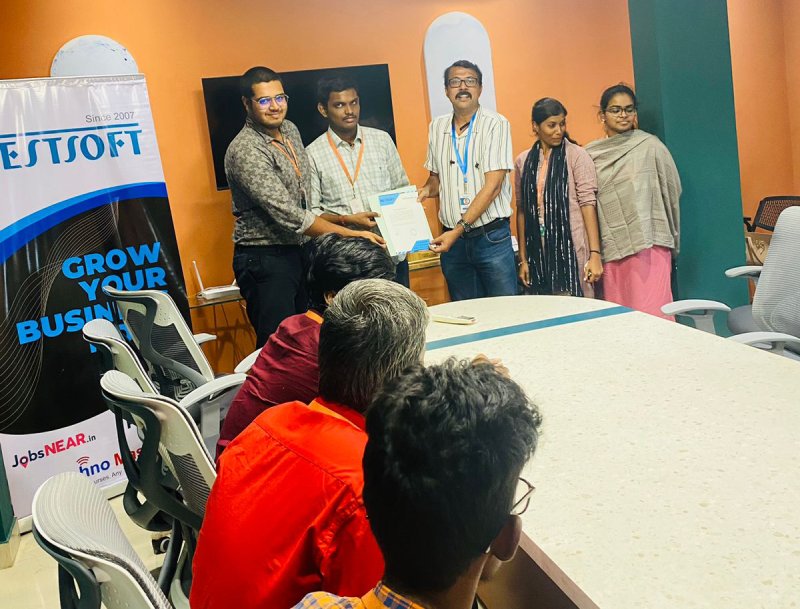
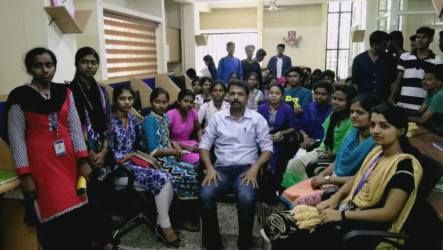
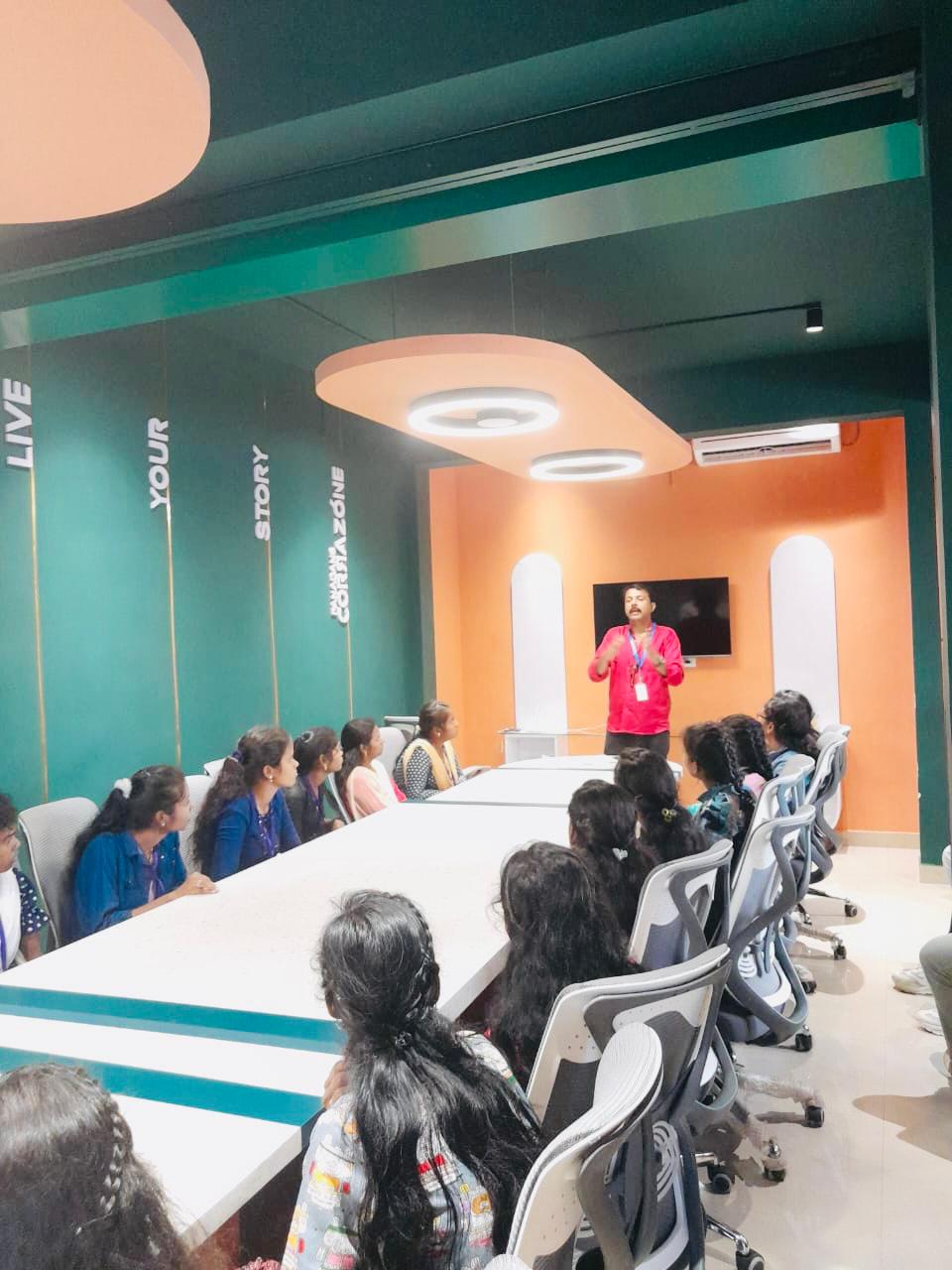
Our Training/Internship Process

Adobe Dreamweaver Online Live Classes in Sunderland | Free Demo Training

Adobe Dreamweaver - Syllabus, Fees & Duration

Module 1: Introducing Dreamweaver

  • Understanding the course
  • Reviewing the course objectives and prerequisites
  • Reviewing the course format
  • Outlining the course content
  • Understanding static page architecture

Module 2: Getting Started

  • Introducing Dreamweaver
  • Learning the interface
  • Defining a local site
  • Creating a website

Module 3: Adding Content to a Site

  • Adding content
  • Controlling document structure
  • Making lists
  • Adding horizontal rules
  • Adding special characters

Module 4: Formatting with CSS

  • Formatting text
  • Introducing CSS
  • Creating styles
  • Exporting CSS rule definitions
  • Creating class styles
  • Attaching external style sheets
  • Creating advanced styles
  • Creating a new external style sheet
  • Displaying styles
  • Understanding cascading order and inheritance of styles
  • Creating internal styles with the Property inspector

Module 5: Working with Graphics

  • Using graphics on web pages
  • Placing graphics on the page
  • Modifying image properties
  • Editing images
  • Doing roundtrip editing with Fireworks
  • Customizing the Insert bar
  • Adding Flash content
  • Adding Flash Video

Module 6: Navigating Your Site

  • Understanding site navigation
  • Linking to files in your site
  • Linking to sites
  • Linking to named anchors
  • Adding e-mail links
  • Linking from images
  • Creating a jump menu

Module 7: Designing Page Layouts with CSS

  • Understanding page layout
  • Using layers for layout
  • Adding CSS to layers
  • Using absolute and relative positioning
  • Designing with DIV's
  • Designing navigation links with CSS
  • Importing tabular data
  • Using table layout view

Module 8: Using Libraries and Templates

  • Using site library items
  • Creating site templates
  • Defining editable regions
  • Using templates
  • Applying a template to an existing page
  • Modifying templates

Module 9: Creating Forms

  • Understanding forms
  • Processing a form
  • Setting focus in a form
  • Validating a form

Module 10: Testing, Maintenance, and Uploading

  • Testing your site
  • Maintaining your files and folders
  • Connecting to a remote site
  • Synchronizing files

Download Syllabus - Adobe Dreamweaver
This syllabus is not final and can be customized as per needs/updates
   
10000+
20+
50+
25+

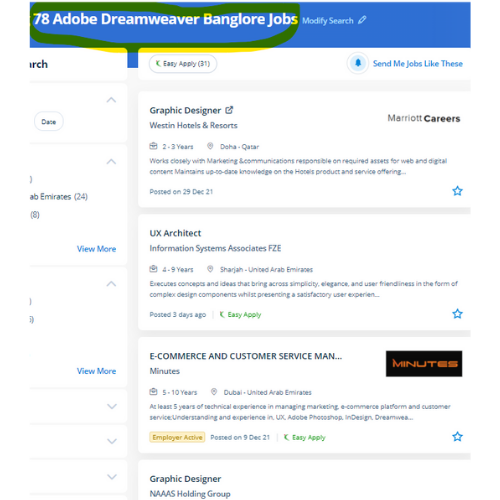
Adobe Dreamweaver Jobs in Sunderland

Enjoy the demand

Find jobs related to Adobe Dreamweaver in search engines (Google, Bing, Yahoo) and recruitment websites (monsterindia, placementindia, naukri, jobshybrid.com, indeed.co.in, shine.com etc.) based in Sunderland, chennai and europe countries. You can find many jobs for freshers related to the job positions in Sunderland.

  • Graphic Designer
  • Creative Designer
  • CorelDraw Trainer
  • Web graphic designer
  • UI/UX Designer
  • Digital Designer
  • Designing Trainer
  • GUI Designer
  • Creative Graphic Designer
  • Web designer intern

Adobe Dreamweaver Internship/Course Details

Adobe Dreamweaver internship jobs in Sunderland
Adobe Dreamweaver it is an especially useful time-saver in DW’s code suggestion feature. The course materials are designed as self-study courses, however, if you have got any issues you will email our support service. . This course assumes no previous knowledge of HTML, CSS, or Dreamweaver we'll we'll offer you the advanced coaching which is able to assist you to become a talented web designer. With Dreamweaver you will go from setting out to end, creating and maintaining basic websites to advanced applications that support best practices and additionally the newest technologies. easy and complex websites are going to be designed using a purpose and click-on technique. Adobe, however, has stopped supporting Muse and the application will still be used. Dreamweaver is not the only Adobe web design tool. This feature makes it possible for beginners to style websites as the work is reduced. This software includes templates for websites to assist within the design method.


Meet a Few of our Industry Experts 🚀 Your Pathway to IT Career

Prakash

Mobile: +91 91884 77559
Location: Online (Sunderland, Uk)
Qualification: BSc and MSc in Visual Communication

Experience: 4 year industry experience in Graphic design  more..

Sujin

Mobile: +91 91884 77559
Location: Online (Sunderland, Uk)
Qualification: Btech

Experience: Python and Django Manual and Automation testing  more..

Anandhu

Mobile: +91 89210 61945
Location: Online (Sunderland, Uk)
Qualification: BCA

Experience: 1 5 years of Digital Marketing; social media management content development and project management experience in identifying trends engaging users  more..

Sandrakrishnan

Mobile: +91 98474 90866
Location: Online (Sunderland, Uk)
Qualification: Mca

Experience: 2 year experience in technical support executive at transight system pvtltd at kinfra 4month experience in junior developer   more..

Abhijit

Mobile: +91 9895490866
Location: Online (Sunderland, Uk)
Qualification: Graduate

Experience: Hardware and networking and I am worked in sepl as a desktop support engineer experience in 1 year  more..

renuka

Mobile: +91 8301010866
Location: Online (Sunderland, Uk)
Qualification: MSC IT

Experience: 1 year experience in WordPress developer  more..

Taniya

Mobile: +91 9895490866
Location: Online (Sunderland, Uk)
Qualification: Pursuing Bachelors in Interaction design

Experience: Skills UI design Visual design Prototyping UX research Information architecture Empathy mapping mobile first design Branding Software Figma Adobe creative  more..

Neeraj.k

Mobile: +91 8301010866
Location: Online (Sunderland, Uk)
Qualification: BBA graduate,digital marketing complete

Experience: Img sharing Blog sharing Social book marking Content writing On page seo All type of off page seo   more..

Ruban

Mobile: +91 8301010866
Location: Online (Sunderland, Uk)
Qualification: BCA-MCA

Experience: Competent diligent and result oriented professional offering half a decade of experience with Control testing in Banking Billing reporting and  more..

Lavanya

Mobile: +91 8301010866
Location: Online (Sunderland, Uk)
Qualification: MSc Computer Science

Experience: Web development photoshop Java c c++ SQL  more..

Anupama

Mobile: +91 8301010866
Location: Online (Sunderland, Uk)
Qualification: B.Tech CSE

Experience: I am a B Tech CSE fresher with the knowledge of Python C Java etc I have done an internship  more..

sureshkumar

Mobile: +91 9895490866
Location: Online (Sunderland, Uk)
Qualification: M.Sc

Experience: html and css php sql javascript laravel macromedio dreamviwer  more..

Yash

Mobile: +91 9895490866
Location: Online (Sunderland, Uk)
Qualification: Bachelor's

Experience: Professional Canva Designer did my past Job in Designer field and i use to create design using canva Clients i  more..

Piyush

Mobile: +91 91884 77559
Location: Online (Sunderland, Uk)
Qualification: b. tech

Experience: angular HTML css JavaScript  more..

Pranoti

Mobile: +91 98474 90866
Location: Online (Sunderland, Uk)
Qualification: MTech

Experience: I have good knowledge of aws cloud devops with tools terraform grafana cloud watch tomcat nginx keycloak apache good knowledge  more..

Dhaval

Mobile: +91 94975 90866
Location: Online (Sunderland, Uk)
Qualification: BE -EC

Experience: Hello Sir Dhaval here Greetings for the day ! I am an Odoo developer I want to apply for the  more..

Seema

Mobile: +91 89210 61945
Location: Online (Sunderland, Uk)
Qualification: BE

Experience: Google analytics Google search console wordpress elementor on-page SEO offpage SEO social media marketing photoshop canva  more..

Jesteena

Mobile: +91 9895490866
Location: Online (Sunderland, Uk)
Qualification: MSc computer science

Experience: I am recently pass out postgraduate in MSc computer science with top honours I have knowledge in python Machine learning  more..

Mohammad

Mobile: +91 98474 90866
Location: Online (Sunderland, Uk)
Qualification: mca

Experience: I’ve been working as an Angular front end web developer at We Dig Tech Solution for 1 year and SLT  more..

Pranam

Mobile: +91 91884 77559
Location: Online (Sunderland, Uk)
Qualification: Bachelor

Experience: Hi I am Pranam I am currently studying electronics and instrumentation at the BMS College of Engineering I have experience  more..

Muhammed

Mobile: +91 8301010866
Location: Online (Sunderland, Uk)
Qualification: Btech

Experience: Communication team player web development technology  more..

Jitender

Mobile: +91 91884 77559
Location: Online (Sunderland, Uk)
Qualification: MCA

Experience: Html css php c c++ mysql | (Work from Home)  more..

Toshin

Mobile: +91 89210 61945
Location: Online (Sunderland, Uk)
Qualification: Bachelor of technology

Experience: Full stack developer java python c++ html css javascript   more..

Bhavana

Mobile: +91 98474 90866
Location: Online (Sunderland, Uk)
Qualification: Mca

Experience: Html5 Css3 Sass wordpress  more..

Success Stories

The enviable salary packages and track record of our previous students are the proof of our excellence. Please go through our students' reviews about our training methods and faculty and compare it to the recorded video classes that most of the other institutes offer. See for yourself how TechnoMaster is truly unique.

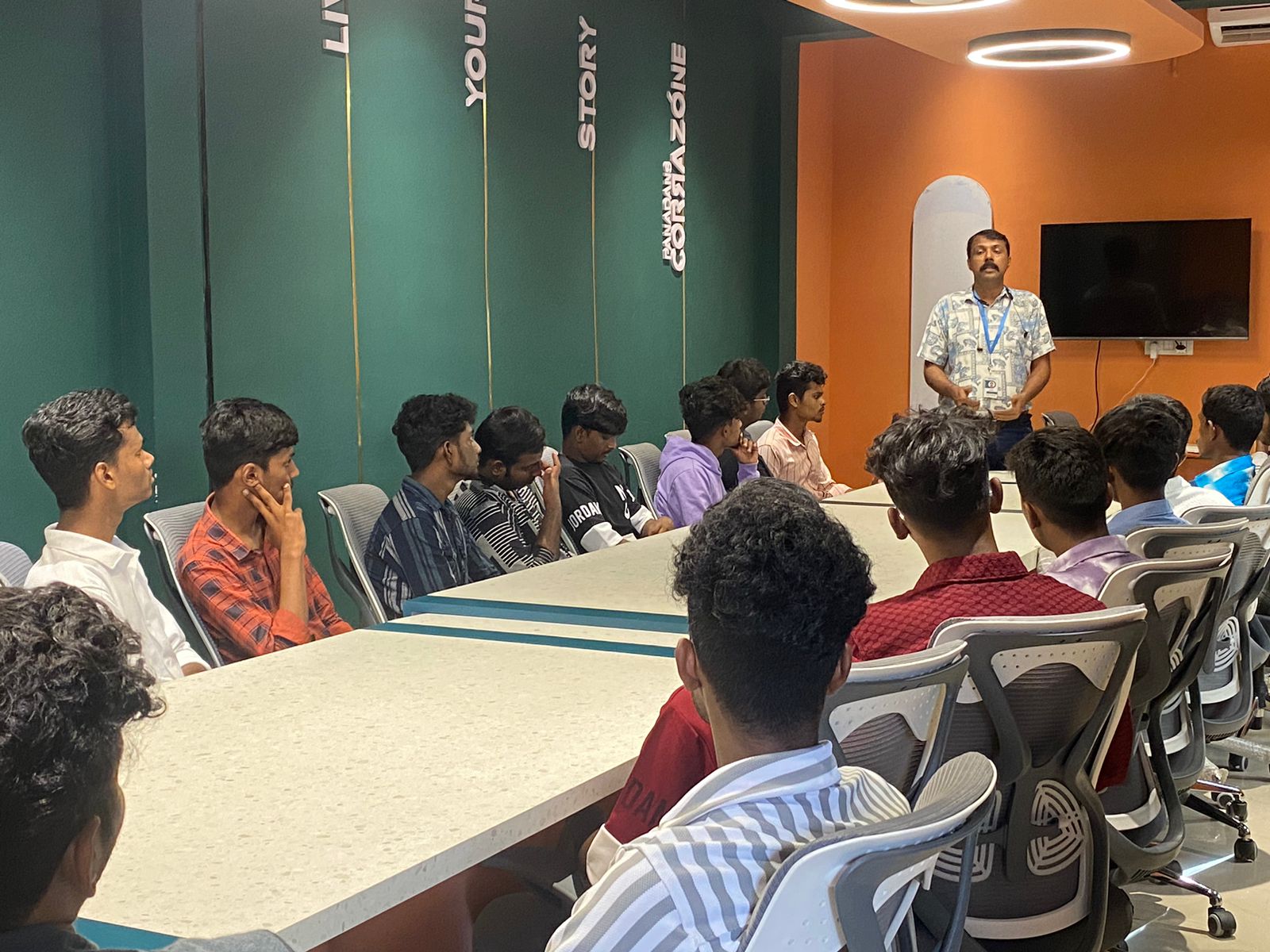
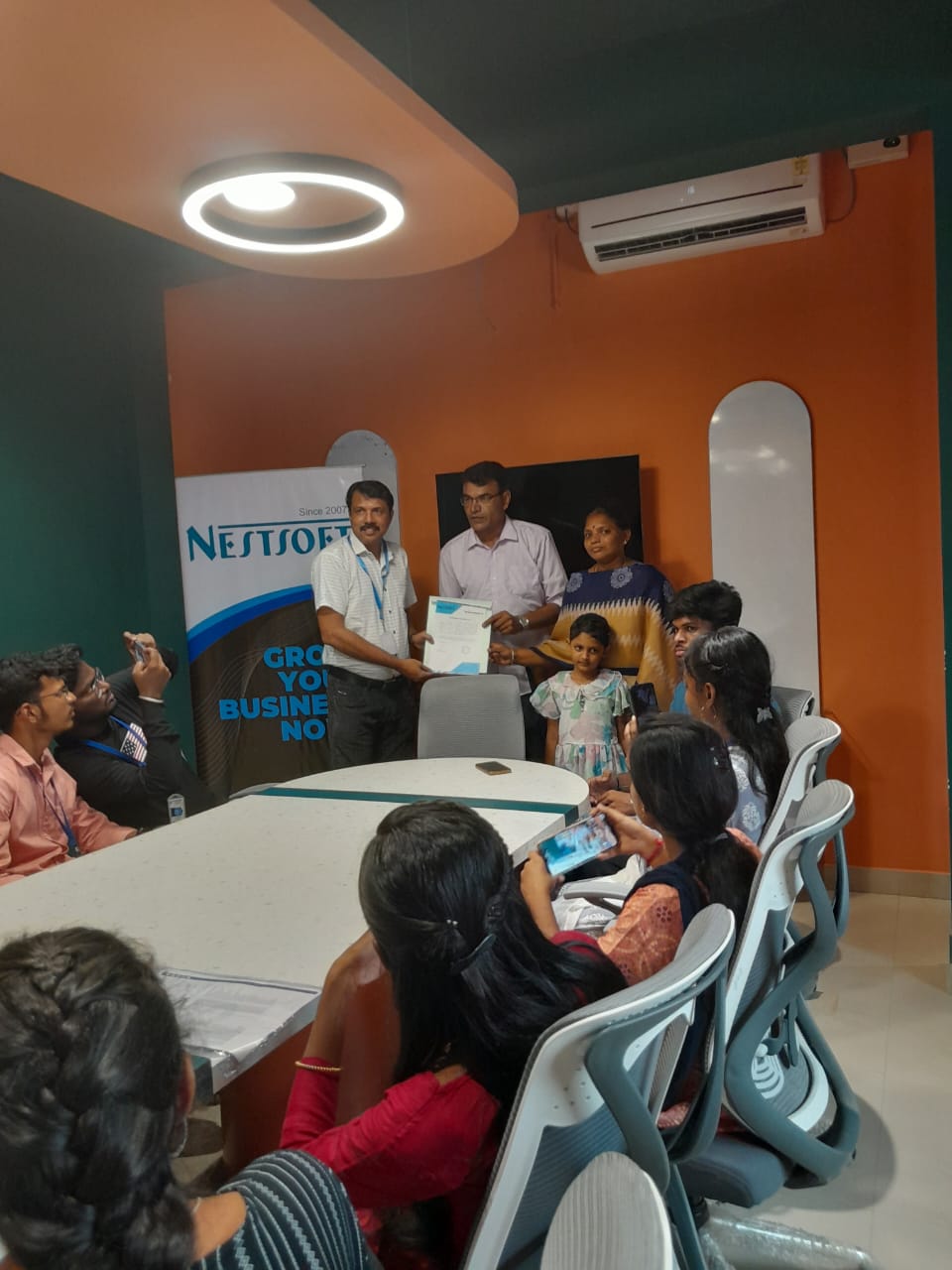
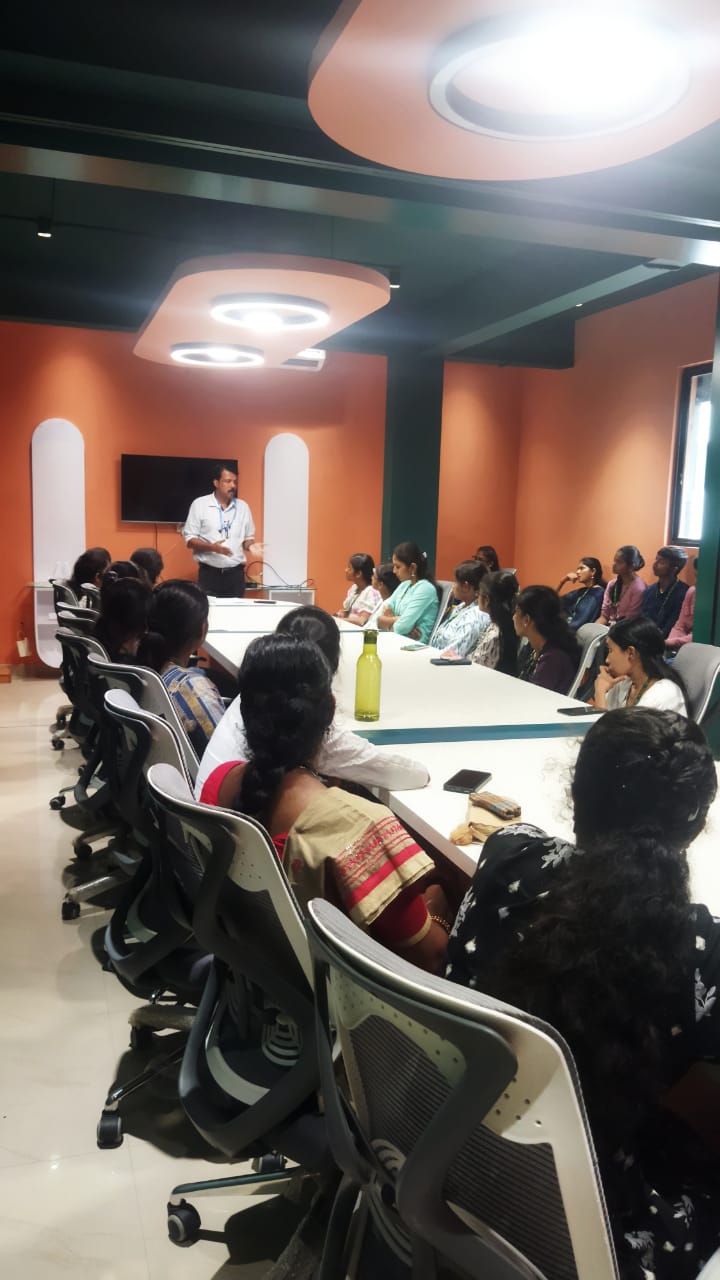
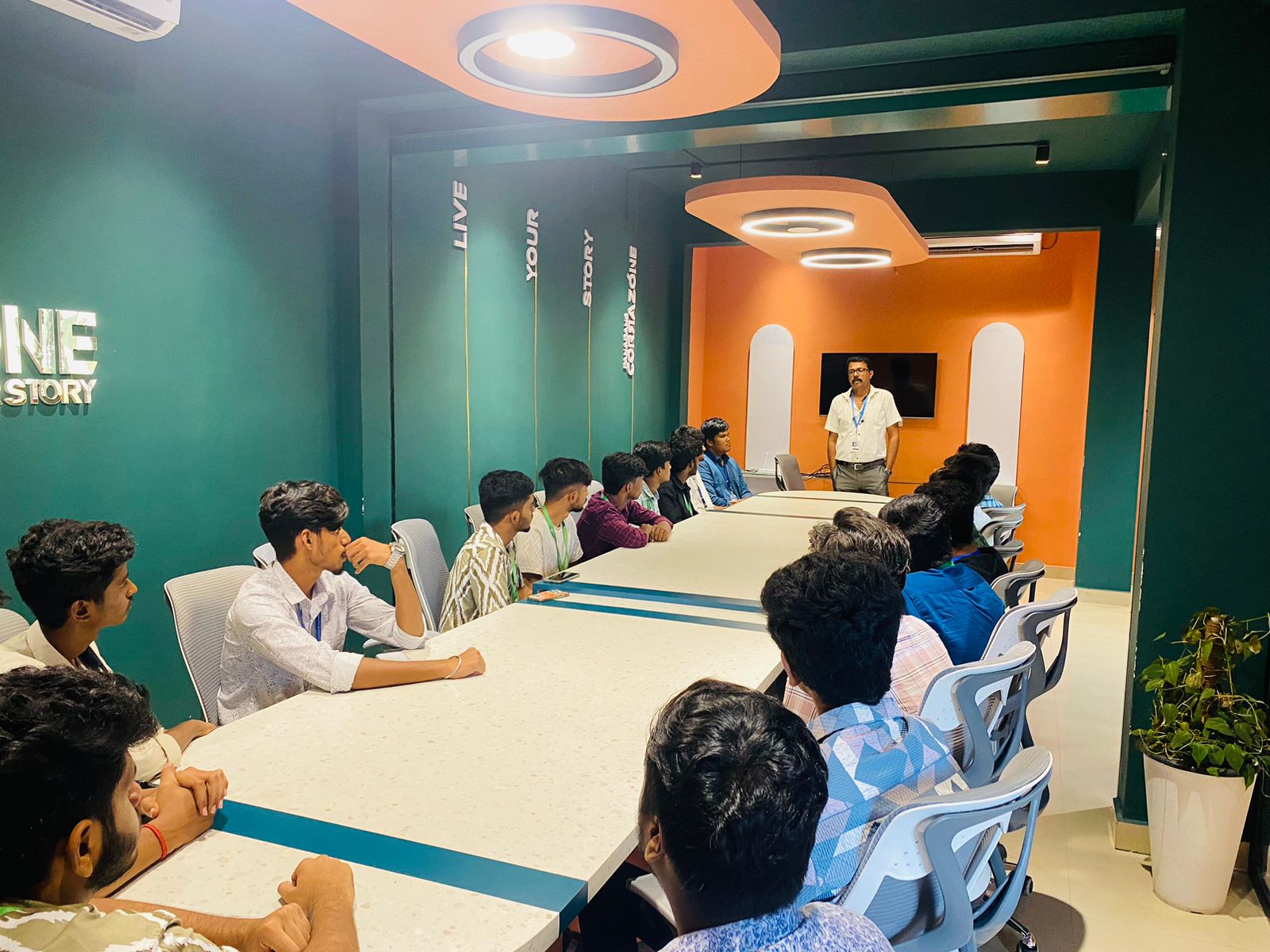
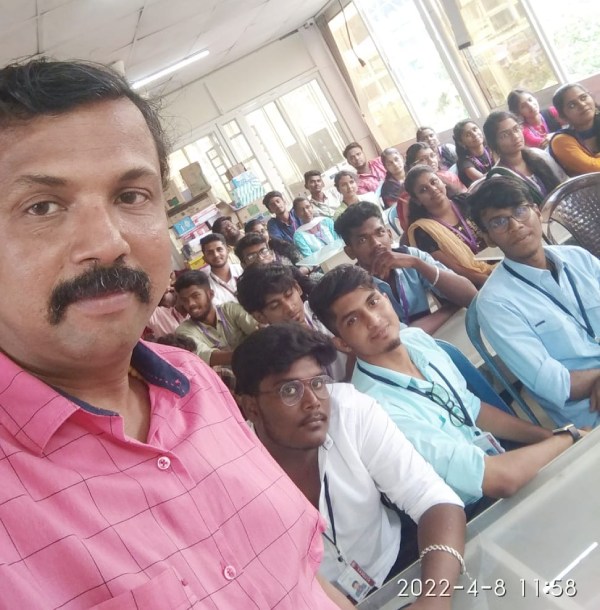
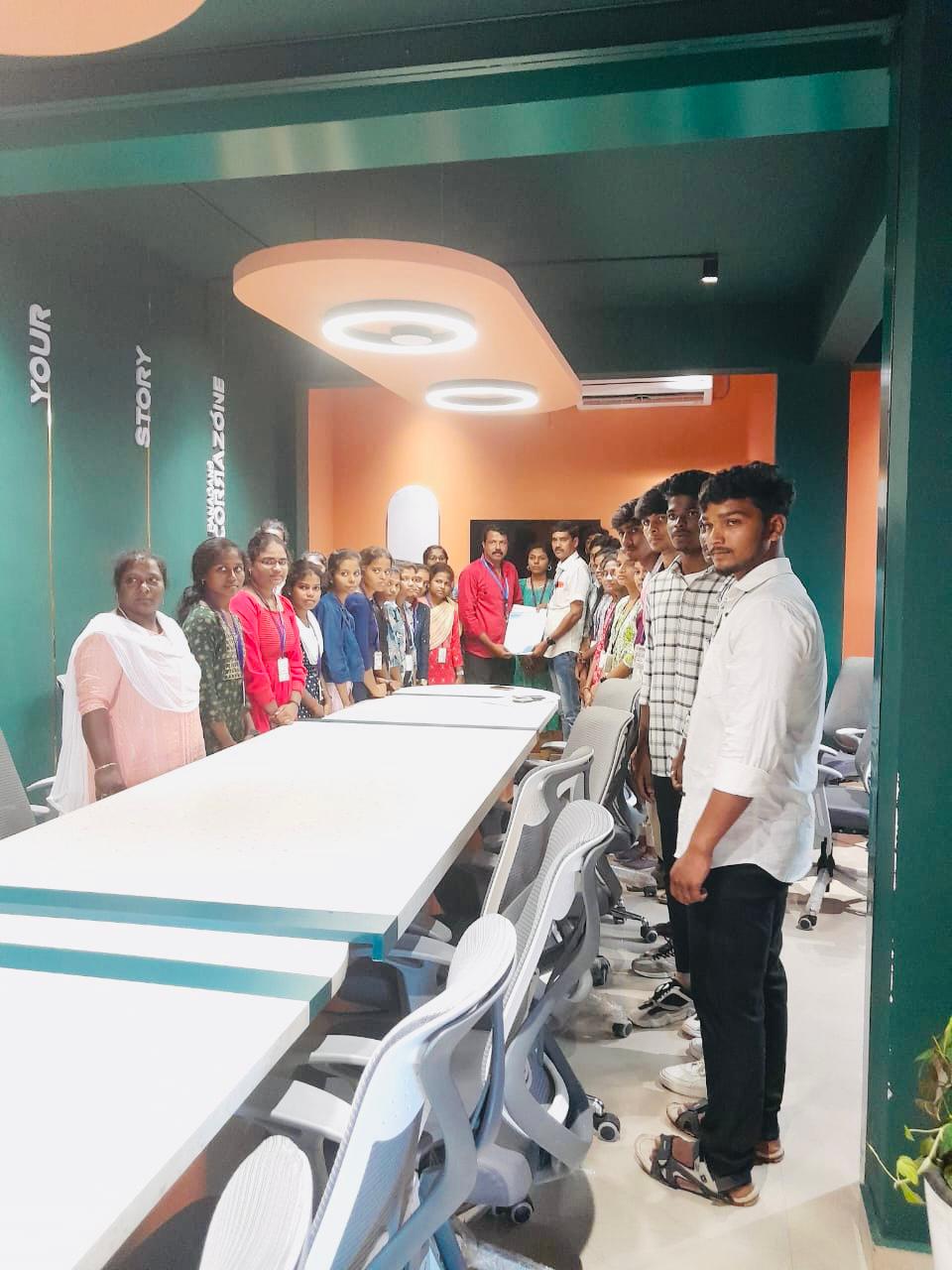
Photos of Training / Internships

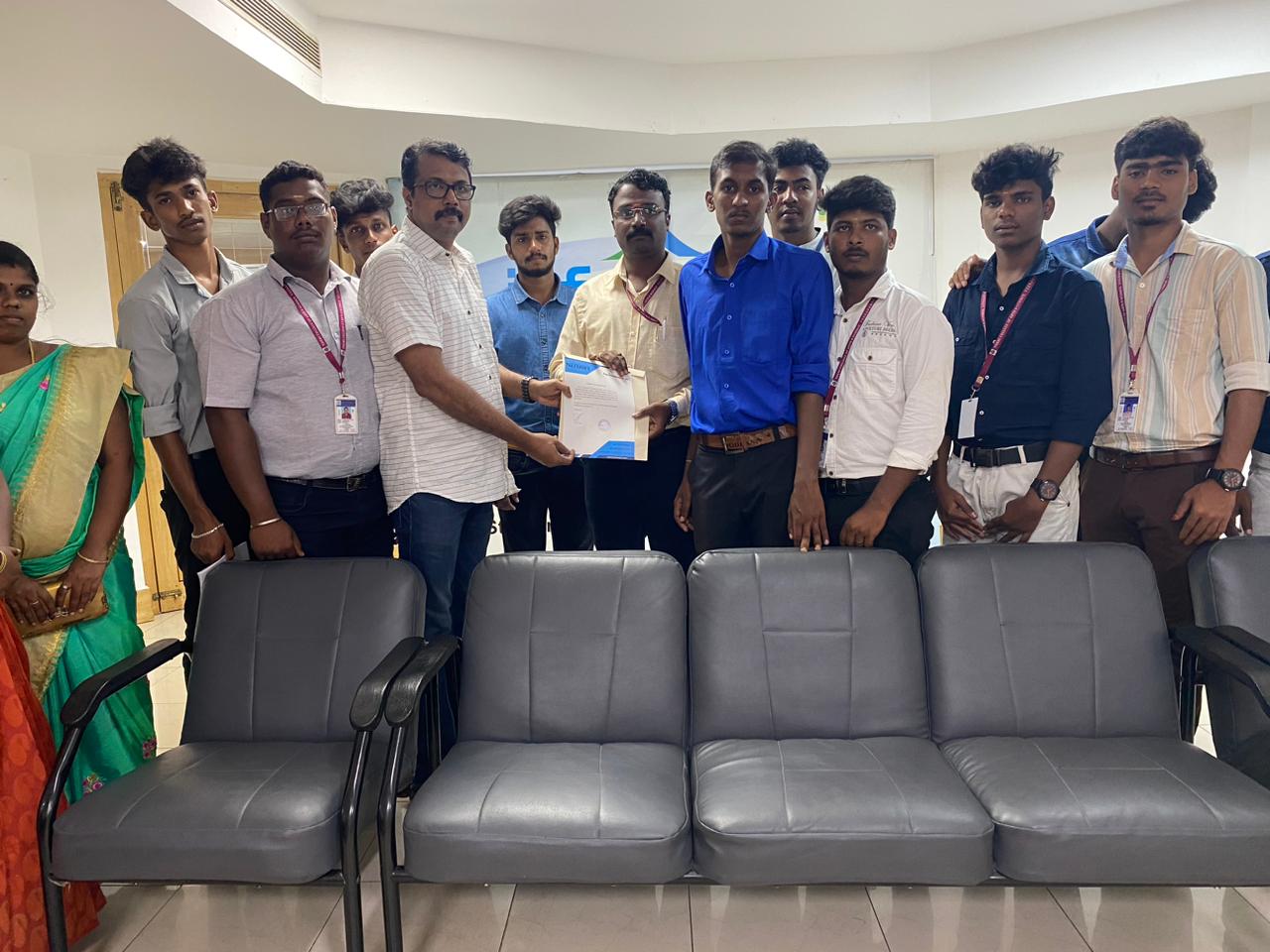
Internship/projects in sunderland

Trained more than 10000+ students who trust Nestsoft TechnoMaster

Get Your Personal Trainer