Send enquiry ⏎

Adobe InDesign Online Live Class by Experts

Our Training/Internship Process

Adobe InDesign Online Live Classes in Sheffield | Free Demo Training

Adobe InDesign - Syllabus, Fees & Duration

Section 1

    Straight Lines
  • Using the Pen Tool
  • Adjusting the Workspace
  • Arranging Objects
  • Color Fills
    Curves
  • Drawing Curves (Pen Tool)
  • Anchor Points and Direction Points
  • Default Fill and Stroke
    Corners and Curves
  • Drawing Corners and Curves (Pen Tool)
  • Adjusting Anchor Points

Section 2

    No Smoking Sign
  • Fill and Stroke
  • Basic Shape Tools
  • Grouping Objects
  • Layers Panel
  • Working with Templates
    Super Hero
  • Live Trace and Live Paint
  • Tracing Hand-Drawn Images
  • Coloring Live Paint Objects
  • Brushes
  • Flare Tool

Section 3

    What’s Behind the Green Door?
  • Compound Paths
  • Group Selection Tool
    Mask Till You Drop
  • Clipping Masks (Shapes)
  • Blob Brush Tool
  • Eraser Tool
  • Reflect Tool
    Masking with Type
  • Type Tool
  • Clipping Masks (Editable Type)
  • Filling Text with a Photo
  • Placing Linked Images
    3D Shape: Milk Duds Box
  • 3D Extrude & Bevel
  • Creating Symbols from Artwork
  • Mapping Symbols onto 3D Objects
  • Lighting and Shadows for 3D Objects

Section 3

    Will It Blend?
  • Blend Tool
  • Blending Options
    Wavy Line Blend
  • Blending Lines
  • Reflect Tool
  • Rotate Tool
    Juggling Colors and Gradients
  • Dashed Lines and Stroke Options
  • Saving Colors as Swatches
  • Blending Modes
  • Gradient Tool
  • Saving Gradient Swatches
    Combining Shapes with the Pathfinder
  • Merging Paths (Pathfinder)
  • Transparency Options
  • Grouping Objects

Section 5

    Patterns
  • Creating and Applying Pattern Swatches
  • Scaling and Rotating Patterns
  • Working with Layers
  • Align Panel
    One-Page Advertisement
  • Working with Type
  • Text and Character Options
  • Adding a Drop Cap
  • Type on a Path
  • Text Wrap
  • Fill Text with a Pattern
    Stylin’ Effects
  • Using the Appearance Panel
  • Transparency
  • Blending Modes
  • Drop Shadows
  • Arrowheads
    Appearance and Graphic Styles
  • Graphic Styles
  • Appearance Panel
  • Multiple Fills
  • Auto-sizing Text Boxes

Section 6

    Layers, Artboards & Recoloring Artwork
  • Adding and Removing Layers
  • Creating and Using Multiple Artboards
  • Recoloring Artwork

Download Syllabus - Adobe InDesign
This syllabus is not final and can be customized as per needs/updates
   
10000+
20+
50+
25+

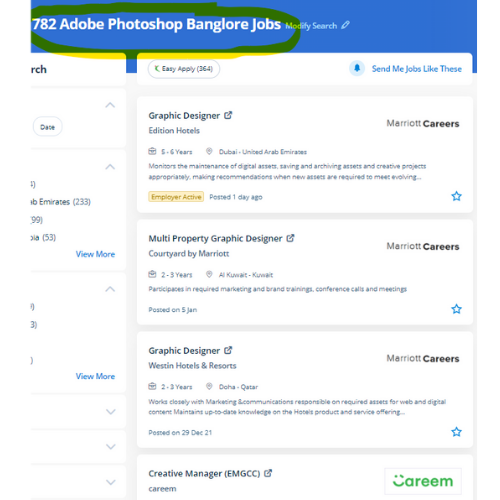
Adobe InDesign Jobs in Sheffield

Enjoy the demand

Find jobs related to Adobe InDesign in search engines (Google, Bing, Yahoo) and recruitment websites (monsterindia, placementindia, naukri, jobshybrid.com, indeed.co.in, shine.com etc.) based in Sheffield, chennai and europe countries. You can find many jobs for freshers related to the job positions in Sheffield.

  • Graphic Designer
  • Creative Graphic Designer
  • Flexible Graphic Designer
  • Web Graphics Designer
  • Content Creator
  • Desktop Support
  • Digital Designer
  • Design Assistant
  • Ui/Ux Designer
  • Designing Trainer

Adobe InDesign Internship/Course Details

Adobe InDesign internship jobs in Sheffield
Adobe InDesign one of the advantages of the tools contained in Adobe InDesign is that it's some image editing which will provide identical results as that of Adobe Photoshop just like a shadow, bevel, glow, and so forth. Adobe InDesign helps designers to design and layout documents like books, ads, stationery, catalogs, brochures, and more, and it is the proper choice for anything that has multiple page layouts. The software's interface creates it easy for users of all talent levels to jump right in and make their projects with ease, because of its selection of pre-installed templates, fonts, and other resources. . we provide Adobe InDesign coaching online which will prepare you for the Adobe Certified skilled exam. the main advantages of Adobe InDesign CC are streamlining your designs for print, optimizing how you produce digital publications, and rising collaboration with various users. This course is for intermediate users that require to find out a lot of advanced tools in InDesign. Nestsoft InDesign training you will learn the way to create flyers, posters, newsletters, advertising, stationery, magazines, brochures, and more. Our target is to create talented students in our InDesign Course with the would possibly confidence to use their new skills effectively in the real world. However, whereas it’s aimed toward graphic style professionals, it’s not too powerful to find out.


Meet a Few of our Industry Experts 🚀 Your Pathway to IT Career

Piyush

Mobile: +91 9895490866
Location: Online (Sheffield, Uk)
Qualification: b. tech

Experience: angular HTML css JavaScript  more..

Piyush

Mobile: +91 98474 90866
Location: Online (Sheffield, Uk)
Qualification: 10th pass

Experience: Good evening sir or mam This is piyush from navyug school Sarojini Nagar I have an experienced on canva graphic  more..

Rakesh

Mobile: +91 91884 77559
Location: Online (Sheffield, Uk)
Qualification: btech

Experience: Dear Sir Madam I am applying for the position of QA in payment testing integration Currently working as an Software  more..

Naga

Mobile: +91 98474 90866
Location: Online (Sheffield, Uk)
Qualification: Bsc information Technology

Experience: Dear Hiring Manager I am writing to express my keep interest in the Automation Tester position at your company which  more..

Y

Mobile: +91 94975 90866
Location: Online (Sheffield, Uk)
Qualification: B Tech

Experience: Html css javascript react js basics photoshop illustrator canvas figma I have 3 and half yrs experience in web designing  more..

ABIN

Mobile: +91 94975 90866
Location: Online (Sheffield, Uk)
Qualification: MCA

Experience: Java javascript html css bootstrap jQuery react js SQL mongo db photoshop python Attend web development training Attend react js  more..

Sandip

Mobile: +91 8301010866
Location: Online (Sheffield, Uk)
Qualification: Mca

Experience: C and cop Core java android flutter   more..

Vishal

Mobile: +91 91884 77559
Location: Online (Sheffield, Uk)
Qualification: Graduation

Experience: My skills in seo and smo- onpage off page tecnical seo local seo organically grow social media and paid ads  more..

vaishnavi

Mobile: +91 98474 90866
Location: Online (Sheffield, Uk)
Qualification: Bsc(computer science)

Experience: Software developer at pawani web technologies | Ex junior Software Developer at IRB  more..

GAYATRI

Mobile: +91 9895490866
Location: Online (Sheffield, Uk)
Qualification: B.Tech(pursuing)

Experience: Skills:-java web development Experience:-0  more..

Rahil

Mobile: +91 89210 61945
Location: Online (Sheffield, Uk)
Qualification: B.Tech

Experience: Java developer with 10 years of experience that includes working as Programmer Analyst and in Associate Role in Cognizant Technology  more..

Geetha

Mobile: +91 91884 77559
Location: Online (Sheffield, Uk)
Qualification: Masters in economics

Experience: Work experience - 4 On page seo Off page seo Technical seo Cms Google adwords   more..

Rezzak

Mobile: +91 94975 90866
Location: Online (Sheffield, Uk)
Qualification: Bachelor in Computer Application

Experience: I am a MERN Stack developer expert in Front end dev (React with Nextjs) I have 5 years experience in  more..

Muhabath

Mobile: +91 8301010866
Location: Online (Sheffield, Uk)
Qualification: Btech

Experience: Manual testing Selenium Java Automation testing  more..

GAURAV

Mobile: +91 98474 90866
Location: Online (Sheffield, Uk)
Qualification: M.C.A

Experience: HAVING EXPERIENCE OF 3 YEARS IN MIRCOSOFT AZURE AS A CLOUD ADMIN IN PATANJALI AYURVED LIMITED Managing hardware resources such  more..

sriraj.p

Mobile: +91 9895490866
Location: Online (Sheffield, Uk)
Qualification: bca

Experience: completed ug in BCA and done with the software testing certification from qspyders  more..

Anumo

Mobile: +91 91884 77559
Location: Online (Sheffield, Uk)
Qualification: Bsc Computer science

Experience: SEO wordpress  more..

Mohd

Mobile: +91 9895490866
Location: Online (Sheffield, Uk)
Qualification: Undergraduate

Experience: Web design Social media marketing Graphic design   more..

NITHIN

Mobile: +91 94975 90866
Location: Online (Sheffield, Uk)
Qualification: BCA

Experience: HTML CSS bootstrap javascript angular Nodejs express Mongodb react 6 month internship at luminar Technolab Calicut Application for Meanstack Developer  more..

Babita

Mobile: +91 98474 90866
Location: Online (Sheffield, Uk)
Qualification: Diploma

Experience: I have 3 5 year experience as web developer Also making website responsive I have knowledge of html5 css3 bootstarap4  more..

Sreeraj

Mobile: +91 98474 90866
Location: Online (Sheffield, Uk)
Qualification: Bachelor in engineering

Experience: 1 4 years of experience in manual testing Did certified software testing Course from ICT academy Kerala sun automation testing  more..

Subash

Mobile: +91 9895490866
Location: Online (Sheffield, Uk)
Qualification: B.A English Language and Literature

Experience: Skills : Python JavaScript Django Flask MySQL PostgreSQL MongoDB React Redux HTML CSS Tailwind CSS Bootstrap Experience: I have an  more..

SAGUL

Mobile: +91 91884 77559
Location: Online (Sheffield, Uk)
Qualification: Diploma in Computer Engineering (Polytechnic)

Experience: An Passionate Digital marketer and Experienced Multimedia designer with a demonstrated history of working in the Media and Marketing industry  more..

sravan

Mobile: +91 9895490866
Location: Online (Sheffield, Uk)
Qualification: mtech cse

Experience: laravel developer with 3years expe |   more..

Success Stories

The enviable salary packages and track record of our previous students are the proof of our excellence. Please go through our students' reviews about our training methods and faculty and compare it to the recorded video classes that most of the other institutes offer. See for yourself how TechnoMaster is truly unique.

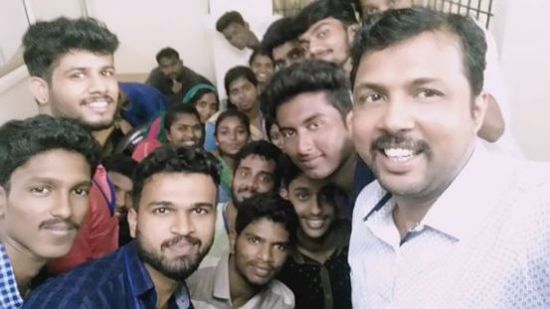
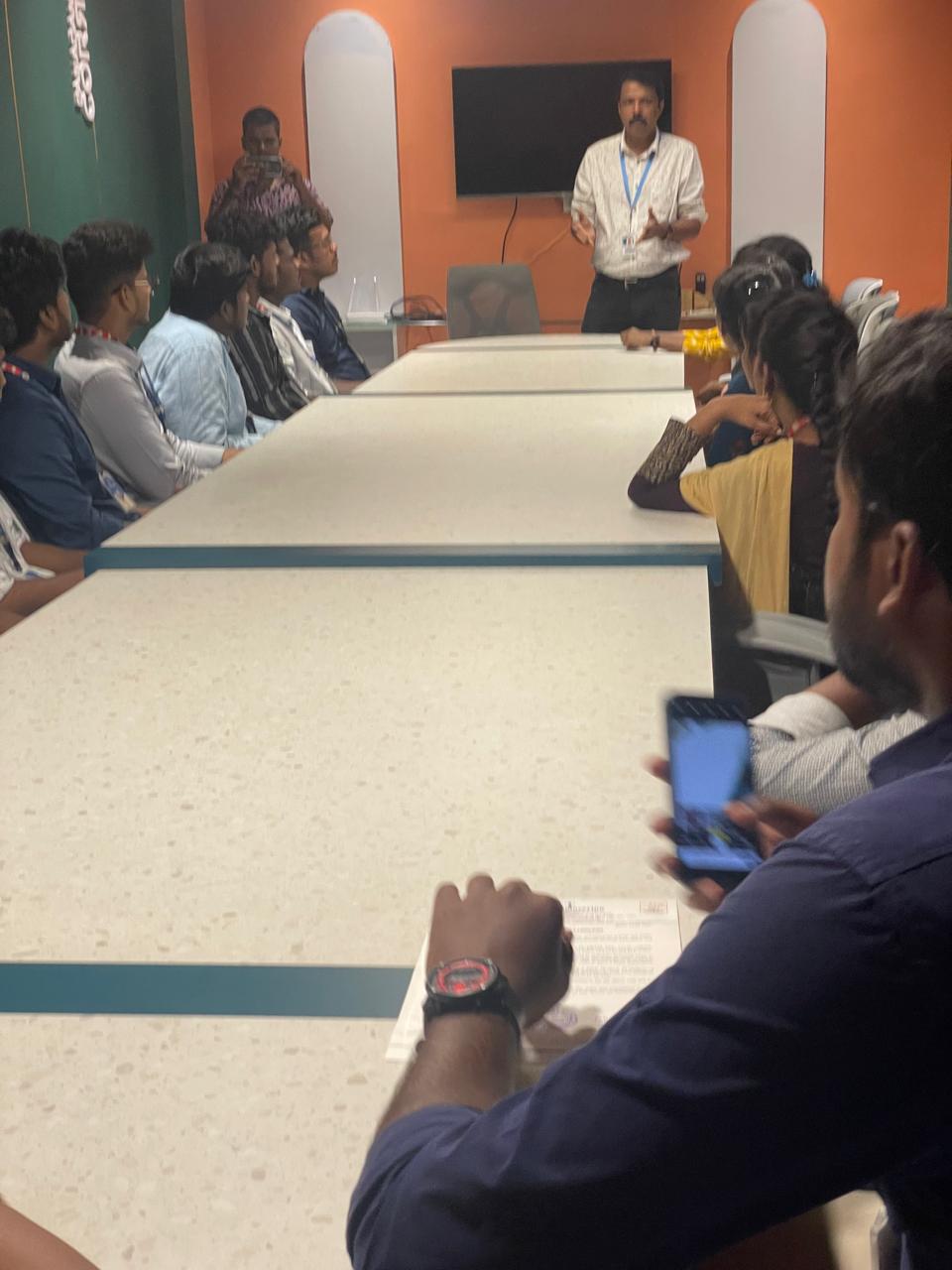
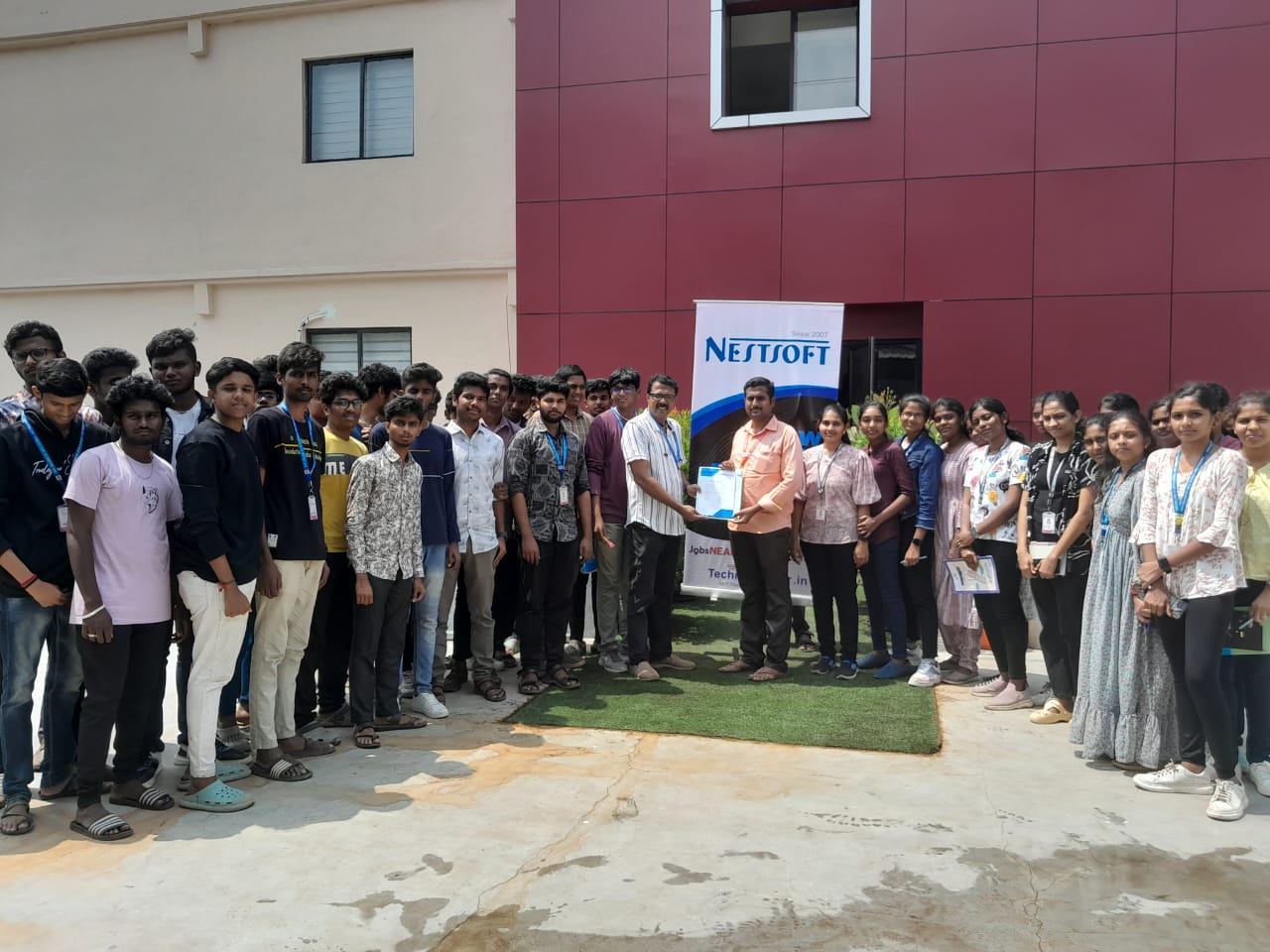
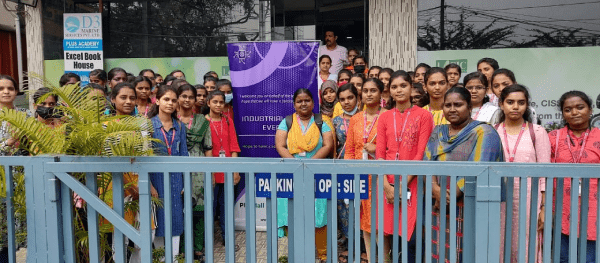
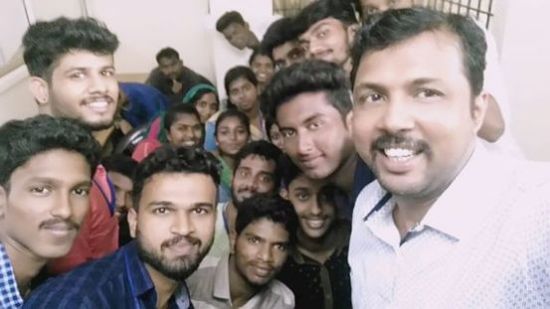
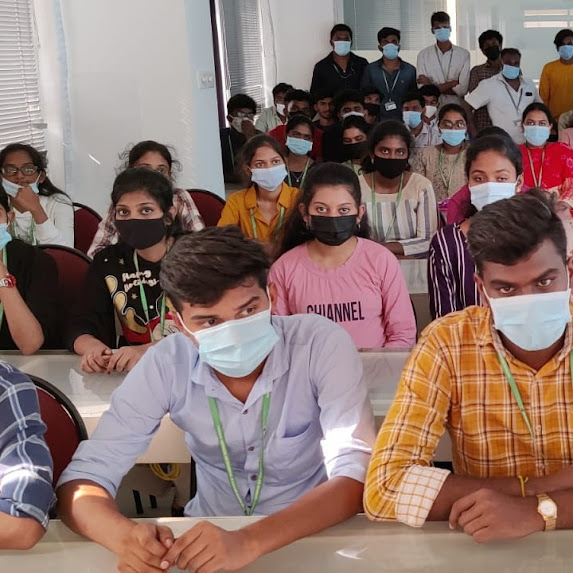
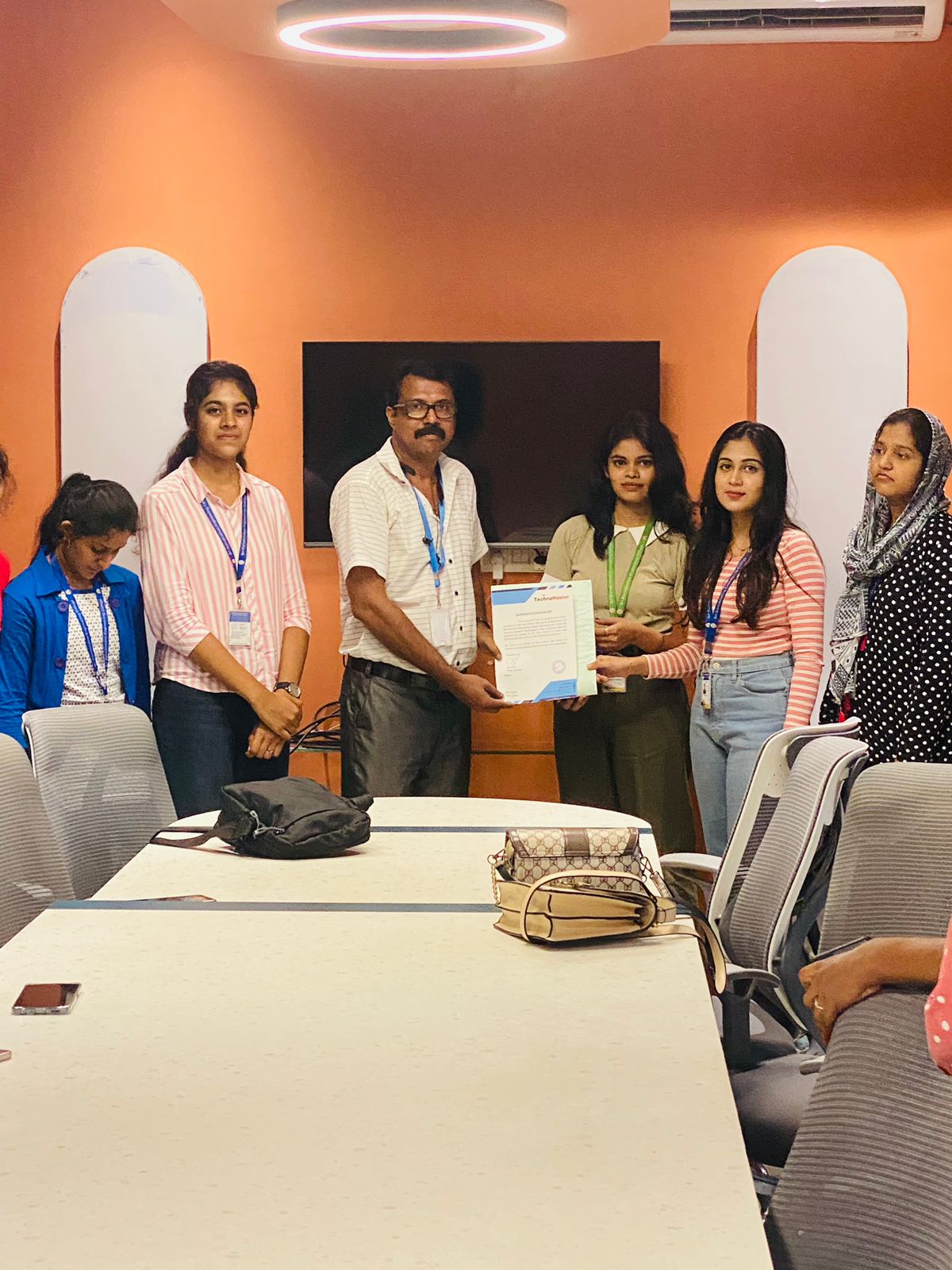
Photos of Training / Internships

Internship/projects in sheffield

Trained more than 10000+ students who trust Nestsoft TechnoMaster

Get Your Personal Trainer