Send enquiry ⏎

Adobe Premier Pro CC Online Live Class by Experts

Our Training/Internship Process

Adobe Premier Pro CC Online Live Classes in Cambridge | Free Demo Training

Adobe Premier Pro CC - Syllabus, Fees & Duration

      Module 1: Introduction to Premiere Pro (1 Hour)

      Objective: Familiarize students with Premiere Pro’s interface and basic setup.

      • Overview of Premiere Pro and its applications
      • Interface tour: Workspace, Timeline, Source Monitor, and Program Monitor
      • Setting up a new project: Sequence settings and file organization
      • Importing media: Video, audio, and graphics
      • Keyboard shortcuts for efficient editing

      Practical: Create a new project and import media files.

      Module 2: Basic Video Editing Techniques (2 Hours)

      Objective: Learn essential tools and techniques for video editing.

      • Adding clips to the timeline and trimming
      • Working with the Razor tool for cutting clips
      • Using the Ripple Edit and Rolling Edit tools
      • Understanding the timeline: Tracks, markers, and snapping
      • Adjusting clip speed: Slow motion and fast motion

      Practical: Assemble and edit a short video sequence.

      Module 3: Audio Editing and Enhancements (1.5 Hours)

      Objective: Understand and apply audio editing techniques.

      • Importing and editing audio files
      • Adjusting audio levels and keyframes
      • Applying audio effects and transitions
      • Using the Essential Sound panel for audio cleanup
      • Syncing audio and video

      Practical: Add background music and adjust audio levels for a video.

        Module 4: Transitions and Effects (1.5 Hours)

        Objective: Enhance videos with transitions and effects.

        • Applying video transitions: Cut, dissolve, and wipe
        • Using the Effects panel: Blur, color effects, and distortions
        • Keyframing for animation effects
        • Adding and adjusting motion: Position, scale, and rotation
        • Introduction to nested sequences

        Practical: Apply transitions and effects to a video sequence.

        Module 5: Color Correction and Grading (1.5 Hours)

        Objective: Learn color correction and grading techniques.

        • Understanding Lumetri Color panel
        • Adjusting exposure, contrast, and saturation
        • Using color wheels and curves for grading
        • Creating and applying LUTs (Look-Up Tables)
        • Matching colors between clips

        Practical: Perform color correction and grading on a provided video.

        Module 6: Titles, Graphics, and Exporting (2.5 Hours)

        Objective: Create professional titles and graphics and export the final video.

        • Adding and customizing text with the Essential Graphics panel
        • Creating lower thirds and animated titles
        • Adding captions or subtitles
        • Export settings: File formats and presets (H.264, 4K, etc.)
        • Rendering and exporting the final video

        Practical: Create an end-to-end video project with titles, transitions, and audio, then export it.

    Download Syllabus - Adobe Premier Pro CC
    This syllabus is not final and can be customized as per needs/updates
   
10000+
20+
50+
25+

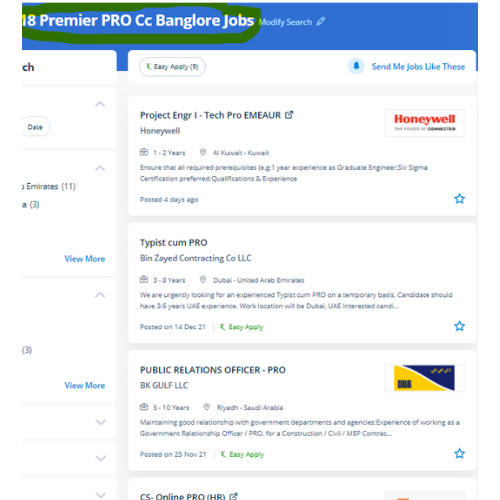
Adobe Premier Pro CC Jobs in Cambridge

Enjoy the demand

Find jobs related to Adobe Premier Pro CC in search engines (Google, Bing, Yahoo) and recruitment websites (monsterindia, placementindia, naukri, jobsNEAR.in, indeed.co.in, shine.com etc.) based in Cambridge, chennai and europe countries. You can find many jobs for freshers related to the job positions in Cambridge.

  • Motion Graphic Designer
  • Motion Graphic Trainer
  • Video Editor
  • Motion Designer
  • Graphic Designer
  • Video Content Creator
  • Videographer
  • 2d Motion Designer
  • 2d And 3d Animator
  • Media Production

Adobe Premier Pro CC Internship/Course Details

Adobe Premier Pro CC internship jobs in Cambridge
Adobe Premier Pro CC in this contemporary world, Premier pro is a powerful tool for editing videos. we will show basic incorporate filters as well as color correction techniques to boost the design of your final video. Why Adobe Premiere Pro is Powerful? You'll be able to edit quicker Get professional result with greater editing precision Benefit from a versatile, connected workflow Automatically updated sequences setting to match clip Nestsoft typically scheduled, public Adobe Premiere Pro classes and Courses contain introductory via advanced training. Our specialists in this field cover several time-saving workflows and tools together with Dynamic Link with After Effects, Audition, and Media Encoder. If you get caught or have a question, you have the choice of sharing your display with the trainer who will deal with any questions. . This full course is the most effective way to jump right in and start editing. it is widely used for film and tv to edit Motion photos. The Adobe Premiere Pro CC - essentials training course teaches you the way to best Premiere pro for your projects. Adobe premiere pro includes a wide selection of job opportunities in today’s world.


Meet a Few of our Industry Experts 🚀 Your Pathway to IT Career

Vasantha

Mobile: +91 91884 77559
Location: Online (Cambridge, Uk)
Qualification: Graduation

Experience: I have 5 experience as Canva Designer and I am able to design logos posters ect as per client requirements  more..

Fallou

Mobile: +91 98474 90866
Location: Online (Cambridge, Uk)
Qualification: Développement web

Experience: Web development with HTML and CSSAdvanced proficiency in the Wix applicationDesigning attractive websitesOptimizing website performanceClient collaborationProblem-solving skills  more..

VINAY

Mobile: +91 94975 90866
Location: Online (Cambridge, Uk)
Qualification: BE in Civil engineering

Experience: Automation functional test script using Cucumber Scenarios and selenium WebDriver using Java programming language  more..

Raj

Mobile: +91 91884 77559
Location: Online (Cambridge, Uk)
Qualification: B.sc. Animation and VFX

Experience: Hi I hope this find you well I have worked in features flim as an Assistant editor and also worked  more..

Nitin

Mobile: +91 91884 77559
Location: Online (Cambridge, Uk)
Qualification: MCA

Experience: Experienced Lead Mobile Developer with a proven track record of delivering cutting-edge mobile applications Proficient in Android (Kotlin Java) I  more..

Abdul

Mobile: +91 8301010866
Location: Online (Cambridge, Uk)
Qualification: BTech(CSE)

Experience: I have recently completed my degree in B Tech from Moradabad institute of technology Throughout my academic journey I have  more..

Ananthu

Mobile: +91 94975 90866
Location: Online (Cambridge, Uk)
Qualification: Bca

Experience: Manual tester sql test case development test scenario agile methodology   more..

Hanzalah

Mobile: +91 91884 77559
Location: Online (Cambridge, Uk)
Qualification: BSc.IT

Experience: I have some prior experience with some programming languages like python html css js and django other then that i  more..

Ekta

Mobile: +91 8301010866
Location: Online (Cambridge, Uk)
Qualification: Bachelor of Computer Application

Experience: I am a fresher and I don't have any experience in any field but I did internship in data engineering  more..

Anandhu

Mobile: +91 98474 90866
Location: Online (Cambridge, Uk)
Qualification: BCA

Experience: 1 5 years of Digital Marketing; social media management content development and project management experience in identifying trends engaging users  more..

Sanjana

Mobile: +91 91884 77559
Location: Online (Cambridge, Uk)
Qualification: Msc computer science

Experience: Functional testing design testing data base testing mobile application tetsing regression testing web application testing basic automation tetong jira load  more..

Sumayya

Mobile: +91 94975 90866
Location: Online (Cambridge, Uk)
Qualification: B.tech

Experience: Attented python bootcamp Java HtmlApplication for Java Spring  more..

Anagha

Mobile: +91 89210 61945
Location: Online (Cambridge, Uk)
Qualification: B.Tech

Experience: Full stack developer MERN c c++ python mongodbApplication for Meanstack Developer Mean Stack  more..

Hanzala

Mobile: +91 89210 61945
Location: Online (Cambridge, Uk)
Qualification: Bachelor

Experience: 1 Customer service: I have experience in providing excellent customer service and resolving issues 2 Project management: I have successfully  more..

Arunkumar

Mobile: +91 8301010866
Location: Online (Cambridge, Uk)
Qualification: BTECH IT

Experience: i am a frontend developer who i has 2 yeaApplication for Meanstack Developer Mean Stack  more..

Neeraj

Mobile: +91 8301010866
Location: Online (Cambridge, Uk)
Qualification: MCA

Experience: 10+Year of exaperience Developed 25+ application for android platform  more..

NITHIN

Mobile: +91 9895490866
Location: Online (Cambridge, Uk)
Qualification: Bachelors Degree

Experience: Python Django Mongodb SQL NSQL DBMS C programming java HTML PHP   more..

Aniket

Mobile: +91 91884 77559
Location: Online (Cambridge, Uk)
Qualification: Msc computer science

Experience: I do have experience in Android application development ivi kotlin java Android sdk mvvm Google sdk retrofit volley firebase  more..

Karthik

Mobile: +91 91884 77559
Location: Online (Cambridge, Uk)
Qualification: BE

Experience: HTML CSS Javascript jquery Bootstrap java python i have experience in front end development around 4 months  more..

MUHAMMEDMUKTHAR

Mobile: +91 94975 90866
Location: Online (Cambridge, Uk)
Qualification: MSc ComputerScience

Experience: Odoo 11 12 13 14 15 16 python javascript postgresql xml  more..

Ashish

Mobile: +91 91884 77559
Location: Online (Cambridge, Uk)
Qualification: Bachelor of engineering

Experience: Dear Hiring Manager I am writing to express my interest in the Wix Developer position currently available at Your Company  more..

Anugya

Mobile: +91 9895490866
Location: Online (Cambridge, Uk)
Qualification: Btech

Experience: C cpp python  more..

Shubhangi

Mobile: +91 89210 61945
Location: Online (Cambridge, Uk)
Qualification: BCS

Experience: I have 4 year experiance as UI Developer I work on html css bootstrap Jquery figma photoshop I learn gsap  more..

Aneesh

Mobile: +91 89210 61945
Location: Online (Cambridge, Uk)
Qualification: B.Tech in Information Technology

Experience: Android Kotlin Java Android Architecture MVVM Coroutines Dependency Injection using Dagger2 and Hilt GIT design patterns   more..

Success Stories

The enviable salary packages and track record of our previous students are the proof of our excellence. Please go through our students' reviews about our training methods and faculty and compare it to the recorded video classes that most of the other institutes offer. See for yourself how TechnoMaster is truly unique.

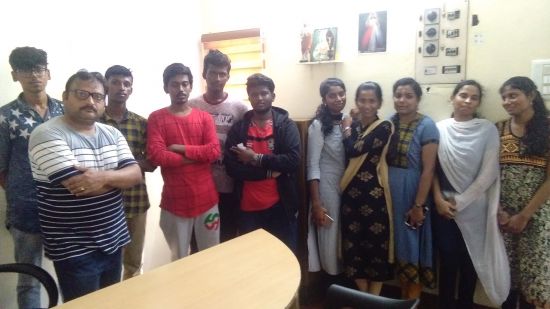
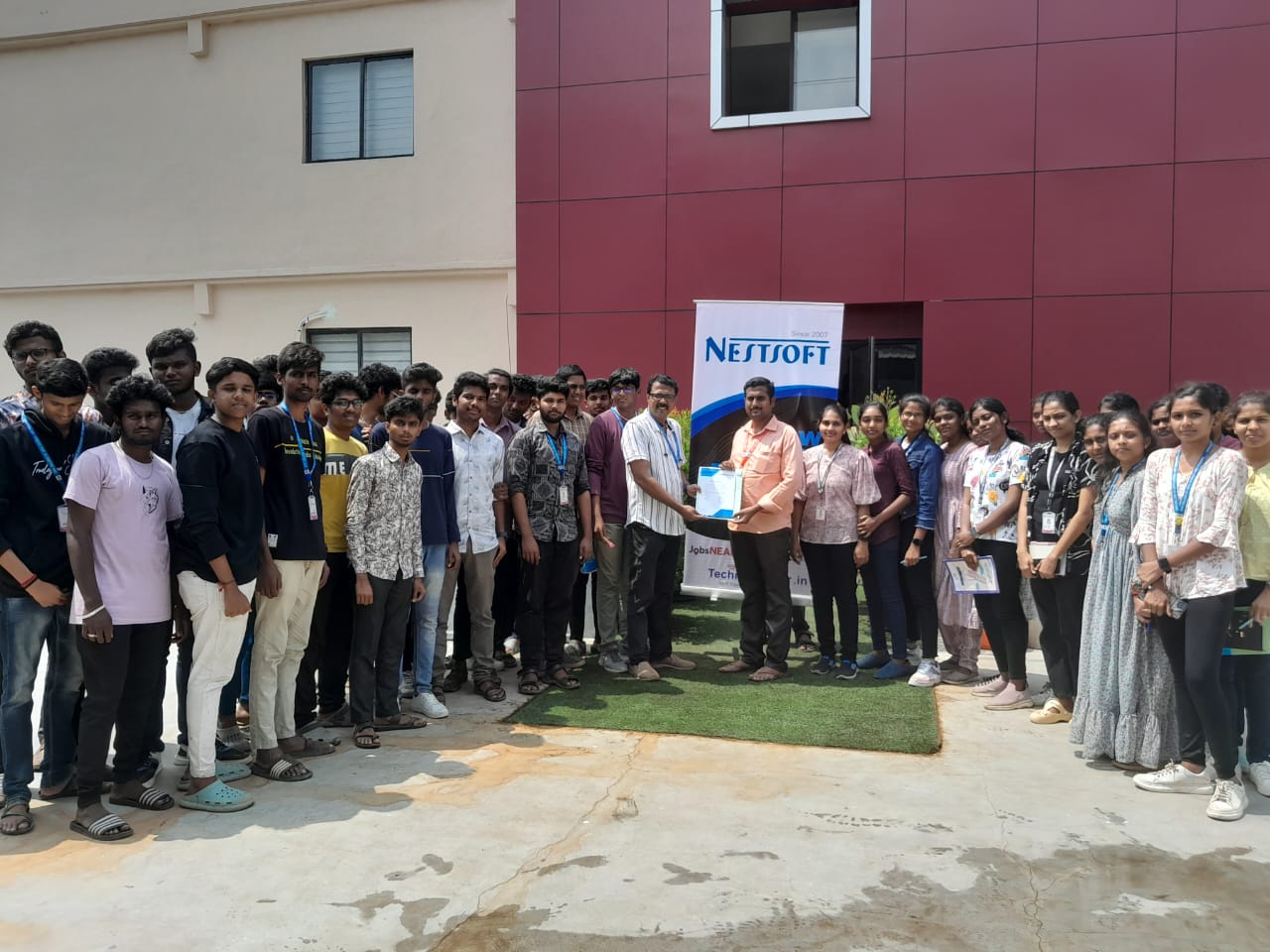
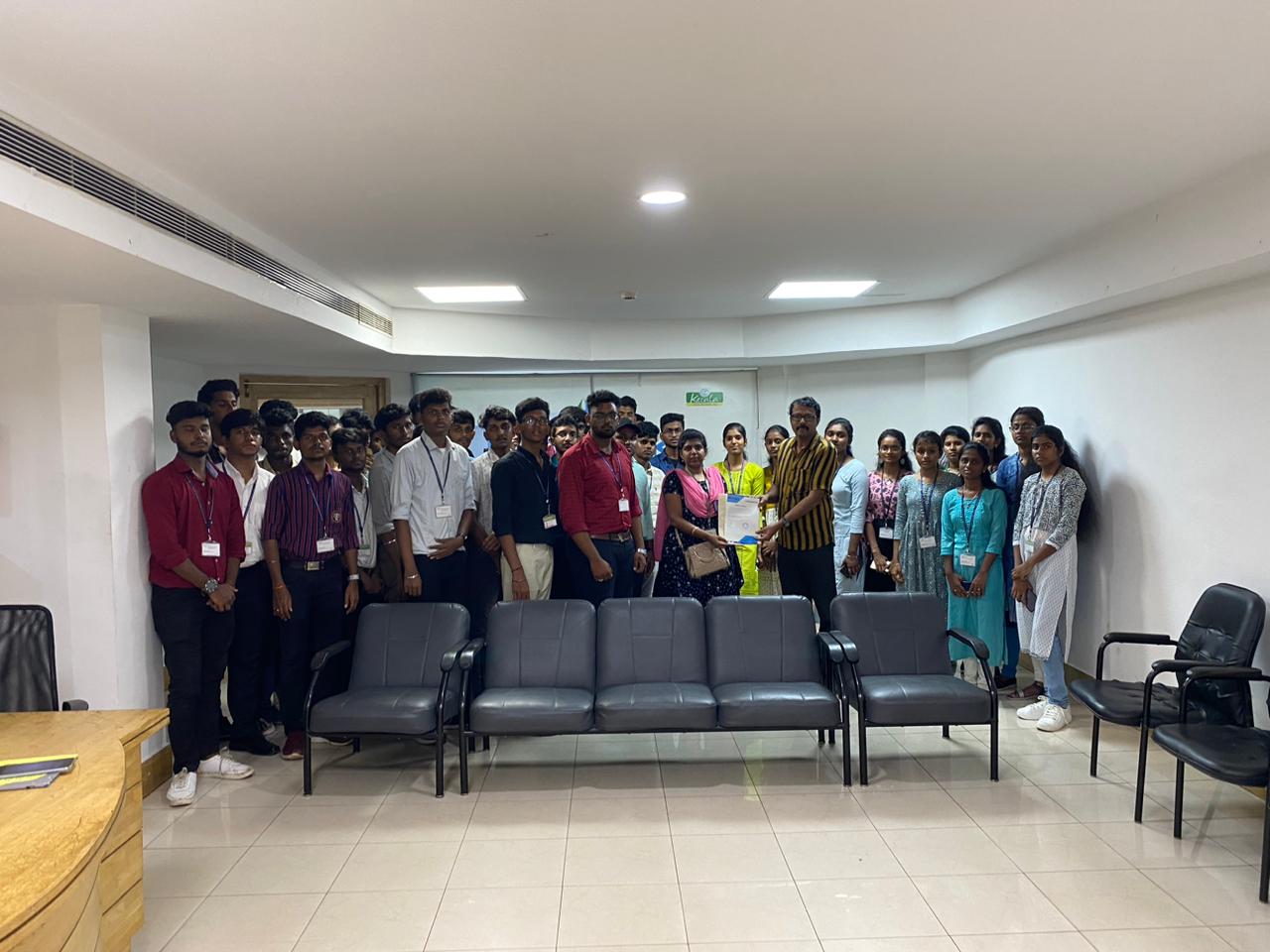
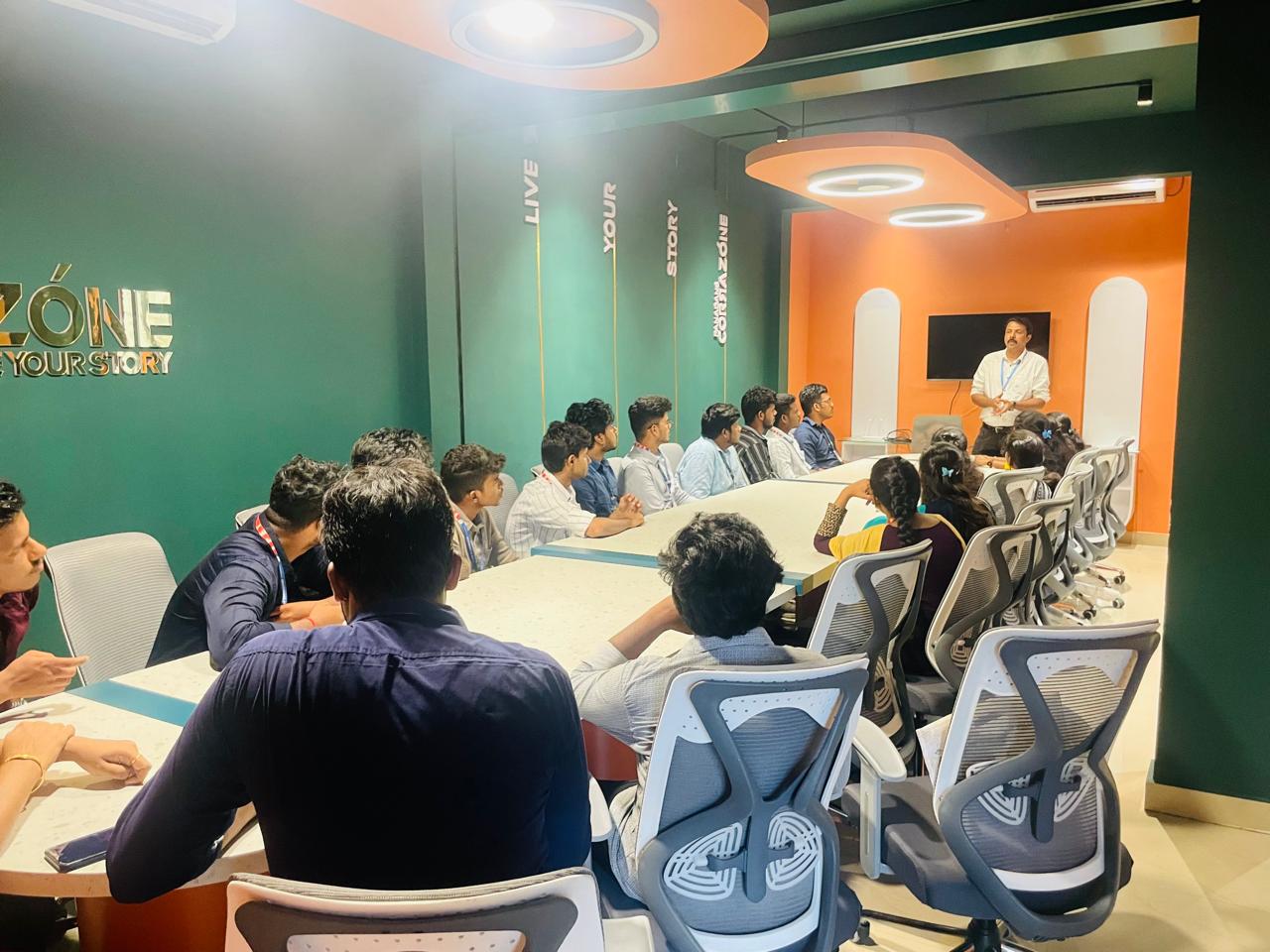
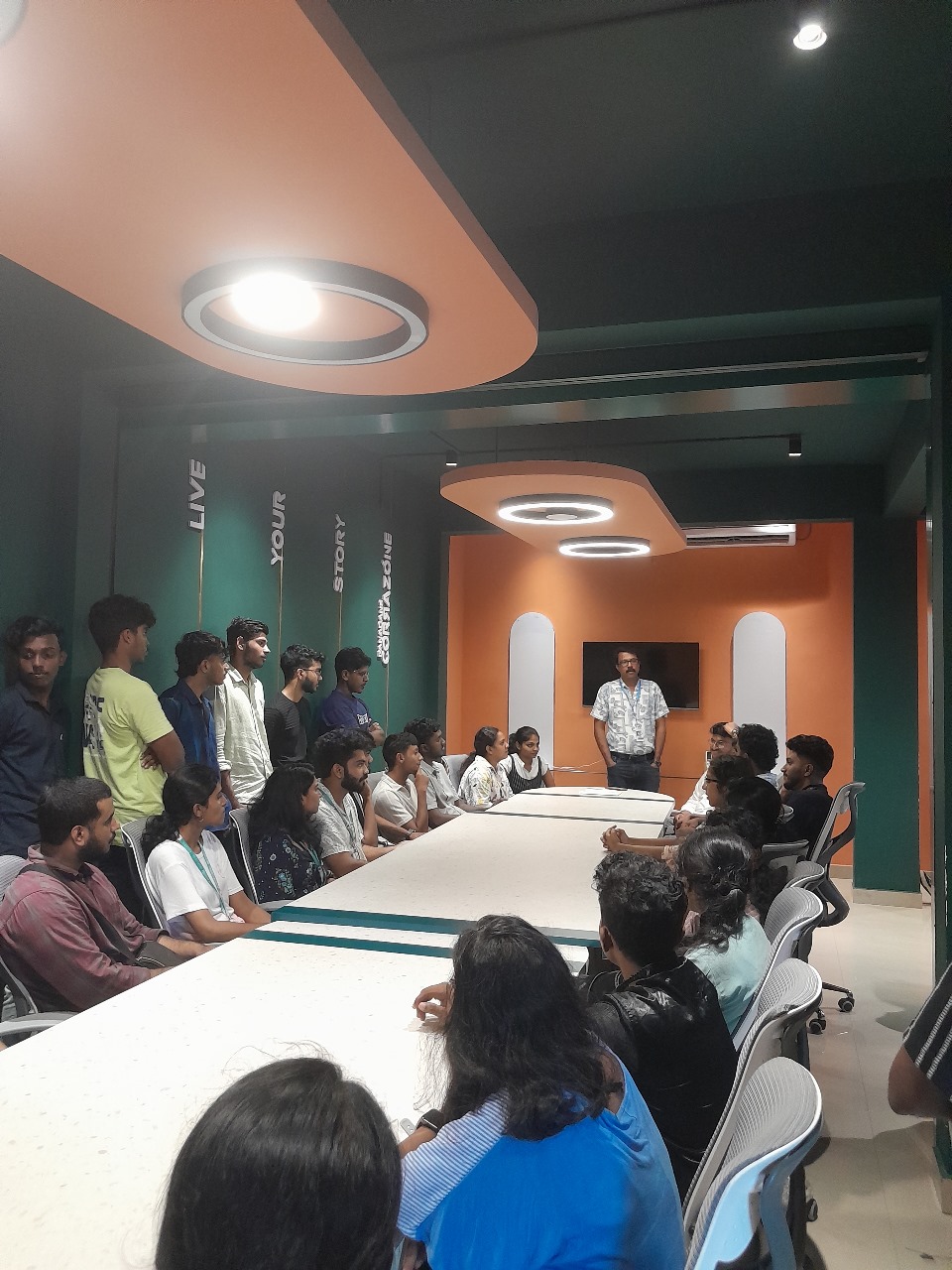
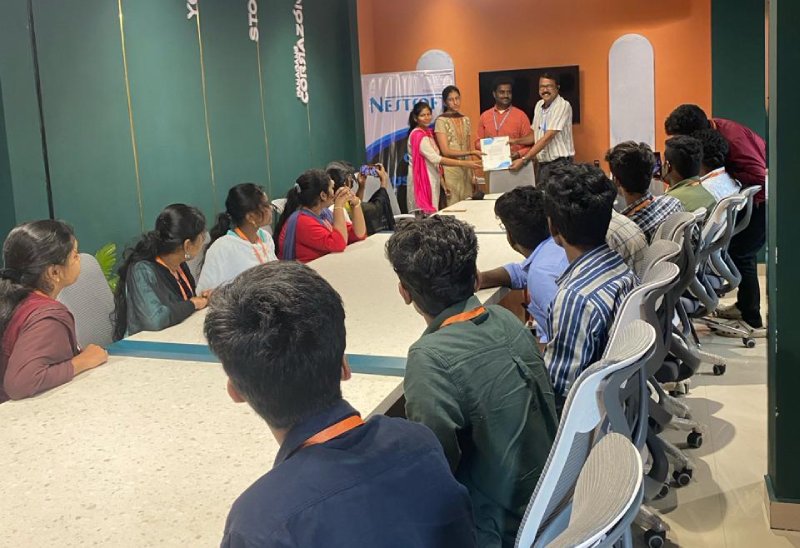
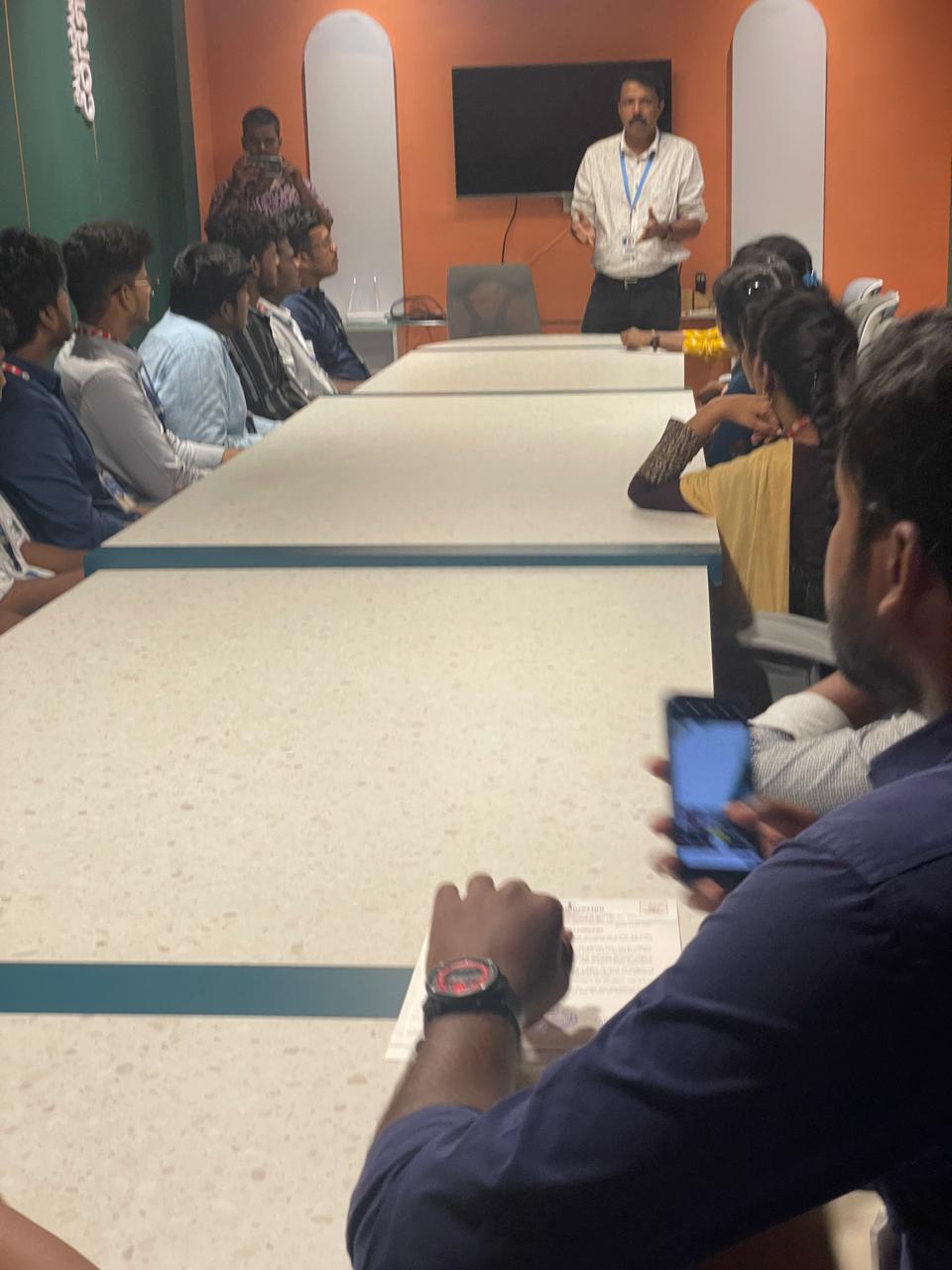
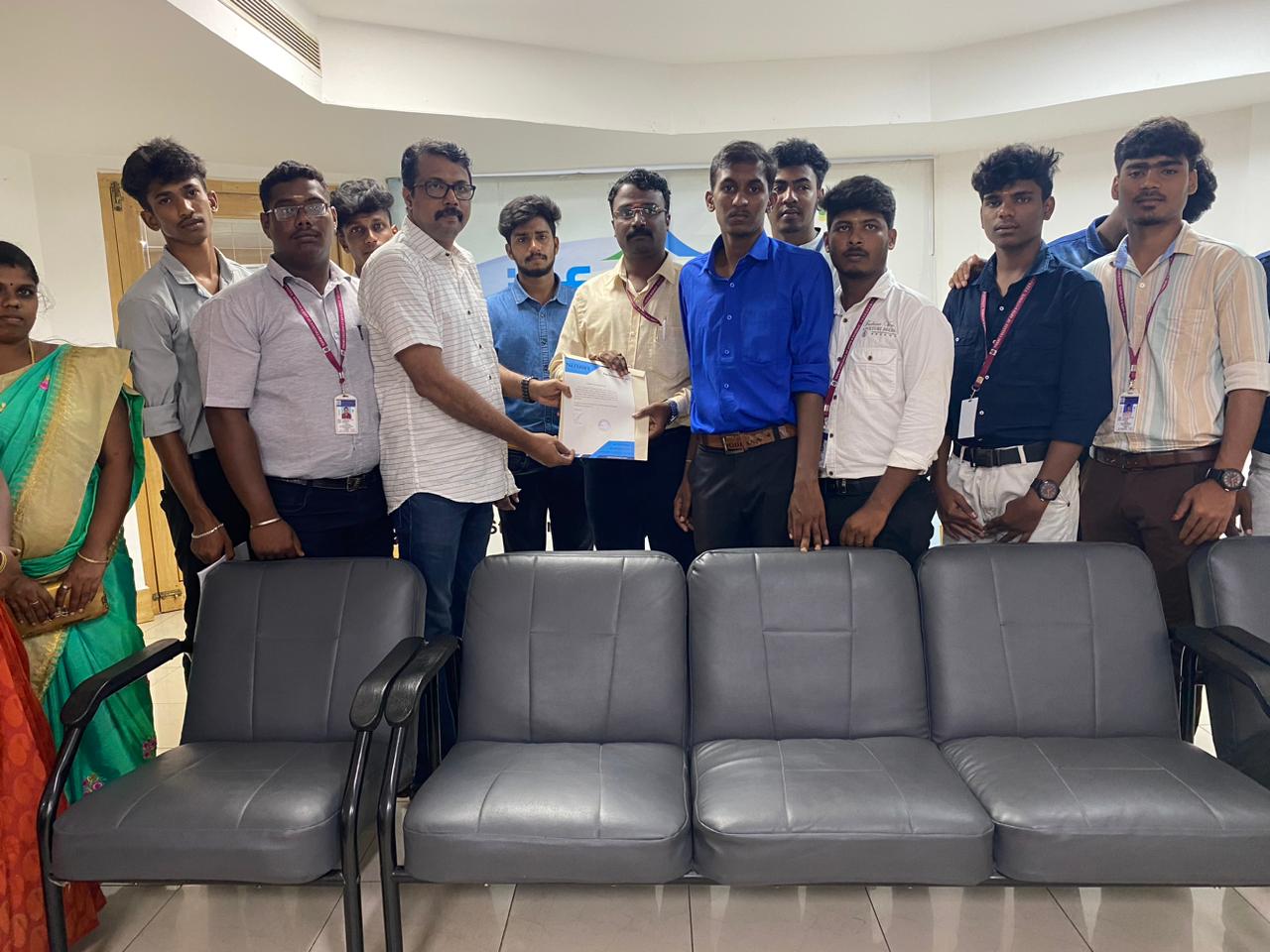
Photos of Training / Internships

Internship/projects in cambridge

Trained more than 10000+ students who trust Nestsoft TechnoMaster

Get Your Personal Trainer