Send enquiry ⏎

Bootstrap Online Live Class by Experts

Our Training/Internship Process

Bootstrap Online Live Classes in Peterborough | Free Demo Training

Bootstrap - Syllabus, Fees & Duration

MODULE 1

  • Bootstrap
  • Get Started
  • What is Bootstrap?
  • Bootstrap History
  • Why Use Bootstrap?
  • Where to get Bootstrap?
  • Downloading Bootstrap
  • Bootstrap CDN

MODULE 2

  • Create First Web Page with Bootstrap
  • Add the HTML5 Doctype
  • Bootstrap is Mobile First
  • Containers
  • Basic Bootstrap Pages
  • Bootstrap Grids
  • Bootstrap Grid System
  • Grid Classes
  • Basic Structure of a Bootstrap Grid
  • Equal Columns
  • Unequal Columns

MODULE 3

  • Bootstrap Text / Typography
  • Bootstrap Default Settings
  • Bootstrap vs. Browser Defaults
  • Bootstrap Tag Elements
  • Contextual Colors and
  • Background
  • Typography Classes

MODULE 4

  • Bootstrap Table
  • Rounded Corners
  • Circle
  • Thumbnail
  • Responsive Images
  • Image Gallery
  • Responsive Embeds

MODULE 5

  • Bootstrap Jumbotron and Page Header
  • Creating a Jumbotron
  • Jumbotron inside Container
  • Jumbotron outside Container
  • Creating a Page Header

MODULE 6

  • Bootstrap Wells
  • Wells
  • Well Size

MODULE 7

  • Bootstrap Alerts
  • Alerts
  • Closing Alerts
  • Animated Alerts

MODULE 8

  • Bootstrap Buttons
  • Button Style
  • Button Sizes
  • Block Level Buttons
  • Active /Disable Buttons

MODULE 9

  • Bootstrap Button Groups
  • Button Groups
  • Vertical Button Groups
  • Justified Button Group
  • Nesting Button Groups
  • Dropdown Menus
  • Split Button Dropdowns
  • MODULE 10

    • Bootstrap Glyphicons
    • Glyphicons
    • Glyphicons Syntax
    • Glyphicon Example

    MODULE 11

    • Bootstrap Badges and Labels
    • Badges
    • Labels

    MODULE 12

    • Bootstraps Progress Bars
    • Basic Progress Bar
    • Progress Bar with Label
    • Colored Progress Bars
    • Striped Progress Bars

    MODULE 13

    • Bootstrap Pagination
    • Basic Pagination
    • Active State
    • Disabled State
    • Pagination Sizing

    MODULE 14

    • Bootstrap Pager
    • What is Pager?
    • Align Buttons

    MODULE 15

    • Bootstrap List Groups
    • Basic list Groups
    • List Group with Badges
    • List Group with Linked Items
    • Contextual Classes
    • Custom Content

    MODULE 16

    • Bootstrap Panels
    • Panels
    • Panel Heading
    • Panel Footer
    • Panel Group
    • Panel with Contextual Classes

    MODULE 17

    • Bootstrap Dropdowns
    • Basic Dropdown
    • Dropdown Driver
    • Dropdown Header
    • Disable an Item
    • Dropdown Accessibility
    • Bootstrap Collapse

    MODULE 18

    • Basic Collapsible
    • Example Explained
    • Collapsible Panel
    • Collapsible List Group
    • Accordion

    MODULE 19

    • Bootstrap Tabs and Pills Menus
    • Tabs
    • Tabs with Dropdown Menu
    • Pills
    • Vertical Pills
    • Vertical Pills in Row
    • Pills with Dropdown Menu
    • Centered Tabs and Pills
    • Toggle/Dynamic Tabs
    • Toggle/Dynamic Pills

    MODULE 20

    • Bootstrap Navigation Bar
    • Navigation Bars
    • Inverted Navigation Bar
    • Fixed Navigation Bar
    • Navigation Bars with Dropdown
    • Right Aligned Navigation Bar
    • Collapsing the Navigation Bar

    MODULE 21

    • Bootstrap Forms
    • Bootstrap Default Settings
    • Bootstrap Form Layouts
    • Bootstrap Vertical Form
    • Bootstrap Inline Form
    • Bootstrap Horizontal Form
    • Bootstrap Form Inputs
    • Supported Form Controls

    MODULE 22

    • Bootstrap Input
    • Bootstrap Text area
    • Bootstrap Checkboxes
    • Bootstrap Radio Buttons
    • Bootstrap Select List

    MODULE 23

    • Bootstrap Form Inputs (More)
    • Static Control
    • Bootstrap Form Control States

    MODULE 24

    • Bootstrap Input Sizing
    • Input Sizing in Forms
    • Height Sizing
    • Column Sizing
    • Help Text

    MODULE 25

    • Bootstrap Carousel Plugin
    • The Carousel Plugin
    • How to Create a Carousel
    • Add Captions to Slides

    MODULE 26

    • Bootstrap Model Plugin
    • The Model Plugin
    • Hoe to Create a Model
    • Model Size

    MODULE 27

    • Bootstrap Tooltip Plugin
    • The Tooltip Plugin
    • How to Create Tooltip
    • Positioning Tooltips

    MODULE 28

    • Bootstrap Popover Plugin
    • The Popover Plugin
    • How to Create a Popover
    • Positioning Popovers
    • Closing Popovers

    MODULE 29

    • Bootstrap Scrollspy Plugin (Advanced)
    • The Scrollspy Plugin
    • How to Create a Scrollspy
    • Scrollspy Vertical Menu

    MODULE 30

    • Bootstrap Case
    • Build a Bootstrap Web Page
    • From Scratch
    • Add Bootstrap CDN and Put
    • Elements in Containers
    • Add Jumbotron
    • Adding button and icons
    • Multicolumn Layout
    • Adding Menus Tabs
    • Adding Navigation bars
    • Download Syllabus - Bootstrap
      This syllabus is not final and can be customized as per needs/updates
       
    10000+
    20+
    50+
    25+

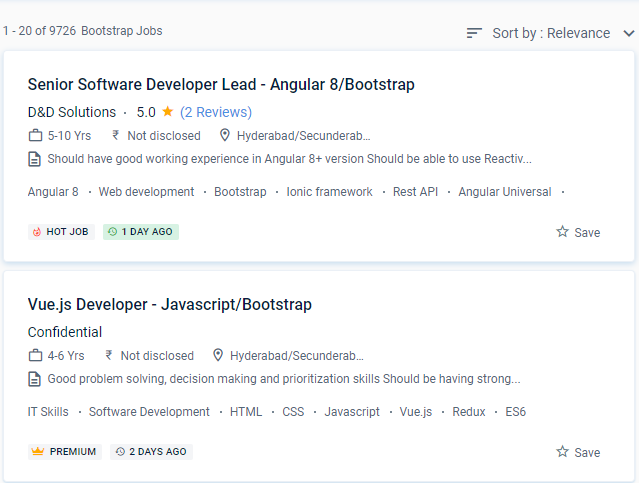
    Bootstrap Jobs in Peterborough

    Enjoy the demand

    Find jobs related to Bootstrap in search engines (Google, Bing, Yahoo) and recruitment websites (monsterindia, placementindia, naukri, jobshybrid.com, indeed.co.in, shine.com etc.) based in Peterborough, chennai and europe countries. You can find many jobs for freshers related to the job positions in Peterborough.

    • Senior full-stack developer
    • Ui /UX Developer
    • Developer- Bootstrap
    • Frontend developer
    • UI developer C11
    • Software Engineer
    • Bootstrap Trainer
    • Shopify developer-bootstrap
    • Angular Bootstrap Developer
    • SharePoint Developer

    Bootstrap Internship/Course Details

    Bootstrap internship jobs in Peterborough
    Bootstrap You will receive a Bootstrap course completion certificate after completing this course. As the community takes advantage of its free, creative commons authorization, new features appear regularly. These projects can assist you in building your Bootstrap portfolio. You'll learn how to use pictures in Bootstrap, as well as how to construct and use Bootstrap tables, forms, and form elements. It's a broad framework that only worries about front-end applications, such as topography, forms, interface components, and JavaScript plugins. For many years, Training has been implementing professional Bootstrap solutions across a variety of websites. This course will teach you about the Bootstrap Framework, as well as the basic structure of the Bootstrap Basic webpage, breakpoints in the Bootstrap grid system, different types of containers, and how to deal with the Bootstrap grid on various devices. Training can be done part-time in the evenings or even on weekends. No prior knowledge of Bootstrap is necessary. This Bootstrap course focuses on business-related innovations.


    Meet a Few of our Industry Experts 🚀 Your Pathway to IT Career

    Lekshmi

    Mobile: +91 91884 77559
    Location: Online (Peterborough, Uk)
    Qualification: MCA (Final year)

    Experience: Java python c c++  more..

    Narmesh

    Mobile: +91 91884 77559
    Location: Online (Peterborough, Uk)
    Qualification: B. Tech CSE

    Experience: Year Project Title or Responsibilities 2023 Website based project for AASHU MARINE (informational product showcase) 2023 CRM Software project as  more..

    Disha

    Mobile: +91 8301010866
    Location: Online (Peterborough, Uk)
    Qualification: Pursing in Bsc in Media Graphics and Animation

    Experience: one year of hands-on experience in graphic and video editing I have cultivated a deep passion for the realm of  more..

    rishi

    Mobile: +91 91884 77559
    Location: Online (Peterborough, Uk)
    Qualification: JCHNP

    Experience: sophos firewall configuration and server support configuration  more..

    Nivetha

    Mobile: +91 94975 90866
    Location: Online (Peterborough, Uk)
    Qualification: B.E

    Experience: Software developer at Prime Minds Consulting Pvt Ltd I have extensive experience in customizing and developing modules in Odoo   more..

    Fallou

    Mobile: +91 94975 90866
    Location: Online (Peterborough, Uk)
    Qualification: Développement web

    Experience: Web development with HTML and CSSAdvanced proficiency in the Wix applicationDesigning attractive websitesOptimizing website performanceClient collaborationProblem-solving skills  more..

    siddharth

    Mobile: +91 98474 90866
    Location: Online (Peterborough, Uk)
    Qualification: 12th,BCA

    Experience: i can work in C C++ python html css   more..

    Febin

    Mobile: +91 8301010866
    Location: Online (Peterborough, Uk)
    Qualification: Diploma in Web technology & Graphic designing

    Experience: Graphic design skills web tech proficiency creative vision project management ability   more..

    Soumyalin

    Mobile: +91 91884 77559
    Location: Online (Peterborough, Uk)
    Qualification: DIPLOMA

    Experience: Communication UI UX Graphic design Time management Planning and Coordinating Documentation  more..

    Rahul

    Mobile: +91 9895490866
    Location: Online (Peterborough, Uk)
    Qualification: BCA

    Experience: hello sir My name is rahul i am 20 year's old i ma recently completed in BCA and parentage 84%  more..

    Sabna

    Mobile: +91 94975 90866
    Location: Online (Peterborough, Uk)
    Qualification: 3yr diploma in computer engineering at IPT & GPTC Shoranur

    Experience: I have one year experience in php and am currently working as a node js developer I have experience in  more..

    Chiranjeevee

    Mobile: +91 8301010866
    Location: Online (Peterborough, Uk)
    Qualification: MCA

    Experience: Cybersecurity networking Linux OWASP ZAP and many more tools  more..

    SAGUL

    Mobile: +91 94975 90866
    Location: Online (Peterborough, Uk)
    Qualification: Diploma in Computer Engineering (Polytechnic)

    Experience: An Passionate Digital marketer and Experienced Multimedia designer with a demonstrated history of working in the Media and Marketing industry  more..

    Akshay

    Mobile: +91 91884 77559
    Location: Online (Peterborough, Uk)
    Qualification: BA Economics

    Experience: Manual testing Mysql Java Automation testing Cucumber Test NG Appium Jmeter Postman Api  more..

    Aditya

    Mobile: +91 91884 77559
    Location: Online (Peterborough, Uk)
    Qualification: B.tech

    Experience: Data structure and Algorithms Neural network oops Convolutional neural network Artificial neural network Mongo DB Regression analysis React js Node  more..

    Anubhav

    Mobile: +91 91884 77559
    Location: Online (Peterborough, Uk)
    Qualification: Msc (cs)

    Experience: 2 years of Experience in website devlopment and also wordpress theme intregration knowledge of html css php core plugins payment  more..

    Nancy

    Mobile: +91 9895490866
    Location: Online (Peterborough, Uk)
    Qualification: MCA

    Experience: Expert in manual testing Mainly concerned on mobile application testing (Android and iOS) and web application &server testing   more..

    Safal

    Mobile: +91 98474 90866
    Location: Online (Peterborough, Uk)
    Qualification: B.Tech CSE with specialisation Cyber Security

    Experience: In the last three years I've immersed myself in cybersecurity gaining expertise as a campaign leader and active Mozilla community  more..

    Susmi

    Mobile: +91 8301010866
    Location: Online (Peterborough, Uk)
    Qualification: BCA

    Experience: php laravel ajax jquery html api  more..

    Prathesh

    Mobile: +91 94975 90866
    Location: Online (Peterborough, Uk)
    Qualification: BCA

    Experience: I am Prathesh Kumar (Fresher) I Study Bachelor of Computer Applications graduate with a 84% score in academics Strong in  more..

    Aravindan

    Mobile: +91 94975 90866
    Location: Online (Peterborough, Uk)
    Qualification: BE Computer science and engineering

    Experience: Odoo and python   more..

    Banoth

    Mobile: +91 89210 61945
    Location: Online (Peterborough, Uk)
    Qualification: B. Tech (ECE)

    Experience: Programming :-c c++HTML python word MSexcel Operating system:-Windows Ubuntu Linus   more..

    Angel

    Mobile: +91 98474 90866
    Location: Online (Peterborough, Uk)
    Qualification: M.E VLSIDESIGN

    Experience: Selenium Java manual testing  more..

    Ashish

    Mobile: +91 91884 77559
    Location: Online (Peterborough, Uk)
    Qualification: BE Mech

    Experience: Digital Marketing Social media marketing E-Commerce marketing Website design SEO  more..

    Success Stories

    The enviable salary packages and track record of our previous students are the proof of our excellence. Please go through our students' reviews about our training methods and faculty and compare it to the recorded video classes that most of the other institutes offer. See for yourself how TechnoMaster is truly unique.

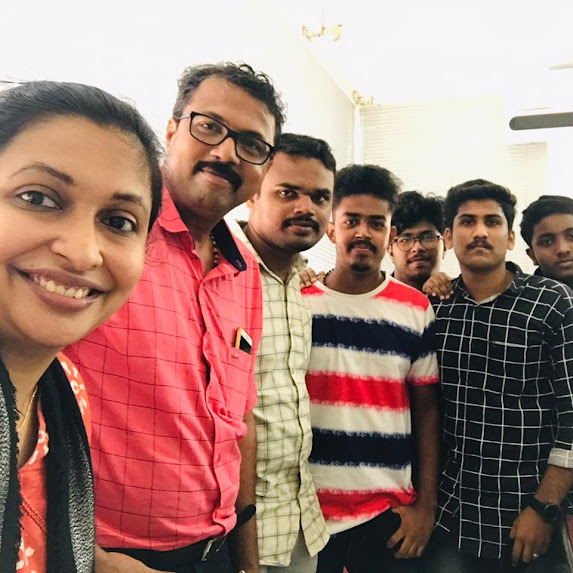
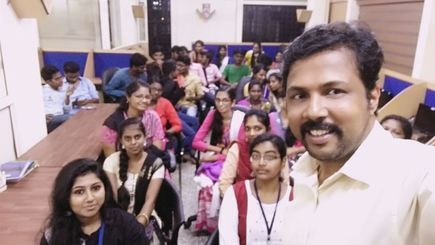
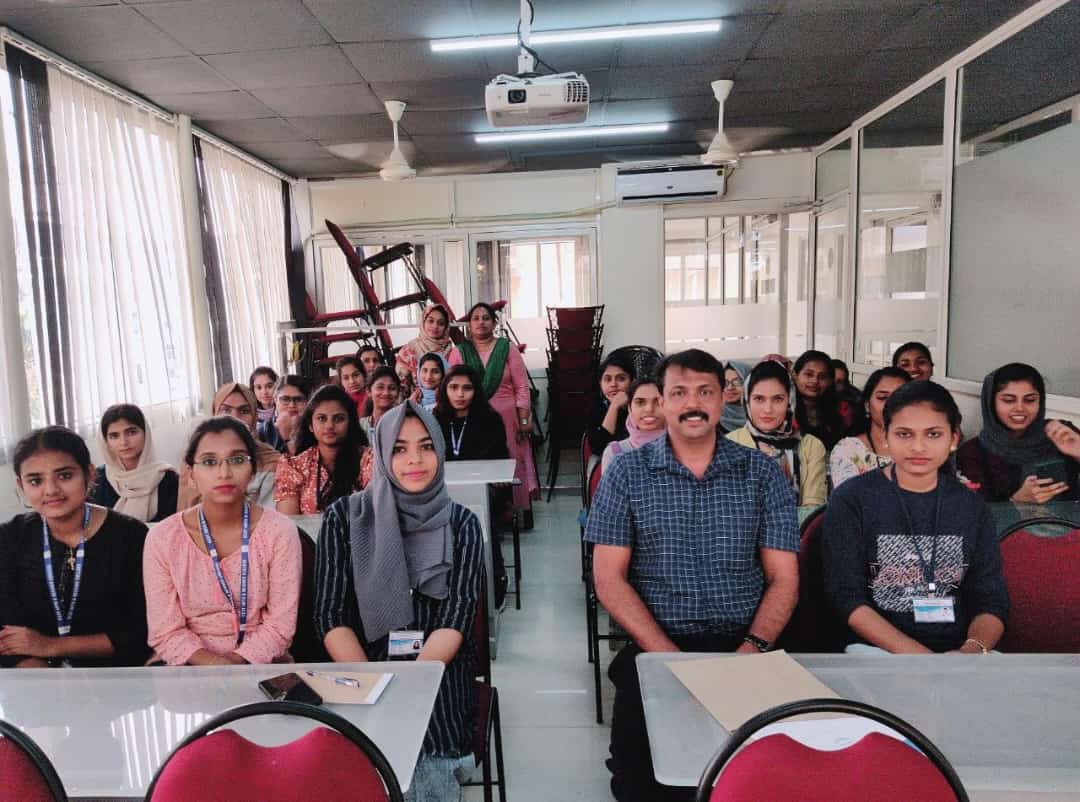
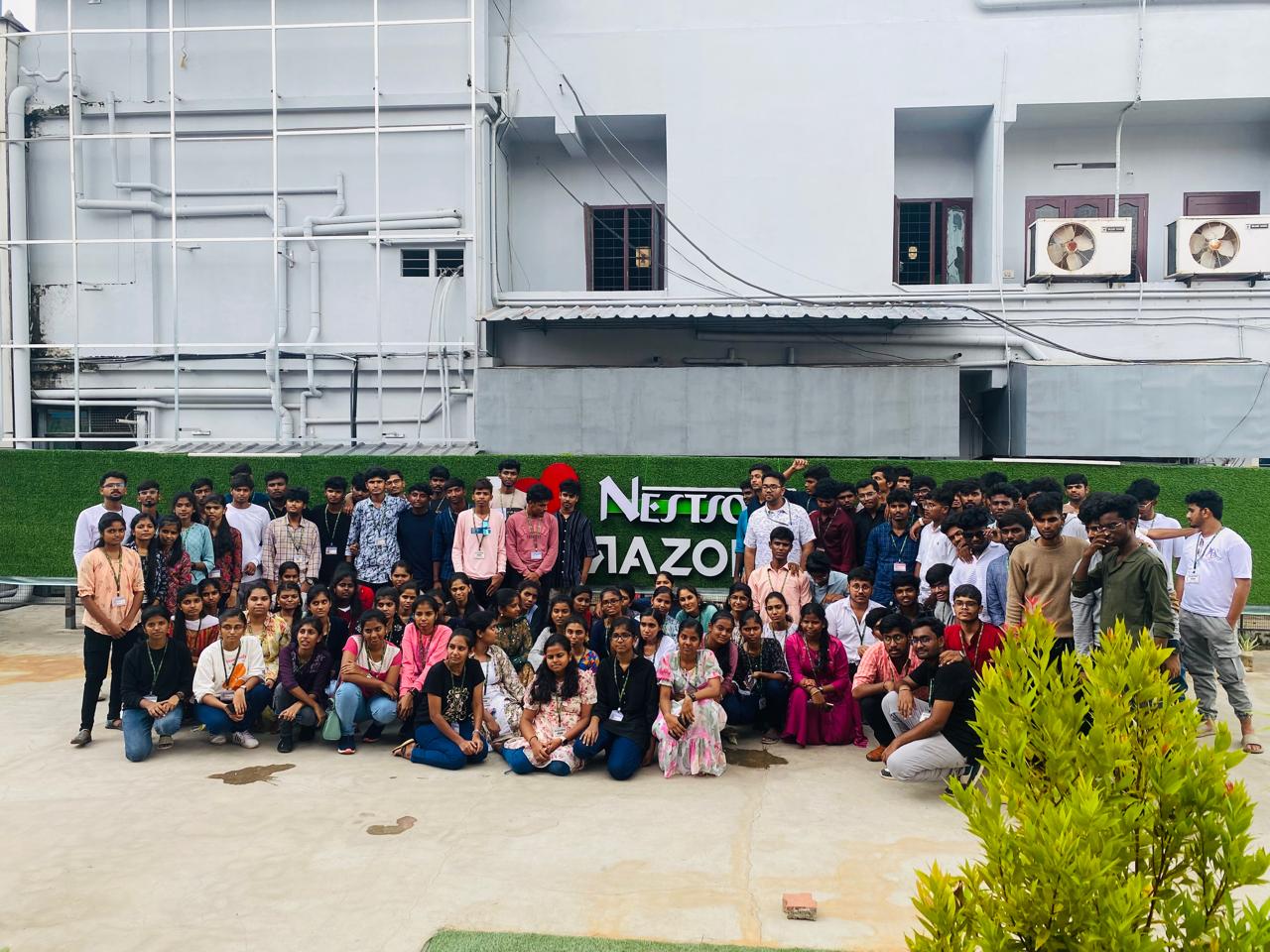
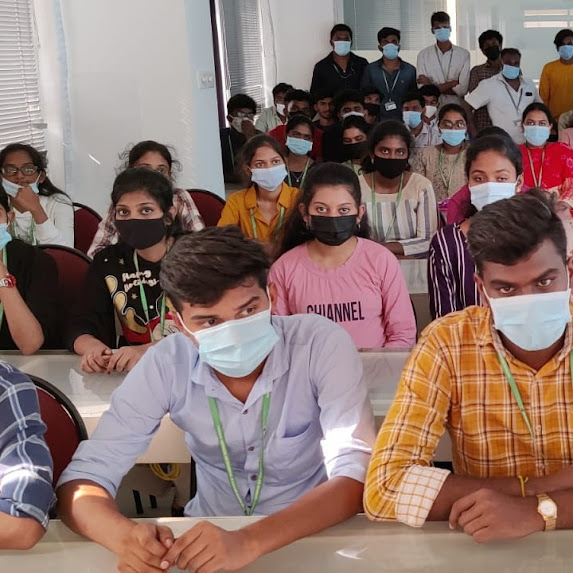
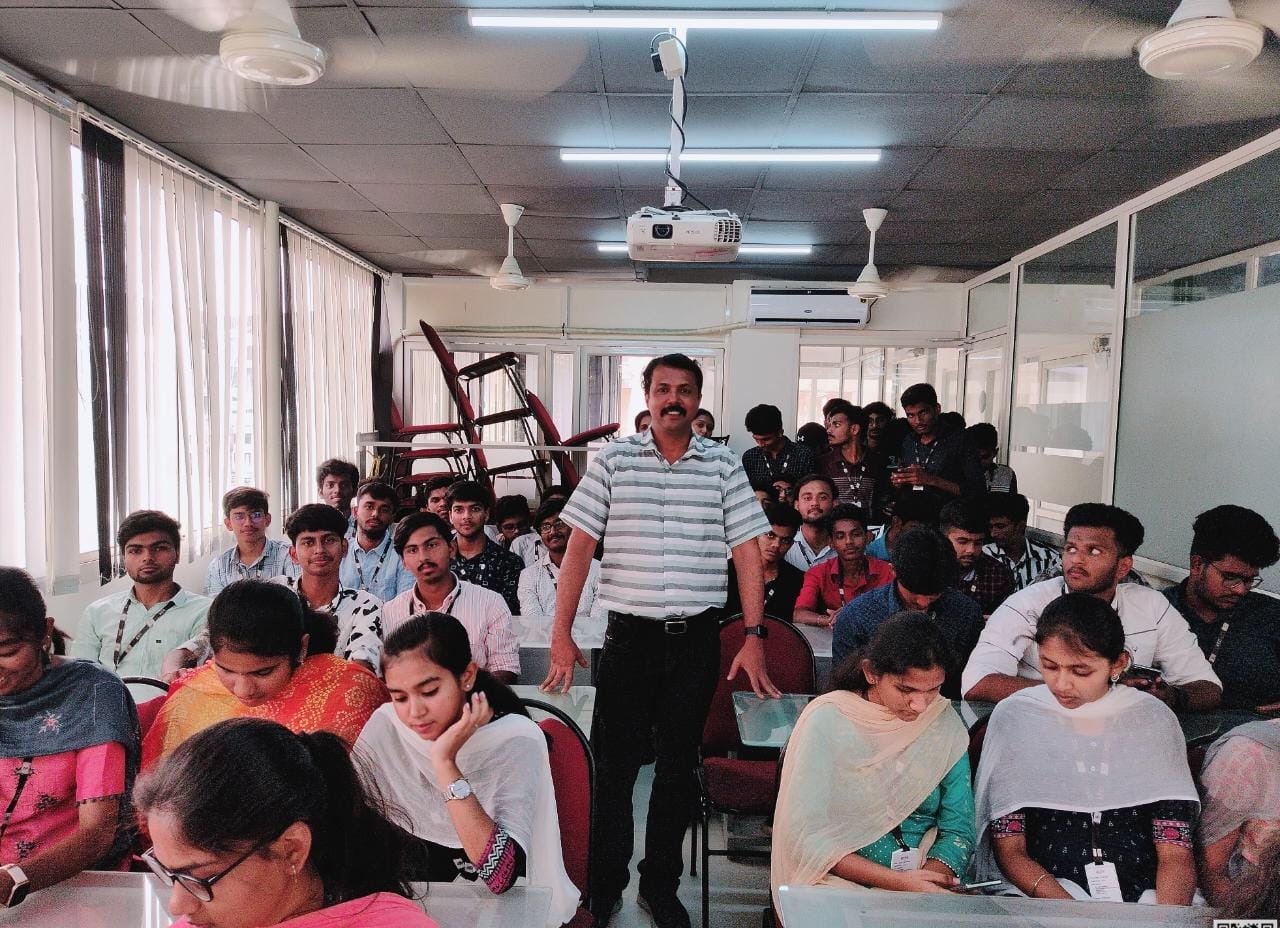
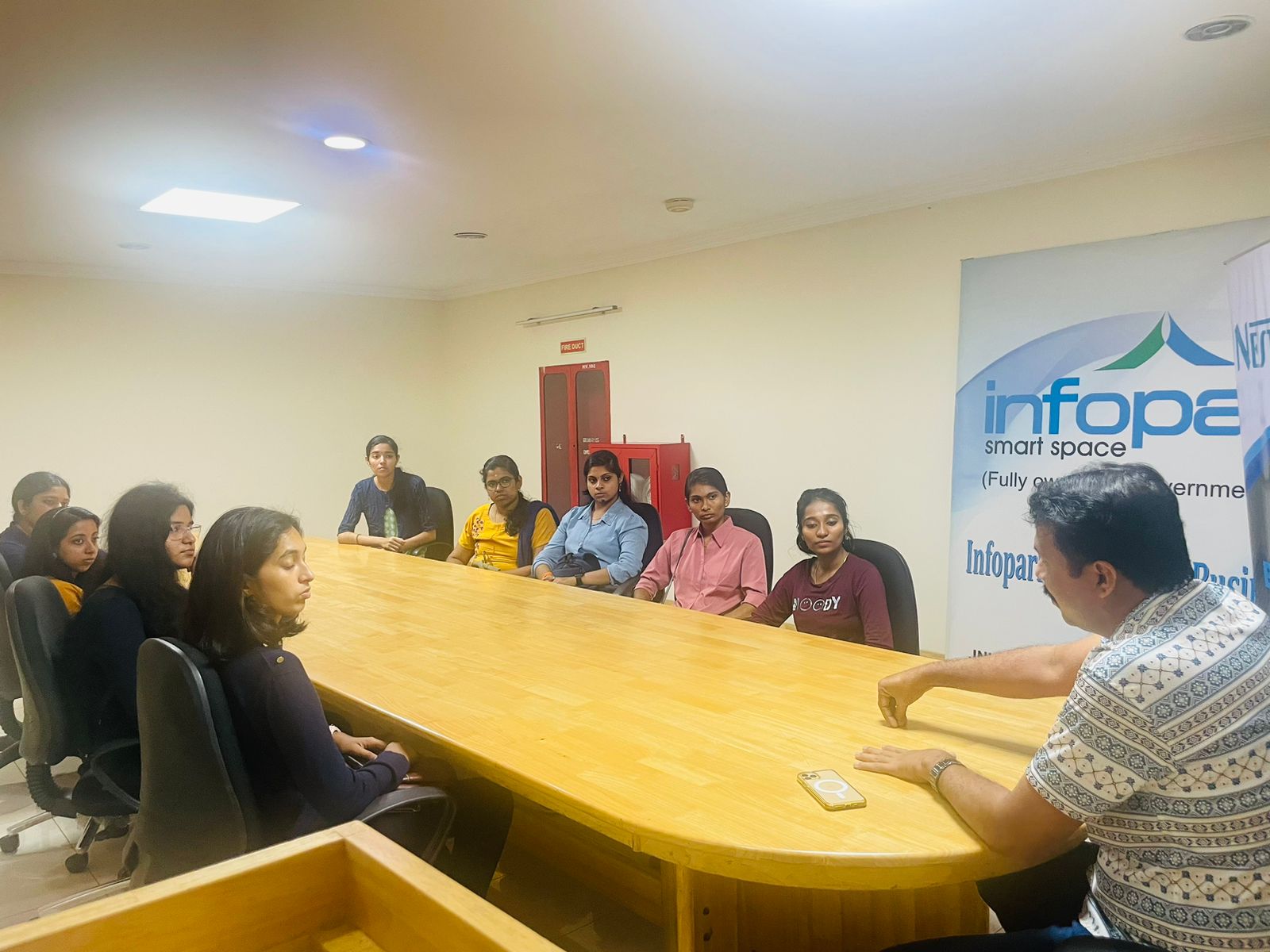
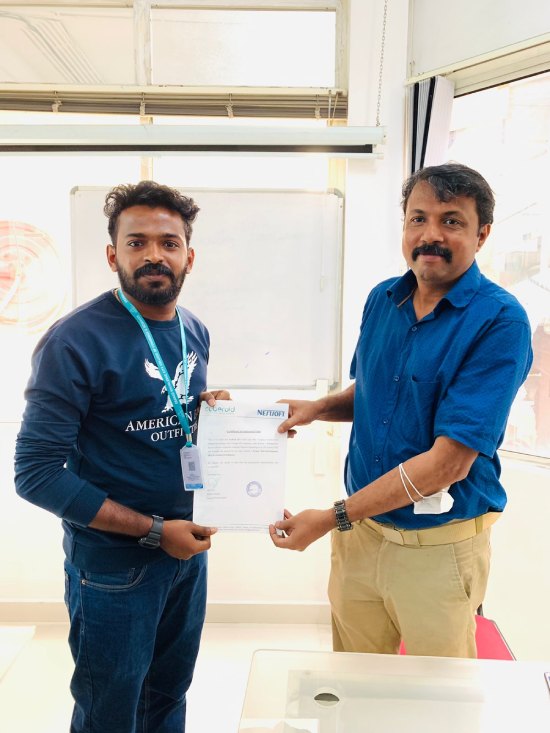
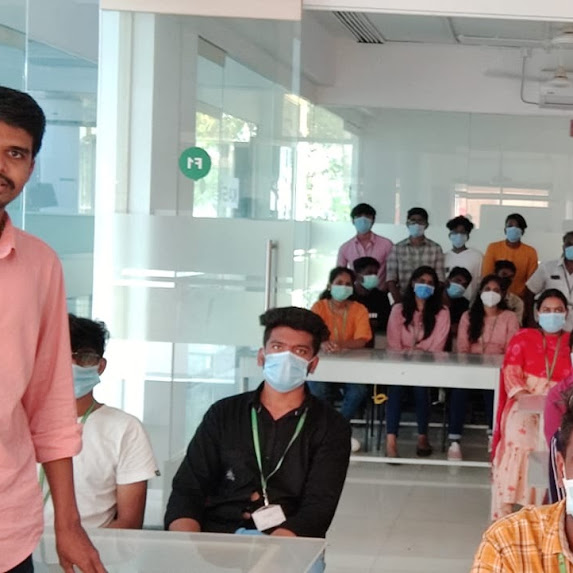
    Photos of Training / Internships

    Internship/projects in peterborough
    Internship/projects in peterborough
    Internship/projects in peterborough
    Internship/projects in peterborough
    Internship/projects in peterborough
    Internship/projects in peterborough
    Internship/projects in peterborough
    Internship/projects in peterborough
    Internship/projects in peterborough
    Internship/projects in peterborough
    Internship/projects in peterborough
    Internship/projects in peterborough

    Trained more than 10000+ students who trust Nestsoft TechnoMaster

    Get Your Personal Trainer