Send enquiry ⏎

Flutter Online Live Class by Experts

Our Training/Internship Process

Flutter Online Live Classes in Manchester | Free Demo Training

Flutter - Syllabus, Fees & Duration

Module 1:  Introduction

  • Introduction to Flutter

Module 2:  Introduction To Dart

  • Reason why Dart holds the fort strong.
  • Installing Visual Studio Code and the Dart Plugin.
  • Installing Dart SDK.
  • Writing the first Dart Program.

Module 3:  Setting Up Flutter

  • Downloading/Cloning the Flutter SDK.
  • Installing Flutter Plugin within VS Code.
  • Understanding the structure of a Flutter Project.
  • Building a simple app from scratch.

Module 4:  Introducing Widget

  • Widgets and their role in a Flutter app.
  • The MaterialApp and Scaffold widget.
  • AppBar.
  • FloatingActionButton.
  • More widgets - Text, Center and Padding.
  • Recreating the Default Flutter App (UI Only)

Module 5:  Common Widget In Flutter

  • Containers and their role.
  • Importing images from a network.
  • Importing images as assets.
  • Adding icons to widgets.
  • Understanding Row and Column.
  • ListView and ListTile.
  • Building views using ListView.builder.
  • Inkwell and its importance.

Module 6: Stateless And Stateful Widgets- The Concept

  • Stateless vs. Stateful widgets.
  • Defining a State
  • The setState() method.
  • Returning to the Default Flutter App.

Module 7:  Navigating Through Navigation

  • Navigator and routes.
  • Applying push() using MaterialPageRoute.
  • Applying pop().
  • Declaring parameter-less routes (push Named()) in Materia Lapp widget.

Module 8:  Handling User Input

  • Using Text Field.
  • Handling changes to a Text Field.
  • Pass retrieved values using Navigator.

Module 9:  User Interface

  • Applying Theme Data.
  • The Basic Screen Layout.
  • Applying Custom Font.

Module 10:  Asynchronous Functions

  • function.
  • async and await

Module 11: Working With Remote Data

  • The http package.
  • Model Class and JSON parsing.
  • Displaying Remote Data. (NEWS API).

Module 12: Local storage

  • Shared Preferences.

Module 13: Using 3rd Party Packages

  • The url_launcher package.
  • Adding onTap() to NEWS API.

Module 14: Other Useful Widgets

  • Grid View.
  • The Hero Animation
  • Stack
  • Alert Dialog with buttons.

Download Syllabus - Flutter
This syllabus is not final and can be customized as per needs/updates
   
10000+
20+
50+
25+

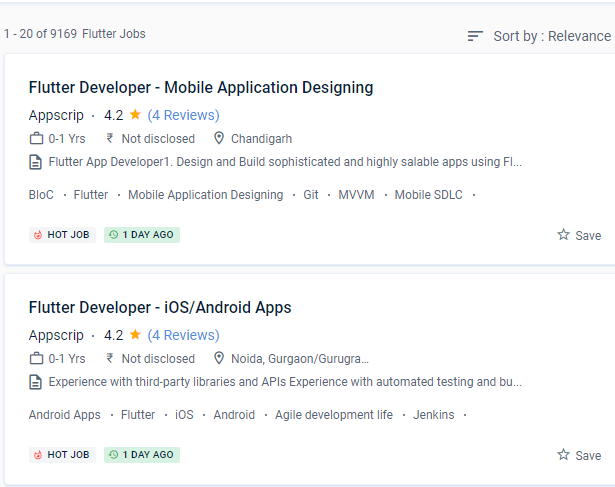
Flutter Jobs in Manchester

Enjoy the demand

Find jobs related to Flutter in search engines (Google, Bing, Yahoo) and recruitment websites (monsterindia, placementindia, naukri, jobshybrid.com, indeed.co.in, shine.com etc.) based in Manchester, chennai and europe countries. You can find many jobs for freshers related to the job positions in Manchester.

  • Flutter Developer
  • Mobile Engineer - Flutter
  • Flutter Mobile App Developer
  • Software Engineer
  • iOS Developer Flutter
  • Technical Mobile Lead - Flutter
  • Flutter Trainer
  • Flutter JS
  • Flutter Lead
  • Java Flutter Developer

Flutter Internship/Course Details

Flutter internship jobs in Manchester
Flutter Nestsoft's Google Flutter Training in Manchester will help you gain a solid understanding of this UI mobile framework so you can construct Native Cross-Platform Mobile Applications quickly. You'll be able to enjoy stunning widgets that are easily available now that you have your hot engine with high-performance rendering. It has an open-source licence, which allows the community to continue to use its engine as well as a vast number of third-party modules and APIs. Flutter Course has the potential to be a cross-platform app development solution. . It comes with Material Design components that make it possible to create Android apps. Flutter is based on the Dart programming language, which is both productive and easy to learn. Google designed it using a tiered architecture to produce a UI that is both expressive and adaptable. As a result, it is more affordable. The ability to provide developers with a tool for creating a unified user experience is its most important feature.


Meet a Few of our Industry Experts 🚀 Your Pathway to IT Career

Harshvir

Mobile: +91 89210 61945
Location: Online (Manchester, Uk)
Qualification: BE

Experience: EXPERIENCE - SAMAH : 2021- 2022 Job : Showroom Website (Website build Product photography Web design layouts Logo Design etc  more..

Surya

Mobile: +91 9895490866
Location: Online (Manchester, Uk)
Qualification: B-Tech

Experience: Web development Python Java  more..

Tushar

Mobile: +91 89210 61945
Location: Online (Manchester, Uk)
Qualification: Masters in computer science

Experience: Java Kotlin Android Studio UI design RoomDB Retrofit for Third party RestFul APIs and JSON Integration  more..

Arshida.

Mobile: +91 94975 90866
Location: Online (Manchester, Uk)
Qualification: B.Ed in Mathematics

Experience: As part of my B Ed programme I got an opportunity to teach at SNDP VHSS Adimali I have 2  more..

Dimpal

Mobile: +91 98474 90866
Location: Online (Manchester, Uk)
Qualification: Ba prog

Experience: 6 years real estate sales manager 11 month seo excutive page traffic candid software Pvt Ltd   more..

Jincy

Mobile: +91 98474 90866
Location: Online (Manchester, Uk)
Qualification: B.SC

Experience: Project management Strong decision-maker Complex problem solver Creative design Innovative Service-focused 3 Years experience in Front End and Back  more..

pratiksha

Mobile: +91 9895490866
Location: Online (Manchester, Uk)
Qualification: BE

Experience: Html5 CSS javascript jQuery bootstrap5 angular js api wordpress laravel php I have 4 years experience in web technologies nd  more..

Pratiksha

Mobile: +91 98474 90866
Location: Online (Manchester, Uk)
Qualification: UI/UX Design

Experience: I’m skilled in understanding user needs through research interviews surveys I design user-friendly interfaces and ensure information is organized logically  more..

Sumayya

Mobile: +91 91884 77559
Location: Online (Manchester, Uk)
Qualification: MCA

Experience: i did a software testing course from rojer soft technologies  more..

kamal

Mobile: +91 9895490866
Location: Online (Manchester, Uk)
Qualification: Btech in computer science

Experience: I am a WordPress developer having 3 years of experience I worked on multiple themes and plugins like elementor elementor  more..

KATHI

Mobile: +91 91884 77559
Location: Online (Manchester, Uk)
Qualification: Degree (B.com)

Experience: I am fresher Skills is good communication and convincing skills I will done coaching for web development   more..

Snekha

Mobile: +91 94975 90866
Location: Online (Manchester, Uk)
Qualification: B.Tech IT

Experience: Having 0–1 year of experience as a backend developer in Tata Consultancy Services I proactively upskilled myself by learning Python  more..

Neha

Mobile: +91 94975 90866
Location: Online (Manchester, Uk)
Qualification: BE

Experience: 3 years experience in software testing java selenium manual testing automation testing SQL TestNG Cucumber SoapUI BDD API Postman Jmeter  more..

Geerthana

Mobile: +91 94975 90866
Location: Online (Manchester, Uk)
Qualification: BE cse

Experience: I had an experience in both manual and automation testing known some frameworks like Testng bdd with cucumber data driven  more..

Vicky

Mobile: +91 91884 77559
Location: Online (Manchester, Uk)
Qualification: B.com

Experience: Computer Hardware computer networking CCNA I have 2 6 years experience this Sector |   more..

vibha

Mobile: +91 98474 90866
Location: Online (Manchester, Uk)
Qualification: BCA

Experience: Wok as Odoo developer python SQL Linux  more..

Akshaya

Mobile: +91 98474 90866
Location: Online (Manchester, Uk)
Qualification: HSC

Experience: This is akshaya Graphic designer with 2-3 years of experience as senior graphic designer for neurotech designshighly specialized in canva  more..

Ankita

Mobile: +91 94975 90866
Location: Online (Manchester, Uk)
Qualification: BscIt

Experience: Wordpress Bootestrap Html Css Javscript php  more..

vimal

Mobile: +91 8301010866
Location: Online (Manchester, Uk)
Qualification: BE-CSE

Experience: Software testing  more..

Sanurag

Mobile: +91 91884 77559
Location: Online (Manchester, Uk)
Qualification: Bcom

Experience: 6year html5 css3 bootstrap responsive photoshop figma xd angular and react ui developer   more..

Aditya

Mobile: +91 91884 77559
Location: Online (Manchester, Uk)
Qualification: BCA

Experience: Rich experience in Android development  more..

Infant

Mobile: +91 8301010866
Location: Online (Manchester, Uk)
Qualification: B. E. CSE

Experience: nearly 1 year of experience in odoo python development worked in Product pricelist items and Xero Odoo Integration   more..

Vivek

Mobile: +91 91884 77559
Location: Online (Manchester, Uk)
Qualification: Masters

Experience: Extensive experience teaching German to students of various proficiency levels from beginners to advanced learners I have lived and studied  more..

Kajal

Mobile: +91 91884 77559
Location: Online (Manchester, Uk)
Qualification: mca

Experience: Html css js react js basic cloud zure  more..

Success Stories

The enviable salary packages and track record of our previous students are the proof of our excellence. Please go through our students' reviews about our training methods and faculty and compare it to the recorded video classes that most of the other institutes offer. See for yourself how TechnoMaster is truly unique.


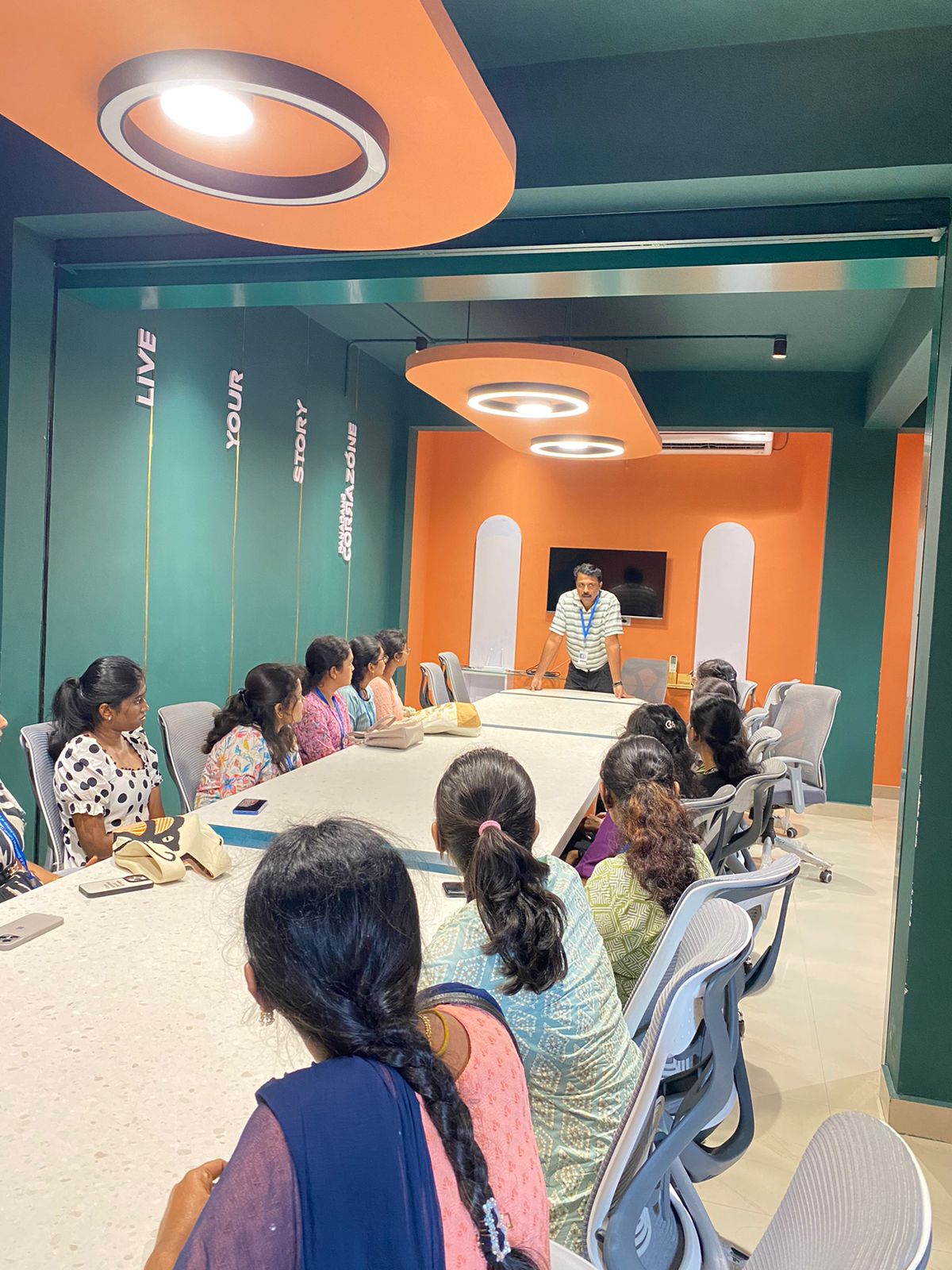
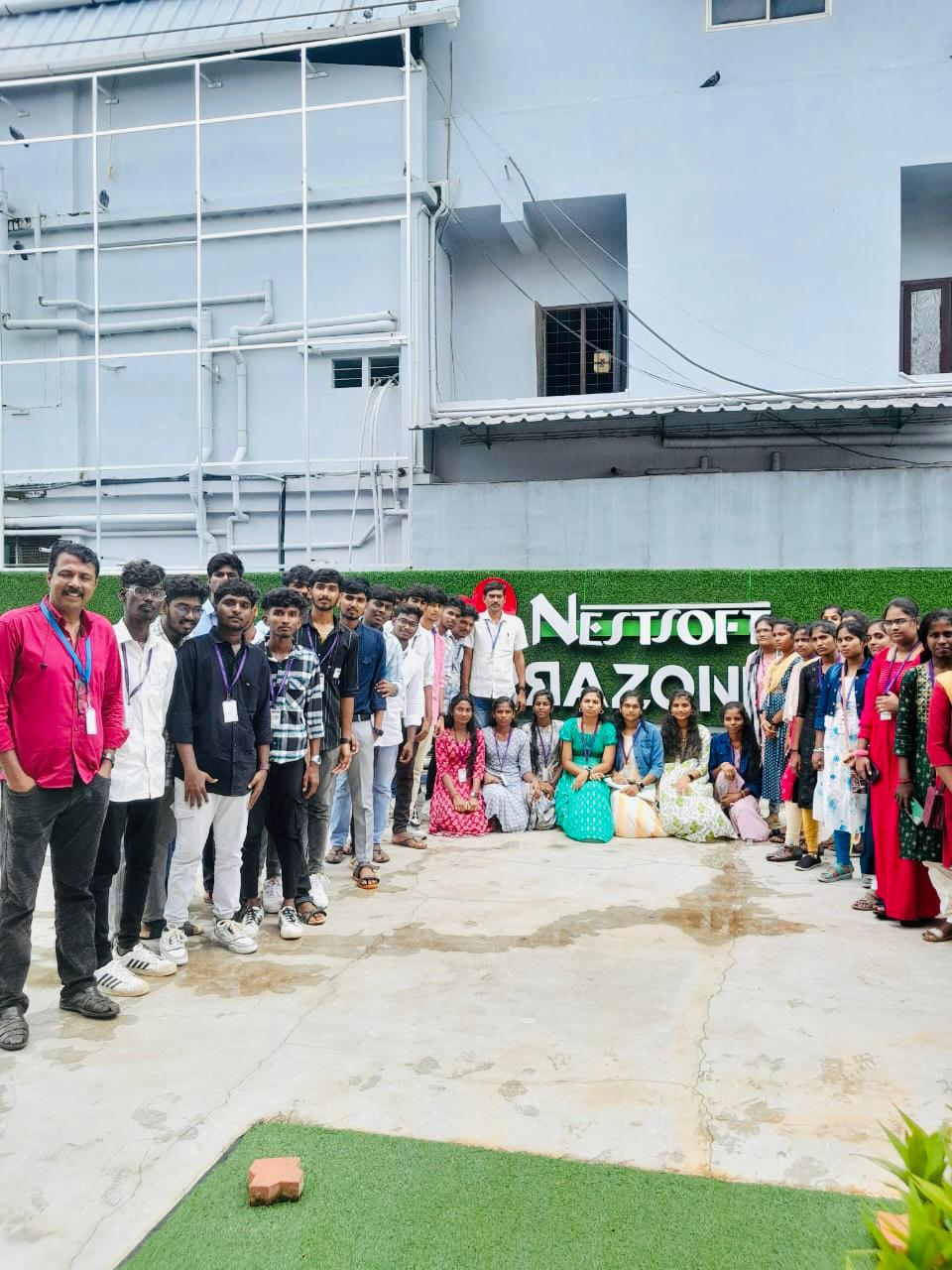
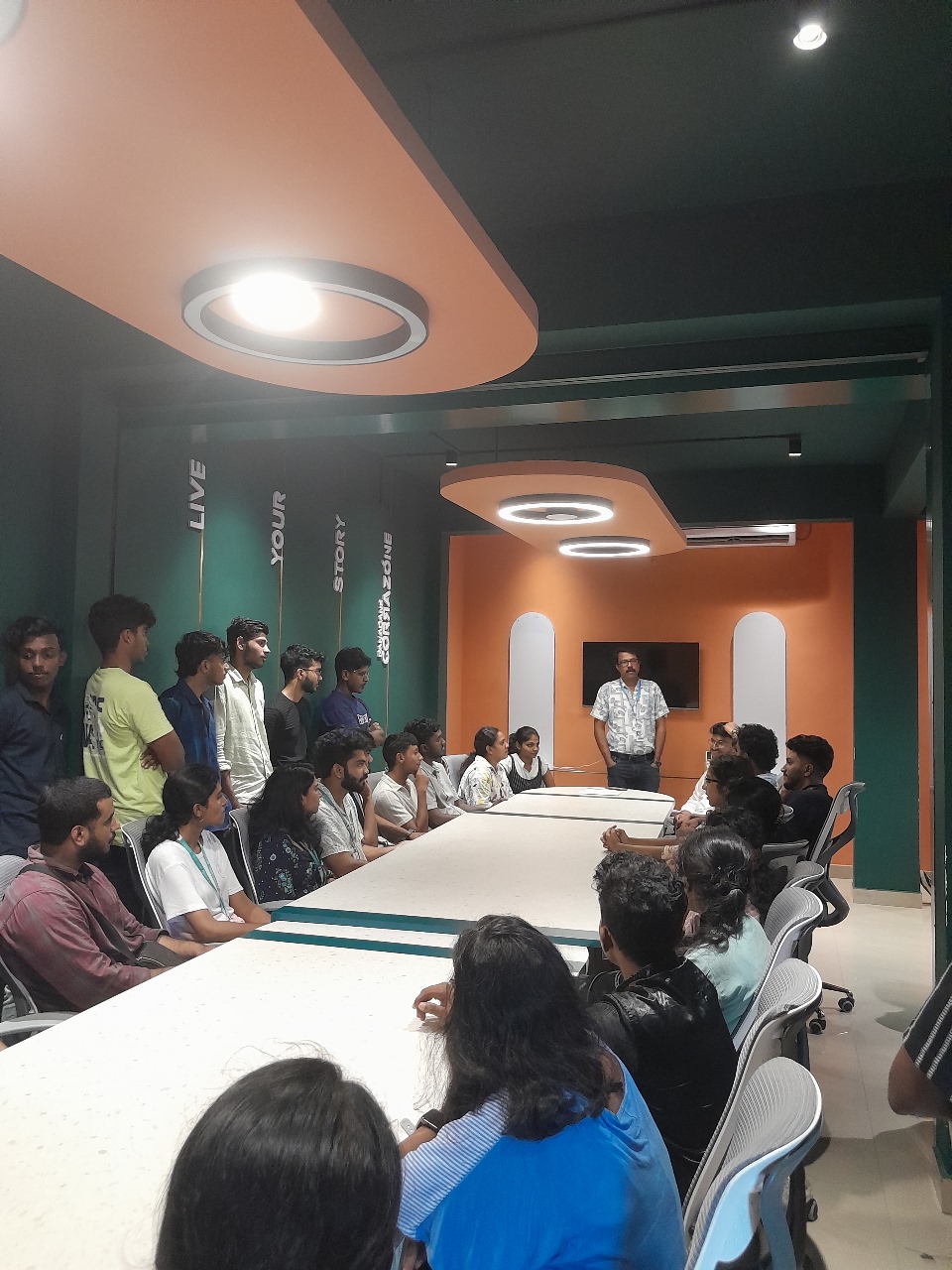
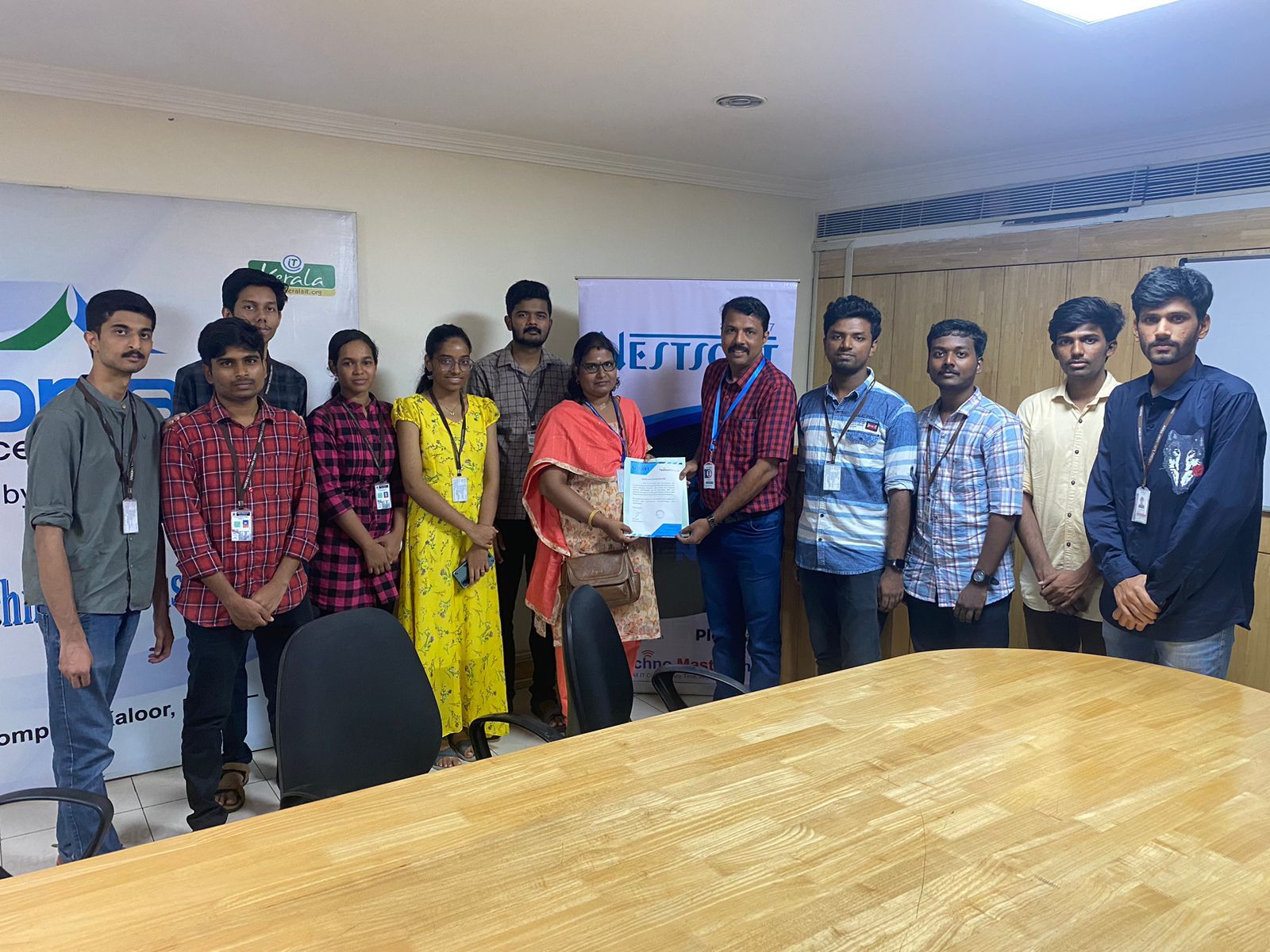
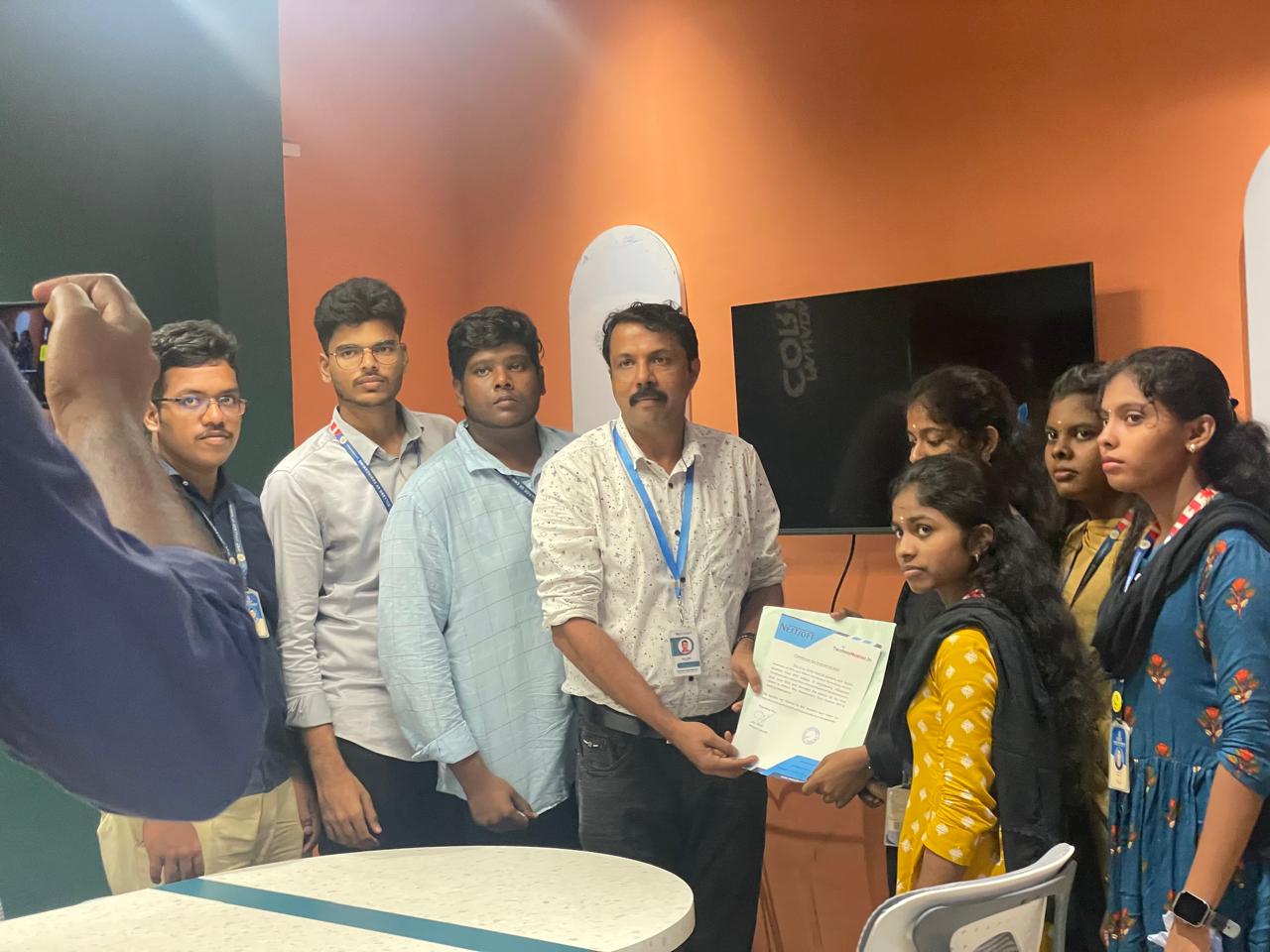
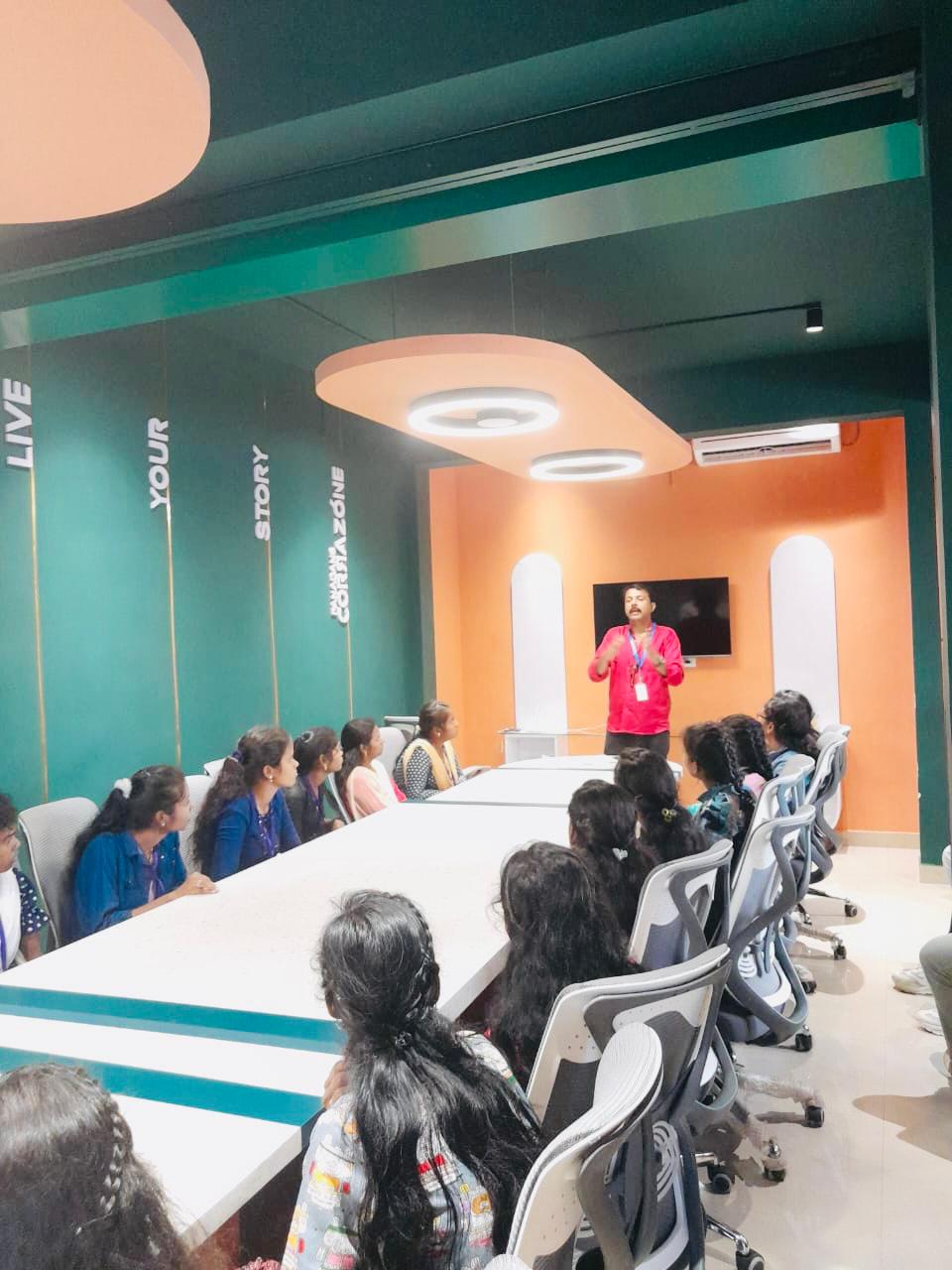
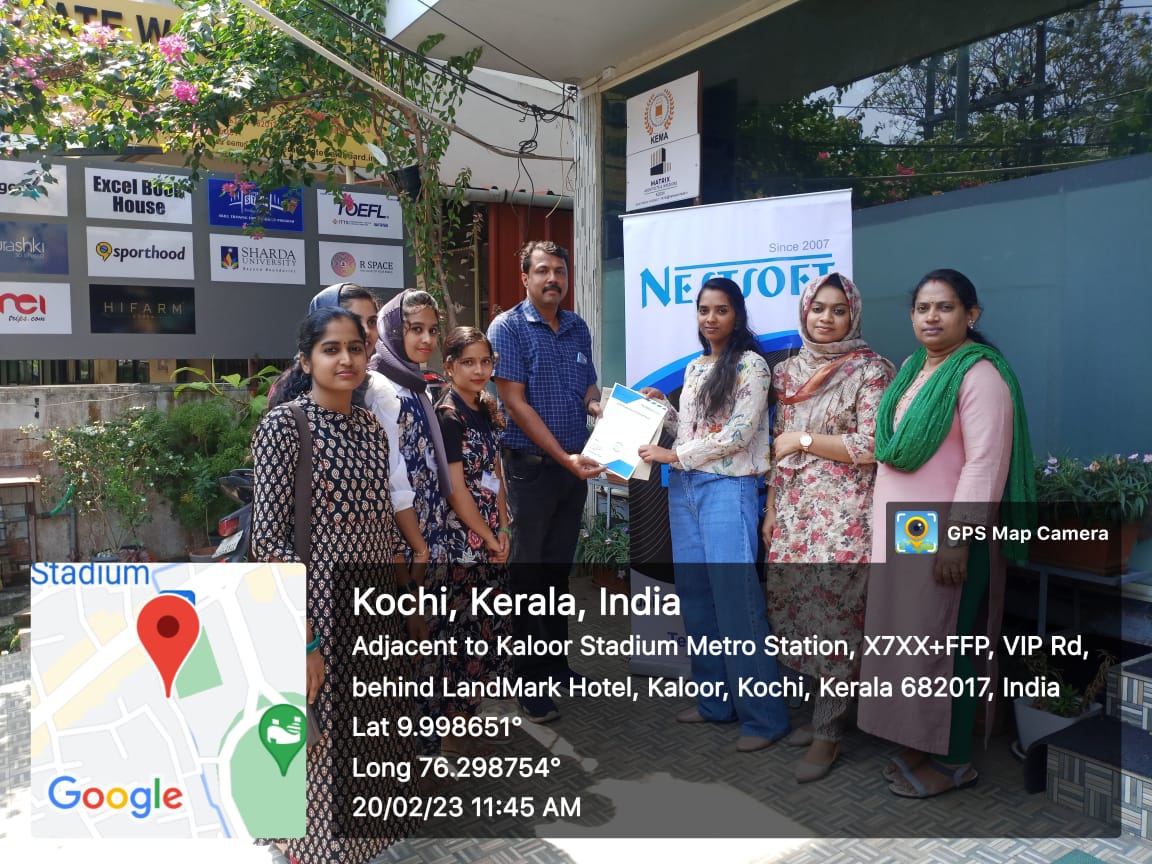
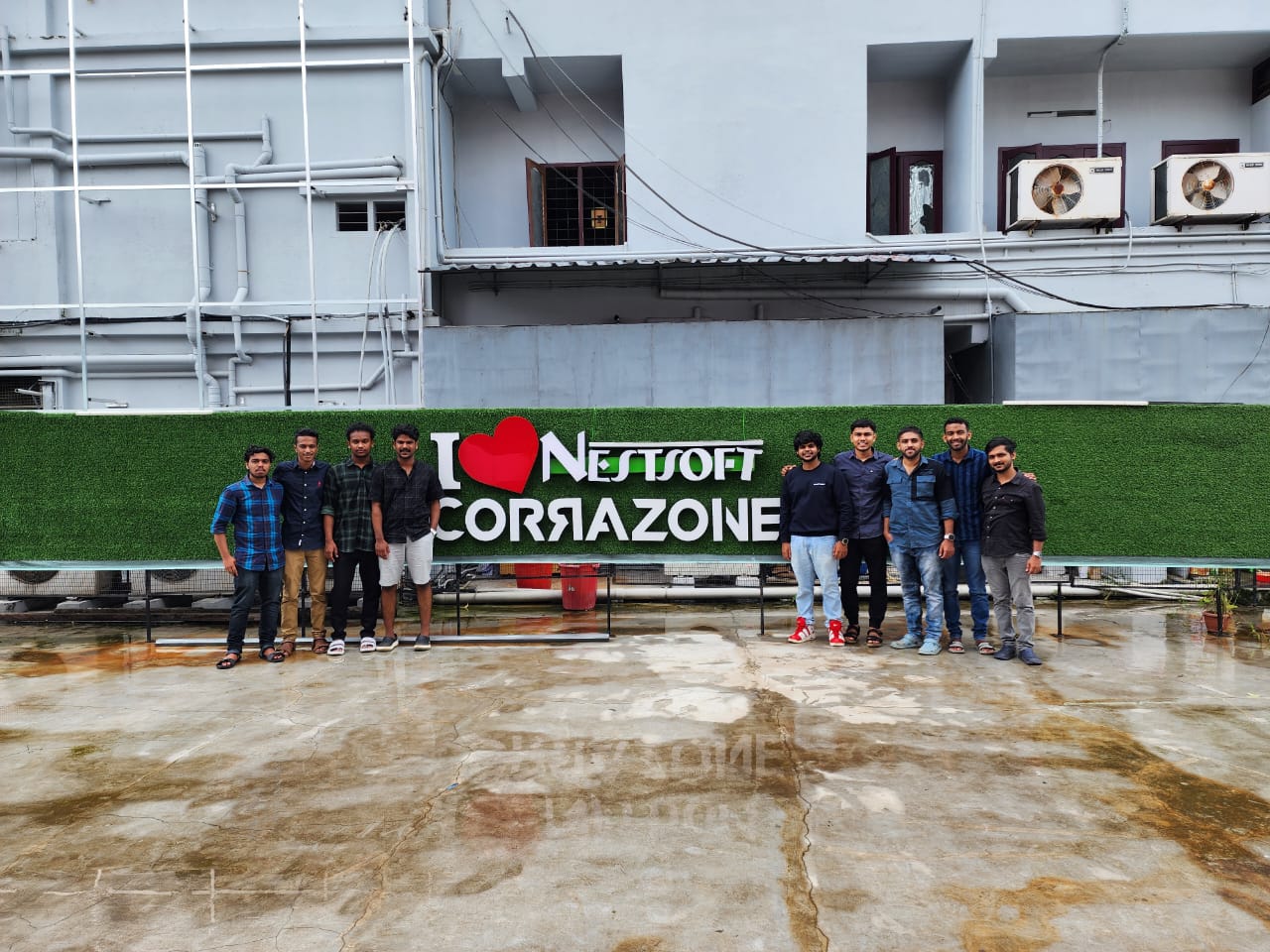
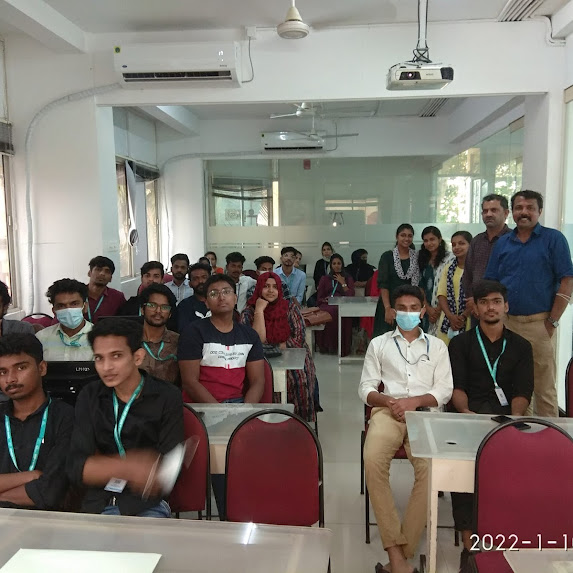
Photos of Training / Internships

Internship/projects in manchester

Trained more than 10000+ students who trust Nestsoft TechnoMaster

Get Your Personal Trainer