Send enquiry ⏎

Adobe After Effects Online Live Class by Experts

Our Training/Internship Process

Adobe After Effects Online Live Classes in Bradford | Free Demo Training

Adobe After Effects - Syllabus, Fees & Duration

MODULE 1: Fundamentals of Motion Graphics

  • RGB Color Model
  • Frame Size
  • Resolution
  • Pixel Aspect Ratio
  • Alpha Channels
  • Frame Rate
  • Time Code
  • Interpreting Footage

MODULE 2: Getting to Know the Workflow

  • How After Effects Works
  • Overview of panels
  • Creating a project and importing footage
  • Creating a composition and arranging layers
  • Adding effects and modifying layer properties
  • Animating the composition
  • Previewing your work
  • Optimizing performance in After Effects
  • Customizing workspaces
  • Controlling the brightness of the user interface
  • Finding resources for using After Effects

MODULE 3:Creating a Basic Animation Using Effects and Presets

  • Importing footage using Adobe Bridge
  • Importing video clips
  • Importing stills
  • Importing a sequence of stills (interpreting)
  • Importing multilayered photoshop and illustrator files
  • Creating a new composition
  • Applying effects to a layer
  • Changing parameters globally
  • Creating keyframes
  • Keyframe interpolation: auto, continuous, and Bezier interpolation
  • Temporal and spatial Interpolation
  • Roving in time for spatial properties
  • Creating and applying an animation preset
  • Previewing your work

MODULE 4:Working With Masks

  • About masks
  • Creating a mask with the Pen tool
  • Editing a mask
  • Feathering the edges of a mask
  • Replacing the content of the mask
  • Mask interpolation
  • Using masks from Illustrator and Photoshop
  • Masks for spatial keyframes

MODULE 5:Animating Text

  • About text layers
  • Creating and formatting point text vs paragraph text
  • Using a text animation preset
  • Text on a path
  • Animating imported Photoshop text
  • Animating text using a path animation preset
  • Using a text animators
  • Adding properties
  • Adding a range selector
  • Using a text animator group

MODULE 6: Working with Shape Layers

  • Adding a shape layer
  • Creating custom shapes
  • Creating stars
  • Default properties of shape layers
  • Add properties
  • Creating Groups
  • Stack your shapes & properties
  • Using Brainstorm to experiment

MODULE 7: Other Effects

  • Time remapping
  • Motion sketch
  • The smoother
  • The wiggler
  • Auto orient
  • Splitting a layer
  • Adjustment layers
  • The effects and presets panel

MODULE 8: Distorting Objects with the Puppet Tools

  • About the Puppet tools
  • Adding Deform pins
  • Defining areas of overlap
  • Stiffening an area
  • Animating pin positions
  • Recording animation

MODULE 9: Rendering and Output

  • Creating templates for the Render Queue
  • Exporting using the Render Queue
  • Rendering movies with Adobe Media Encoder

MODULE 10: Transfer Controls

  • Understanding Layer Blending Modes and how to change those using shortcuts
  • Using Track Mattes
  • Understanding precomposing and nesting
  • Stencil and Silhouette
  • Preserve Transparency

Download Syllabus - Adobe After Effects
This syllabus is not final and can be customized as per needs/updates
   
10000+
20+
50+
25+

Adobe After Effects Jobs in Bradford

Enjoy the demand

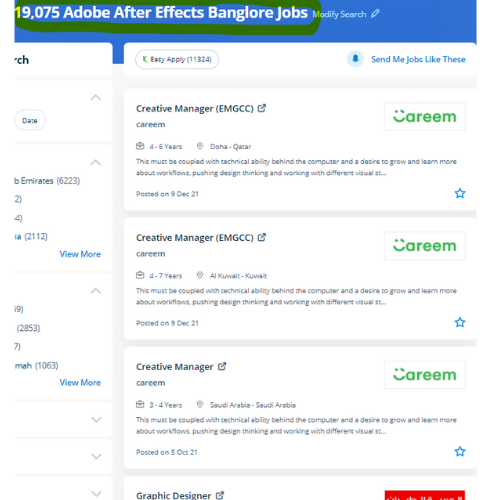
Find jobs related to Adobe After Effects in search engines (Google, Bing, Yahoo) and recruitment websites (monsterindia, placementindia, naukri, jobshybrid.com, indeed.co.in, shine.com etc.) based in Bradford, chennai and europe countries. You can find many jobs for freshers related to the job positions in Bradford.

  • 3D Interior Designer
  • Graphic Designer
  • Motion Graphics Designer
  • UI/UX Trainer
  • Freelance Graphic Designer
  • After Effects Trainer
  • After Effects Editor
  • Motion Video Editor
  • Video Editing Trainer
  • 2d Motion Designer

Adobe After Effects Internship/Course Details

Adobe After Effects internship jobs in Bradford
Adobe After Effects Adobe After Effects could be a motion graphics, visual result, and virtual compositing software used withinside the post-production of movie and television productions. After Effects is the most generally used kind of animation in motion graphics. when completion of the course if you have got any doubt regarding it our experts are forever available for resolution your doubts. Interested candidates might register in our Adobe once Effects coaching course. Nestsoft helps you to learn this powerful motion graphics application In hands-on live classes, and thru this you’ll work on various real-world animation projects, consisting of GIFs, ads, title sequences, and logos. Video editing Vector based animations You can combine this with Photoshop and essentially all of the different products in the Adobe suite Adobe provides tutorials for better understanding Nestsoft Adobe after-effects coaching will teach you our industry-experienced Adobe suite certified trainers. For titles, shapes, second cartoons, additionally as computer graphics, After Effects is your tool. . the simultaneous accomplishment of the after Effects Program, they’ll gain an exceptional understanding of the menu and tools in After Effects and be ready to complete work with a high level of management. In Nestsoft, you'll learn the way to merge text, graphics, and effects on films.


Meet a Few of our Industry Experts 🚀 Your Pathway to IT Career

Thejaswarreddy

Mobile: +91 9895490866
Location: Online (Bradford, Uk)
Qualification: degree

Experience: Striving Digital Marketing excutive bringing 2+ years of experience in creating on-brand marketing content managing online campaigns SEO and Analytics  more..

deepthy

Mobile: +91 98474 90866
Location: Online (Bradford, Uk)
Qualification: btech

Experience: more than one year experience in IOS development   more..

Sajmi

Mobile: +91 9895490866
Location: Online (Bradford, Uk)
Qualification: Bachelors of computer applications

Experience: Apache hadoop pig hive sqoop sql numpy pandas matplotlib seaborn python data science artificial intelligence machine learning nlp deep learning  more..

Hari

Mobile: +91 8301010866
Location: Online (Bradford, Uk)
Qualification: Mca

Experience: Html css javascript wordpress angular react  more..

Gaurav

Mobile: +91 91884 77559
Location: Online (Bradford, Uk)
Qualification: B Sc in Multimedia Technology

Experience: I have 0 6 months on experience in graphic design industry as I was a video editor plus a graphic  more..

Roshan

Mobile: +91 89210 61945
Location: Online (Bradford, Uk)
Qualification: undergraduation

Experience: html CSS php known to design brouchers completed project based on online voting system  more..

Mrinal

Mobile: +91 8301010866
Location: Online (Bradford, Uk)
Qualification: H. S

Experience: 3 years experience in computer hardware and networking field at jdb itcare 3 years experience in php development 6 month  more..

Saksham

Mobile: +91 91884 77559
Location: Online (Bradford, Uk)
Qualification: B.Tech

Experience: I have 1 year of experience as dotnet developer  more..

ANAND

Mobile: +91 91884 77559
Location: Online (Bradford, Uk)
Qualification: Bachelor of Engineering - Computer Engineering (Pursuing)

Experience: Digital Forensics Forensic tools - Autopsy Ftk Imager Microsoft Office Programming language (basics) - python C++ Artifact parsing (Windows Forensics)  more..

Namita

Mobile: +91 91884 77559
Location: Online (Bradford, Uk)
Qualification: Post graduate diploma in business administration and learning from crio.do as fr

Experience: I am from non tech background but recently started learning in frontend development role from crio do which is helping  more..

Rahma

Mobile: +91 8301010866
Location: Online (Bradford, Uk)
Qualification: Bachelor

Experience: 4 years experience of graphic design and concept art |   more..

Arjun

Mobile: +91 98474 90866
Location: Online (Bradford, Uk)
Qualification: Bachelors in Visual design and comm

Experience: Proficiency in design and all fields of visual communication 4 years of working experience in the design industry  more..

Litheesh

Mobile: +91 94975 90866
Location: Online (Bradford, Uk)
Qualification: B.sc cs

Experience: Hi I am s Litheesh Sharma I am a 22 year old boy I am B sc cs degree compled  more..

Vishnu

Mobile: +91 8301010866
Location: Online (Bradford, Uk)
Qualification: B.E

Experience: I am writing to express 3 years experience in Android Developer position I successful completed and published play store in  more..

Vishnu

Mobile: +91 98474 90866
Location: Online (Bradford, Uk)
Qualification: B.com

Experience: As a fresher I have no experience I am fresher I am looking forward for this opportunity Skilled in C  more..

Falah

Mobile: +91 89210 61945
Location: Online (Bradford, Uk)
Qualification: Diploma

Experience: Iam very good in Web design &developing  more..

Abhay

Mobile: +91 91884 77559
Location: Online (Bradford, Uk)
Qualification: MCA

Experience: I have 2+ years of experience as Frontend developer with these skills HTML CSS Javascript jQuery bootstrap tailwindcss WordPress and  more..

Vyanktesh

Mobile: +91 91884 77559
Location: Online (Bradford, Uk)
Qualification: BE computer engineering

Experience: I have 1 7 year of experience in odoo Css html XML javascript python SQL psql  more..

pratik

Mobile: +91 98474 90866
Location: Online (Bradford, Uk)
Qualification: Bsc-IT

Experience: Proficient in HTML CSS and Bootstrap Solid understanding of web development principles and best practices Experience in creating responsive and  more..

Rishabh

Mobile: +91 91884 77559
Location: Online (Bradford, Uk)
Qualification: B.SC.Computer Science and PGDCA

Experience: Python c c++ front-end development sql  more..

Vismaya

Mobile: +91 8301010866
Location: Online (Bradford, Uk)
Qualification: BCA + MEAN Fullstack Development

Experience: Completed MEAN fullstack development courseApplication for Meanstack Developer Mean Stack  more..

Piyush

Mobile: +91 91884 77559
Location: Online (Bradford, Uk)
Qualification: 10th pass

Experience: Good evening sir or mam This is piyush from navyug school Sarojini Nagar I have an experienced on canva graphic  more..

Rahil

Mobile: +91 94975 90866
Location: Online (Bradford, Uk)
Qualification: B.Tech

Experience: Java developer with 10 years of experience that includes working as Programmer Analyst and in Associate Role in Cognizant Technology  more..

Vakkalagadda

Mobile: +91 98474 90866
Location: Online (Bradford, Uk)
Qualification: B.Tech

Experience: I have 3 years of experience in Digital Marketing and 1 year experience as PLSQl developer   more..

Success Stories

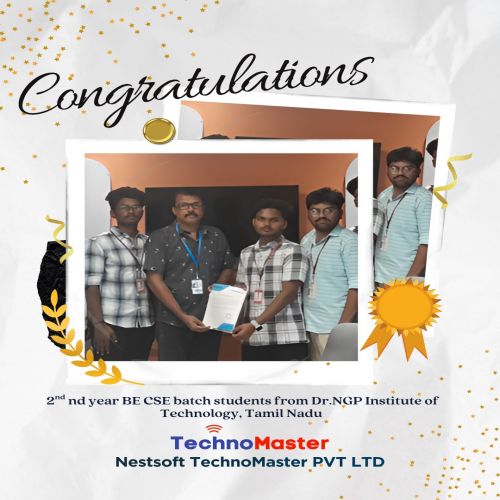
The enviable salary packages and track record of our previous students are the proof of our excellence. Please go through our students' reviews about our training methods and faculty and compare it to the recorded video classes that most of the other institutes offer. See for yourself how TechnoMaster is truly unique.

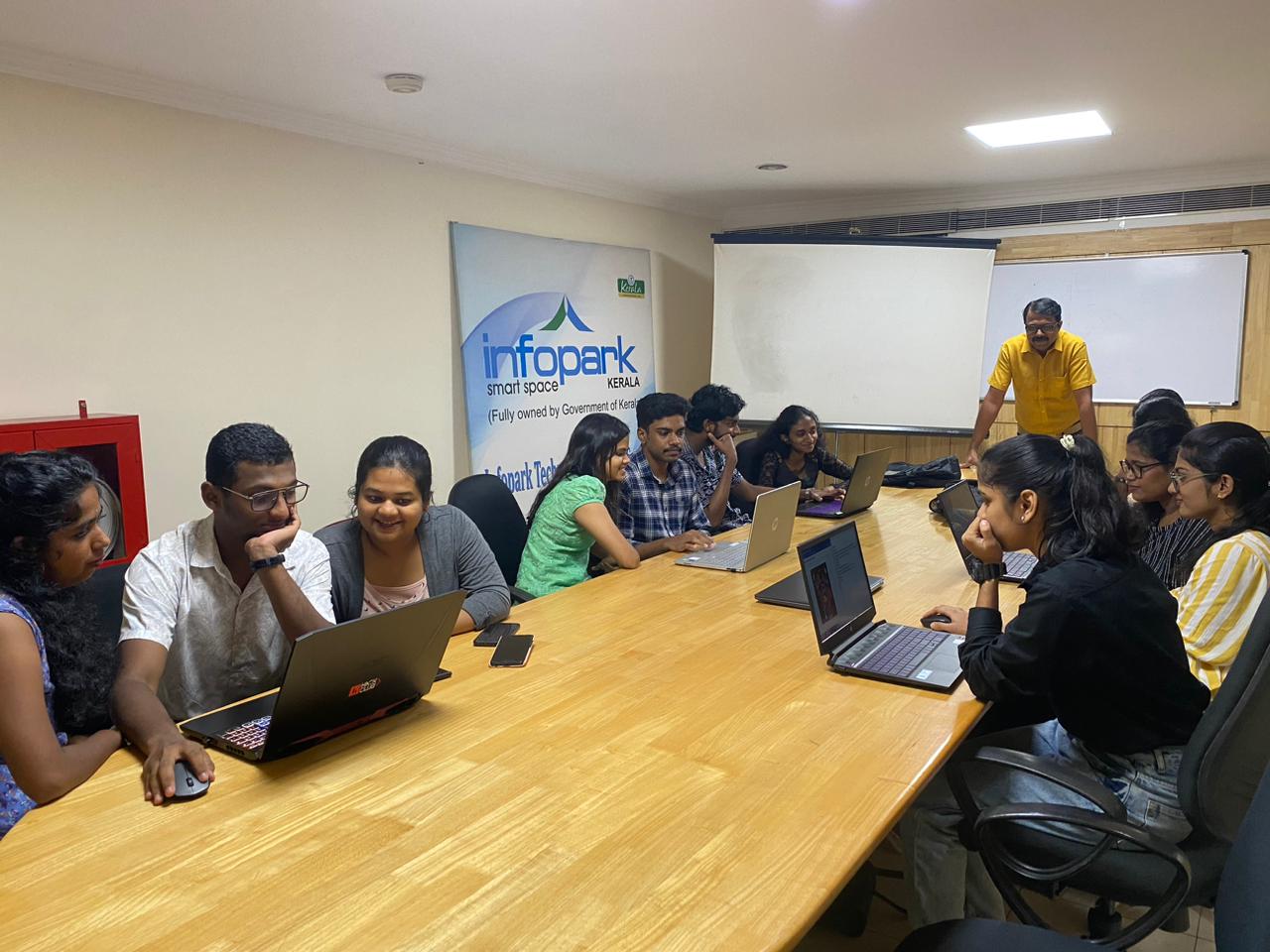
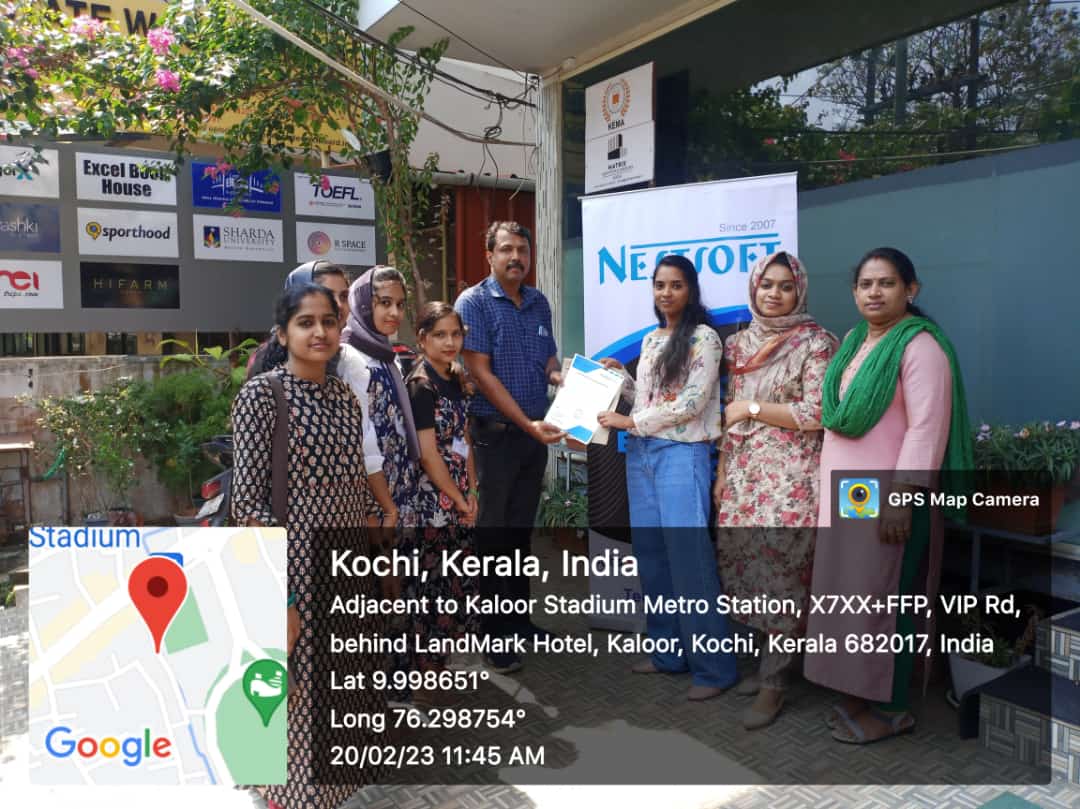
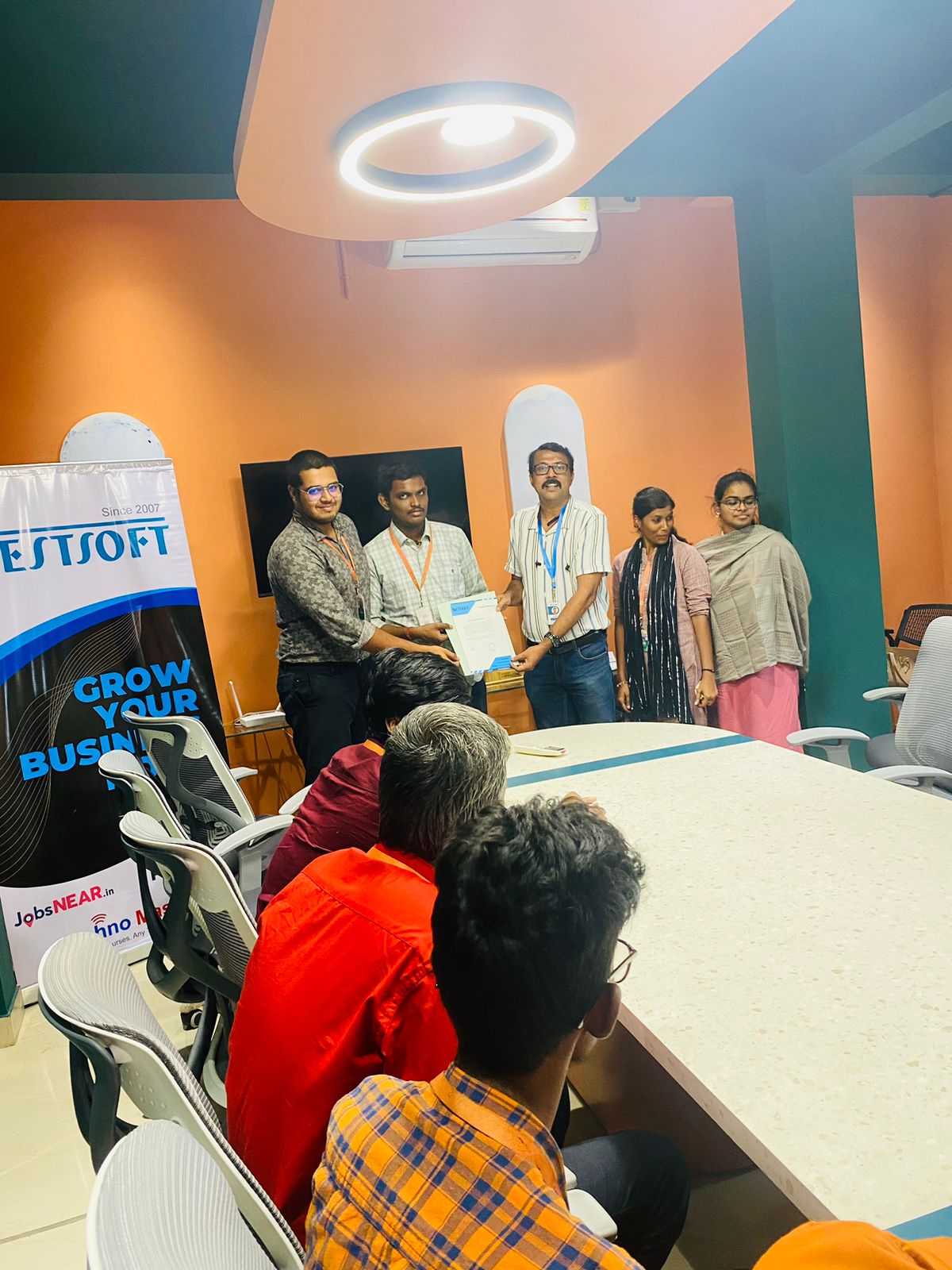
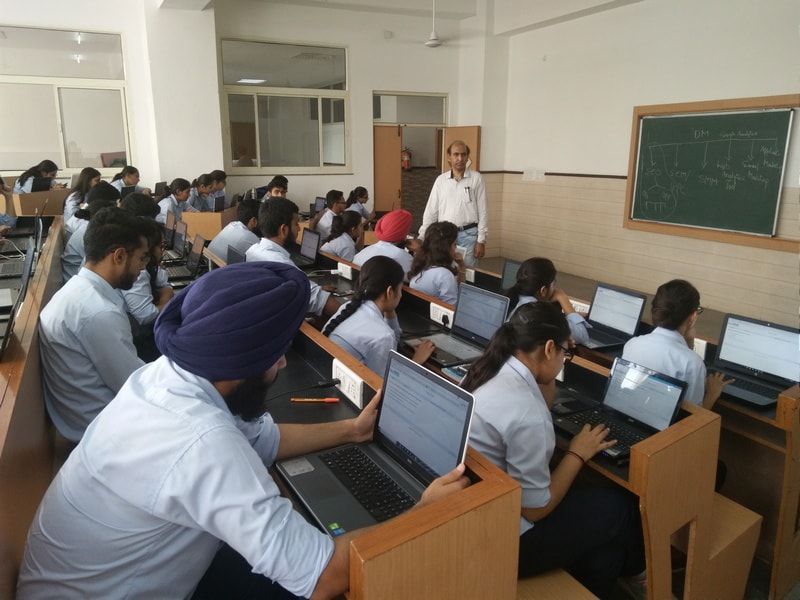
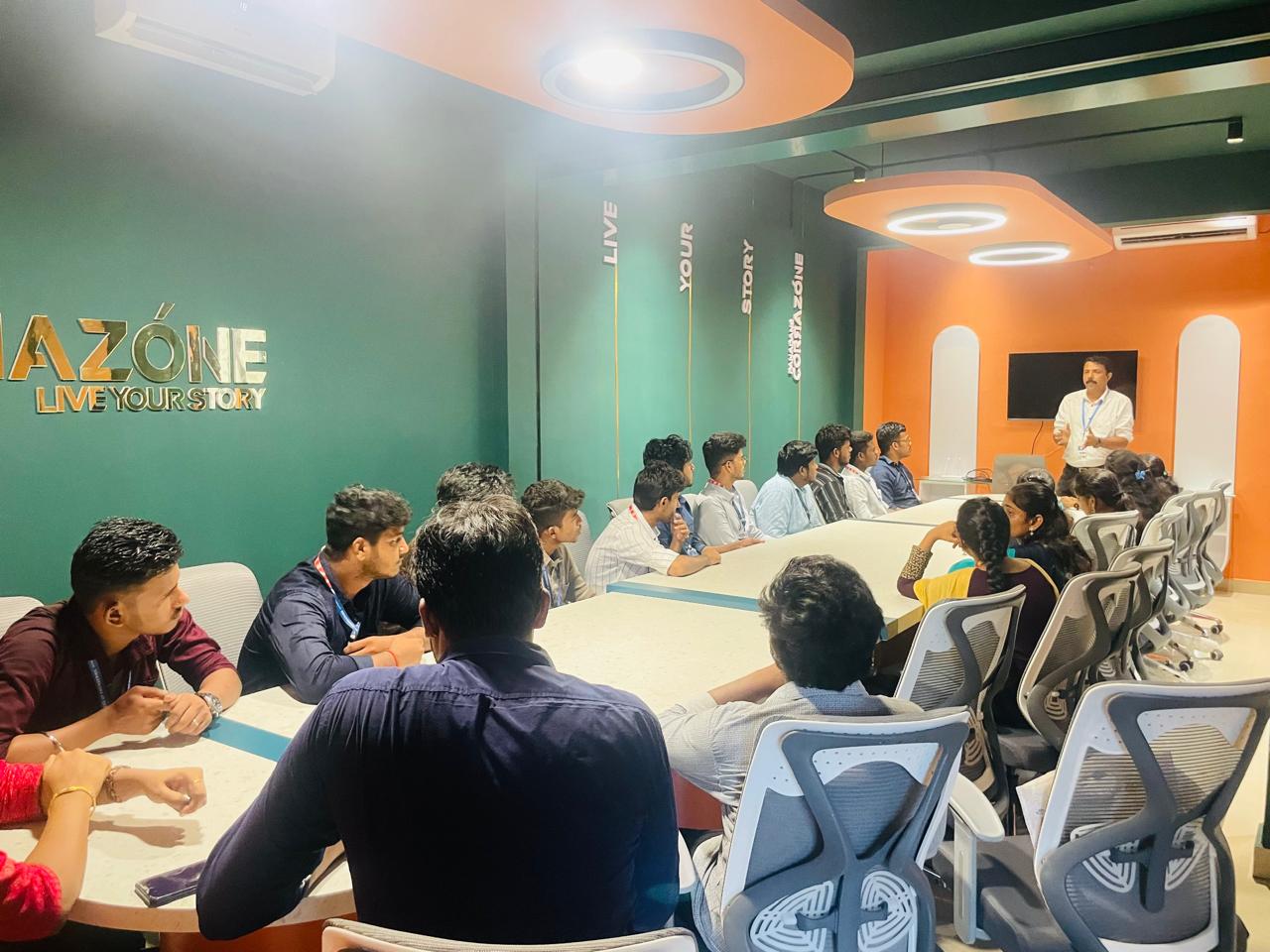
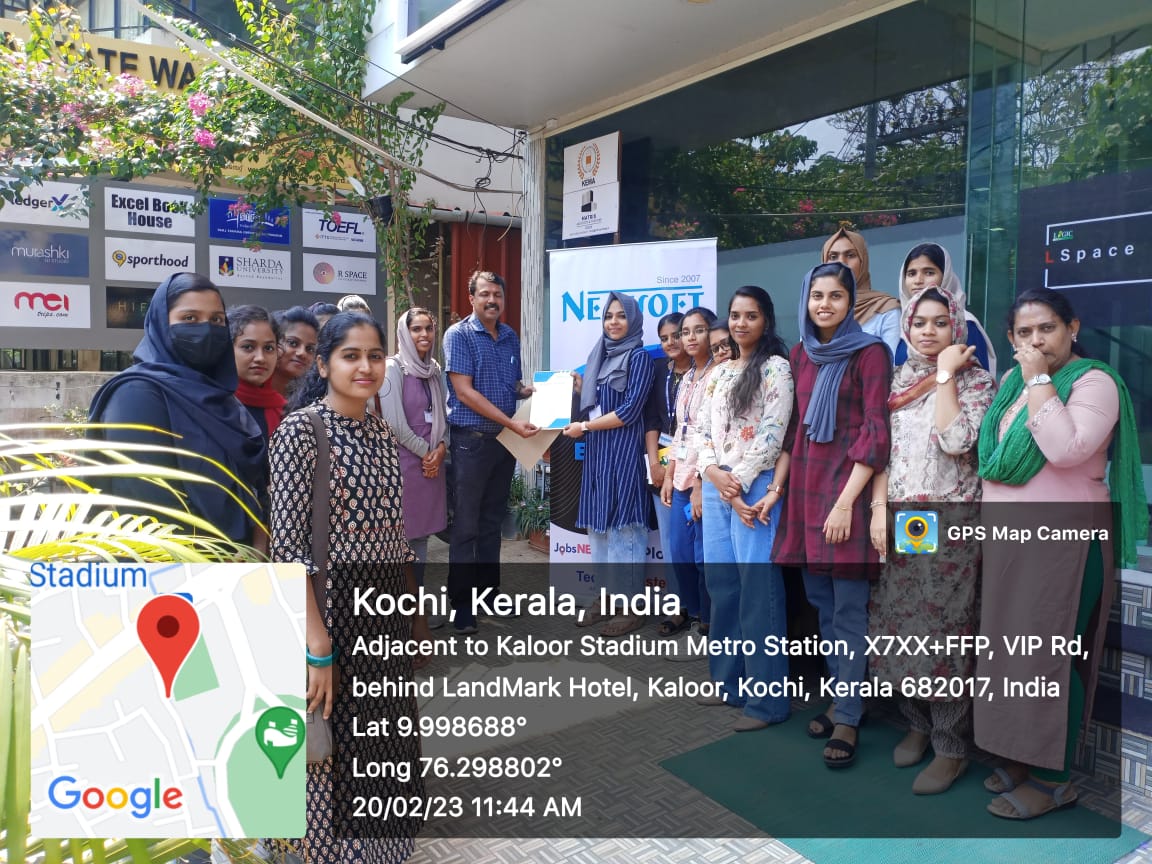
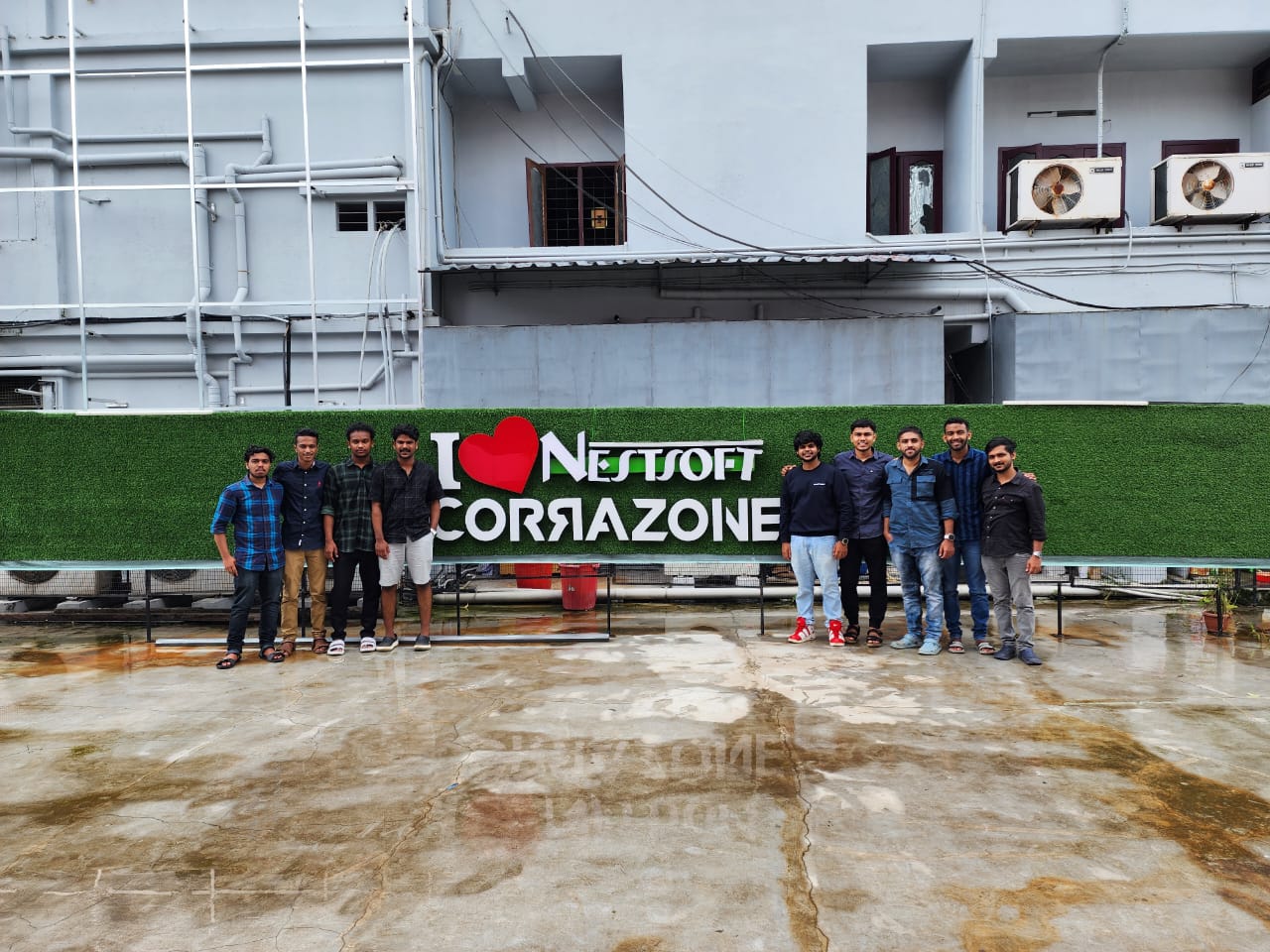
Photos of Training / Internships

Internship/projects in bradford

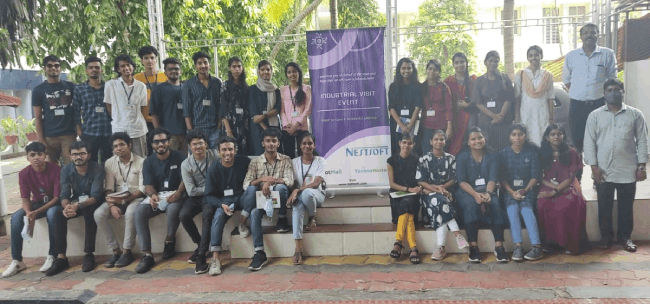
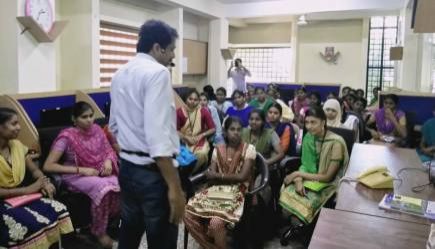
Trained more than 10000+ students who trust Nestsoft TechnoMaster

Get Your Personal Trainer