Send enquiry ⏎

Adobe After Effects Online Live Class by Experts

Our Training/Internship Process

Adobe After Effects Online Live Classes in London | Free Demo Training

Adobe After Effects - Syllabus, Fees & Duration

MODULE 1: Fundamentals of Motion Graphics

  • RGB Color Model
  • Frame Size
  • Resolution
  • Pixel Aspect Ratio
  • Alpha Channels
  • Frame Rate
  • Time Code
  • Interpreting Footage

MODULE 2: Getting to Know the Workflow

  • How After Effects Works
  • Overview of panels
  • Creating a project and importing footage
  • Creating a composition and arranging layers
  • Adding effects and modifying layer properties
  • Animating the composition
  • Previewing your work
  • Optimizing performance in After Effects
  • Customizing workspaces
  • Controlling the brightness of the user interface
  • Finding resources for using After Effects

MODULE 3:Creating a Basic Animation Using Effects and Presets

  • Importing footage using Adobe Bridge
  • Importing video clips
  • Importing stills
  • Importing a sequence of stills (interpreting)
  • Importing multilayered photoshop and illustrator files
  • Creating a new composition
  • Applying effects to a layer
  • Changing parameters globally
  • Creating keyframes
  • Keyframe interpolation: auto, continuous, and Bezier interpolation
  • Temporal and spatial Interpolation
  • Roving in time for spatial properties
  • Creating and applying an animation preset
  • Previewing your work

MODULE 4:Working With Masks

  • About masks
  • Creating a mask with the Pen tool
  • Editing a mask
  • Feathering the edges of a mask
  • Replacing the content of the mask
  • Mask interpolation
  • Using masks from Illustrator and Photoshop
  • Masks for spatial keyframes

MODULE 5:Animating Text

  • About text layers
  • Creating and formatting point text vs paragraph text
  • Using a text animation preset
  • Text on a path
  • Animating imported Photoshop text
  • Animating text using a path animation preset
  • Using a text animators
  • Adding properties
  • Adding a range selector
  • Using a text animator group

MODULE 6: Working with Shape Layers

  • Adding a shape layer
  • Creating custom shapes
  • Creating stars
  • Default properties of shape layers
  • Add properties
  • Creating Groups
  • Stack your shapes & properties
  • Using Brainstorm to experiment

MODULE 7: Other Effects

  • Time remapping
  • Motion sketch
  • The smoother
  • The wiggler
  • Auto orient
  • Splitting a layer
  • Adjustment layers
  • The effects and presets panel

MODULE 8: Distorting Objects with the Puppet Tools

  • About the Puppet tools
  • Adding Deform pins
  • Defining areas of overlap
  • Stiffening an area
  • Animating pin positions
  • Recording animation

MODULE 9: Rendering and Output

  • Creating templates for the Render Queue
  • Exporting using the Render Queue
  • Rendering movies with Adobe Media Encoder

MODULE 10: Transfer Controls

  • Understanding Layer Blending Modes and how to change those using shortcuts
  • Using Track Mattes
  • Understanding precomposing and nesting
  • Stencil and Silhouette
  • Preserve Transparency

Download Syllabus - Adobe After Effects
This syllabus is not final and can be customized as per needs/updates
   
10000+
20+
50+
25+

Adobe After Effects Jobs in London

Enjoy the demand

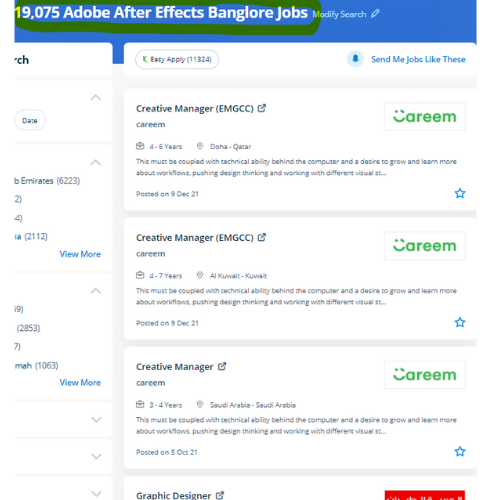
Find jobs related to Adobe After Effects in search engines (Google, Bing, Yahoo) and recruitment websites (monsterindia, placementindia, naukri, jobshybrid.com, indeed.co.in, shine.com etc.) based in London, chennai and europe countries. You can find many jobs for freshers related to the job positions in London.

  • 3D Interior Designer
  • Graphic Designer
  • Motion Graphics Designer
  • UI/UX Trainer
  • Freelance Graphic Designer
  • After Effects Trainer
  • After Effects Editor
  • Motion Video Editor
  • Video Editing Trainer
  • 2d Motion Designer

Adobe After Effects Internship/Course Details

Adobe After Effects internship jobs in London
Adobe After Effects In Nestsoft, you'll learn the way to merge text, graphics, and effects on films. Nestsoft's live online After Effects Courses assist you to learn advanced After Effects topics such as chroma keying, motion tracking, rotoscoping, VFX, and motion design. the main applications of After Effects are going to be classified into three categories: Animation, Effects, and compositing. . Nestsoft helps you to learn this powerful motion graphics application In hands-on live classes, and thru this you’ll work on various real-world animation projects, consisting of GIFs, ads, title sequences, and logos. to apply effects after the footage has been edited, or to make animation and motion graphics from otherwise static objects this program will be used effectively. For titles, shapes, second cartoons, additionally as computer graphics, After Effects is your tool. The Adobe After Effects course Intermediate and Adobe after Effects – High-level training Course is meant for videographers, graphic artists, and animators with basic level Adobe After Effects experience. although it will do these items, it is not similar to a movie editing program. lots experts use the After-effect tool for animation and video post-production, which allows users to design and deliver knowledgeable motion pix and visual effects for film, TV, video, and web.


Meet a Few of our Industry Experts 🚀 Your Pathway to IT Career

Aayush

Mobile: +91 98474 90866
Location: Online (London, Uk)
Qualification: BCA

Experience: I have 3 month experience of manual testing in grafo software dehradun   more..

Swapna

Mobile: +91 98474 90866
Location: Online (London, Uk)
Qualification: M C A

Experience: Having 13 years of experience in software testing which includes 8 years into automation testing I have been giving trainings  more..

Surya

Mobile: +91 91884 77559
Location: Online (London, Uk)
Qualification: BE. Mechanical Engineering

Experience: • Good understanding of the SDLC STLC Waterfall & Agile Methodologies • Experience in Automation Tools- Selenium framework & Playwright  more..

Niveda

Mobile: +91 91884 77559
Location: Online (London, Uk)
Qualification: MSc Computer science with specialization in Data analytics

Experience: A Final yearbMSc computer science with specialization in data analytics student from Kerala Digital University of Science and innovation (  more..

Nishanth

Mobile: +91 9895490866
Location: Online (London, Uk)
Qualification: MCA

Experience: HTML5 CSS3 Javascript I am seeking entry level opportunity in frontend developer   more..

Akshay

Mobile: +91 94975 90866
Location: Online (London, Uk)
Qualification: Msc-IT

Experience: Backend development: Java (Core & Advanced) Java Servlets JSP Spring (Boot MVC Data) Hibernate Node js Tomcat • Frontend development:  more..

Pournima

Mobile: +91 94975 90866
Location: Online (London, Uk)
Qualification: BE

Experience: I am a NET developer with 3 years of experience in developing and maintaining web applications using ASP NET MVC  more..

Chintan

Mobile: +91 91884 77559
Location: Online (London, Uk)
Qualification: Diploma in computer engineering

Experience: I'm a have good knowledge about professional android deployment like jetpack component MVVM Kotlin  more..

Piyush

Mobile: +91 91884 77559
Location: Online (London, Uk)
Qualification: b. tech

Experience: angular HTML css JavaScript  more..

KARTHIK

Mobile: +91 98474 90866
Location: Online (London, Uk)
Qualification: bsc

Experience: i have pretty good with python and sql and know c and c++  more..

Jayanta

Mobile: +91 91884 77559
Location: Online (London, Uk)
Qualification: B-tech IT

Experience: Skills: ms-office html css javascript computer networking  more..

Ganesh

Mobile: +91 98474 90866
Location: Online (London, Uk)
Qualification: BE(computer science & engineering)

Experience: I am an  Android developer with a diverse portfolio that includes projects ranging from implementing PhonePe's payment gateway to creating  more..

Mayank

Mobile: +91 9895490866
Location: Online (London, Uk)
Qualification: graduate

Experience: html css js react postgresql have done a internship  more..

mohit

Mobile: +91 89210 61945
Location: Online (London, Uk)
Qualification: BCA

Experience: I have 1 4 years of experience in manual testing   more..

Feba

Mobile: +91 8301010866
Location: Online (London, Uk)
Qualification: BCA

Experience: Java Python C C++ html php and now I am pursuing MCA  more..

MADAN

Mobile: +91 91884 77559
Location: Online (London, Uk)
Qualification: MCA

Experience: 13 5 Years exp in programming and teaching  more..

PRIYANKA

Mobile: +91 8301010866
Location: Online (London, Uk)
Qualification: BE (COMPUTER)

Experience: Having 4 years 2 months of experience in IT development as a Software Engineer Can provide training for front end  more..

vikash

Mobile: +91 91884 77559
Location: Online (London, Uk)
Qualification: B.Tech

Experience: Senior Android Developer with over 8 years of experience in designing developing and maintaining high-quality mobile applications Proficient in Java  more..

Ajith

Mobile: +91 8301010866
Location: Online (London, Uk)
Qualification: BCA

Experience: Manual testing Automation testing Selenium Java postman Jmeter  more..

Dnyaneshwar

Mobile: +91 98474 90866
Location: Online (London, Uk)
Qualification: B.E.

Experience: 2 years of experience in odoo development As a developer As a tester As a technical support person As a  more..

Manohar

Mobile: +91 91884 77559
Location: Online (London, Uk)
Qualification: B. Tech

Experience: Android kotlin jetpack flutter dart  more..

Shawn

Mobile: +91 91884 77559
Location: Online (London, Uk)
Qualification: B.E

Experience: Manual testing Automation Testing Api testing Database testing Mobile testing Web app testing  more..

kavya

Mobile: +91 9895490866
Location: Online (London, Uk)
Qualification: B tech

Experience: Manual testing Automation testing Retesting Regression testing Black box testing Smoke testing Sanity testing Exploratory testing API testing SQL queries  more..

Anugya

Mobile: +91 91884 77559
Location: Online (London, Uk)
Qualification: Btech

Experience: C cpp python  more..

Success Stories

The enviable salary packages and track record of our previous students are the proof of our excellence. Please go through our students' reviews about our training methods and faculty and compare it to the recorded video classes that most of the other institutes offer. See for yourself how TechnoMaster is truly unique.

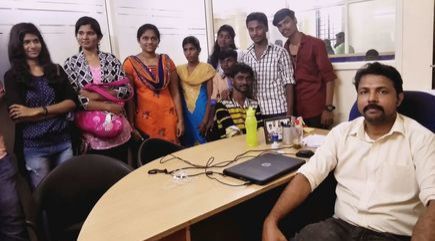
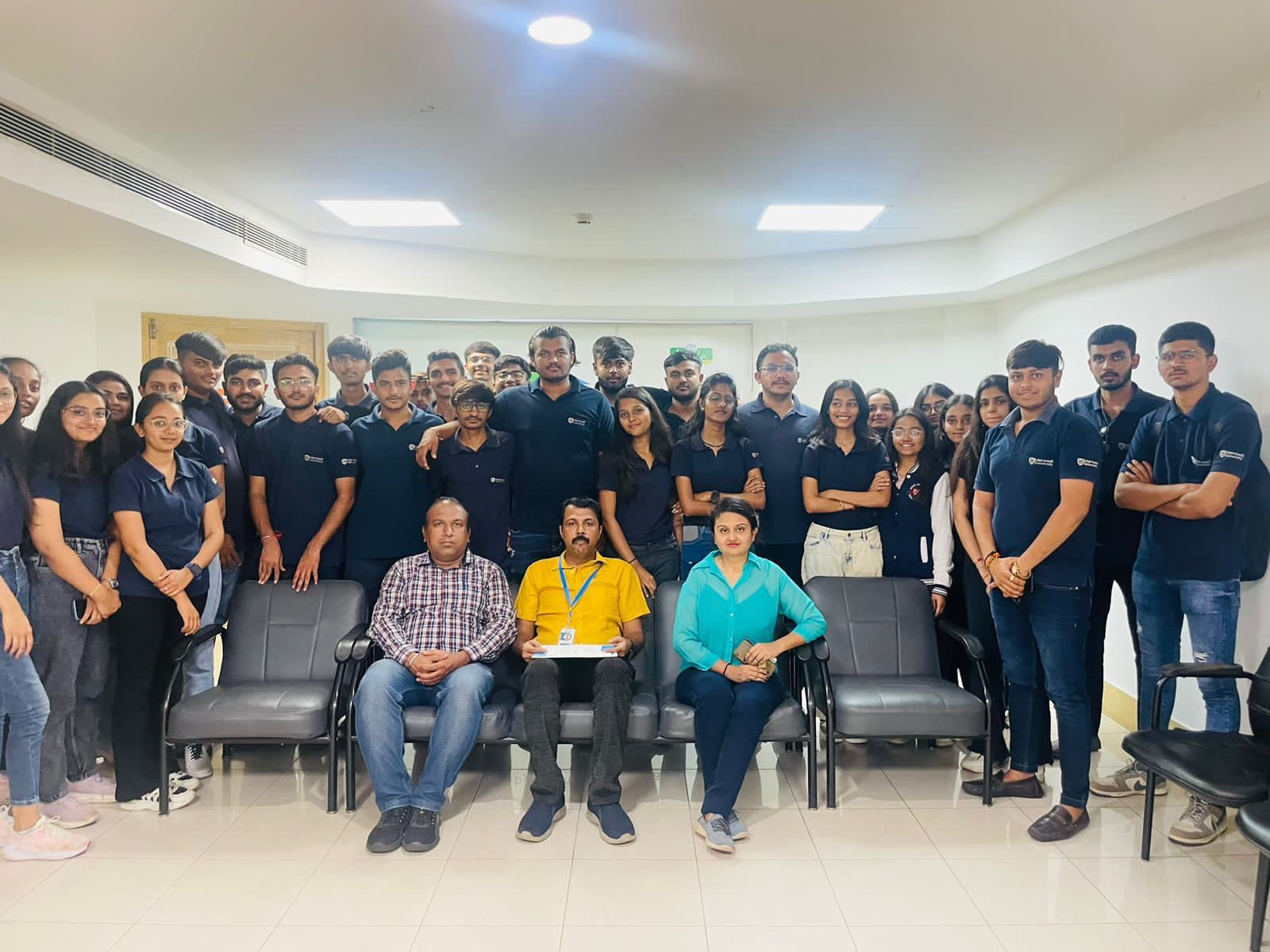
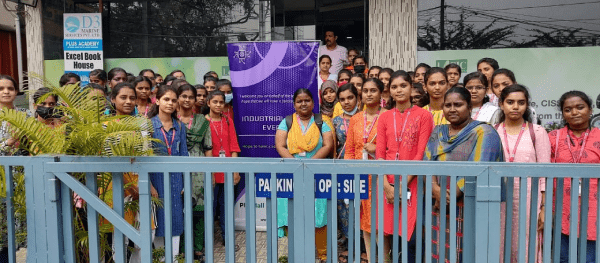
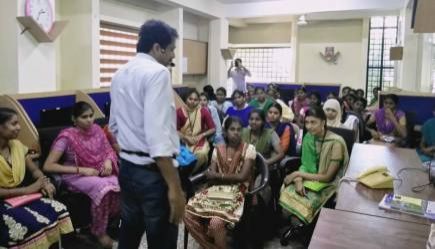
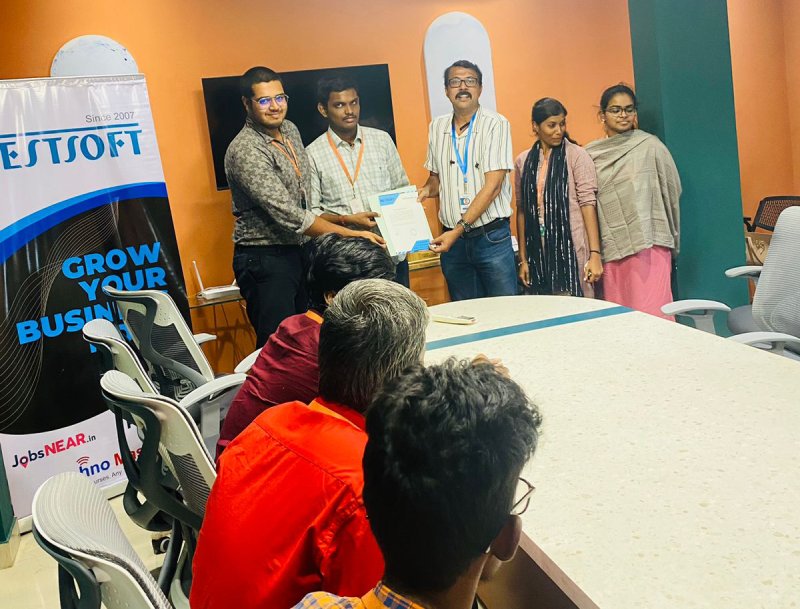
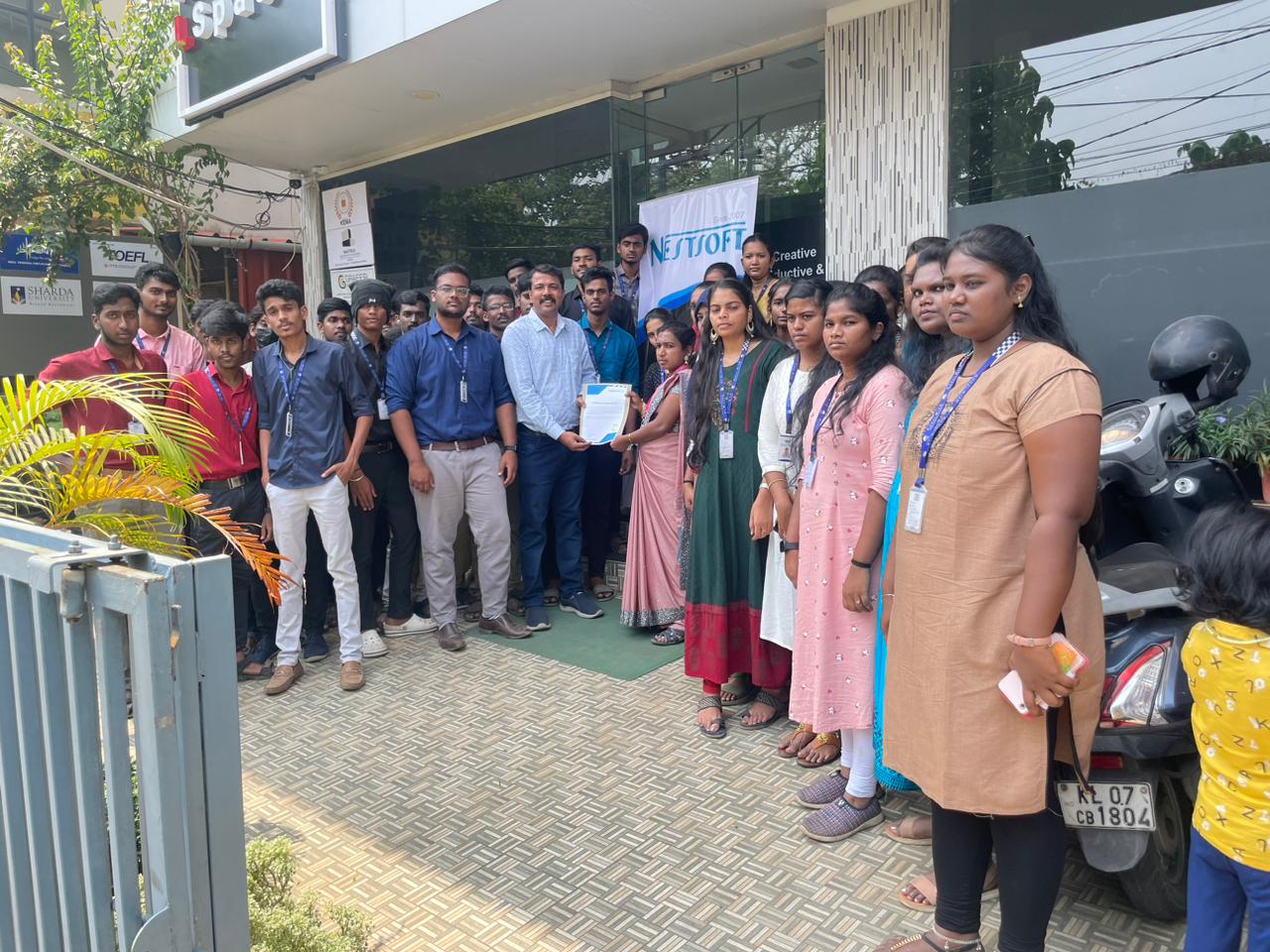
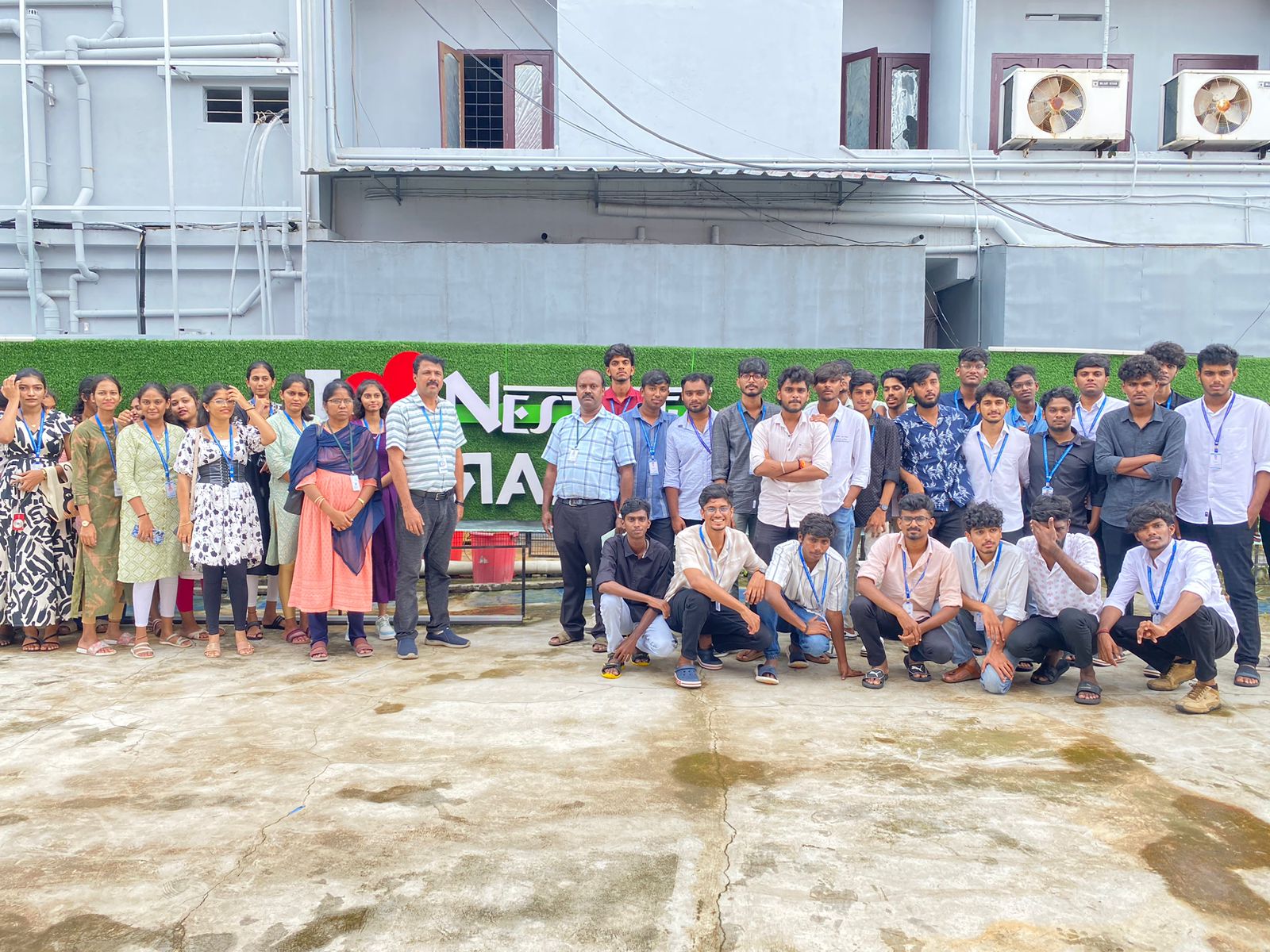
Photos of Training / Internships

Internship/projects in london

Trained more than 10000+ students who trust Nestsoft TechnoMaster

Get Your Personal Trainer