Send enquiry ⏎

Autodesk Maya Online Live Class by Experts

Our Training/Internship Process

Autodesk Maya Online Live Classes in Leicester | Free Demo Training

Autodesk Maya - Syllabus, Fees & Duration

Overview of Maya

  • Understanding the Maya interface
  • Setting up files and Maya projects
  • Configuring viewports
  • Customizing the interface
  • Navigating the Maya workspace
  • Using the hotbox and marking menus
  • Selecting objects
  • Using the Move tool
  • Rotating and scaling objects
  • Working with pivots
  • Understanding the Channel Box
  • The Attribute Editor

Maya Scenes

  • Organizing Maya Scenes
  • Working with the Outliner
  • Dealing with hierarchies
  • Object groups
  • Exploring Hypergraph
  • Hiding and showing objects
  • Working with layers
  • Working with selection masks

Working with Polygons

  • Creating Polygonal Models
  • Differences between NURBS and polys
  • Selecting polygonal components
  • Using Soft Select and reflection
  • Sculpting with the Sculpt tool
  • The Combine and Separate commands
  • Working with subdivision surfaces

Working with Meshes

  • Working with edge loops
  • Using Edge Flow for smooth geometry
  • Reorienting geometry using Spin Edge
  • Drawing detail with the Connect tool
  • Mirroring geometry
  • Modeling with nonlinear deformers
  • Modeling with lattices

NURBS-based Modelling

  • Refining NURBS Models
  • Extracting NURBS curves from surfaces
  • Open/ Close curves and surfaces
  • Creating curves on a surface
  • Projecting curves on surfaces
  • Trimming NURBS surfaces
  • Using fillets to connect surfaces
  • Converting NURBS to polygons

Using Materials

  • Creating Materials
  • Overview of Maya renderers
  • The basics of materials
  • Creating and applying maps
  • Using bitmaps as texture
  • Working with the Hype shade window
  • Using the Ramp material
  • Displacement and bump maps
  • Mental ray materials

Using Textures

  • Applying Textures
  • Texture mapping
  • Projecting textures on surfaces
  • Applying multiple materials
  • UV mapping
  • The UV Texture Editor

Rendering your Scene

  • Render Settings
  • Lights and lighting types
  • Rendering shadows
  • Camera basics
  • Depth of field
  • Motion Blur
  • Reflections and refractions
  • Matching lights and shadows to images
  • Batch rendering

Animating in Maya

  • The animation interface
  • Set Key
  • The Graph Editor
  • The Dope Sheet
  • Animating objects along spline paths
  • Ghosting animation
  • Animation playback using Playblast
  • Creating animation cycles

Download Syllabus - Autodesk Maya
This syllabus is not final and can be customized as per needs/updates
   
10000+
20+
50+
25+

Autodesk Maya Jobs in Leicester

Enjoy the demand

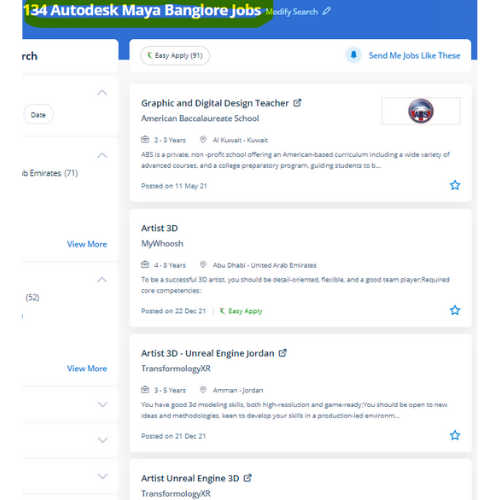
Find jobs related to Autodesk Maya in search engines (Google, Bing, Yahoo) and recruitment websites (monsterindia, placementindia, naukri, jobshybrid.com, indeed.co.in, shine.com etc.) based in Leicester, chennai and europe countries. You can find many jobs for freshers related to the job positions in Leicester.

  • Graphic Designer
  • Maya Trainer
  • Motion Graphic Designer
  • Generalist 3d
  • Technical Designer
  • Interior Designer
  • Designing Trainer
  • Freelance Graphic Designer
  • 3d designer
  • AutoCAD Draftsman

Autodesk Maya Internship/Course Details

Autodesk Maya internship jobs in Leicester
Autodesk Maya large film franchises like Transformers and Harry Potter use Maya technology to produce their wonderful visual effects and animation. The Maya interface, the Maya philosophy, 3D modeling, texturing, lighting, and rendering are introduced to the students. However, it is a good deal over a modeling code Maya is an ecosystem. Our trainers are senior specialists in Maya Animation course styles and animation for numerous years. Nestsoft provides an Autodesk Maya Animation online course that will prepare pupils with the fundamentals of 3D growing up with a Maya Animation course software. This software has no exception however others have their own strengths and weaknesses. Meet Maya from Autodesk. Using this tool you'll convert little video clips which will be given dynamic effects into a brief film. within the history of computer graphics, Maya is the most widespread 3D animation and modeling program. Trainees will get to search out excuses for all the ideas from basics to advanced level.


Meet a Few of our Industry Experts 🚀 Your Pathway to IT Career

Thasni

Mobile: +91 91884 77559
Location: Online (Leicester, Uk)
Qualification: MCA

Experience: Working as a Software Engineer and completed a course on MERN Stack full developer   more..

Kevin

Mobile: +91 9895490866
Location: Online (Leicester, Uk)
Qualification: BTech computer science

Experience: Java python Application for Java Spring  more..

Umaira

Mobile: +91 9895490866
Location: Online (Leicester, Uk)
Qualification: B. E computer science

Experience: I am an innovative Front End Developer and Wordpress with 4 years experience building and maintaining responsive websites in the  more..

AKHIL

Mobile: +91 98474 90866
Location: Online (Leicester, Uk)
Qualification:

Experience: Skilled node js developer having 1 year of experience | Resume for Node JS Developer  more..

Mayur

Mobile: +91 91884 77559
Location: Online (Leicester, Uk)
Qualification: Bsc computer

Experience: I have 2yers of experience in front-end development in html css Javascript Bootstrap angular Css3 Html5 jquery   more..

Adarsh

Mobile: +91 91884 77559
Location: Online (Leicester, Uk)
Qualification: Graduate

Experience: Proficient in German writing and speaking German Teaching Analytical thinking and market research MS Office proficiency Excellent communication skills Multi-tasking  more..

Kanika

Mobile: +91 9895490866
Location: Online (Leicester, Uk)
Qualification: Masters of computer applications

Experience: I’m having an experience of 1 year and 8 months as a front end developer I’m having experience of working  more..

Akshara

Mobile: +91 8301010866
Location: Online (Leicester, Uk)
Qualification: B.Des

Experience: Digital design contribution for catalogs flyers and newsletters for a company using Photoshop and Indesign as tools Designed and cataloged  more..

Priyanka

Mobile: +91 91884 77559
Location: Online (Leicester, Uk)
Qualification: BBA Graduated

Experience: Working with a Youtuber "Biology at Ease" for past 2 years which recently crossed 1 Million subscribers & have great  more..

Vishal

Mobile: +91 89210 61945
Location: Online (Leicester, Uk)
Qualification: graduate

Experience: python Mysql Django Pandas Numpy Matplotlib   more..

Vishal

Mobile: +91 94975 90866
Location: Online (Leicester, Uk)
Qualification: B.Tech

Experience: Automation Testing Manual Testing API testing Postman JMeter Selenium with Python C++ Python MySQL Jira Git  more..

Jisha

Mobile: +91 8301010866
Location: Online (Leicester, Uk)
Qualification: MCA

Experience: Python Html CSS Bootstrap Recently completed internship in python language from sysbreeze technologies kinfra   more..

Ashish

Mobile: +91 94975 90866
Location: Online (Leicester, Uk)
Qualification: Bachelor of engineering

Experience: Dear Hiring Manager I am writing to express my interest in the Wix Developer position currently available at Your Company  more..

nimagalu

Mobile: +91 89210 61945
Location: Online (Leicester, Uk)
Qualification: Btech

Experience: javascript react js html css  more..

Kavita

Mobile: +91 91884 77559
Location: Online (Leicester, Uk)
Qualification: B.E.Computer

Experience: I have total 4 year experience I am work as Android developer for 2 years 1 year work as Redhat  more..

Afeefa

Mobile: +91 91884 77559
Location: Online (Leicester, Uk)
Qualification: BCA

Experience: Python full stack developer  more..

Silpa

Mobile: +91 9895490866
Location: Online (Leicester, Uk)
Qualification: BTech

Experience: Python Full stack development training and SAP CRM consultant Client Handling  more..

Tarun

Mobile: +91 94975 90866
Location: Online (Leicester, Uk)
Qualification: BTech

Experience: 3 years of experience as a backend developer  more..

Madhuri

Mobile: +91 94975 90866
Location: Online (Leicester, Uk)
Qualification: MSC computer science

Experience: Completed software testing course  more..

Sneha

Mobile: +91 94975 90866
Location: Online (Leicester, Uk)
Qualification: Bachelors of Technology in Computer Science and Engineering

Experience: I am a fresher but with intense urge to learn and contribute Though i don't have industrial experience but I  more..

Anagha

Mobile: +91 91884 77559
Location: Online (Leicester, Uk)
Qualification: B.Tech

Experience: Full stack developer MERN c c++ python mongodbApplication for Meanstack Developer Mean Stack  more..

Simaran

Mobile: +91 8301010866
Location: Online (Leicester, Uk)
Qualification: Btech

Experience: Good skills in Wordpress php css bootstrap MySQL  more..

Bhavesh

Mobile: +91 9895490866
Location: Online (Leicester, Uk)
Qualification: Greduate

Experience: I am fresher looking for react js job  more..

Kumaran

Mobile: +91 94975 90866
Location: Online (Leicester, Uk)
Qualification: Bsc computer science

Experience: Experience -I am fresher Skills - html css bootstrap php Mysql   more..

Success Stories

The enviable salary packages and track record of our previous students are the proof of our excellence. Please go through our students' reviews about our training methods and faculty and compare it to the recorded video classes that most of the other institutes offer. See for yourself how TechnoMaster is truly unique.

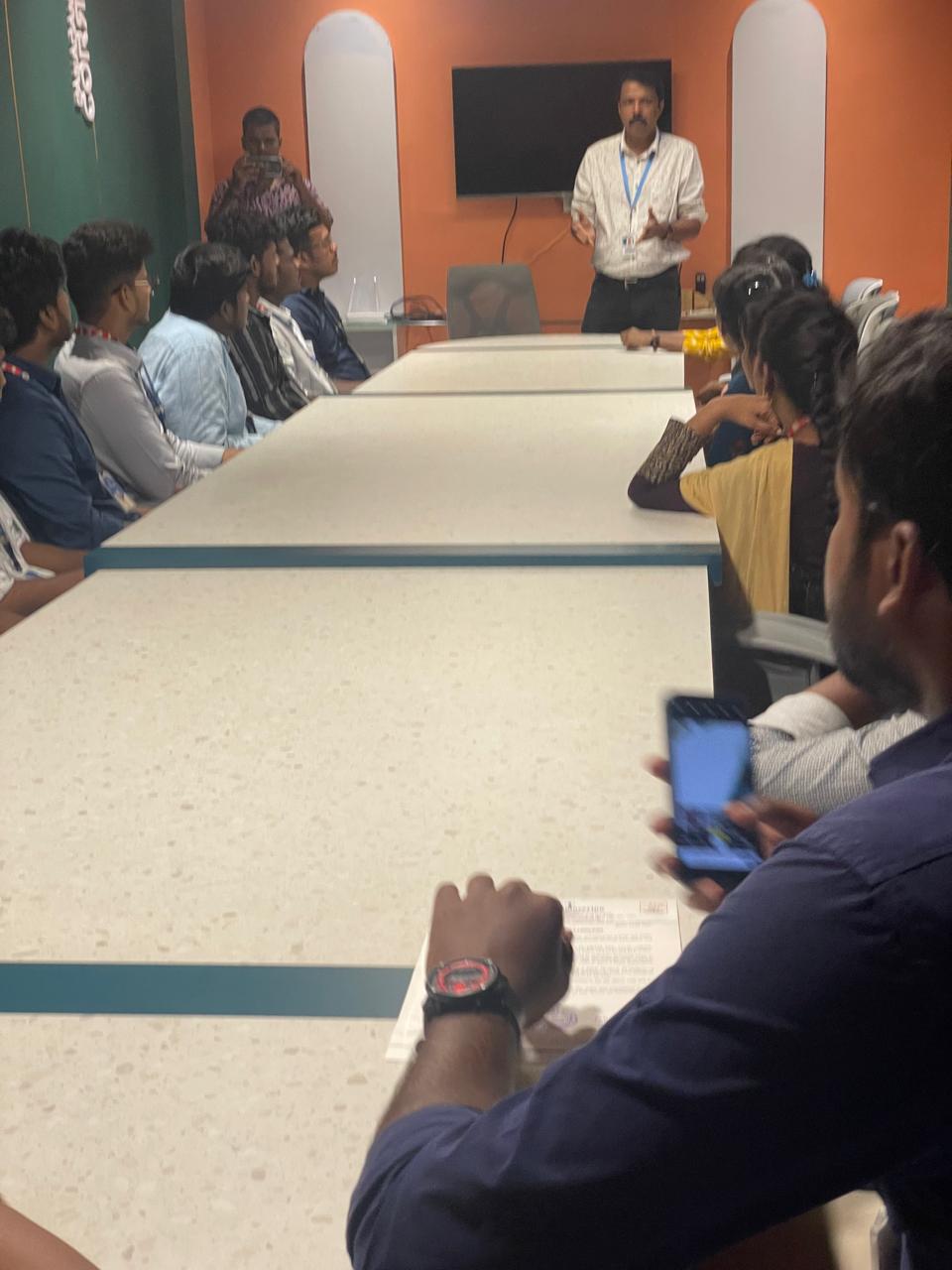
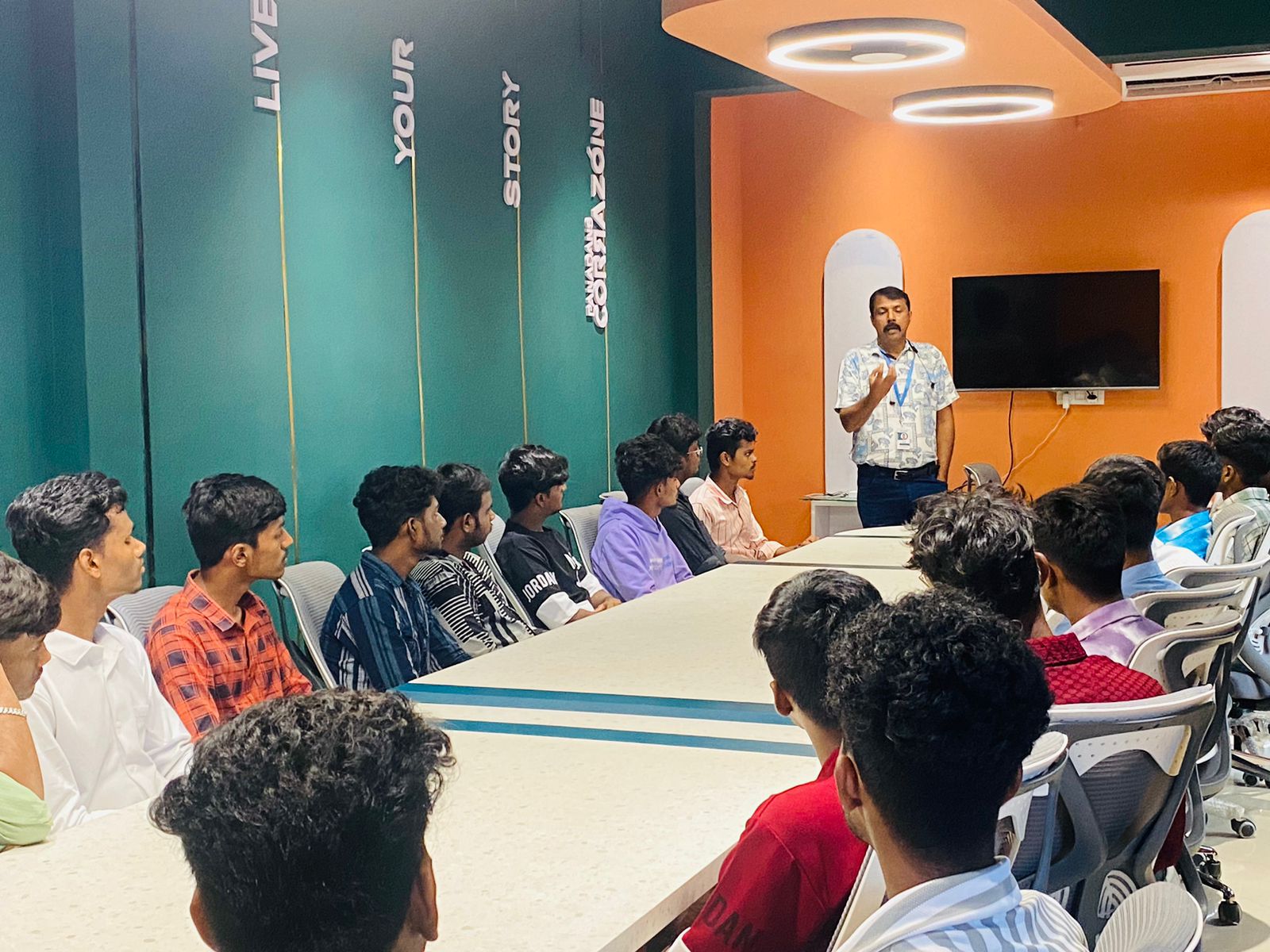
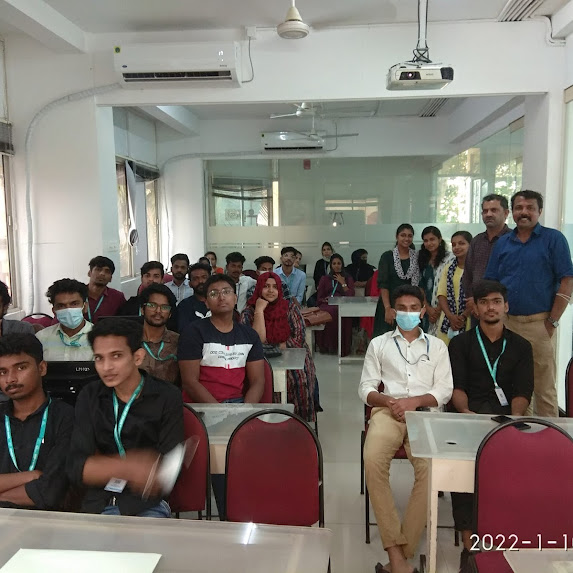
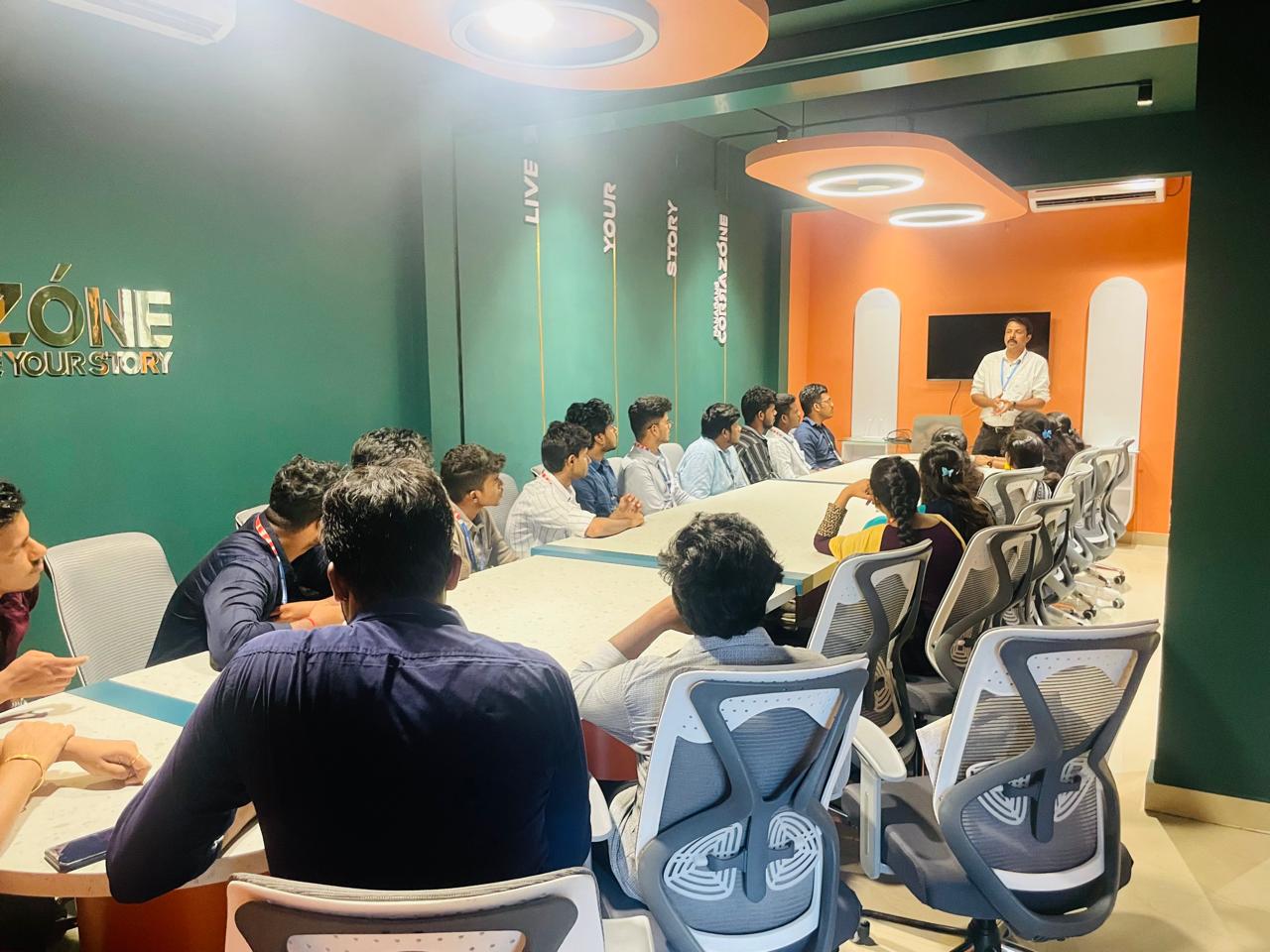
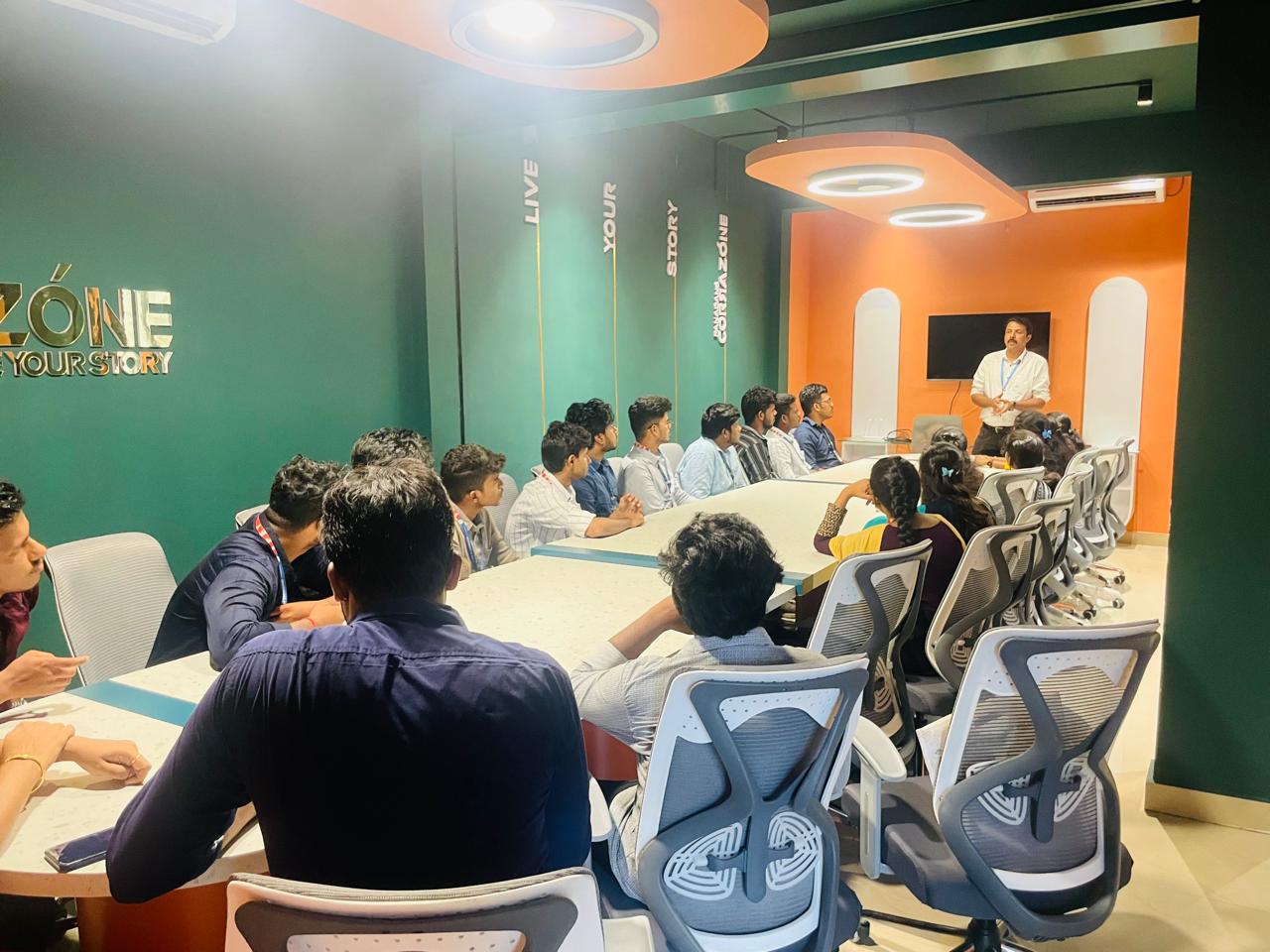
Photos of Training / Internships

Internship/projects in leicester

Trained more than 10000+ students who trust Nestsoft TechnoMaster

Get Your Personal Trainer