Send enquiry ⏎

MCSA Online Live Class by Experts

Our Training/Internship Process

MCSA Online Live Classes in Bath | Free Demo Training

MCSA - Syllabus, Fees & Duration

MODULE 1

  • Windows Server 2008 Active Directory, Configuring
  • Configuring DNS for Active Directory
  • Configuring zones
  • Configuring DNS server settings
  • Configuring zone transfer and Replication
  • Configuring the AD infrastructure
  • Configuring a forest or a domain
  • Configuring trusts - Configuring sites
  • Configuring AD replication
  • Configuring the global catalog
  • Configuring operation masters
  • Configuring additional AD server roles
  • Configuring AD Lightweight Directory Services (AD LDS)
  • Configuring AD Rights Management Service (AD RMS)
  • Configuring read-only domain controller (RODC)
  • Configuring AD Federation Services (AD FS)

MODULE 2

  • Configuring and maintaining AD objects
  • Automate the creation of AD accounts
  • Maintain AD accounts
  • Create and apply Group Policy objects (GPOs)
  • Configure GPO templates
  • Configure software deployment GPOs
  • Configure account policies
  • Configure audit policy by using GPOs

MODULE 3

  • Maintaining the AD environment
  • Configuring backup and recovery
  • Perform offline maintenance
  • Monitor AD

MODULE 4

  • Configuring AD Certificate Services
  • Install AD Certificate Services
  • Configure CA server settings
  • Manage certificate templates
  • Manage Enrolments
  • Manage Certificate revocations

MODULE 5

  • Windows Server 2008 Network Infrastructure
  • Configuring IP Addressing and Services
  • Configuring IPv4 and IPv6 addressing
  • Configuring Dynamic Host Configuration Protocol (DHCP)
  • Configuring routing
  • Configuring IPsec

MODULE 6

  • Configuring Name Resolution
  • Configuring DNS Server
  • Configuring DNS zones
  • Configuring DNS records
  • Configuring DNS replication
  • Configuring name resolution for client computers

MODULE 7

  • Configuring Network Access
  • Configure remote access
  • Configure Network Access Protection (NAP)
  • Configure network authentication
  • Configure wireless access
  • Configure firewall settings

MODULE 8

  • Configuring File and Print Services
  • Configure a file server
  • Configure Distributed File System (DFS)
  • Configure shadow copy services
  • Configure backup and restore
  • Manage Disk Quotas
  • Configure and monitor print services

MODULE 9

  • Monitoring and Managing a Network Infrastructure
  • Configure Windows Server Update Services (WSUS) server settings
  • Capture performance data - Monitor event logs
  • Gather network data

MODULE 10

  • Windows Server 2008 Application Infrastructure
  • Configuring Deploy Servers
  • Deploy images by using Windows Deployment Services
  • Configure Microsoft Windows Activation
  • Configure high availability
  • Configure storage

MODULE 11

  • Configuring Terminal Services
  • Configure Windows Server 2008 Terminal Services Remote App (TS Remote App)
  • Configure Terminal Services Gateway
  • Configure Terminal Services load balancing
  • Configure and monitor Terminal Services resources
  • Configure Terminal Services Licensing
  • Configure Terminal Services client connections
  • Configure Terminal Services server options

MODULE 12

  • Configuring a Web Services Infrastructure
  • Configure Web applications
  • Manage Web sites
  • Configure a File Transfer Protocol (FTP) server
  • Configure Simple Mail Transfer Protocol (SMTP).
  • Manager Internet Information Services (IIS)
  • Configure SSL security
  • Configure Web site authentication and permissions

MODULE 13

  • Configuring Network Application Services
  • Configure Windows Media Server
  • Configure Digital Rights Management (DRM)
  • Configure Microsoft Windows SharePoint Services server options
  • Configure Windows SharePoint Services e-mail integration
  • Download Syllabus - MCSA
    This syllabus is not final and can be customized as per needs/updates
   
10000+
20+
50+
25+

MCSA Jobs in Bath

Enjoy the demand

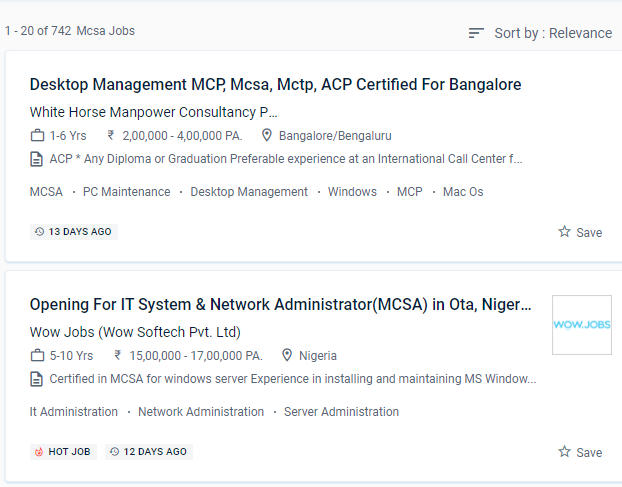
Find jobs related to MCSA in search engines (Google, Bing, Yahoo) and recruitment websites (monsterindia, placementindia, naukri, jobshybrid.com, indeed.co.in, shine.com etc.) based in Bath, chennai and europe countries. You can find many jobs for freshers related to the job positions in Bath.

  • Project manager
  • System administrator-Microsoft
  • Technical architect
  • Software developer- Microsoft
  • Network engineer/system engineer
  • Team lead
  • Customer support engineer
  • Tech support Engineer
  • system analyst
  • product support engineer.

MCSA Internship/Course Details

MCSA internship jobs in Bath
MCSA In the future years, demand for Microsoft Certified Solutions Associate information technology experts will continue to expand at an annual pace of 18 percent through 2020. Installing and configuring domain controllers, Managing user accounts, Advanced AD DS infrastructure management, Implementing and administering AD DS sites and replication, Group Policy, Managing user settings with Group Policy, Planning and implementing an IPv4 network, Implementing DHCP, and more are all covered in the MCSA course. You can enroll in the MCSA course at NESTSOFT if you have a basic understanding of computers and networking. Troubleshooting, Monitoring, Managing and Recovering AD DS, as well as installing, upgrading, and moving servers and workloads. Students who complete the Microsoft certification program will have an easier time finding work as system administrators. Graduates will work as information managers or network managers in the corporate or governmental sector. MCSE credentials necessitate MCSA certifications. . The MCSA program might serve as your initial step toward gaining higher/advanced IT abilities. Engineers capable of developing, implementing, and operating infrastructure based on Microsoft Windows servers.


Meet a Few of our Industry Experts 🚀 Your Pathway to IT Career

Perazhagan

Mobile: +91 8301010866
Location: Online (Bath, Uk)
Qualification: Bsc plant biotechnology

Experience: Basic java Basic selenium Software testing Write test cases in manual and automation testing Defect track with using jira tool  more..

Sumit

Mobile: +91 8301010866
Location: Online (Bath, Uk)
Qualification:

Experience: I'm Sumit Dipak Patil (WIX expert) from Amalner MH (425401) Education- B tech ME CGPA 7 84 (2022) Skill: HTML  more..

Bhuvan

Mobile: +91 91884 77559
Location: Online (Bath, Uk)
Qualification: BE

Experience: Web developer java python  more..

Amala

Mobile: +91 8301010866
Location: Online (Bath, Uk)
Qualification: Btech Civil

Experience: Manual testing SQL Java Selenium Web application testing JMeter Postman Performance testing JIRA Git API testing  more..

Palak

Mobile: +91 8301010866
Location: Online (Bath, Uk)
Qualification: Bachelor's in computer applications

Experience: Basic computer knowledge (ms excel word) Basic web development skills(html css bootstrap agile scrum) MVC Development  more..

Gopika

Mobile: +91 89210 61945
Location: Online (Bath, Uk)
Qualification: Btech in Computer Science and Engineering

Experience: Software testing manual testing test case preparation Bug report preparation sdlc STLC  more..

Gagandeep

Mobile: +91 94975 90866
Location: Online (Bath, Uk)
Qualification: B. Sc animation multimedia

Experience: 4+ years experience in video editor line and also in graphic design line |   more..

Putta

Mobile: +91 9895490866
Location: Online (Bath, Uk)
Qualification: B.tech

Experience: HTML Java SQL Python programming languages  more..

KARTHIK

Mobile: +91 8301010866
Location: Online (Bath, Uk)
Qualification: bsc

Experience: i have pretty good with python and sql and know c and c++  more..

Abhishek

Mobile: +91 91884 77559
Location: Online (Bath, Uk)
Qualification: Btech

Experience: Semi Conductor Laboratory Mohali Dept of space Govt of India FSG advantages over USG inter-metal dielectric (Thin Film) and Unit  more..

Catherine

Mobile: +91 91884 77559
Location: Online (Bath, Uk)
Qualification: B.tech

Experience: 2 years experience as a front-end developer Expertise in Angular react js and Ionic framework tooApplication for Angular JS  more..

Manikaran

Mobile: +91 91884 77559
Location: Online (Bath, Uk)
Qualification: B.Tech

Experience: Github Link : github com manikaran21 Certificates: drive google com drive folders 1Q-ptc395b998Lu111wdaudi_Lw73YVZ7?usp=sharing HackerRank Profile : hackerrank com masanmb17tes?hr_r=1 I  more..

Fathimath

Mobile: +91 9895490866
Location: Online (Bath, Uk)
Qualification: Bsc computer science

Experience: 6month internship of software testing   more..

Gunjan

Mobile: +91 91884 77559
Location: Online (Bath, Uk)
Qualification: B.tech

Experience: My name is Gunjan You can hire me for this role because I am a quick learner I will focus  more..

Adarsh

Mobile: +91 98474 90866
Location: Online (Bath, Uk)
Qualification: Bsc computer science

Experience: Writing test cases manual testing automation testing J meter API testing Postman bugzilla jira  more..

Ranjeet

Mobile: +91 9895490866
Location: Online (Bath, Uk)
Qualification: MCA

Experience: PHP developer and frontend developer  more..

Rahul

Mobile: +91 8301010866
Location: Online (Bath, Uk)
Qualification: BE/ECE

Experience: 5 month networking side overall troubleshooting network issue  more..

Sreerag

Mobile: +91 98474 90866
Location: Online (Bath, Uk)
Qualification: Bsc graduated

Experience: Skills: -User interface design -User experience design -User centric design -User research -User flow -Visual hierarchy -Design principles Experience: I  more..

Jisha

Mobile: +91 91884 77559
Location: Online (Bath, Uk)
Qualification: MCA

Experience: Python Html CSS Bootstrap Recently completed internship in python language from sysbreeze technologies kinfra   more..

Ashik

Mobile: +91 91884 77559
Location: Online (Bath, Uk)
Qualification: Btech in Mechanical Engineering

Experience: Software testing Automated software testing Software manual testing Software testing tools Software testing process Quick leaner Problem solving skills  more..

Navratn

Mobile: +91 91884 77559
Location: Online (Bath, Uk)
Qualification: B.Tech

Experience: Skill: Penetration Testing Experience: I bring hands-on experience in penetration testing garnered from my role as a Security Intern at  more..

Manas

Mobile: +91 91884 77559
Location: Online (Bath, Uk)
Qualification: MCA

Experience: As a MERN Stack Developer I have worked on various projects using react redux nodejs mongo db css html bootstrap  more..

Merin

Mobile: +91 9895490866
Location: Online (Bath, Uk)
Qualification: Btech

Experience: Digital marketing and seo   more..

sadik

Mobile: +91 94975 90866
Location: Online (Bath, Uk)
Qualification: B.com

Experience: MS-Office [word Excel Power Point ] & Internet Adobe PHOTOSHOP Figma Adobe XD COREL DREW FIREWORKS DREAMWEAVER HTML HTML5 &  more..

Success Stories

The enviable salary packages and track record of our previous students are the proof of our excellence. Please go through our students' reviews about our training methods and faculty and compare it to the recorded video classes that most of the other institutes offer. See for yourself how TechnoMaster is truly unique.

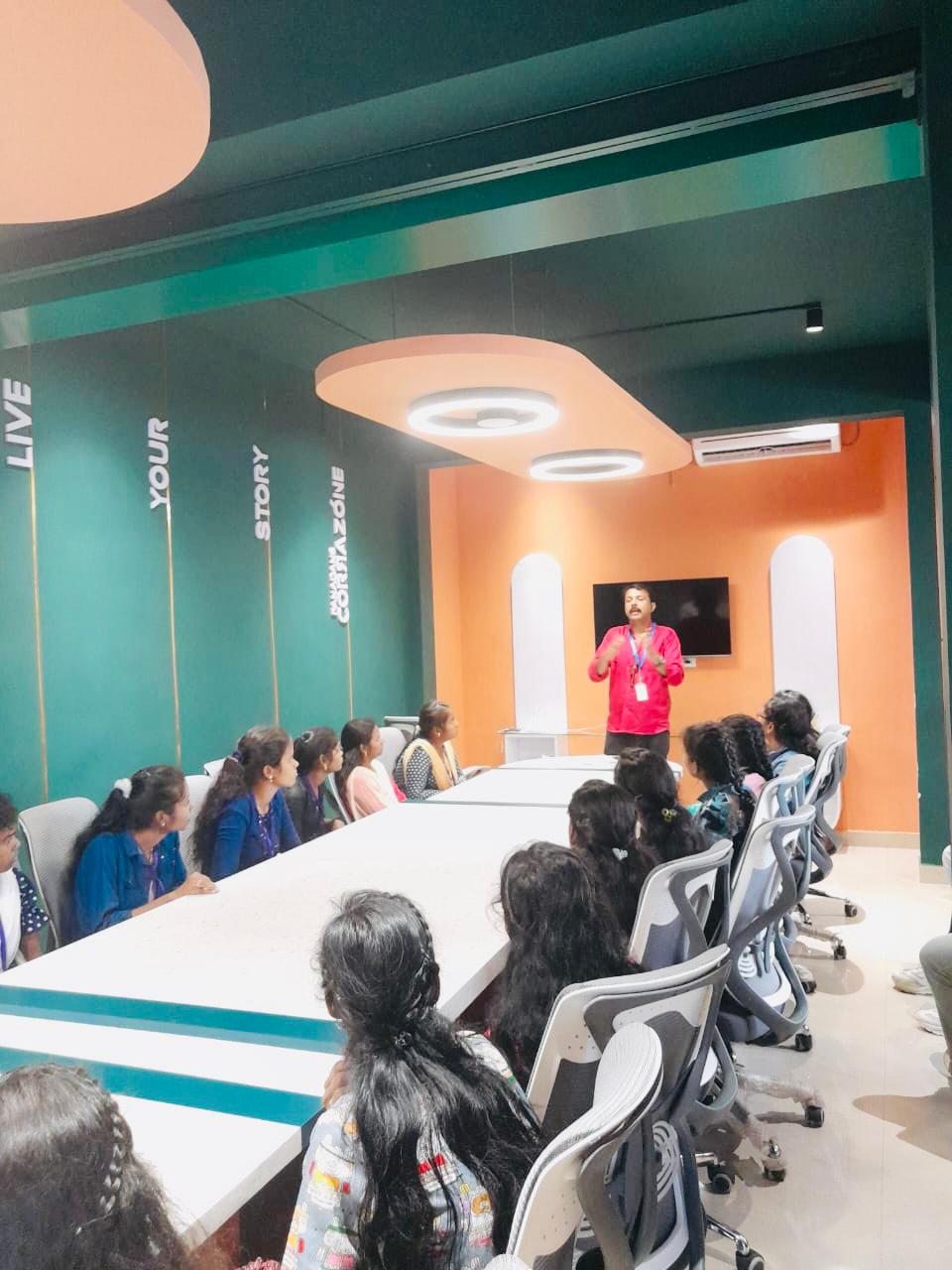
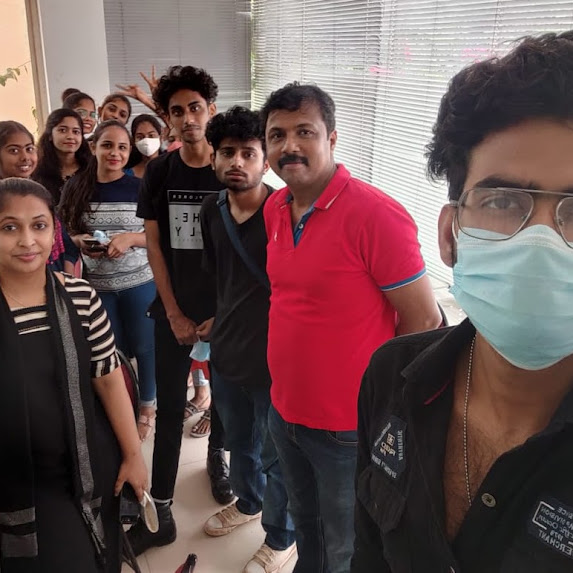
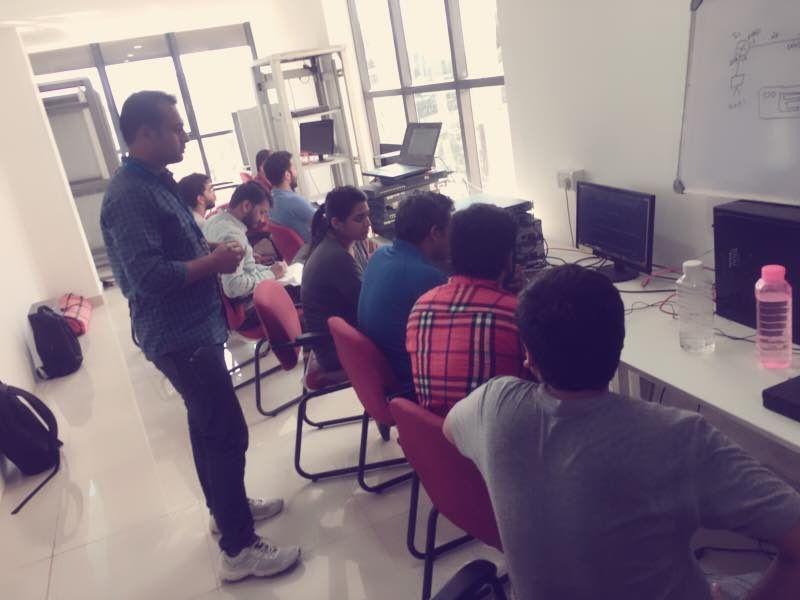
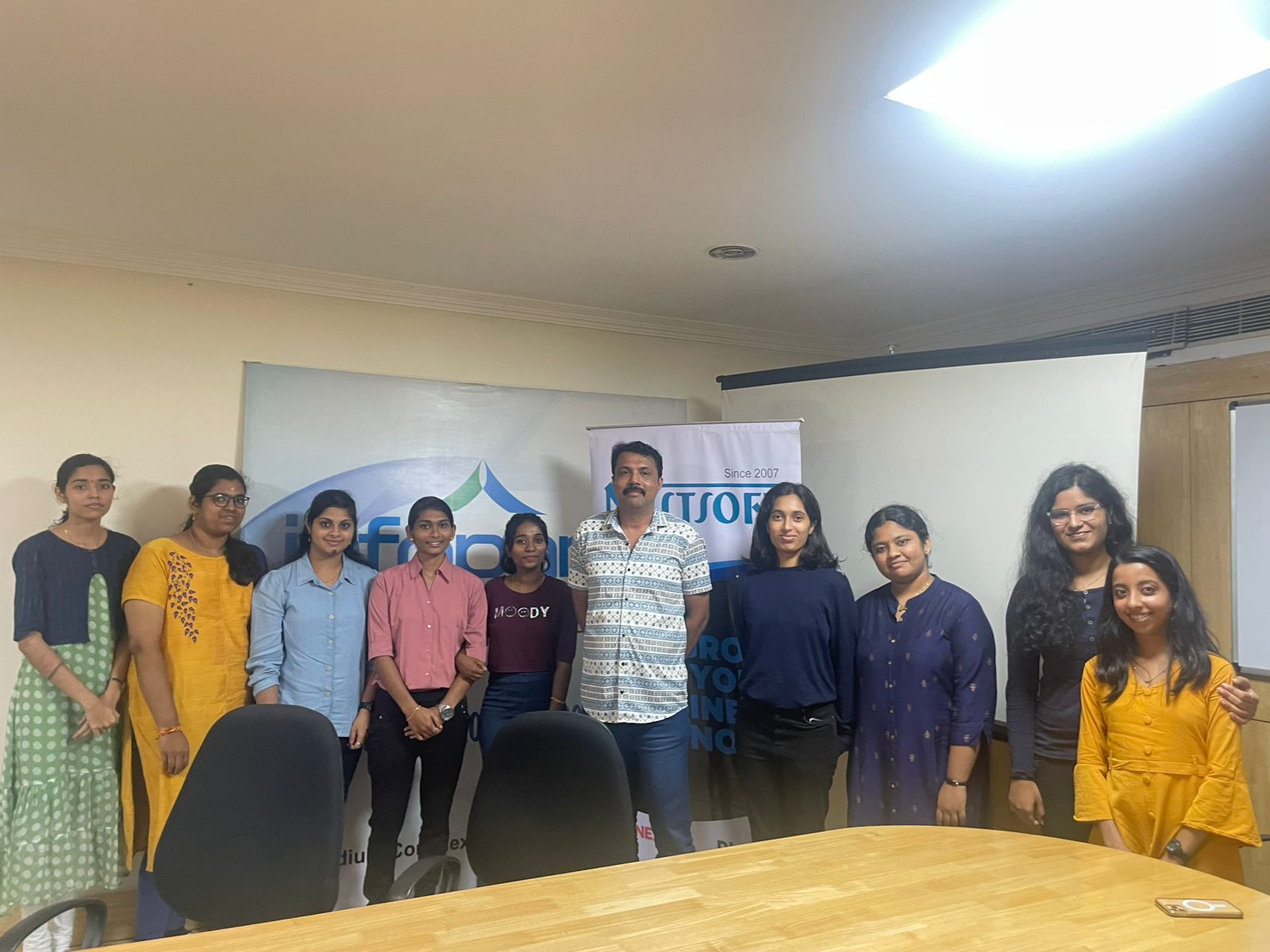
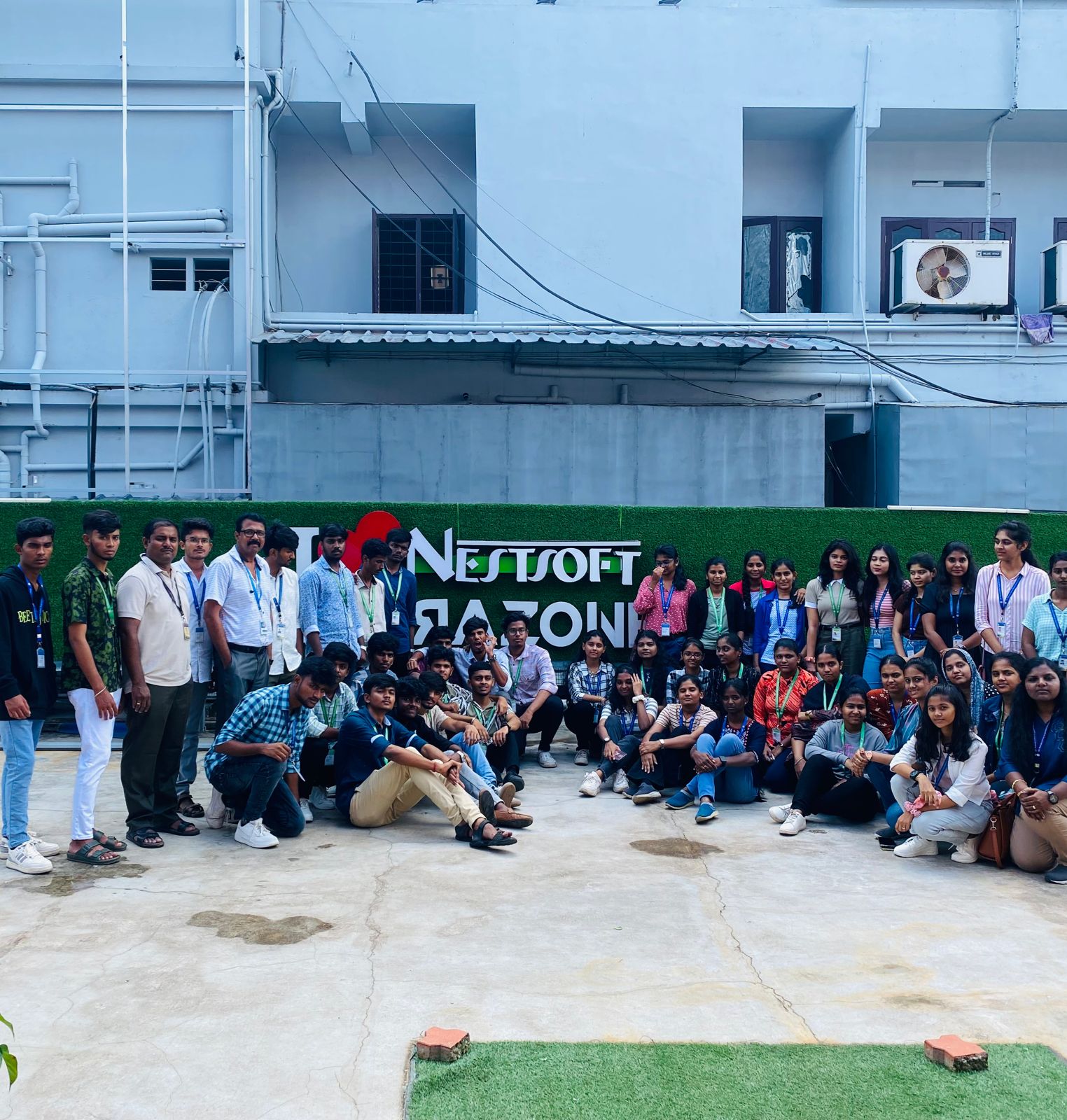
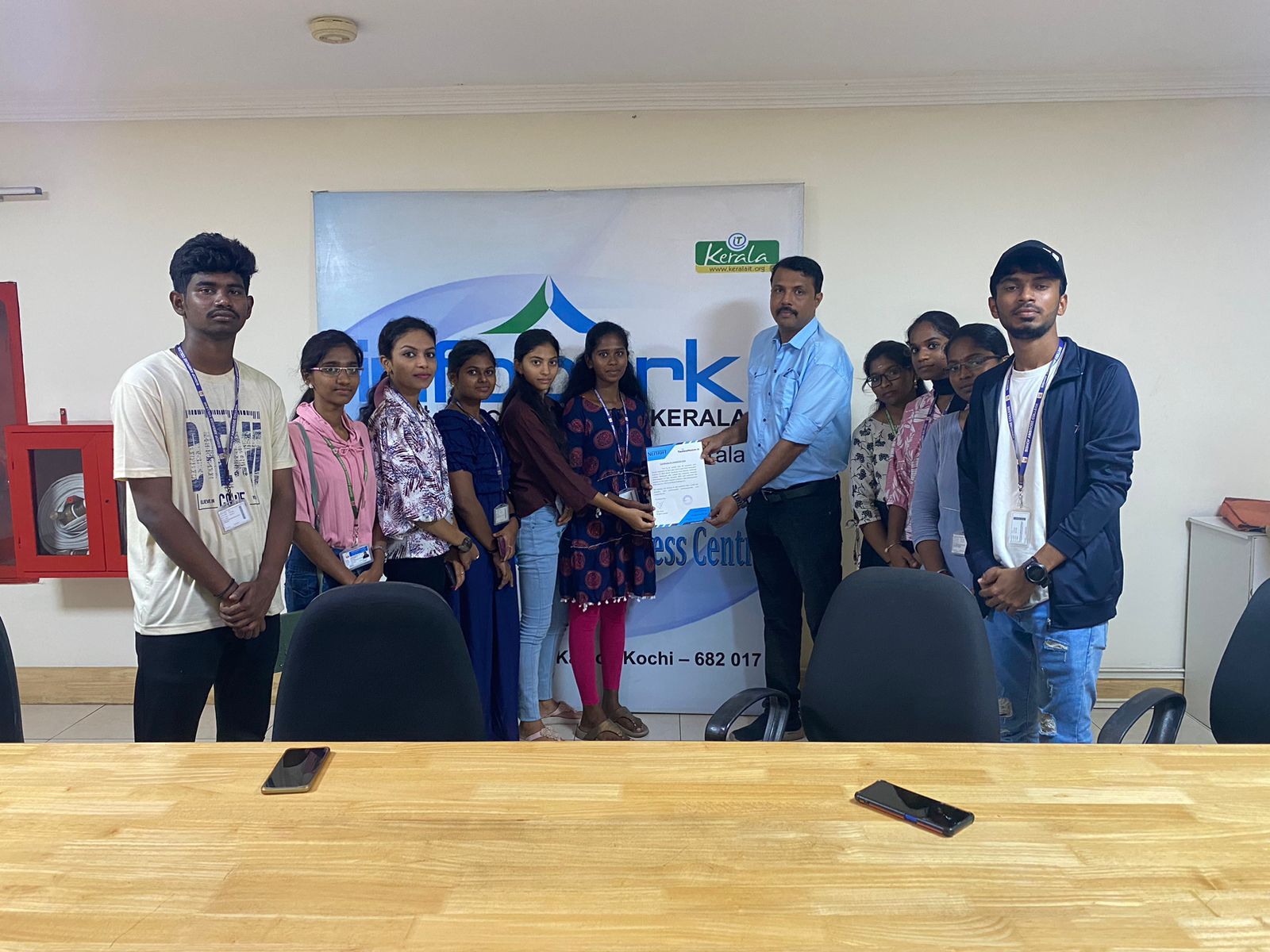
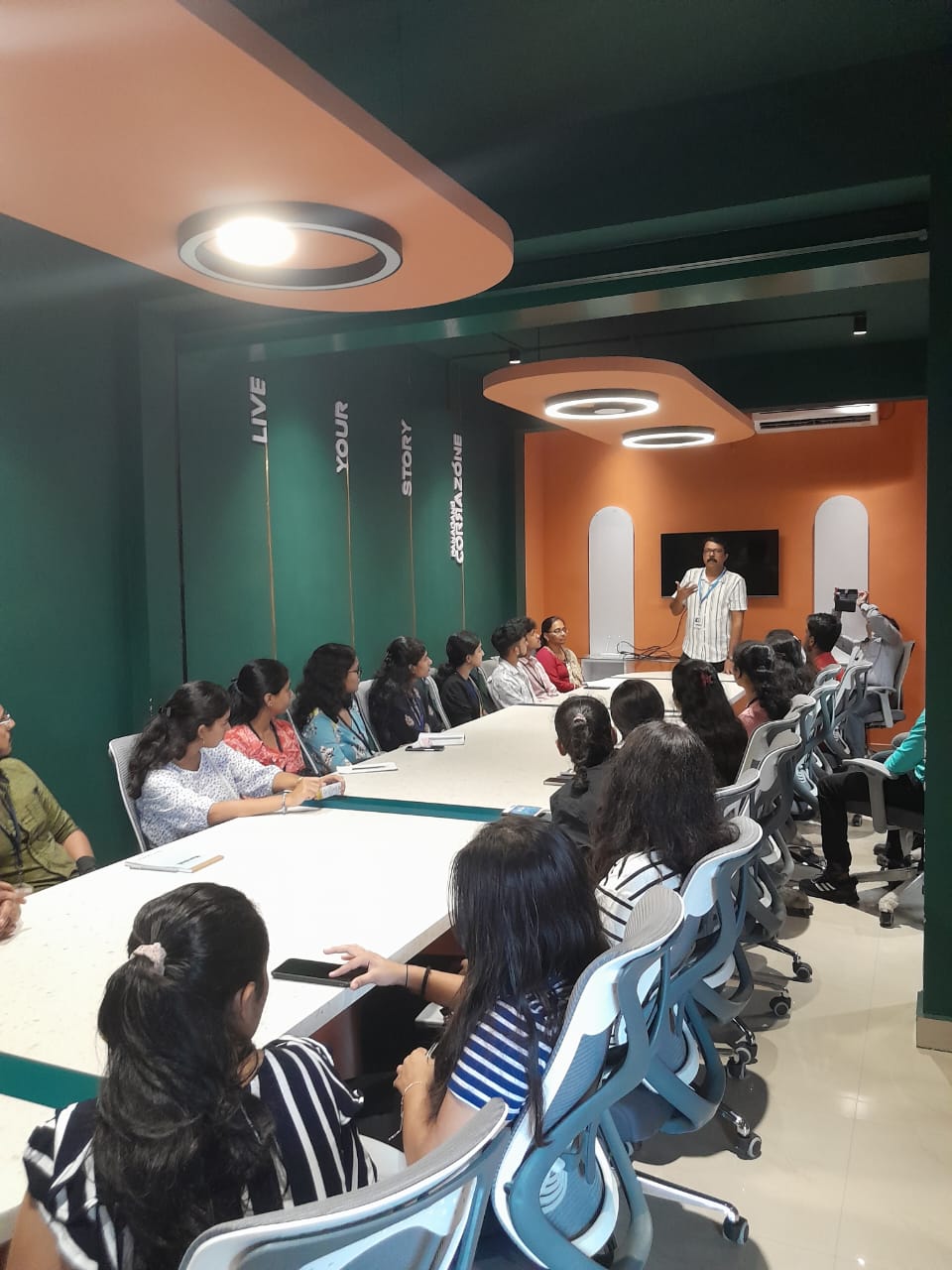
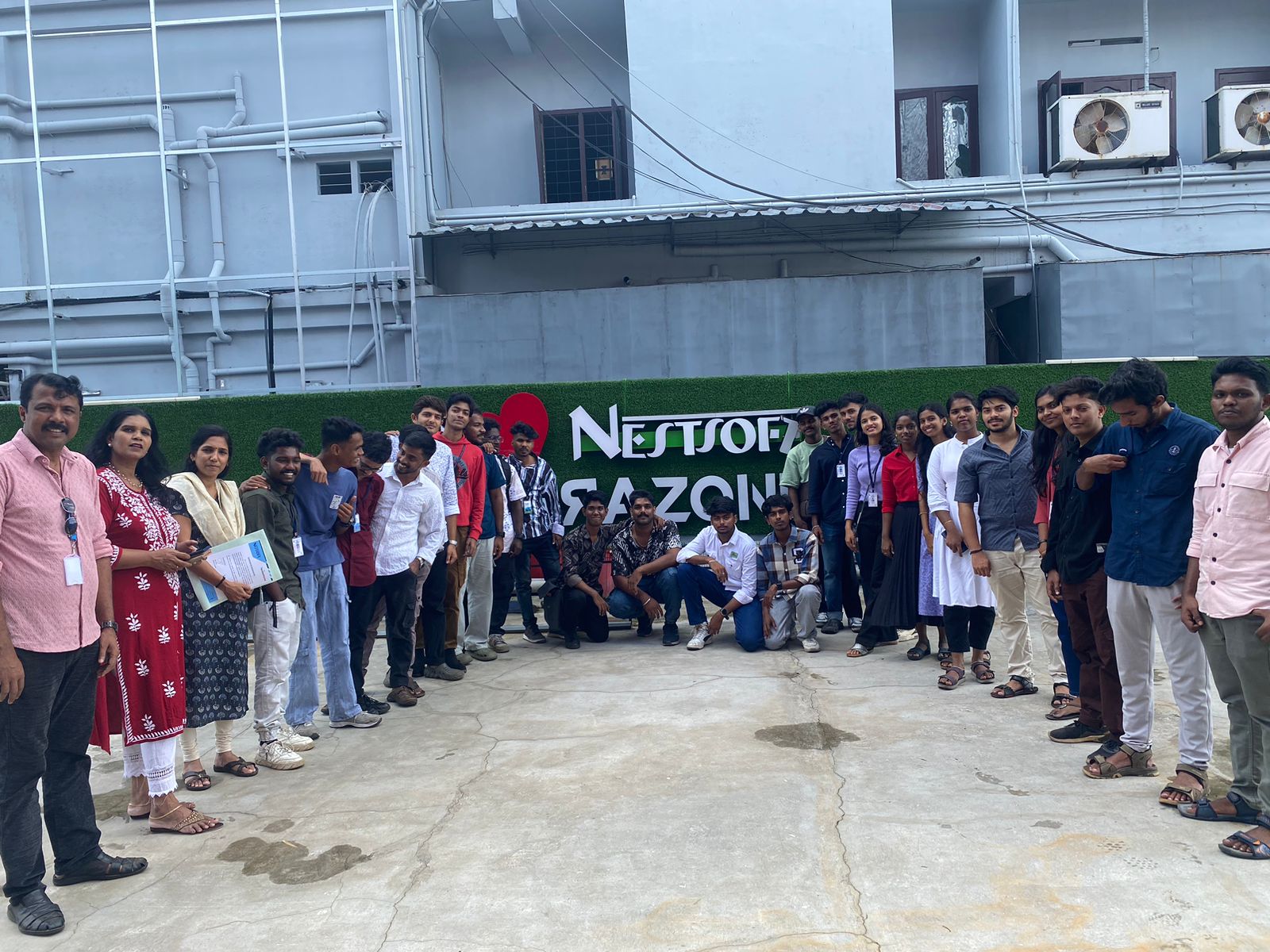
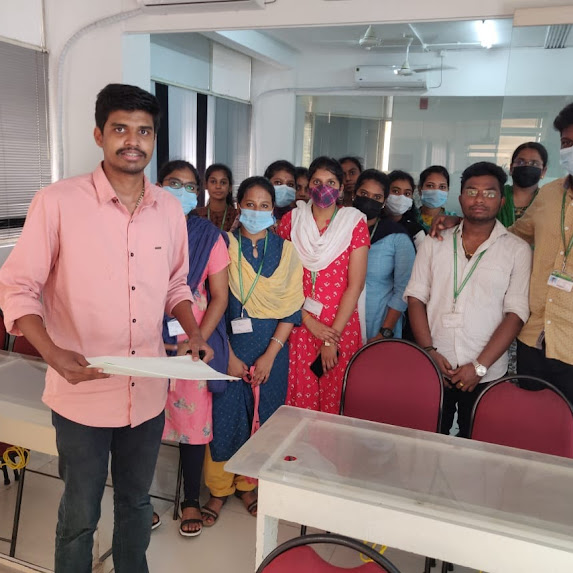
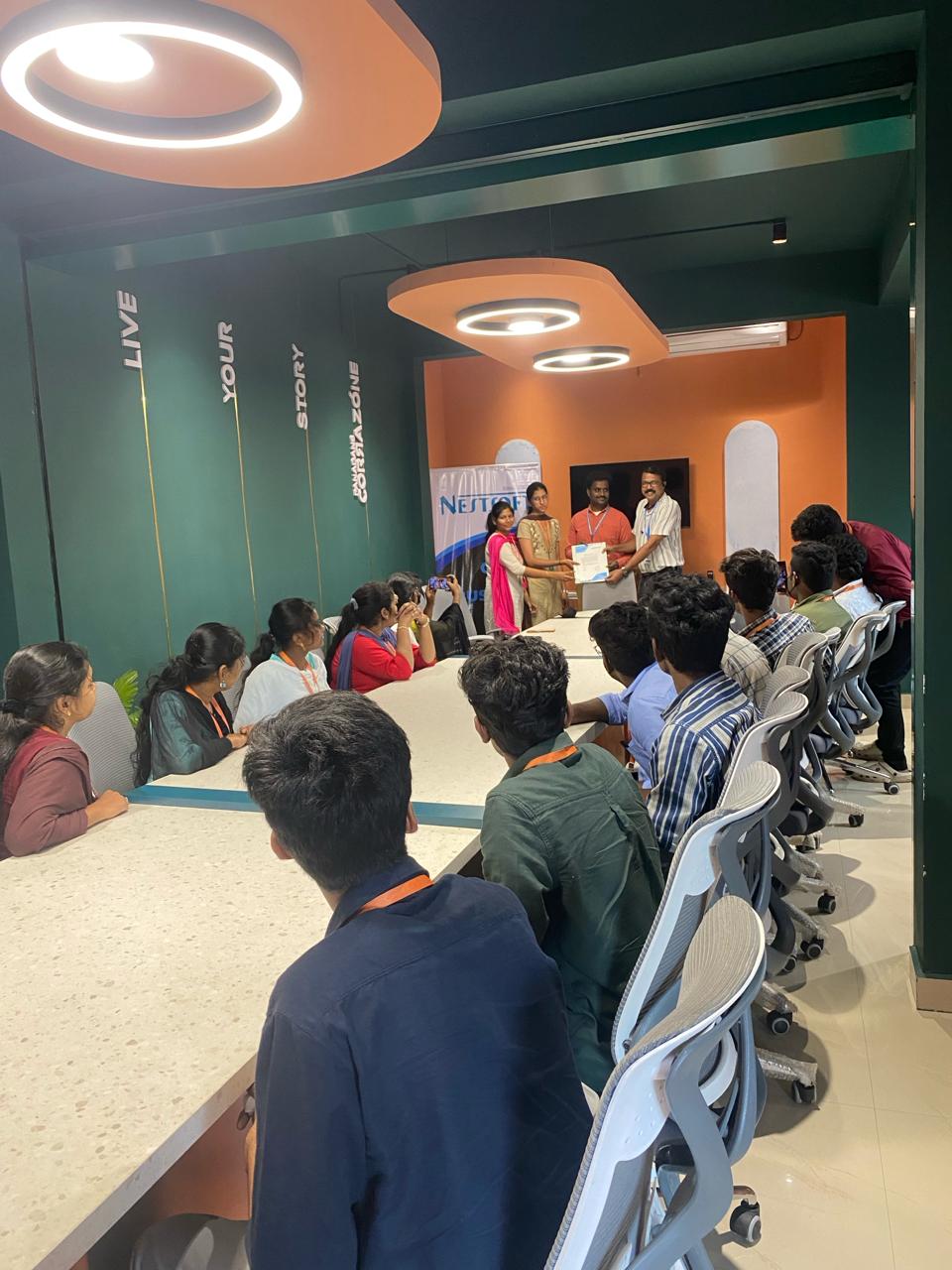
Photos of Training / Internships

Internship/projects in bath

Trained more than 10000+ students who trust Nestsoft TechnoMaster

Get Your Personal Trainer