Send enquiry ⏎

MCSA Online Live Class by Experts

Our Training/Internship Process

MCSA Online Live Classes in Liverpool | Free Demo Training

MCSA - Syllabus, Fees & Duration

MODULE 1

  • Windows Server 2008 Active Directory, Configuring
  • Configuring DNS for Active Directory
  • Configuring zones
  • Configuring DNS server settings
  • Configuring zone transfer and Replication
  • Configuring the AD infrastructure
  • Configuring a forest or a domain
  • Configuring trusts - Configuring sites
  • Configuring AD replication
  • Configuring the global catalog
  • Configuring operation masters
  • Configuring additional AD server roles
  • Configuring AD Lightweight Directory Services (AD LDS)
  • Configuring AD Rights Management Service (AD RMS)
  • Configuring read-only domain controller (RODC)
  • Configuring AD Federation Services (AD FS)

MODULE 2

  • Configuring and maintaining AD objects
  • Automate the creation of AD accounts
  • Maintain AD accounts
  • Create and apply Group Policy objects (GPOs)
  • Configure GPO templates
  • Configure software deployment GPOs
  • Configure account policies
  • Configure audit policy by using GPOs

MODULE 3

  • Maintaining the AD environment
  • Configuring backup and recovery
  • Perform offline maintenance
  • Monitor AD

MODULE 4

  • Configuring AD Certificate Services
  • Install AD Certificate Services
  • Configure CA server settings
  • Manage certificate templates
  • Manage Enrolments
  • Manage Certificate revocations

MODULE 5

  • Windows Server 2008 Network Infrastructure
  • Configuring IP Addressing and Services
  • Configuring IPv4 and IPv6 addressing
  • Configuring Dynamic Host Configuration Protocol (DHCP)
  • Configuring routing
  • Configuring IPsec

MODULE 6

  • Configuring Name Resolution
  • Configuring DNS Server
  • Configuring DNS zones
  • Configuring DNS records
  • Configuring DNS replication
  • Configuring name resolution for client computers

MODULE 7

  • Configuring Network Access
  • Configure remote access
  • Configure Network Access Protection (NAP)
  • Configure network authentication
  • Configure wireless access
  • Configure firewall settings

MODULE 8

  • Configuring File and Print Services
  • Configure a file server
  • Configure Distributed File System (DFS)
  • Configure shadow copy services
  • Configure backup and restore
  • Manage Disk Quotas
  • Configure and monitor print services

MODULE 9

  • Monitoring and Managing a Network Infrastructure
  • Configure Windows Server Update Services (WSUS) server settings
  • Capture performance data - Monitor event logs
  • Gather network data

MODULE 10

  • Windows Server 2008 Application Infrastructure
  • Configuring Deploy Servers
  • Deploy images by using Windows Deployment Services
  • Configure Microsoft Windows Activation
  • Configure high availability
  • Configure storage

MODULE 11

  • Configuring Terminal Services
  • Configure Windows Server 2008 Terminal Services Remote App (TS Remote App)
  • Configure Terminal Services Gateway
  • Configure Terminal Services load balancing
  • Configure and monitor Terminal Services resources
  • Configure Terminal Services Licensing
  • Configure Terminal Services client connections
  • Configure Terminal Services server options

MODULE 12

  • Configuring a Web Services Infrastructure
  • Configure Web applications
  • Manage Web sites
  • Configure a File Transfer Protocol (FTP) server
  • Configure Simple Mail Transfer Protocol (SMTP).
  • Manager Internet Information Services (IIS)
  • Configure SSL security
  • Configure Web site authentication and permissions

MODULE 13

  • Configuring Network Application Services
  • Configure Windows Media Server
  • Configure Digital Rights Management (DRM)
  • Configure Microsoft Windows SharePoint Services server options
  • Configure Windows SharePoint Services e-mail integration
  • Download Syllabus - MCSA
    This syllabus is not final and can be customized as per needs/updates
   
10000+
20+
50+
25+

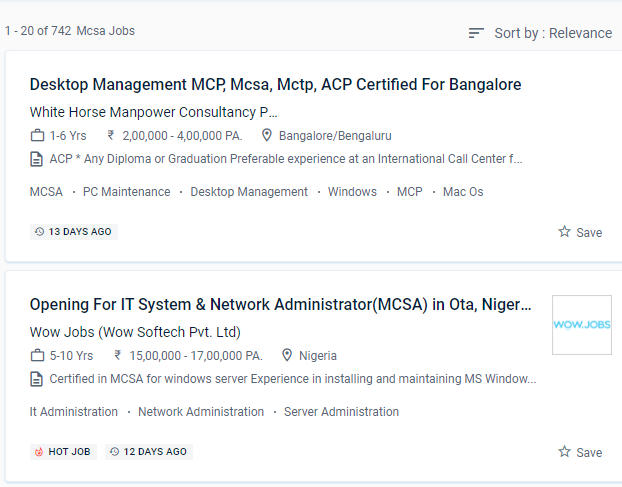
MCSA Jobs in Liverpool

Enjoy the demand

Find jobs related to MCSA in search engines (Google, Bing, Yahoo) and recruitment websites (monsterindia, placementindia, naukri, jobshybrid.com, indeed.co.in, shine.com etc.) based in Liverpool, chennai and europe countries. You can find many jobs for freshers related to the job positions in Liverpool.

  • Project manager
  • System administrator-Microsoft
  • Technical architect
  • Software developer- Microsoft
  • Network engineer/system engineer
  • Team lead
  • Customer support engineer
  • Tech support Engineer
  • system analyst
  • product support engineer.

MCSA Internship/Course Details

MCSA internship jobs in Liverpool
MCSA Graduates will work as information managers or network managers in the corporate or governmental sector. We will continue to provide 100 percent pleasure to our students in the future. MCSE credentials necessitate MCSA certifications. The MCSA (Microsoft Certified Solutions Associate) course in Liverpool is aimed to teach students the fundamentals of the Microsoft Windows server platform's infrastructure. The MCSA program might serve as your initial step toward gaining higher/advanced IT abilities. Holding the MCSA certification demonstrates that an applicant possesses a comprehensive set of abilities on the Microsoft platform, allowing them to work as a server administrator, Active Directory supporter, database administrator, or corporate communications manager. It's a type of IT certification for IT professionals and web developers who want to gain jobs based on their Microsoft technology expertise. The window server administration trainers at NESTSOFT training in the Liverpool are highly trained and have worked in the IT industry. Engineers capable of developing, implementing, and operating infrastructure based on Microsoft Windows servers. You will learn about the installation, configuration, development, and management of the Windows server by the end of the course.


Meet a Few of our Industry Experts 🚀 Your Pathway to IT Career

Seema

Mobile: +91 98474 90866
Location: Online (Liverpool, Uk)
Qualification: Bachelor of arts

Experience: I completed my web design and development course in this year and I have good knowledge of HTML CSS javascript  more..

jalpa

Mobile: +91 94975 90866
Location: Online (Liverpool, Uk)
Qualification: BE IT

Experience: I am writing to express my strong interest in the WordPress Developer position as advertised With over 6 years of  more..

Anandhu

Mobile: +91 94975 90866
Location: Online (Liverpool, Uk)
Qualification: Bachelor's of computer Application

Experience: I Anandhu Narayanan i am bca graduate i completed my graduation in 2023 after my graduation i have done 6  more..

Roshily

Mobile: +91 98474 90866
Location: Online (Liverpool, Uk)
Qualification: B-tech in Information Technology

Experience: 5+ years of experience in HTML CSS and JavaScript I am currently working as a WordPress developer   more..

ANAND

Mobile: +91 89210 61945
Location: Online (Liverpool, Uk)
Qualification: Bachelor of Engineering - Computer Engineering (Pursuing)

Experience: Digital Forensics Forensic tools - Autopsy Ftk Imager Microsoft Office Programming language (basics) - python C++ Artifact parsing (Windows Forensics)  more..

V

Mobile: +91 94975 90866
Location: Online (Liverpool, Uk)
Qualification: B tech

Experience: Android developer 5 year Kotlin e year Mvvm 2 years  more..

Rohit

Mobile: +91 8301010866
Location: Online (Liverpool, Uk)
Qualification: Bachelor of engineering

Experience: Java selenium testng api testing Java selenium Maven postman MySQL agile waterfall test scripts jira Sdlc stlc etc I have  more..

Ayush

Mobile: +91 89210 61945
Location: Online (Liverpool, Uk)
Qualification: Secondary school graduate

Experience: I'm responsible for creating seamless and intuitive user experiences through thoughtful design I'll combine artistic flair with user-centric principles to  more..

Bijitha

Mobile: +91 91884 77559
Location: Online (Liverpool, Uk)
Qualification: MCA

Experience: I have a total work experience of 1 year 1 month I worked as a System administrator (Oracle support) during  more..

Surender

Mobile: +91 8301010866
Location: Online (Liverpool, Uk)
Qualification: B.sc it

Experience: Digital marketing wordpress cms manage   more..

Sharique

Mobile: +91 9895490866
Location: Online (Liverpool, Uk)
Qualification: MBA - Public Health Informatics

Experience: I am an MBA graduate in PUBLIC HEALTH INFORMATICS with FELLOWSHIP in HMIS having certification in DATA ANALYTICS from IIM-R  more..

Angel

Mobile: +91 91884 77559
Location: Online (Liverpool, Uk)
Qualification: M.E VLSIDESIGN

Experience: Selenium Java manual testing  more..

Pranoti

Mobile: +91 91884 77559
Location: Online (Liverpool, Uk)
Qualification: MTech

Experience: I have good knowledge of aws cloud devops with tools terraform grafana cloud watch tomcat nginx keycloak apache good knowledge  more..

Shital

Mobile: +91 91884 77559
Location: Online (Liverpool, Uk)
Qualification: BCA

Experience: Skills: - Proficient in WordPress theme and plugin development - Strong understanding of HTML CSS JavaScript and PHP - Experienced  more..

Gaurav

Mobile: +91 98474 90866
Location: Online (Liverpool, Uk)
Qualification: Bachelor's degree

Experience: I have some skills like Power bi MySQL programming language Figma Canva Data analytics web designing and advanced Excel etc  more..

DOGIPARTHI

Mobile: +91 89210 61945
Location: Online (Liverpool, Uk)
Qualification: B tech

Experience: I have 6+ months experience as a intern in application Developer for web and Mobile I have hands on experience  more..

Shruti

Mobile: +91 9895490866
Location: Online (Liverpool, Uk)
Qualification: PGDHRM

Experience: I am an experienced trainer proficient in both online and in-person environments with a specialization in spoken English My expertise  more..

Pankaj

Mobile: +91 94975 90866
Location: Online (Liverpool, Uk)
Qualification: B.tech

Experience: I m pankaj kumar from mathura I have a exp in odoo 2 year and my skills is python sql  more..

ABHIRAMI

Mobile: +91 94975 90866
Location: Online (Liverpool, Uk)
Qualification: Btech

Experience: Done software testing internship of 6 months in TECHMASTERS  more..

Harsh

Mobile: +91 91884 77559
Location: Online (Liverpool, Uk)
Qualification: Pursuing B.Tech IT

Experience: My skills and experience encompass a solid foundation in IT security principles bolstered by my Fortinet Certified Fundamentals (FCF) cybersecurity  more..

Ankita

Mobile: +91 8301010866
Location: Online (Liverpool, Uk)
Qualification: Masters in hospital administration

Experience: Teaching mentoring student counseliing and pereonality development  more..

Aman

Mobile: +91 94975 90866
Location: Online (Liverpool, Uk)
Qualification: BCA

Experience: Html css and javascript Basic knowledge of programming language such as python c++ c Learning node js ajax  more..

Ajin

Mobile: +91 91884 77559
Location: Online (Liverpool, Uk)
Qualification: Full Stack Java Developer

Experience: Java Python SQL MySQL Android app development Full Stack Web DevelopmentApplication for Java Spring  more..

Nishant

Mobile: +91 9895490866
Location: Online (Liverpool, Uk)
Qualification: B. Tech (3rd year)

Experience: Im Inclined towards penetration testing but have also completed internship under godrej group ltd in the SOC team Worked on  more..

Success Stories

The enviable salary packages and track record of our previous students are the proof of our excellence. Please go through our students' reviews about our training methods and faculty and compare it to the recorded video classes that most of the other institutes offer. See for yourself how TechnoMaster is truly unique.


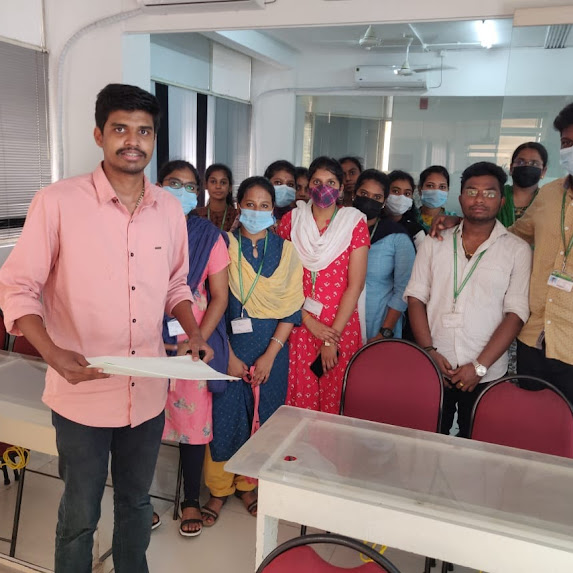
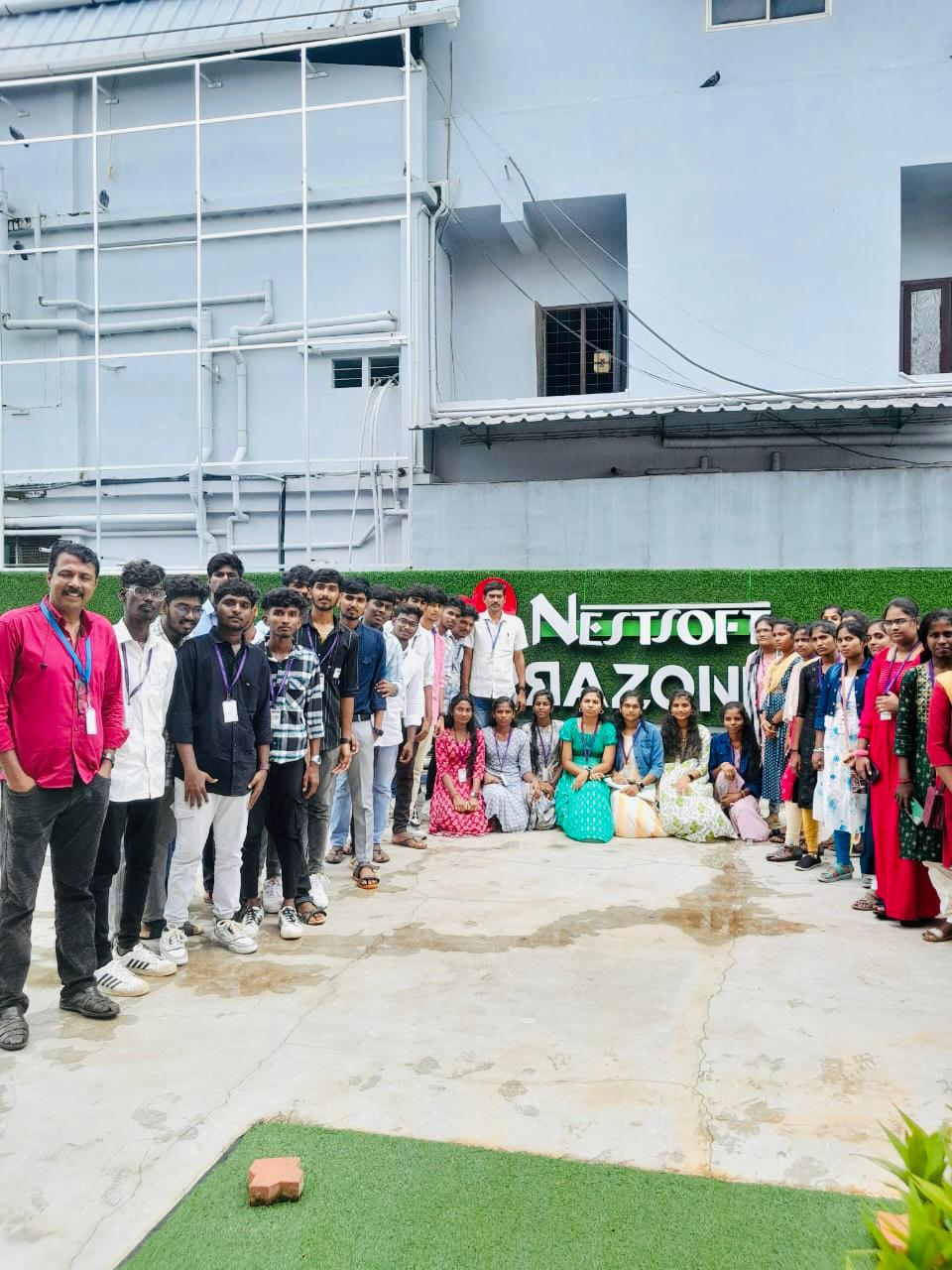
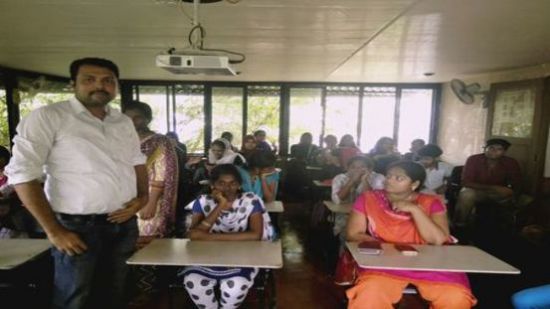
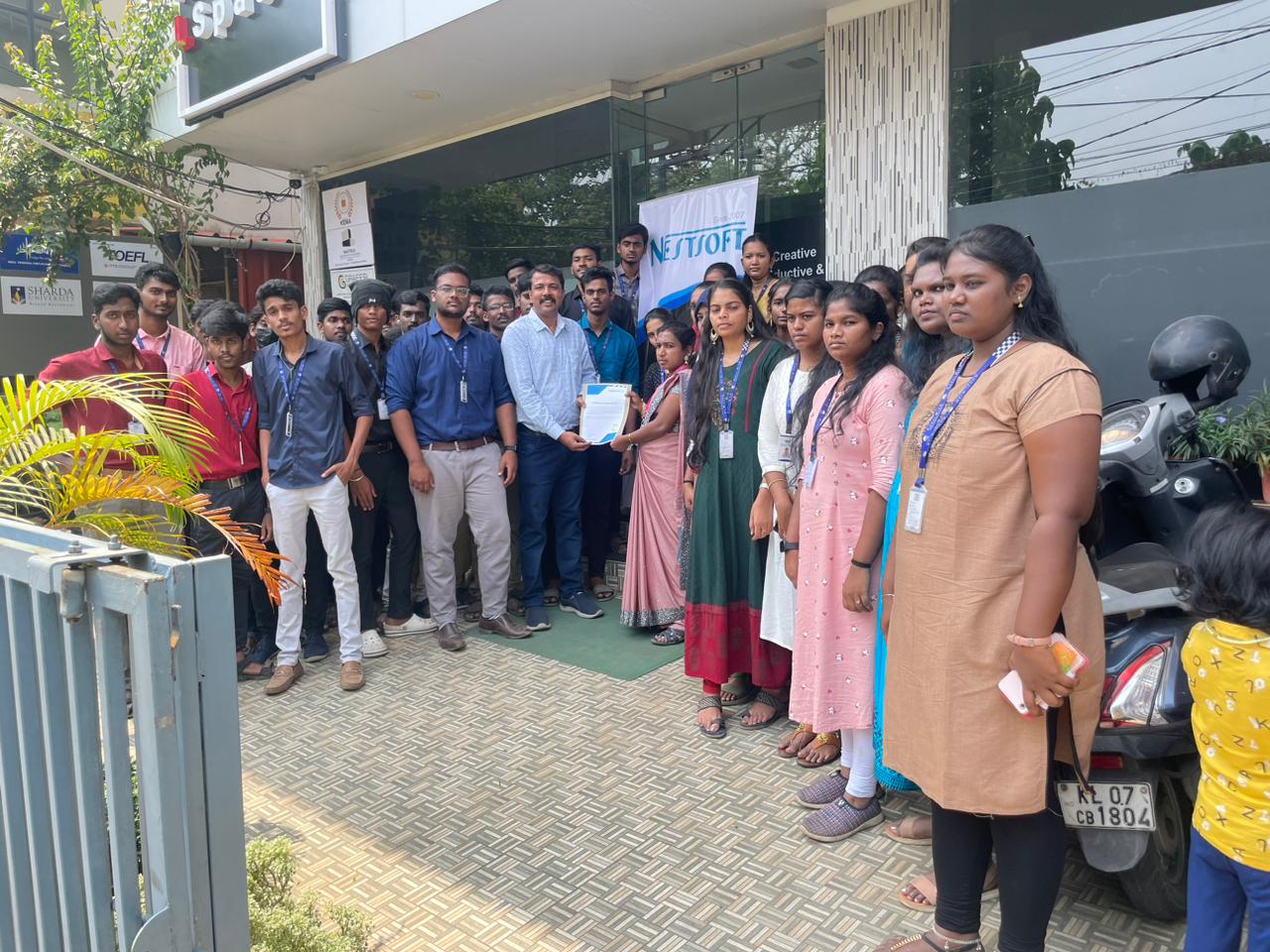
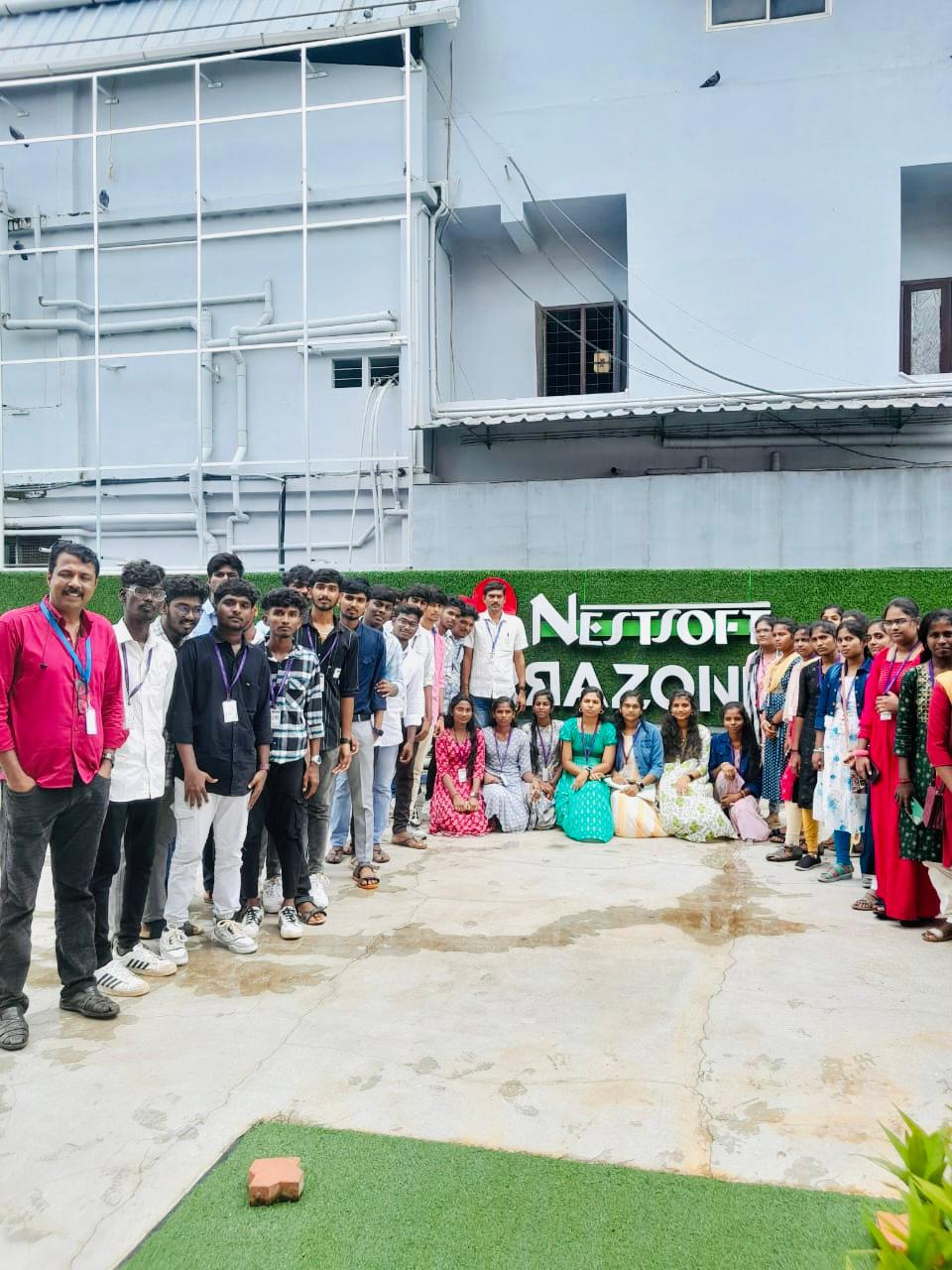
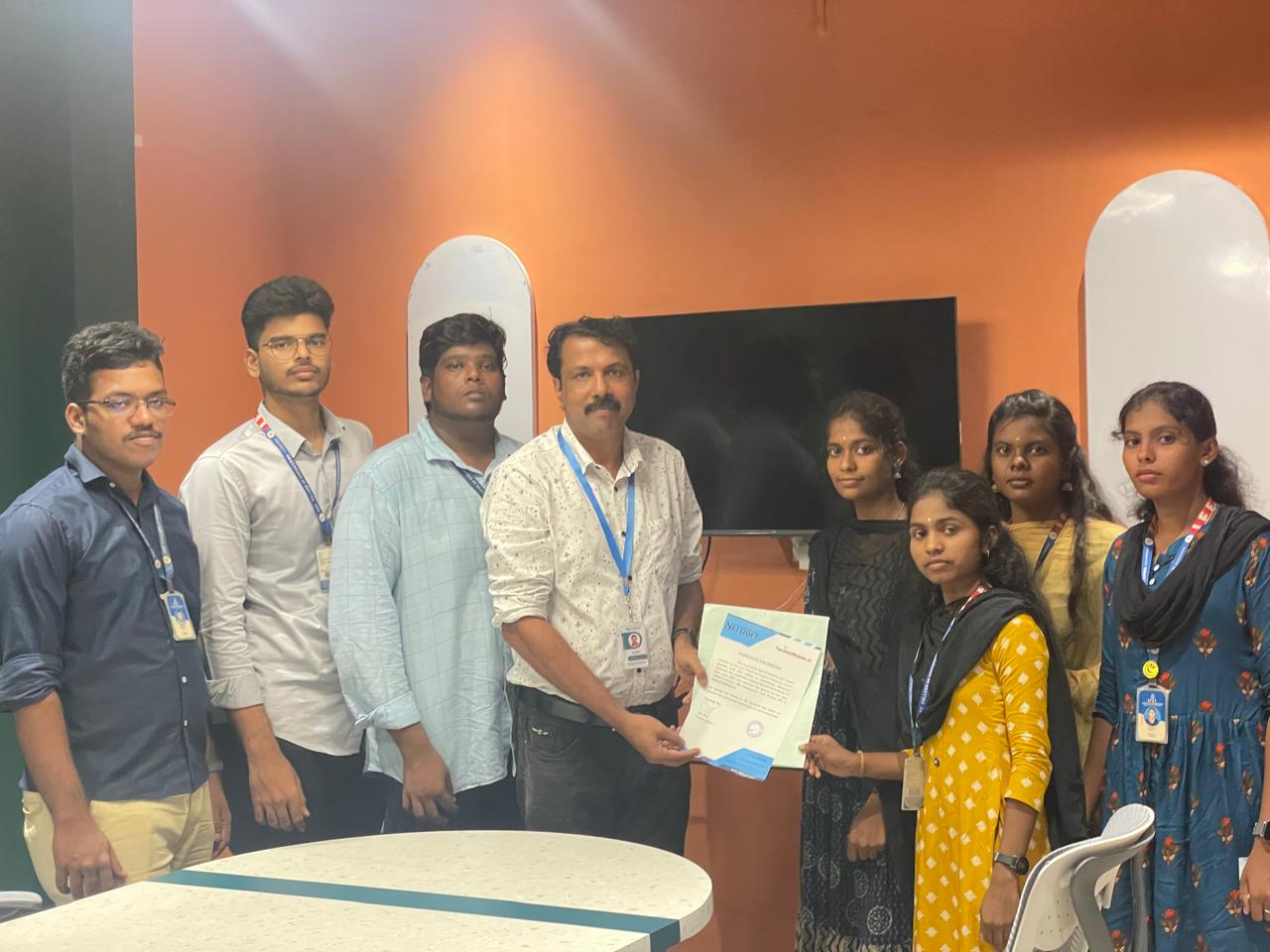
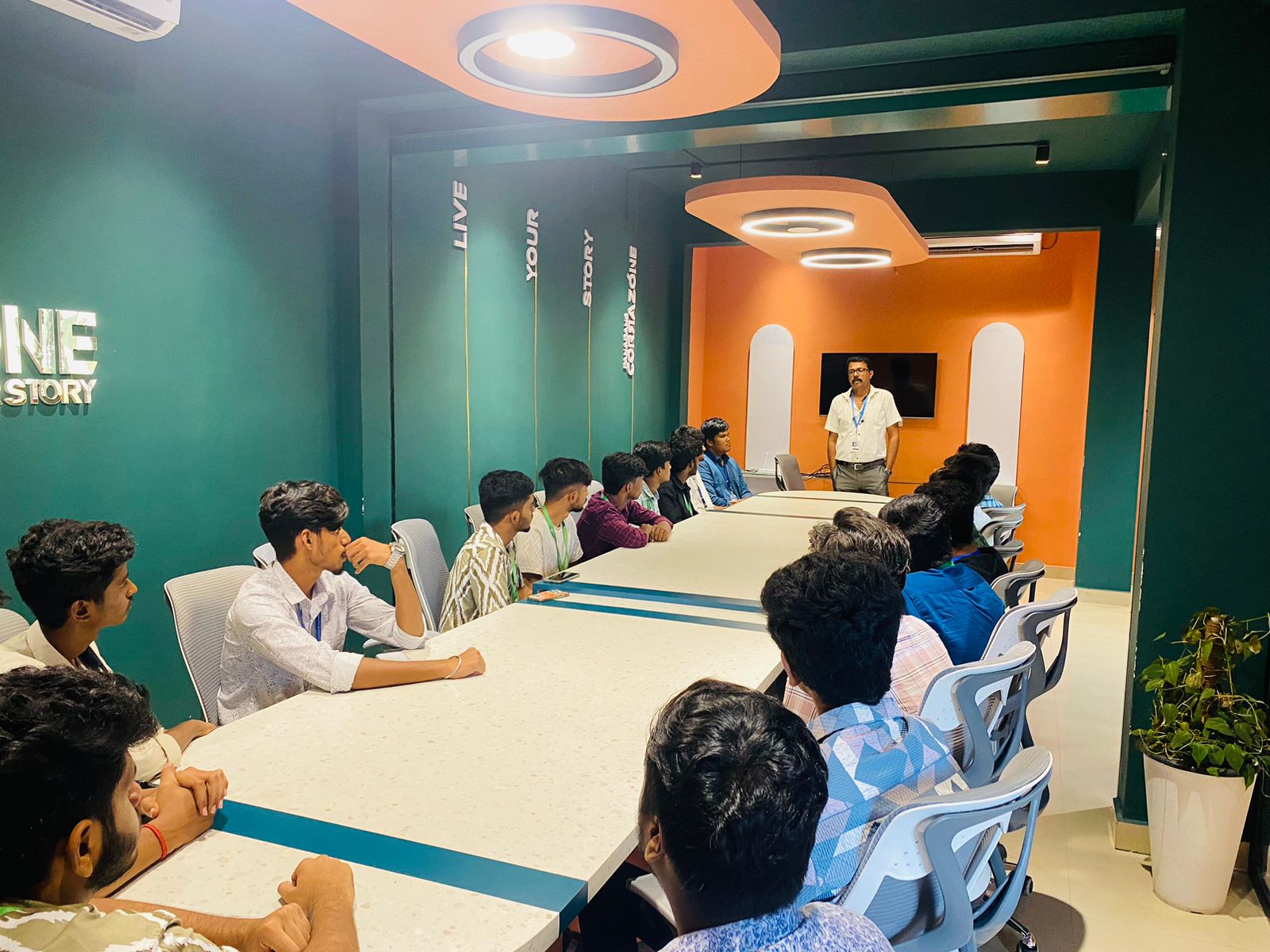
Photos of Training / Internships

Internship/projects in liverpool

Trained more than 10000+ students who trust Nestsoft TechnoMaster

Get Your Personal Trainer