Send enquiry ⏎

Autodesk 3Ds Max Online Live Class by Experts

Our Training/Internship Process

Autodesk 3Ds Max Online Live Classes in Chelmsford | Free Demo Training

Autodesk 3Ds Max - Syllabus, Fees & Duration

Getting to Know 3ds Max

  • Touring the Interface
  • The Viewports
  • Getting to Know the Command Panel
  • Working with Objects
  • Transforming Objects
  • Copying an Object
  • Understanding the Perspective Viewing Tools
  • Using Multiple Viewports

Introducing 3ds Max Objects

  • Understanding Standard Primitives
  • Adjusting Objects' Parameters
  • Accessing Parameters
  • Modeling Standard Primitives with Modifiers
  • Using the Modifier Stack Tools
  • Making Clones That Share Properties
  • Using Various Modifiers
  • Understanding Extended Primitives
  • Working with Groups

Creating Shapes with Splines

  • Drawing using Splines
  • Lathing a Spline
  • Modifying a Shape Using Sub-object Levels
  • Flipping Surface Normals
  • Creating Thickness with a Spline
  • Combining and Extruding Splines
  • Introducing Other Spline Types
  • Editing Splines

Editing Meshes and Creating Complex Objects

  • Polygon Modeling Techniques
  • Using Graphite Modeling Tools
  • Creating buildings using modifiers

Working with External Design Data

  • Importing AutoCAD Plans into 3ds Max
  • Extruding the Walls

Creating AEC Objects

  • Creating a Parametric Wall
  • Adjusting the Wall’s Parameters
  • Adding Doors and Windows to Walls
  • Creating a Parametric Window
  • Creating Stairs
  • Creating Foliage

Organizing and Editing Objects

  • Naming Objects
  • Organizing Objects by Layers
  • Setting Up Layers
  • Assigning Objects to Layers
  • Assigning Color to Layers
  • Lofting an Object
  • Lofting a Shape Along a Path
  • Using Different Shapes Along the Loft Path
  • Extruding with the Sweep Modifier
  • Aligning Objects

Light and Shadow

  • Understanding the Types of Lights
  • Adding a Spotlight to Simulate the Sun
  • Rendering a View
  • Adding Shadow Effects
  • Softening Shadow Edges

Shading and Texturing

  • Understanding Bitmap Texture Maps
  • Diffuse Color Maps
  • Understanding Surface Properties
  • Adding Materials to Objects
  • Understanding Material Libraries
  • Editing Materials
  • Using Bump Maps
  • Understanding Mapping Coordinates
  • Adjusting the UVW Mapping Gizmo
  • Assigning Materials to Parts of an Object
  • Creating a Multi/Sub-Object Material

Using the 3ds Max Camera

  • Understanding the 3ds Max Camera
  • Adding a Camera
  • Editing the Camera Location with the Viewport Tools
  • Setting Up an Interior View
  • Creating an Environment
  • Working with Walkthrough-Assistant

Creating Animations

  • Using Animation controls
  • Using Keyframe animation
  • Bouncing a Ball
  • Adding Camera Motion
  • Adjusting the Camera Path
  • Creating Preview Animation
  • Compressing and Expanding Time
  • Rendering the Animation

Mental Ray Concepts

  • Understanding Mental Ray
  • Understanding Global Illumination
  • Understanding Final Gather
  • Assigning the Mental Ray Renderer
  • Using the Rendered Frame Window Controls

Gamma Correction

  • Understanding Gamma and Linear Workflow
  • Applying gamma correction

Materials

  • Understanding Autodesk materials
  • Understanding Arch & Design materials
  • Creating various materials

Rendering

  • Improving Rendering Quality
  • Rendering an Exterior Scene
  • Rendering an Interior Scene

VRay

  • What is VRay and how to setup VRay
  • Global Illumination in VRay
  • VRay Image Saving Options
  • VRay Lights
  • VRay Camera

Rendering Scenes

  • Rendering an interior scene using V-Ray
  • Rendering an exterior scene using V-Ray

Download Syllabus - Autodesk 3Ds Max
This syllabus is not final and can be customized as per needs/updates
   
10000+
20+
50+
25+

Autodesk 3Ds Max Jobs in Chelmsford

Enjoy the demand

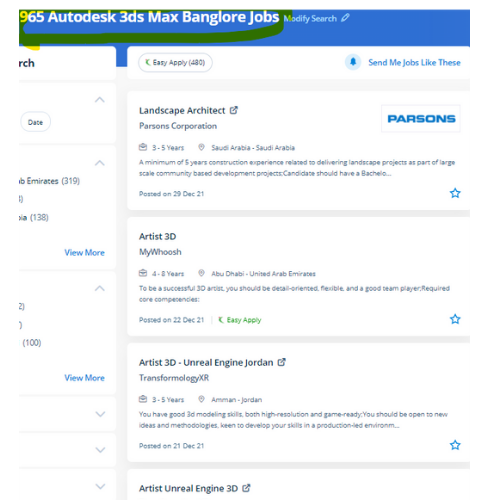
Find jobs related to Autodesk 3Ds Max in search engines (Google, Bing, Yahoo) and recruitment websites (monsterindia, placementindia, naukri, jobshybrid.com, indeed.co.in, shine.com etc.) based in Chelmsford, chennai and europe countries. You can find many jobs for freshers related to the job positions in Chelmsford.

  • 3Ds Max Designer
  • Graphic Designer
  • Visualizer 3d
  • 3Ds Max Trainer
  • Architectural 3d Visualizer
  • 3d Modeling
  • AutoCAD Draftsman
  • Designing Trainer
  • Motion Graphic Designer
  • Generalist 3D

Autodesk 3Ds Max Internship/Course Details

Autodesk 3Ds Max internship jobs in Chelmsford
Autodesk 3Ds Max The software is additionally very useful for architectural design, infrastructure and construction, product development, and producing planning. It helps to make higher 3D content in less time and users will manufacture professional-quality 3D animations, renders, and models with an economical and versatile toolset. Users have all the commands and functions right before them, and there's nothing that will be confusing. It facilitates operating with a lot of, 3ds max has lots of very little tools that create the work done faster, There are some nice plugin renderers accessible for 3ds max. 3Ds max software system consists of the numerous wealthy choices that facilitate the modelers, the renders, and the designers to form flawless photo-realistic 3D images moreover 3D animations of any construction element, furthermore as it is a giant ranging usage in Media, advertisement, and entertainment industry. Scene explorer might be a tool that provides a hierarchical view of scene knowledge and analysis. With it, users area unit ready to create and put along with geometric figures of various shapes, moreover as apply surface and mesh modeling. Moreover, the program is ideal for the simulation of mechanical components, as well. Being a 3D modeler or animator suggests being well familiar with each kind and choice of 3D modeling and animation software tools that are used to highlight your creations. 3D max brings options and characters to life with VFX and animation.


Meet a Few of our Industry Experts 🚀 Your Pathway to IT Career

Sreekanth

Mobile: +91 9895490866
Location: Online (Chelmsford, Uk)
Qualification: Btech

Experience: Manual testing automation testing SQL core java  more..

Navjot

Mobile: +91 98474 90866
Location: Online (Chelmsford, Uk)
Qualification: BTech CSE

Experience: I have 3 years of experience as Angular developer I am ready to start from today onwards Please revert if  more..

laxman

Mobile: +91 98474 90866
Location: Online (Chelmsford, Uk)
Qualification: b.tech

Experience: I am writing to express my interest in this position With a solid background in HTML XML JavaScript Python jQuery  more..

AKash

Mobile: +91 9895490866
Location: Online (Chelmsford, Uk)
Qualification: B.Tech in CSE-AI/ML

Experience: I am Akash Meruva currently pursuing a Computer Science degree at SRM University AP I am specialized in the exciting  more..

Bharat

Mobile: +91 91884 77559
Location: Online (Chelmsford, Uk)
Qualification: Mca

Experience: On-page SEO off-page seo technical seo Backlink generation generate traffic and leads  more..

Bhavani

Mobile: +91 98474 90866
Location: Online (Chelmsford, Uk)
Qualification: BTech

Experience: 4 years of experience in software testing including manual and automation functional testing Selenium Java cucumber BDD API testing Using  more..

Mukul

Mobile: +91 89210 61945
Location: Online (Chelmsford, Uk)
Qualification: B-Tech(Civil engineering)

Experience: I joined an online platform sharpener tech on 9 3 23 and learned skills such as React js JavaScript Html  more..

Basil

Mobile: +91 98474 90866
Location: Online (Chelmsford, Uk)
Qualification: BCA

Experience: Understanding and design thinking Data analytics Video Marketing Graphic Designing   more..

deepthy

Mobile: +91 91884 77559
Location: Online (Chelmsford, Uk)
Qualification: btech

Experience: more than one year experience in IOS development   more..

saema

Mobile: +91 94975 90866
Location: Online (Chelmsford, Uk)
Qualification: BCA

Experience: 5 years of experience in graphic design   more..

Priti

Mobile: +91 8301010866
Location: Online (Chelmsford, Uk)
Qualification: MCA

Experience: HTML CSS javascript php laravel MVC bootstrap mongodb MYSQL  more..

Maaz

Mobile: +91 91884 77559
Location: Online (Chelmsford, Uk)
Qualification: Bachelor

Experience: Vapt Metasploit Wireshark Nmap ethical Hacking tools security audits firewalls etc  more..

Jeetu

Mobile: +91 91884 77559
Location: Online (Chelmsford, Uk)
Qualification: B.Tech

Experience: Application security testing | Resume for   more..

Ajith

Mobile: +91 91884 77559
Location: Online (Chelmsford, Uk)
Qualification: BCA

Experience: Manual testing Automation testing Selenium Java postman Jmeter  more..

Aditya

Mobile: +91 89210 61945
Location: Online (Chelmsford, Uk)
Qualification: b.tech

Experience: hi currently i am working in Liugong India as wordpress developer  more..

Adil

Mobile: +91 98474 90866
Location: Online (Chelmsford, Uk)
Qualification: Software Engineering

Experience: Data operator web development 5 year experience data operator 2 year experience web development   more..

Moksh

Mobile: +91 94975 90866
Location: Online (Chelmsford, Uk)
Qualification: Undergraduate

Experience: I am a Computer Science Engineering student with great proficiency in front end development skills such as react js css  more..

vikas

Mobile: +91 9895490866
Location: Online (Chelmsford, Uk)
Qualification: Master degree

Experience: Customizing and configuring Odoo modules to meet client requirements Developing and implemeting new odoo modules providing technicel support and troubleshooting  more..

Ansuman

Mobile: +91 89210 61945
Location: Online (Chelmsford, Uk)
Qualification: b.tec

Experience: 1 year of experience in mvvm android studios api integration git hub   more..

Fathima

Mobile: +91 91884 77559
Location: Online (Chelmsford, Uk)
Qualification: Bachelor of computer Application

Experience: Seo wordpress social media marketing i have six months of experience in digital marketing and seo from spyrosys kochi  more..

Sonal

Mobile: +91 91884 77559
Location: Online (Chelmsford, Uk)
Qualification: MCA

Experience: net oracle unix  more..

Anomitra

Mobile: +91 9895490866
Location: Online (Chelmsford, Uk)
Qualification: B Tech (CSE)

Experience: Next JS Tailwind JavaScript Figma HTML and CSS UI UX development MERN Stack Node JS Python Machine Learning Project Management  more..

Sudarvizhi

Mobile: +91 91884 77559
Location: Online (Chelmsford, Uk)
Qualification: B. E

Experience: Ios developer and 6 years of experience  more..

Vinita

Mobile: +91 98474 90866
Location: Online (Chelmsford, Uk)
Qualification: Mca

Experience: I have 1 5 years of experience in graphic design  more..

Success Stories

The enviable salary packages and track record of our previous students are the proof of our excellence. Please go through our students' reviews about our training methods and faculty and compare it to the recorded video classes that most of the other institutes offer. See for yourself how TechnoMaster is truly unique.

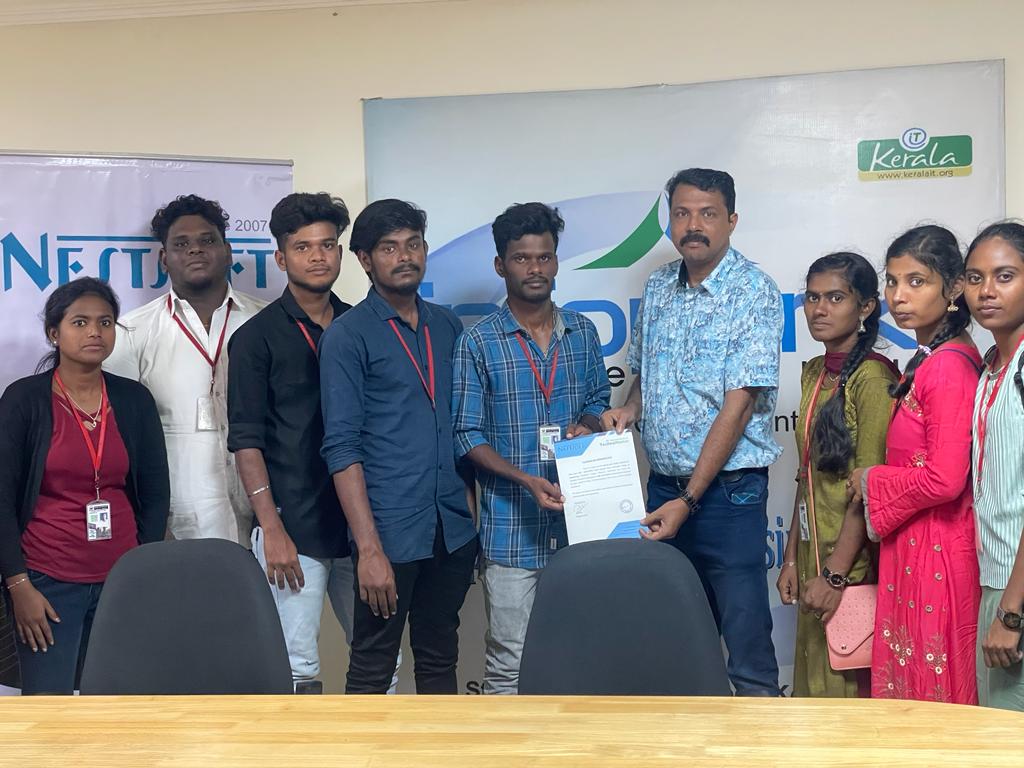
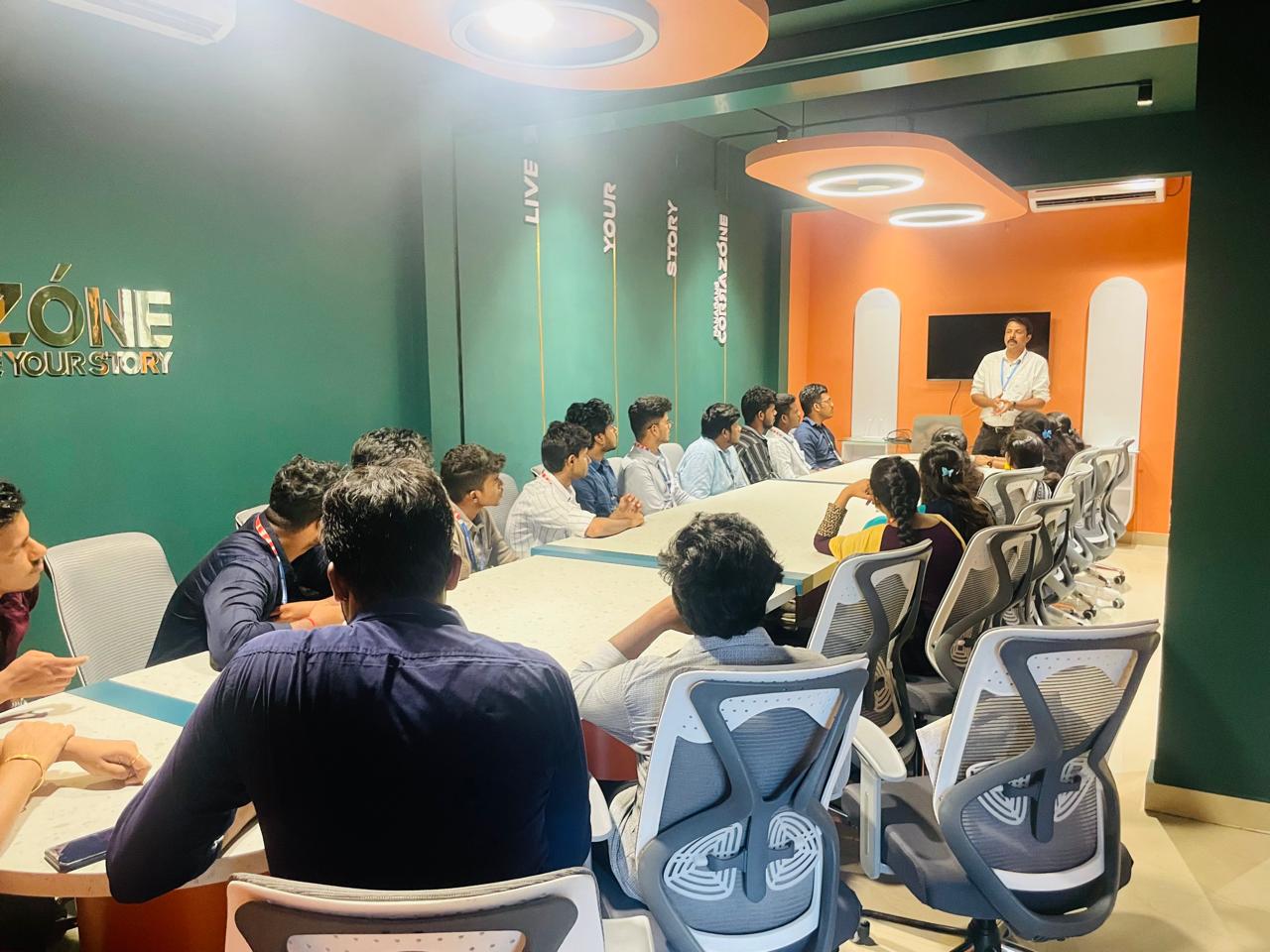
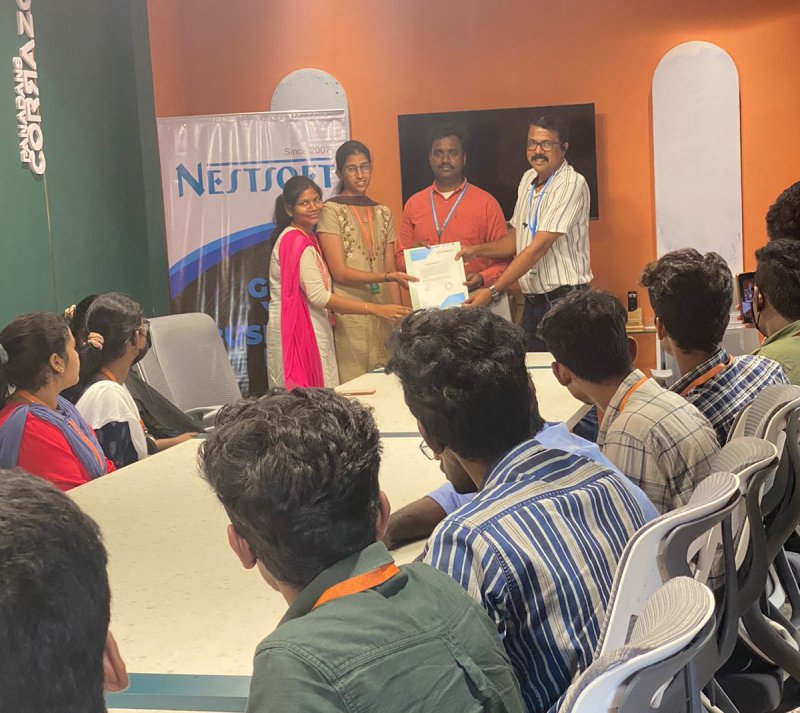
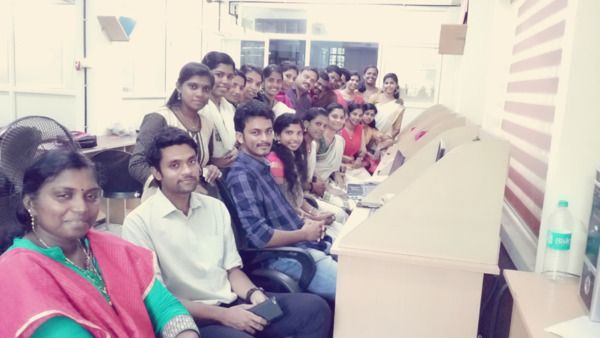
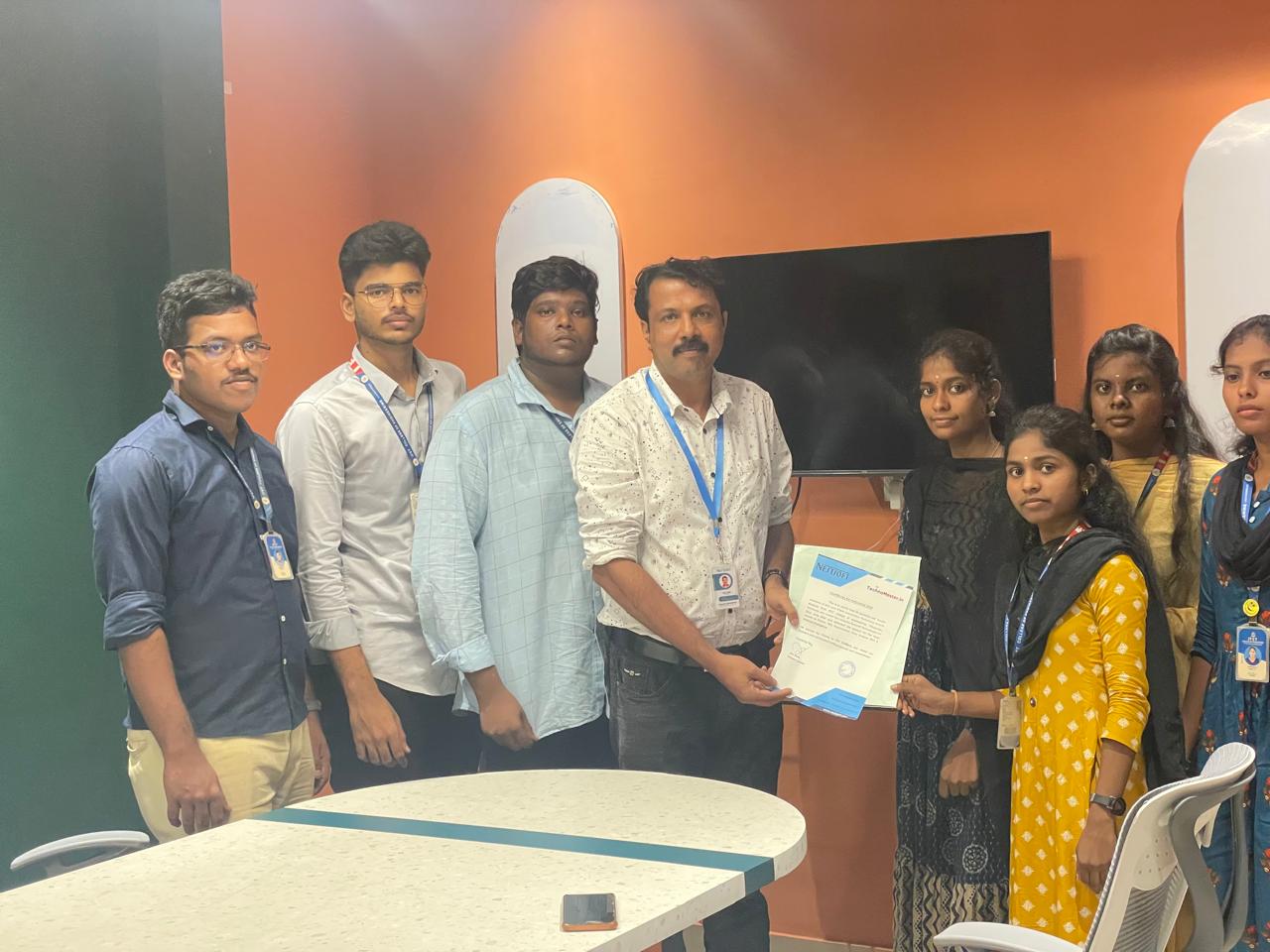
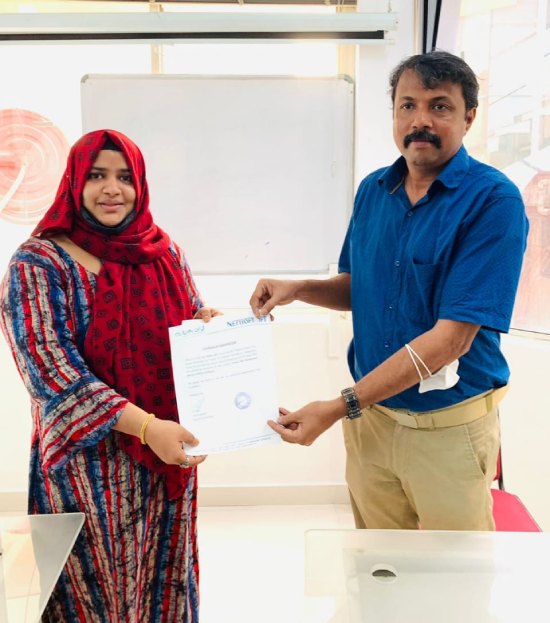
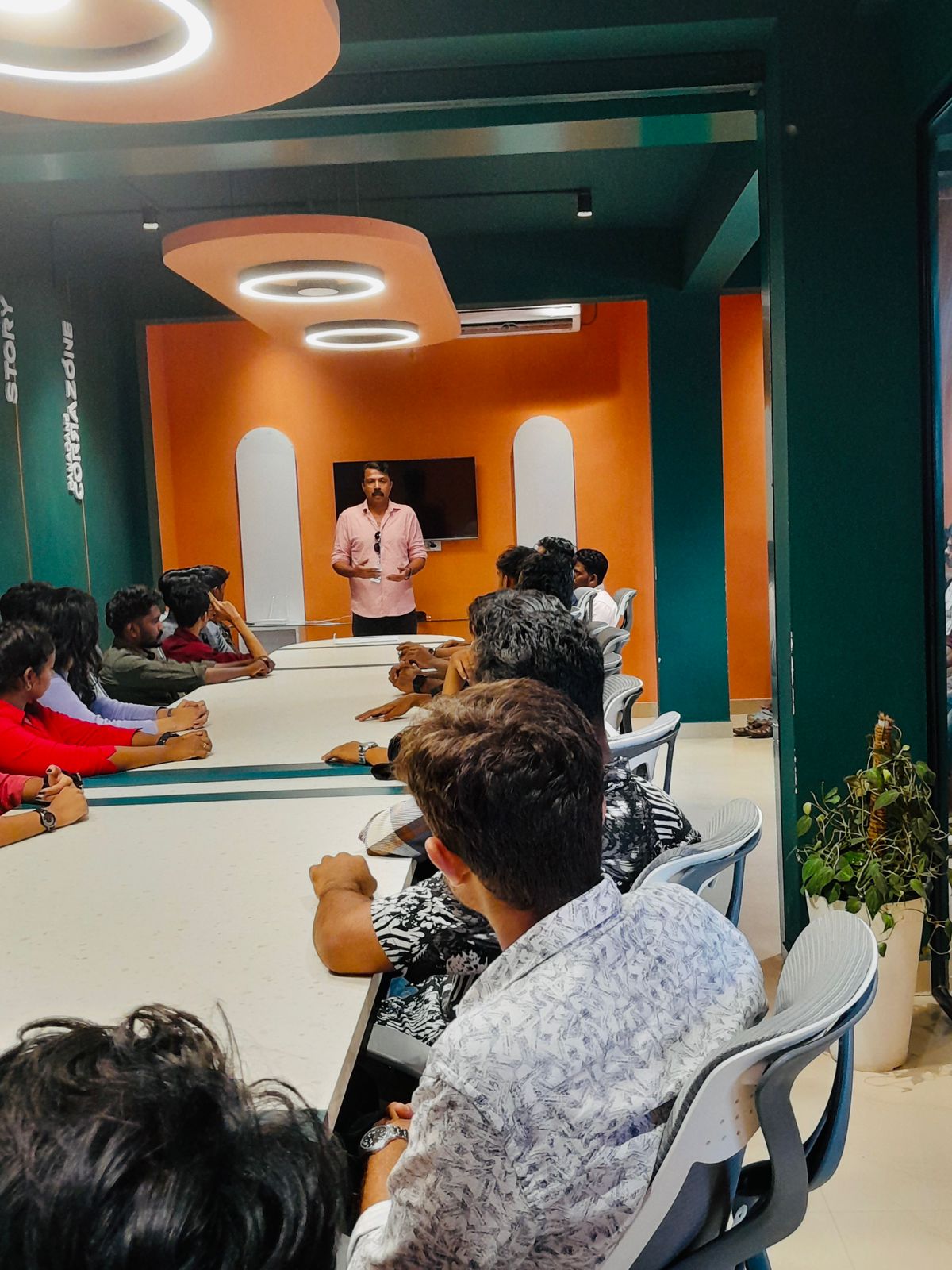
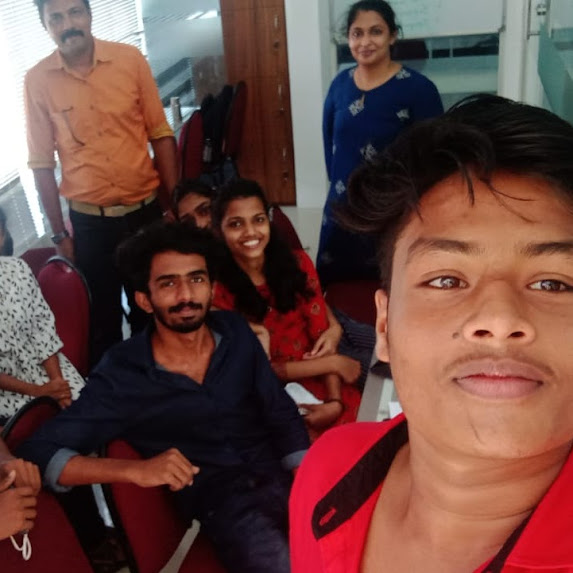
Photos of Training / Internships

Internship/projects in chelmsford

Trained more than 10000+ students who trust Nestsoft TechnoMaster

Get Your Personal Trainer