Send enquiry ⏎

Autodesk 3Ds Max Online Live Class by Experts

Our Training/Internship Process

Autodesk 3Ds Max Online Live Classes in Cambridge | Free Demo Training

Autodesk 3Ds Max - Syllabus, Fees & Duration

Getting to Know 3ds Max

  • Touring the Interface
  • The Viewports
  • Getting to Know the Command Panel
  • Working with Objects
  • Transforming Objects
  • Copying an Object
  • Understanding the Perspective Viewing Tools
  • Using Multiple Viewports

Introducing 3ds Max Objects

  • Understanding Standard Primitives
  • Adjusting Objects' Parameters
  • Accessing Parameters
  • Modeling Standard Primitives with Modifiers
  • Using the Modifier Stack Tools
  • Making Clones That Share Properties
  • Using Various Modifiers
  • Understanding Extended Primitives
  • Working with Groups

Creating Shapes with Splines

  • Drawing using Splines
  • Lathing a Spline
  • Modifying a Shape Using Sub-object Levels
  • Flipping Surface Normals
  • Creating Thickness with a Spline
  • Combining and Extruding Splines
  • Introducing Other Spline Types
  • Editing Splines

Editing Meshes and Creating Complex Objects

  • Polygon Modeling Techniques
  • Using Graphite Modeling Tools
  • Creating buildings using modifiers

Working with External Design Data

  • Importing AutoCAD Plans into 3ds Max
  • Extruding the Walls

Creating AEC Objects

  • Creating a Parametric Wall
  • Adjusting the Wall’s Parameters
  • Adding Doors and Windows to Walls
  • Creating a Parametric Window
  • Creating Stairs
  • Creating Foliage

Organizing and Editing Objects

  • Naming Objects
  • Organizing Objects by Layers
  • Setting Up Layers
  • Assigning Objects to Layers
  • Assigning Color to Layers
  • Lofting an Object
  • Lofting a Shape Along a Path
  • Using Different Shapes Along the Loft Path
  • Extruding with the Sweep Modifier
  • Aligning Objects

Light and Shadow

  • Understanding the Types of Lights
  • Adding a Spotlight to Simulate the Sun
  • Rendering a View
  • Adding Shadow Effects
  • Softening Shadow Edges

Shading and Texturing

  • Understanding Bitmap Texture Maps
  • Diffuse Color Maps
  • Understanding Surface Properties
  • Adding Materials to Objects
  • Understanding Material Libraries
  • Editing Materials
  • Using Bump Maps
  • Understanding Mapping Coordinates
  • Adjusting the UVW Mapping Gizmo
  • Assigning Materials to Parts of an Object
  • Creating a Multi/Sub-Object Material

Using the 3ds Max Camera

  • Understanding the 3ds Max Camera
  • Adding a Camera
  • Editing the Camera Location with the Viewport Tools
  • Setting Up an Interior View
  • Creating an Environment
  • Working with Walkthrough-Assistant

Creating Animations

  • Using Animation controls
  • Using Keyframe animation
  • Bouncing a Ball
  • Adding Camera Motion
  • Adjusting the Camera Path
  • Creating Preview Animation
  • Compressing and Expanding Time
  • Rendering the Animation

Mental Ray Concepts

  • Understanding Mental Ray
  • Understanding Global Illumination
  • Understanding Final Gather
  • Assigning the Mental Ray Renderer
  • Using the Rendered Frame Window Controls

Gamma Correction

  • Understanding Gamma and Linear Workflow
  • Applying gamma correction

Materials

  • Understanding Autodesk materials
  • Understanding Arch & Design materials
  • Creating various materials

Rendering

  • Improving Rendering Quality
  • Rendering an Exterior Scene
  • Rendering an Interior Scene

VRay

  • What is VRay and how to setup VRay
  • Global Illumination in VRay
  • VRay Image Saving Options
  • VRay Lights
  • VRay Camera

Rendering Scenes

  • Rendering an interior scene using V-Ray
  • Rendering an exterior scene using V-Ray

Download Syllabus - Autodesk 3Ds Max
This syllabus is not final and can be customized as per needs/updates
   
10000+
20+
50+
25+

Autodesk 3Ds Max Jobs in Cambridge

Enjoy the demand

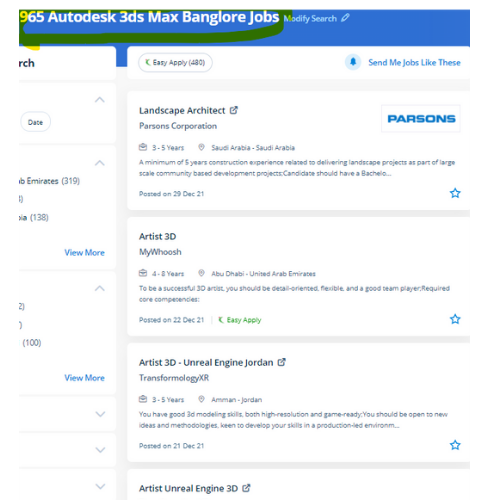
Find jobs related to Autodesk 3Ds Max in search engines (Google, Bing, Yahoo) and recruitment websites (monsterindia, placementindia, naukri, jobshybrid.com, indeed.co.in, shine.com etc.) based in Cambridge, chennai and europe countries. You can find many jobs for freshers related to the job positions in Cambridge.

  • 3Ds Max Designer
  • Graphic Designer
  • Visualizer 3d
  • 3Ds Max Trainer
  • Architectural 3d Visualizer
  • 3d Modeling
  • AutoCAD Draftsman
  • Designing Trainer
  • Motion Graphic Designer
  • Generalist 3D

Autodesk 3Ds Max Internship/Course Details

Autodesk 3Ds Max internship jobs in Cambridge
Autodesk 3Ds Max Sophisticated models have created a very easy manner. With it, users area unit ready to create and put along with geometric figures of various shapes, moreover as apply surface and mesh modeling. you'll conclude how to configure and render scenes, produce and edit 3D geometry, understand and apply lighting and materials for realism and eventually produce desktop animations. 3D max brings options and characters to life with VFX and animation. Nestsoft offers 3DTraining programs that are self-paced and conducted online using our patent-pending interactive simulator platform together with live-online classes and sessions are handled by industry experts. Autodesk 3Ds max is one among the current state of the art tools for architectural visualization, industrial design, animation filmmaking, and game design, formerly referred to as 3d max Studio or 3D Studio. Scene explorer might be a tool that provides a hierarchical view of scene knowledge and analysis. join our online Autodesk 3ds max coaching Course today to complete Autodesk 3ds max from basic to intermediate & advanced levels. Being a 3D modeler or animator suggests being well familiar with each kind and choice of 3D modeling and animation software tools that are used to highlight your creations. This program could be a part of a group of entertainment and multimedia system software products provided by Autodesk.


Meet a Few of our Industry Experts 🚀 Your Pathway to IT Career

Ajmal

Mobile: +91 91884 77559
Location: Online (Cambridge, Uk)
Qualification: Bca

Experience: Communication dedication manual testing automation testing   more..

Manoj

Mobile: +91 94975 90866
Location: Online (Cambridge, Uk)
Qualification: B-Tech

Experience: I have a strong technical background with knowledge in software development life cycle testing life cycle and bug life cycle  more..

Prakash

Mobile: +91 89210 61945
Location: Online (Cambridge, Uk)
Qualification: Bsc

Experience: A self-taught video editor & Graphic Designing with 8 years of experience who is looking for every chance to improve  more..

Ankit

Mobile: +91 9895490866
Location: Online (Cambridge, Uk)
Qualification: MCA

Experience: I have 1 6 years of experience in Android development Skills - java Kotlin Android XML JSON Git Firebase Jira  more..

Aadi

Mobile: +91 94975 90866
Location: Online (Cambridge, Uk)
Qualification: MDes

Experience: UX Research Primary research secondary research wireframing user flow mapping user interviews qualitative research quantitative research competitive analysis UI design  more..

Renilda

Mobile: +91 8301010866
Location: Online (Cambridge, Uk)
Qualification: BE

Experience: Knowledge in Manual and Automation testing Tools knowledge in Selenium Postman JIRA JMeter Basic knowledge in Java Training certification in  more..

Srividhya

Mobile: +91 8301010866
Location: Online (Cambridge, Uk)
Qualification: B.tech information technology

Experience: I have been working as a professional designer for four years collaborating with various companies and products I have a  more..

Namita

Mobile: +91 89210 61945
Location: Online (Cambridge, Uk)
Qualification: B.A in economics

Experience: Completed a course of Full Stack Web development from ITVEDANT institute Thane I have learned skills like SQL HTML CSS  more..

Rajesh

Mobile: +91 98474 90866
Location: Online (Cambridge, Uk)
Qualification: M.Tech

Experience: Having rich exp over 10 years on selenium with Java API automation using REST ASSURED mobile testing database testing  more..

Ankita

Mobile: +91 9895490866
Location: Online (Cambridge, Uk)
Qualification: mtech

Experience: WebDriver Interface: Demonstrate proficiency in using WebDriver methods for navigation element manipulation and browser interactions Locator Strategies: Highlight expertise in  more..

Jibitesh

Mobile: +91 9895490866
Location: Online (Cambridge, Uk)
Qualification: Btech in CSE

Experience: I have done tons of projects in web development and currently working to create more adverse and interactive GUI   more..

Liju

Mobile: +91 91884 77559
Location: Online (Cambridge, Uk)
Qualification: Btech

Experience: 1year of experience in php codeignitier  more..

Shweta

Mobile: +91 94975 90866
Location: Online (Cambridge, Uk)
Qualification: Btech

Experience: Software development sales analysis Java C C++ C# academic mentor  more..

Samuel

Mobile: +91 8301010866
Location: Online (Cambridge, Uk)
Qualification: MBA in finance and marketing

Experience: Completed DTP including ms excel word and power point Hardware and networking Tally and accounting ERP9 |   more..

Rohan

Mobile: +91 98474 90866
Location: Online (Cambridge, Uk)
Qualification: Bca

Experience: I worked on node js angular js javascript mongo dB server also completed core java html css webtect certification from  more..

Jemsheed

Mobile: +91 89210 61945
Location: Online (Cambridge, Uk)
Qualification: Bachelors in computer application

Experience: Selenium webdriver with java Manual testing Sql server (1year exp ) Basics of postman jmeter and jira  more..

Sachin

Mobile: +91 94975 90866
Location: Online (Cambridge, Uk)
Qualification: B.E. electrical engineering

Experience: Digital forensics owasp top 10 vulnerabilities vapt firewall etc  more..

Manish

Mobile: +91 91884 77559
Location: Online (Cambridge, Uk)
Qualification: B.Tech

Experience: During my time at SafeSend Technology I was responsible for developing and maintaining web applications using C# ASP NET and  more..

Mansi

Mobile: +91 91884 77559
Location: Online (Cambridge, Uk)
Qualification: b.com

Experience: on-page seo off-page seo social media search engine  more..

Hema

Mobile: +91 98474 90866
Location: Online (Cambridge, Uk)
Qualification: B.E

Experience: net c# MVC angular SQL html css git cicd pipel7  more..

Piyush

Mobile: +91 8301010866
Location: Online (Cambridge, Uk)
Qualification: b. tech

Experience: angular HTML css JavaScript  more..

Ashwin

Mobile: +91 98474 90866
Location: Online (Cambridge, Uk)
Qualification: BE.ECE

Experience: Python odoo   more..

NITHIN

Mobile: +91 89210 61945
Location: Online (Cambridge, Uk)
Qualification: BCA

Experience: HTML CSS bootstrap javascript angular Nodejs express Mongodb react 6 month internship at luminar Technolab Calicut Application for Meanstack Developer  more..

dharini

Mobile: +91 94975 90866
Location: Online (Cambridge, Uk)
Qualification: b.des

Experience: experience - 2 years skills - ux design visual design information architecture figma prototyping wireframes user personas user experience  more..

Success Stories

The enviable salary packages and track record of our previous students are the proof of our excellence. Please go through our students' reviews about our training methods and faculty and compare it to the recorded video classes that most of the other institutes offer. See for yourself how TechnoMaster is truly unique.

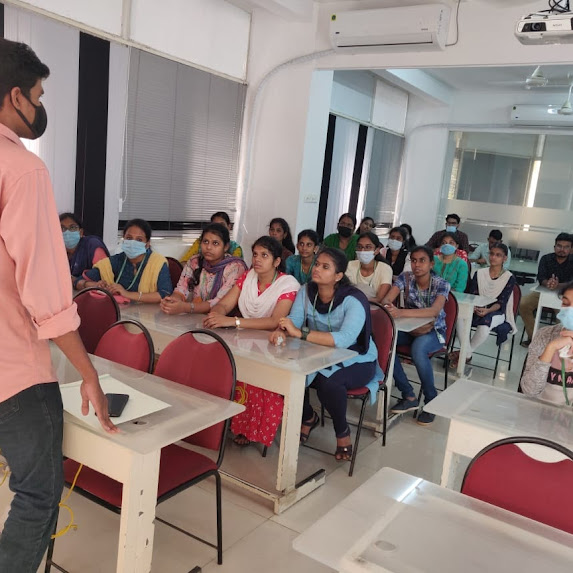
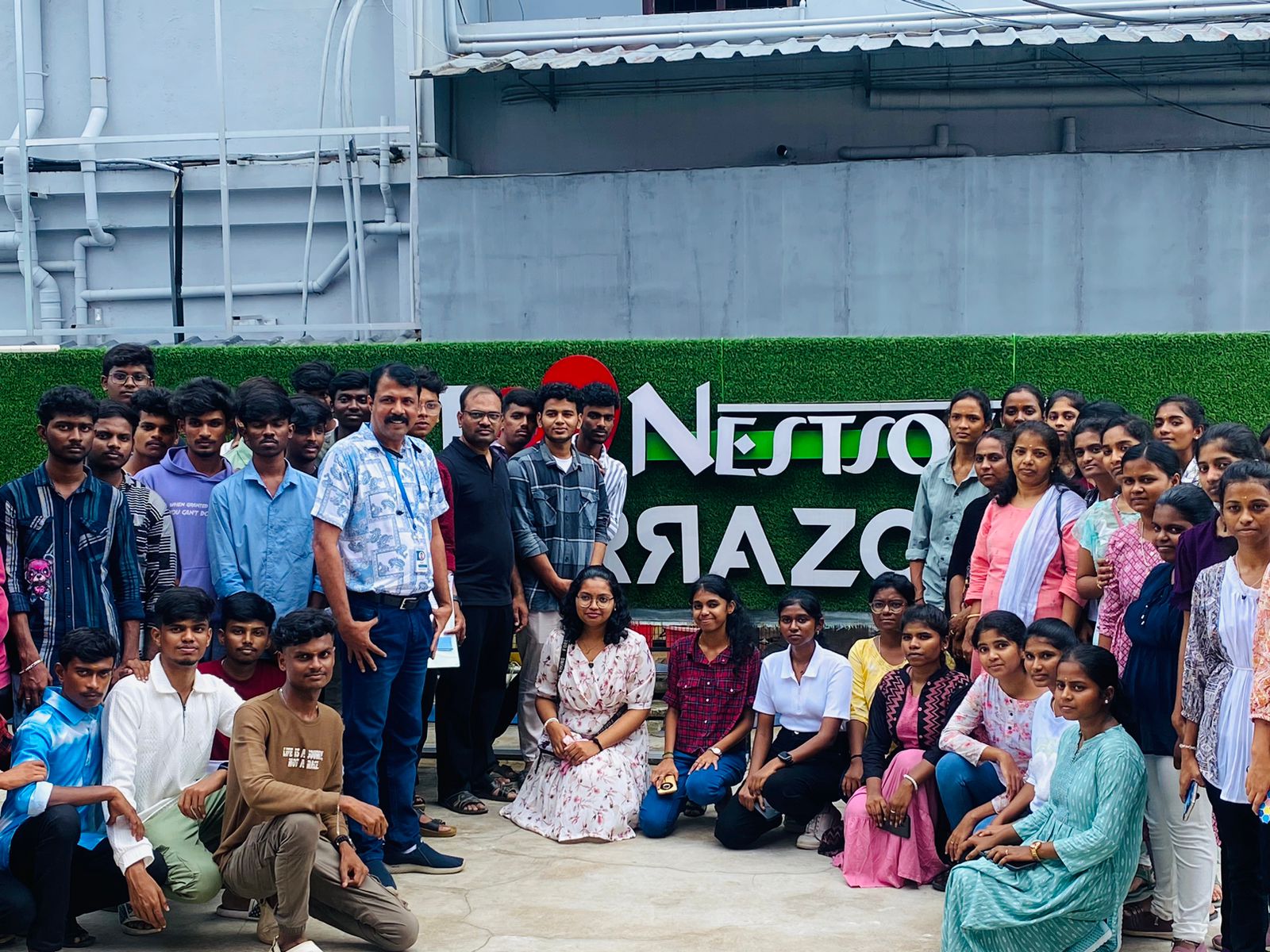
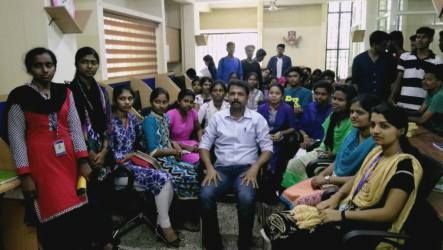
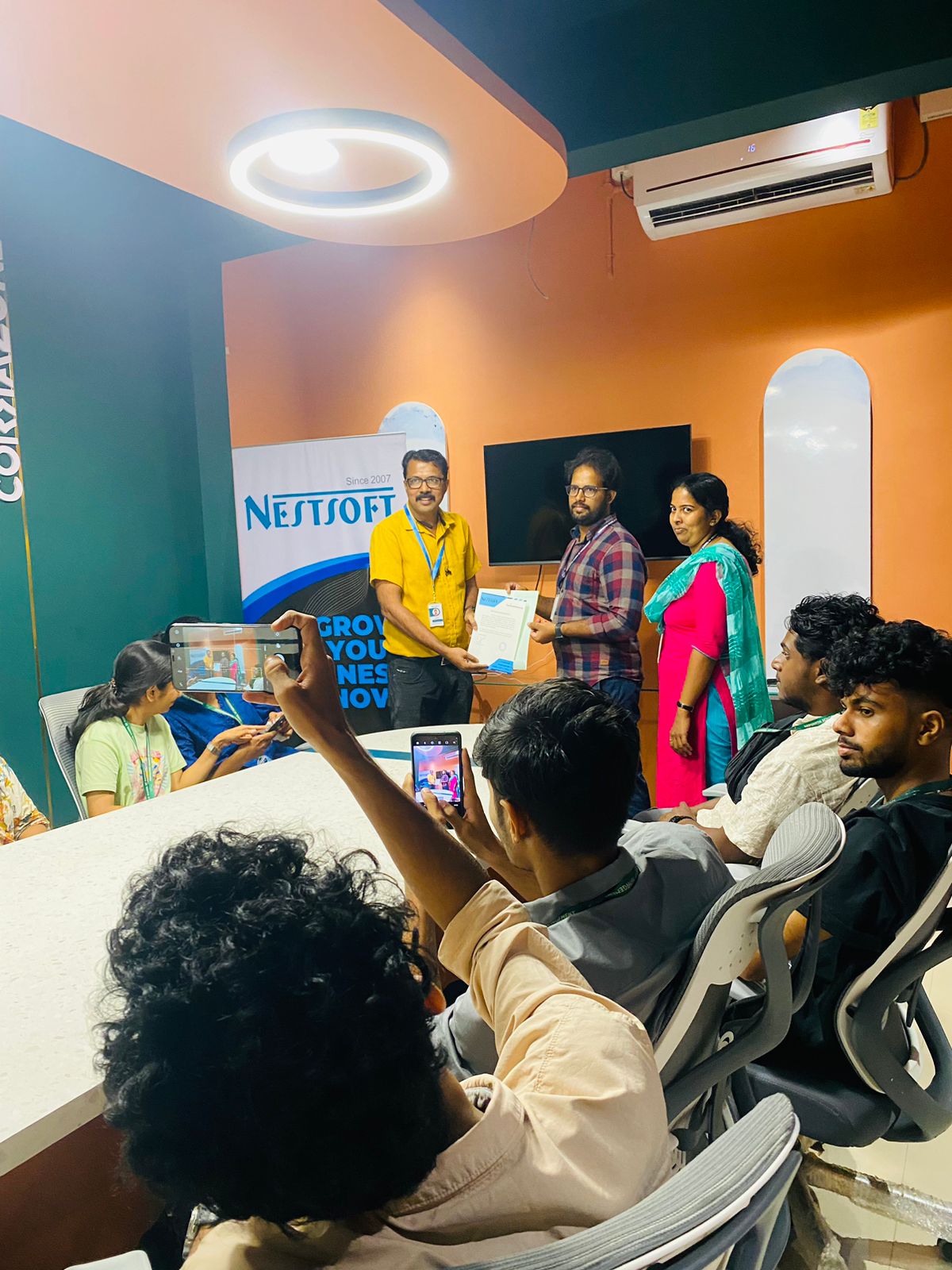
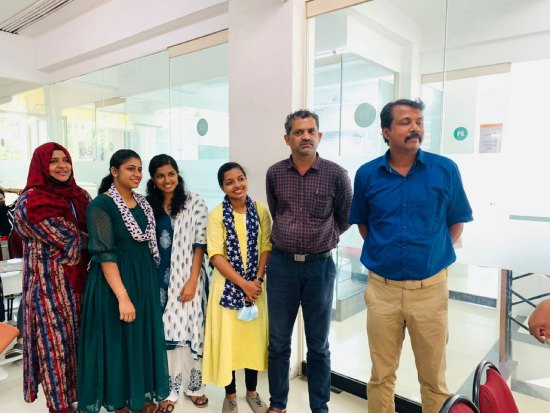
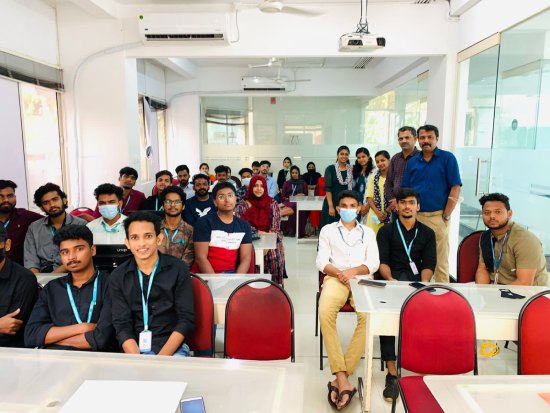
Photos of Training / Internships

Internship/projects in cambridge

Trained more than 10000+ students who trust Nestsoft TechnoMaster

Get Your Personal Trainer