Send enquiry ⏎

Autodesk 3Ds Max Online Live Class by Experts

Our Training/Internship Process

Autodesk 3Ds Max Online Live Classes in Coventry | Free Demo Training

Autodesk 3Ds Max - Syllabus, Fees & Duration

Getting to Know 3ds Max

  • Touring the Interface
  • The Viewports
  • Getting to Know the Command Panel
  • Working with Objects
  • Transforming Objects
  • Copying an Object
  • Understanding the Perspective Viewing Tools
  • Using Multiple Viewports

Introducing 3ds Max Objects

  • Understanding Standard Primitives
  • Adjusting Objects' Parameters
  • Accessing Parameters
  • Modeling Standard Primitives with Modifiers
  • Using the Modifier Stack Tools
  • Making Clones That Share Properties
  • Using Various Modifiers
  • Understanding Extended Primitives
  • Working with Groups

Creating Shapes with Splines

  • Drawing using Splines
  • Lathing a Spline
  • Modifying a Shape Using Sub-object Levels
  • Flipping Surface Normals
  • Creating Thickness with a Spline
  • Combining and Extruding Splines
  • Introducing Other Spline Types
  • Editing Splines

Editing Meshes and Creating Complex Objects

  • Polygon Modeling Techniques
  • Using Graphite Modeling Tools
  • Creating buildings using modifiers

Working with External Design Data

  • Importing AutoCAD Plans into 3ds Max
  • Extruding the Walls

Creating AEC Objects

  • Creating a Parametric Wall
  • Adjusting the Wall’s Parameters
  • Adding Doors and Windows to Walls
  • Creating a Parametric Window
  • Creating Stairs
  • Creating Foliage

Organizing and Editing Objects

  • Naming Objects
  • Organizing Objects by Layers
  • Setting Up Layers
  • Assigning Objects to Layers
  • Assigning Color to Layers
  • Lofting an Object
  • Lofting a Shape Along a Path
  • Using Different Shapes Along the Loft Path
  • Extruding with the Sweep Modifier
  • Aligning Objects

Light and Shadow

  • Understanding the Types of Lights
  • Adding a Spotlight to Simulate the Sun
  • Rendering a View
  • Adding Shadow Effects
  • Softening Shadow Edges

Shading and Texturing

  • Understanding Bitmap Texture Maps
  • Diffuse Color Maps
  • Understanding Surface Properties
  • Adding Materials to Objects
  • Understanding Material Libraries
  • Editing Materials
  • Using Bump Maps
  • Understanding Mapping Coordinates
  • Adjusting the UVW Mapping Gizmo
  • Assigning Materials to Parts of an Object
  • Creating a Multi/Sub-Object Material

Using the 3ds Max Camera

  • Understanding the 3ds Max Camera
  • Adding a Camera
  • Editing the Camera Location with the Viewport Tools
  • Setting Up an Interior View
  • Creating an Environment
  • Working with Walkthrough-Assistant

Creating Animations

  • Using Animation controls
  • Using Keyframe animation
  • Bouncing a Ball
  • Adding Camera Motion
  • Adjusting the Camera Path
  • Creating Preview Animation
  • Compressing and Expanding Time
  • Rendering the Animation

Mental Ray Concepts

  • Understanding Mental Ray
  • Understanding Global Illumination
  • Understanding Final Gather
  • Assigning the Mental Ray Renderer
  • Using the Rendered Frame Window Controls

Gamma Correction

  • Understanding Gamma and Linear Workflow
  • Applying gamma correction

Materials

  • Understanding Autodesk materials
  • Understanding Arch & Design materials
  • Creating various materials

Rendering

  • Improving Rendering Quality
  • Rendering an Exterior Scene
  • Rendering an Interior Scene

VRay

  • What is VRay and how to setup VRay
  • Global Illumination in VRay
  • VRay Image Saving Options
  • VRay Lights
  • VRay Camera

Rendering Scenes

  • Rendering an interior scene using V-Ray
  • Rendering an exterior scene using V-Ray

Download Syllabus - Autodesk 3Ds Max
This syllabus is not final and can be customized as per needs/updates
   
10000+
20+
50+
25+

Autodesk 3Ds Max Jobs in Coventry

Enjoy the demand

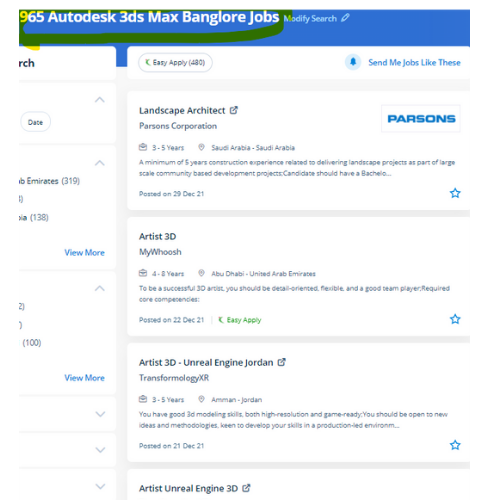
Find jobs related to Autodesk 3Ds Max in search engines (Google, Bing, Yahoo) and recruitment websites (monsterindia, placementindia, naukri, jobshybrid.com, indeed.co.in, shine.com etc.) based in Coventry, chennai and europe countries. You can find many jobs for freshers related to the job positions in Coventry.

  • 3Ds Max Designer
  • Graphic Designer
  • Visualizer 3d
  • 3Ds Max Trainer
  • Architectural 3d Visualizer
  • 3d Modeling
  • AutoCAD Draftsman
  • Designing Trainer
  • Motion Graphic Designer
  • Generalist 3D

Autodesk 3Ds Max Internship/Course Details

Autodesk 3Ds Max internship jobs in Coventry
Autodesk 3Ds Max 3Ds max software system consists of the numerous wealthy choices that facilitate the modelers, the renders, and the designers to form flawless photo-realistic 3D images moreover 3D animations of any construction element, furthermore as it is a giant ranging usage in Media, advertisement, and entertainment industry. you'll conclude how to configure and render scenes, produce and edit 3D geometry, understand and apply lighting and materials for realism and eventually produce desktop animations. Scene explorer might be a tool that provides a hierarchical view of scene knowledge and analysis. It facilitates operating with a lot of, 3ds max has lots of very little tools that create the work done faster, There are some nice plugin renderers accessible for 3ds max. . It helps to make higher 3D content in less time and users will manufacture professional-quality 3D animations, renders, and models with an economical and versatile toolset. Our training solutions are here to assist develop your active skills to unleash your creativity to a future level, whether you're a new user or a professional in Autodesk 3D Max and it has plenty of job opportunities these days. As well as, 3Ds max also has animation controllers that users will produce, edit, and share. Sophisticated models have created a very easy manner. In fact, operating with software becomes simple, and it is a lot more fascinating.


Meet a Few of our Industry Experts 🚀 Your Pathway to IT Career

Vismaya

Mobile: +91 98474 90866
Location: Online (Coventry, Uk)
Qualification: BCA + MEAN Fullstack Development

Experience: Completed MEAN fullstack development courseApplication for Meanstack Developer Mean Stack  more..

Adwitiya

Mobile: +91 9895490866
Location: Online (Coventry, Uk)
Qualification: Bachelor's

Experience: I am a motivated individual with a strong interest in learning and incorporating niche Cloud Technologies I have experience designing  more..

Karthiga

Mobile: +91 91884 77559
Location: Online (Coventry, Uk)
Qualification: Mca

Experience: I'm a frontend developer with 1 6 yrs of professional experience in developing a user friendly website |   more..

Dharshini

Mobile: +91 91884 77559
Location: Online (Coventry, Uk)
Qualification: B.E CSE

Experience: I am confident that my dedication to continuous learning coupled with my technical expertise aligns well with the innovative and  more..

Karthick

Mobile: +91 91884 77559
Location: Online (Coventry, Uk)
Qualification: B.com

Experience: I have the skills in sem seo smm i done a internship for 3 months in inmakes infotech pvt ltd  more..

Sathya

Mobile: +91 94975 90866
Location: Online (Coventry, Uk)
Qualification: Diploma

Experience: I am writing to apply for the UI UX Designer position that was posted on your website I have a  more..

Karthik

Mobile: +91 91884 77559
Location: Online (Coventry, Uk)
Qualification: BE

Experience: HTML CSS Javascript jquery Bootstrap java python i have experience in front end development around 4 months  more..

vikas

Mobile: +91 89210 61945
Location: Online (Coventry, Uk)
Qualification: Master degree

Experience: Customizing and configuring Odoo modules to meet client requirements Developing and implemeting new odoo modules providing technicel support and troubleshooting  more..

Hemant

Mobile: +91 91884 77559
Location: Online (Coventry, Uk)
Qualification: Btech in computer science

Experience: Graphic design Web design Content writing and rewriting Social media management Canva   more..

Minu

Mobile: +91 89210 61945
Location: Online (Coventry, Uk)
Qualification: MBA

Experience: English Language Proficiency: A strong command of the English language including grammar vocabulary pronunciation and fluency OET Knowledge: In-depth understanding  more..

Pooja

Mobile: +91 91884 77559
Location: Online (Coventry, Uk)
Qualification: BE

Experience: Manual testing automation testing selenium BDD Java SQL jira tool postman tool etc  more..

Rakesh

Mobile: +91 94975 90866
Location: Online (Coventry, Uk)
Qualification: Diploma

Experience: Manual testing functional testing integration testing system testing black box testing java SQL selenium testNG GitHub Jenkins api sdlc   more..

Asma

Mobile: +91 91884 77559
Location: Online (Coventry, Uk)
Qualification: Btech CSE

Experience: software development fullstack development reactjs nodejs tailwindcss wix  more..

Sneha

Mobile: +91 98474 90866
Location: Online (Coventry, Uk)
Qualification: Bachelors of Technology in Computer Science and Engineering

Experience: I am a fresher but with intense urge to learn and contribute Though i don't have industrial experience but I  more..

Krishna

Mobile: +91 9895490866
Location: Online (Coventry, Uk)
Qualification: B.E in Cyber Security

Experience: I've explored a vast backdoor in Cyber Security domain (Mostly Black hat) I've worked on variety of black hat project  more..

Nandan

Mobile: +91 8301010866
Location: Online (Coventry, Uk)
Qualification: BTech

Experience: 2 years of experience in manual testing and automation testing selenium using java and Cypress with JavaScript API Testing using  more..

Kishor

Mobile: +91 9895490866
Location: Online (Coventry, Uk)
Qualification: B.sc computer science

Experience: *Knowledge in Software testing manual & automation *Flexible *Solid understanding of test cases & test scenario  more..

Bhuvan

Mobile: +91 91884 77559
Location: Online (Coventry, Uk)
Qualification: BE

Experience: Web developer java python  more..

Dhruv

Mobile: +91 94975 90866
Location: Online (Coventry, Uk)
Qualification: Master of science in Information Technology

Experience: Android development Java API Integration Firebase Retrofit version control API Testing postman UI UX design figma  more..

Fathima

Mobile: +91 9895490866
Location: Online (Coventry, Uk)
Qualification: Bachelor of computer Application

Experience: Seo wordpress social media marketing i have six months of experience in digital marketing and seo from spyrosys kochi  more..

shanid

Mobile: +91 89210 61945
Location: Online (Coventry, Uk)
Qualification: bca

Experience: angular mongodb express node html git Application for Node JS  more..

srilakshmi

Mobile: +91 94975 90866
Location: Online (Coventry, Uk)
Qualification: B. Tech

Experience: Front end developer (html css bootstrap and javascript) Technical support engineer (international voice)   more..

Nabila

Mobile: +91 91884 77559
Location: Online (Coventry, Uk)
Qualification: BE CSE

Experience: Willing to learn Hard worker Programming languages C C++ Java Html Css Javascript python  more..

GAURAV

Mobile: +91 98474 90866
Location: Online (Coventry, Uk)
Qualification: M.C.A

Experience: HAVING EXPERIENCE OF 3 YEARS IN MIRCOSOFT AZURE AS A CLOUD ADMIN IN PATANJALI AYURVED LIMITED Managing hardware resources such  more..

Success Stories

The enviable salary packages and track record of our previous students are the proof of our excellence. Please go through our students' reviews about our training methods and faculty and compare it to the recorded video classes that most of the other institutes offer. See for yourself how TechnoMaster is truly unique.

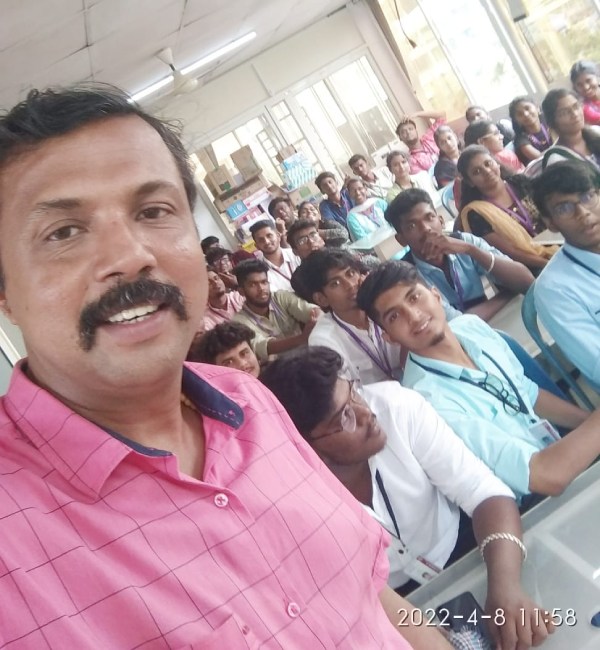
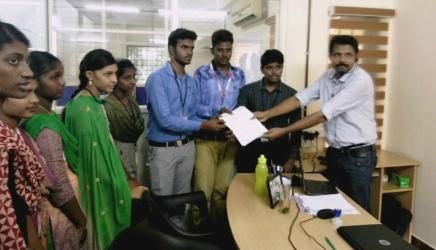
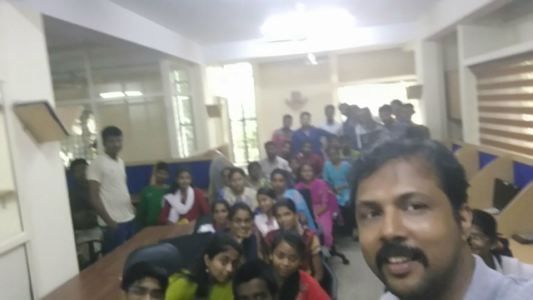
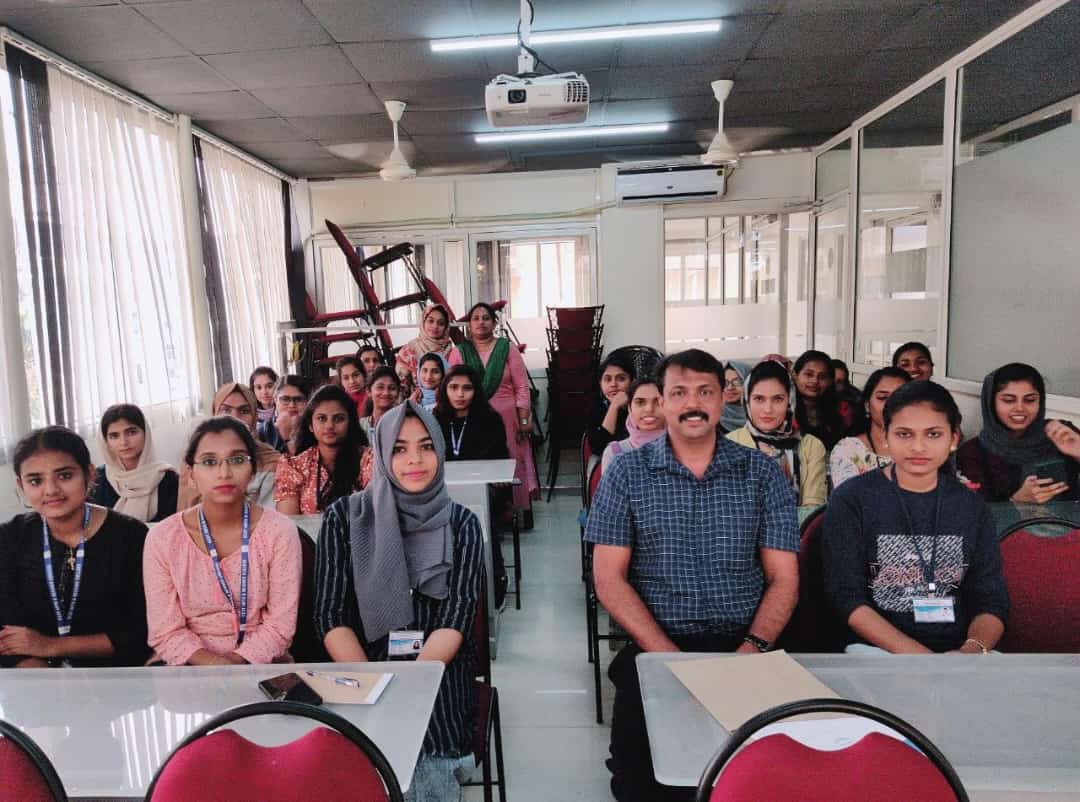
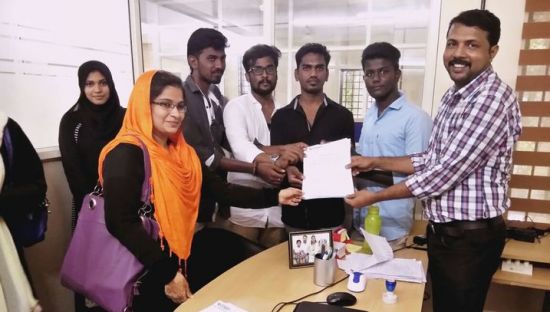
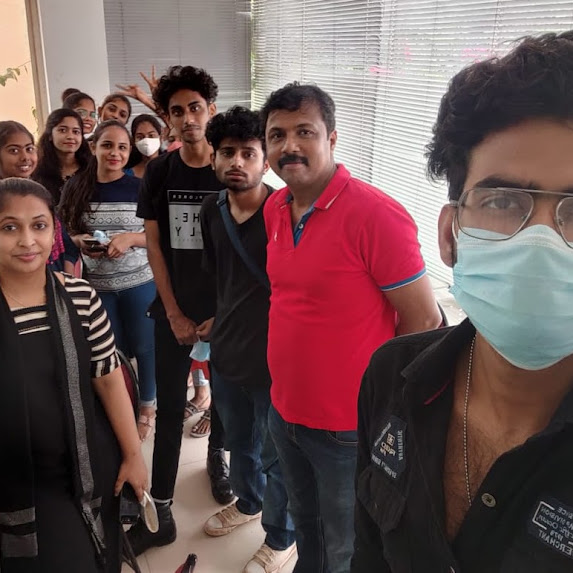
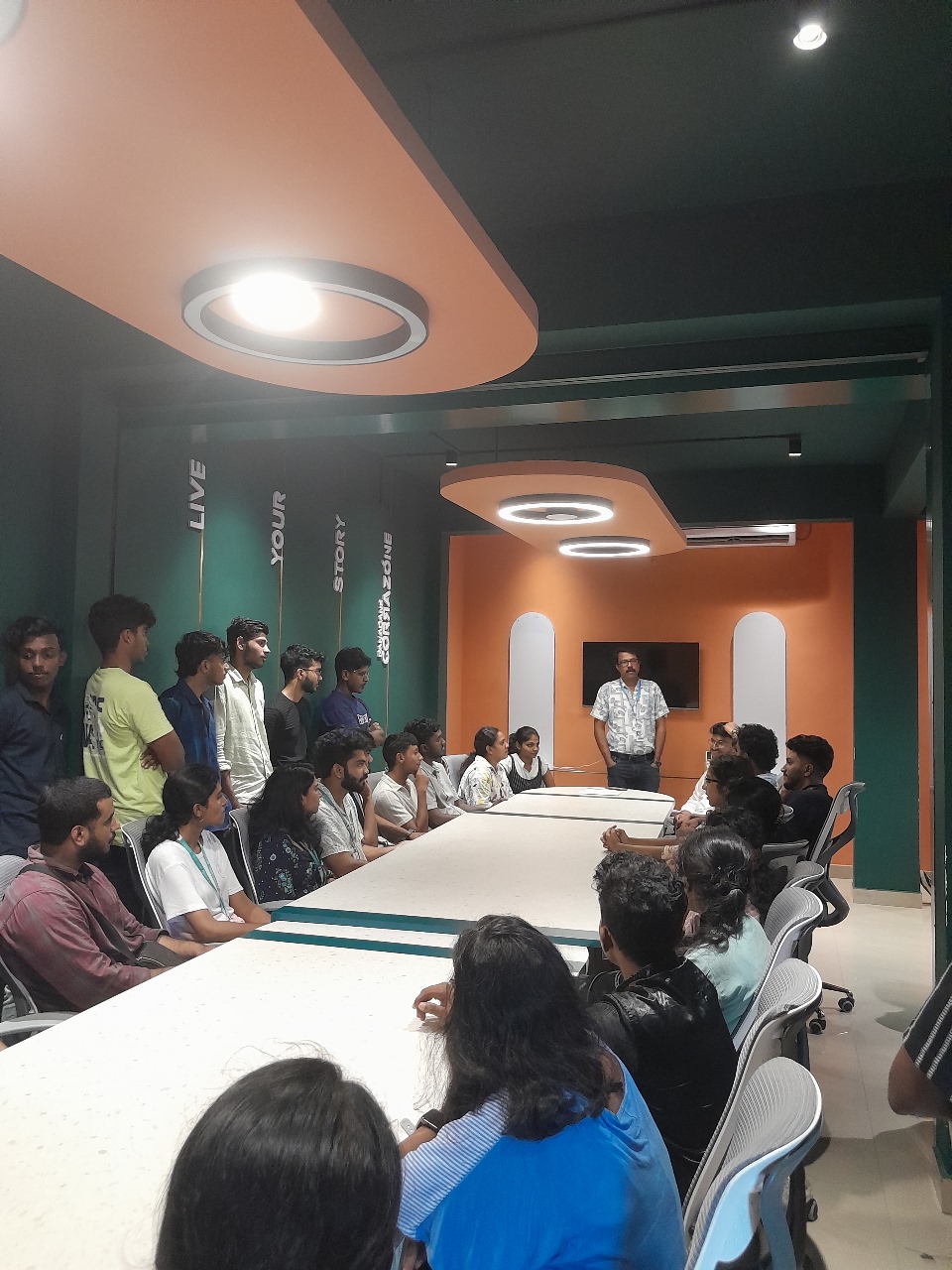
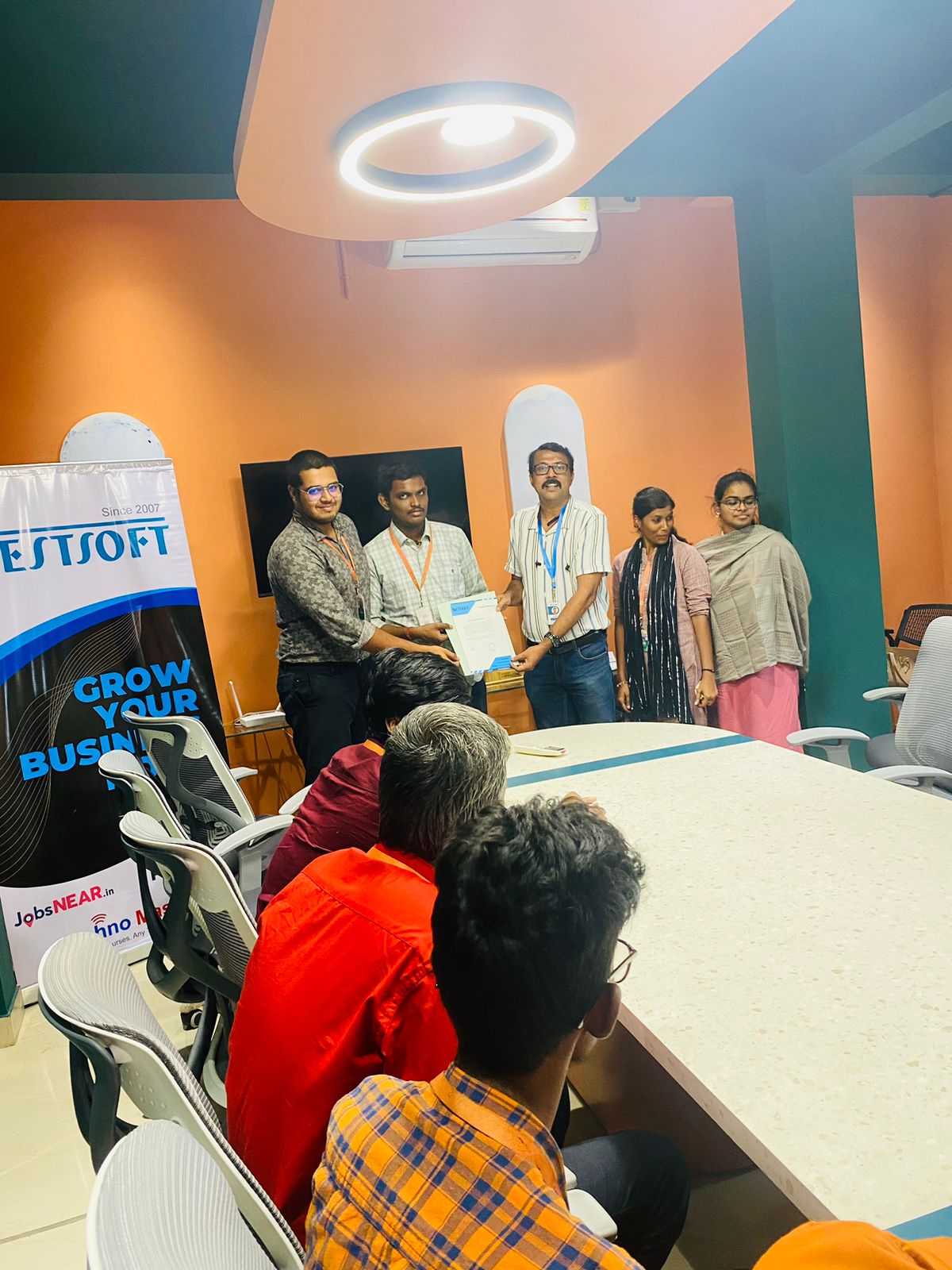
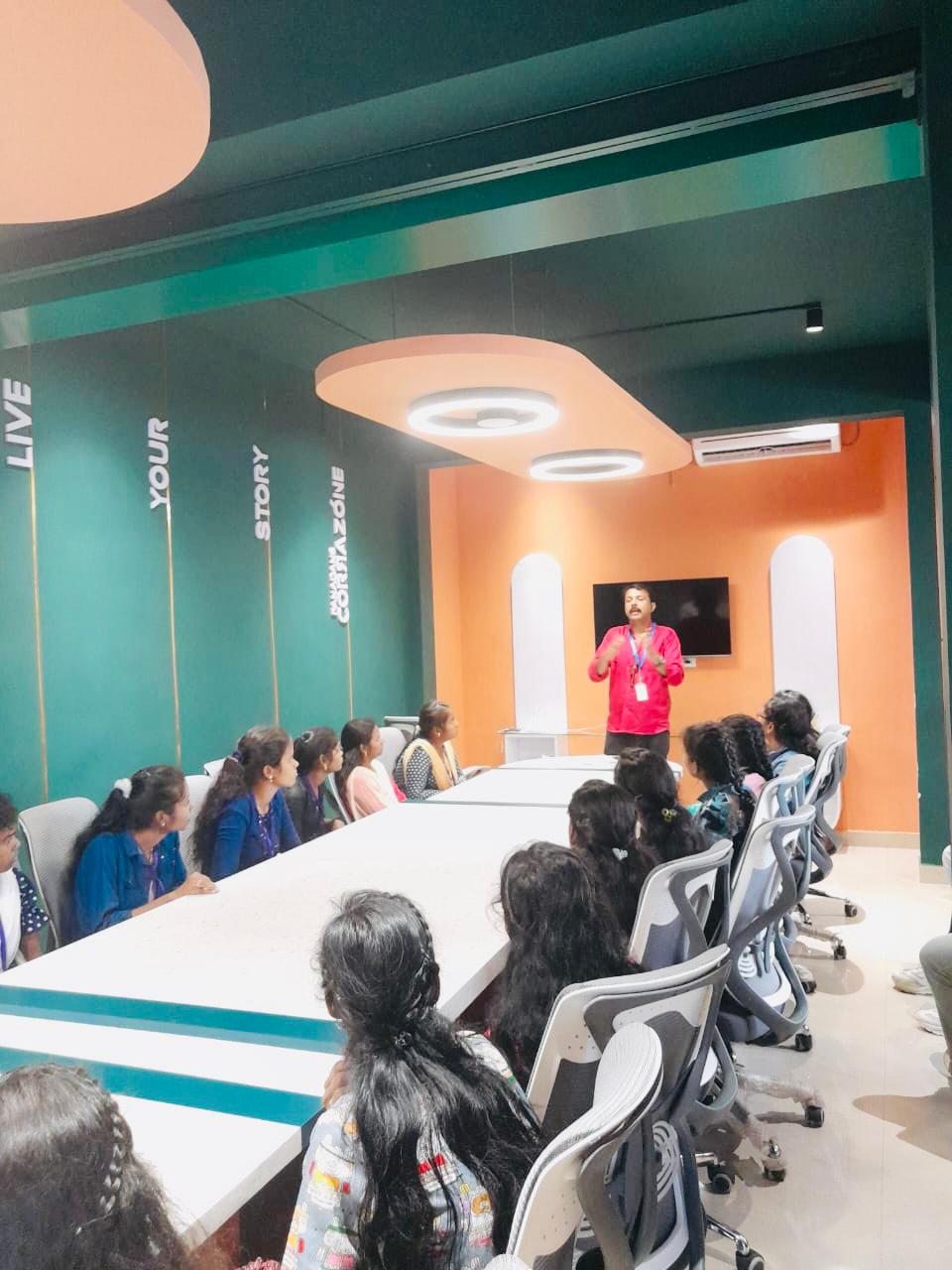
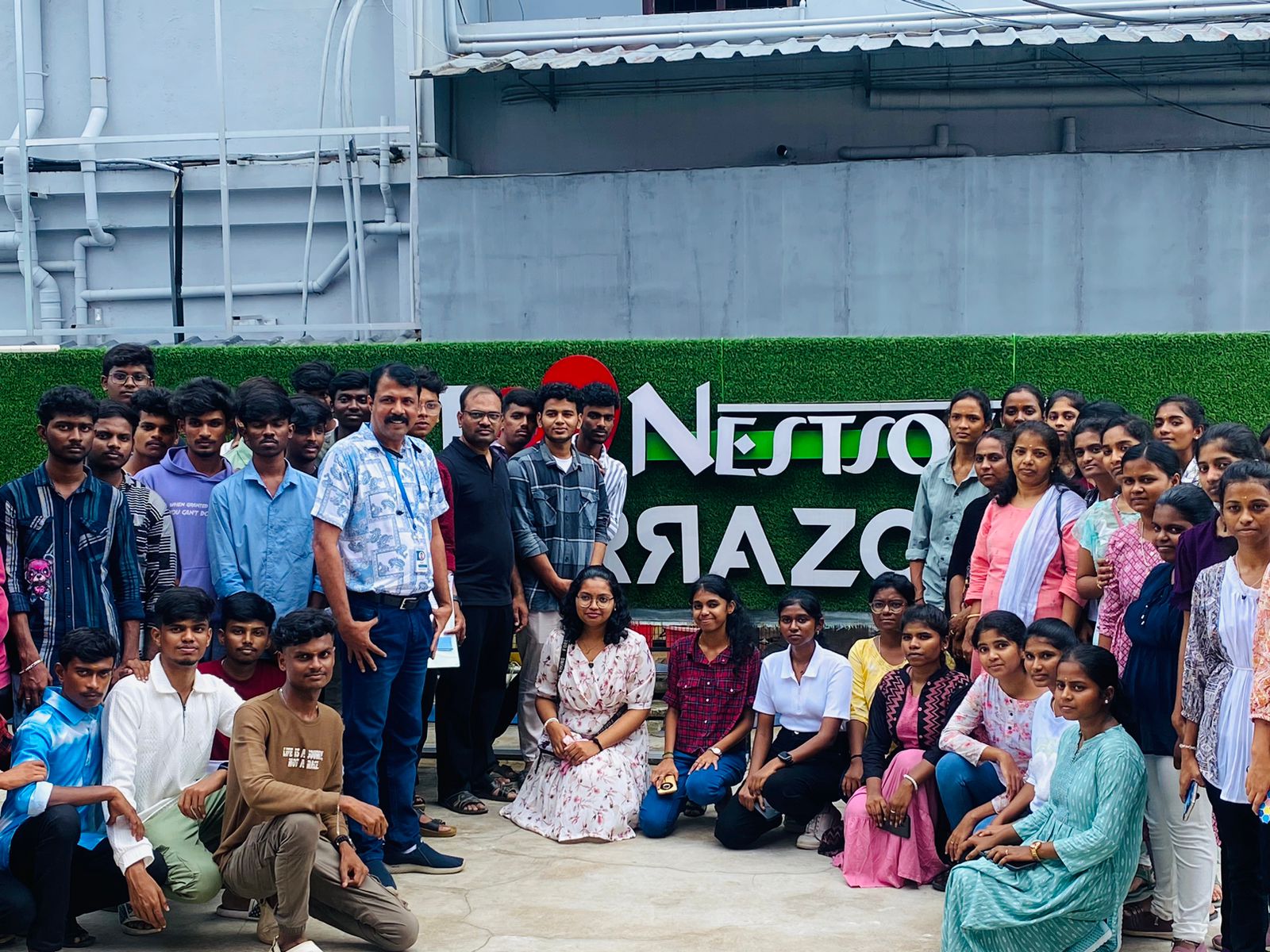
Photos of Training / Internships

Internship/projects in coventry

Trained more than 10000+ students who trust Nestsoft TechnoMaster

Get Your Personal Trainer