Send enquiry ⏎

CorelDRAW Online Live Class by Experts

Our Training/Internship Process

CorelDRAW Online Live Classes in Chester | Free Demo Training

CorelDRAW - Syllabus, Fees & Duration

Module 1: Introduction to CorelDRAW

  • Installing CorelDRAW Graphics Suite 2019
  • Basics of CorelDRAW
    • Vector Graphics and Bitmaps
    • Starting and Opening Drawings
    • Previewing Drawings
    • Viewing Modes
    • Saving and Closing Drawings
  • CorelDRAW Workspace
  • Creative Tools and Content
  • Touchscreen and Wheel Devices

Module 2: Lines, Shapes, and Outlines

  • Lines, Outlines, and Brushstrokes
  • Shapes and Shape Objects
  • Symmetrical Drawing

Module 3: Working with Objects, Symbols, and Layers

  • Introduction to Objects
  • Linking and Embedding Objects
  • Layers and Symbols
  • Managing and Tracking Projects

Module 4: Colour, Fills, and Transparencies

  • Colour
    • Colour Models and Depth
    • Choosing Colours
    • Creating and Editing Colour Palettes
  • Uniform Fills and Fountain Fills
  • Vector and Bitmap Pattern Fills
  • Texture, PostScript, and Mesh Fills
  • Object Transparency
  • Managing Colours

Module 5: Exploring Special Effects

  • Lenses
  • Adding 3D Effects
  • Mosaics

Module 6: Working with Text

  • Adding and Manipulating Text
  • Formatting Text
  • Managing Fonts
  • Writing Tools

Module 7: Templates and Styles

  • Templates
    • Using and Finding Templates
    • Managing Templates
    • Creating and Editing Templates
  • Introducing Styles and Style Sets
    • Creating, Applying, and Editing Styles and Style Sets
    • Managing Default Object Properties
    • Importing and Exporting Style Sheets
  • Colour Styles
    • Creating and Applying Colour Styles
    • Editing and Viewing Colour Styles
    • Exporting and Importing Colour Styles

Module 8: Pages and Layout

  • Pages and Layout Tools
    • Page Layout and Background
    • Adding and Deleting Pages
    • Rulers
    • Document Grid and Pixel Grid
  • Tables
    • Adding Tables
    • Selecting, Moving, and Navigating Table Components
    • Inserting and Deleting Table Rows and Columns
    • Formatting Tables and Cells
    • Converting Tables to Text

Module 9: Introduction to Bitmaps

  • Working with Bitmaps
    • Converting Vector Graphics to Bitmaps
    • Importing and Cropping Bitmaps
    • Bitmap Dimensions and Resolution
    • Straightening Bitmaps
    • Image Adjustment Lab
    • Adjusting Colour and Tone
    • Tone Curve Filter
  • Special Effects Categories
  • Bitmap Colour Modes
  • Introducing Trace
    • RAW Camera Files

Module 10: Web Graphics

  • File Formats
    • Importing and Exporting Files
    • Exporting to PDF
    • Supported File Formats
  • Customising and Automating
    • Setting Basic Preferences
    • Customising CorelDRAW
    • Using Macros and Scripts for Automating Ta
  • Download Syllabus - CorelDRAW
    This syllabus is not final and can be customized as per needs/updates
   
10000+
20+
50+
25+

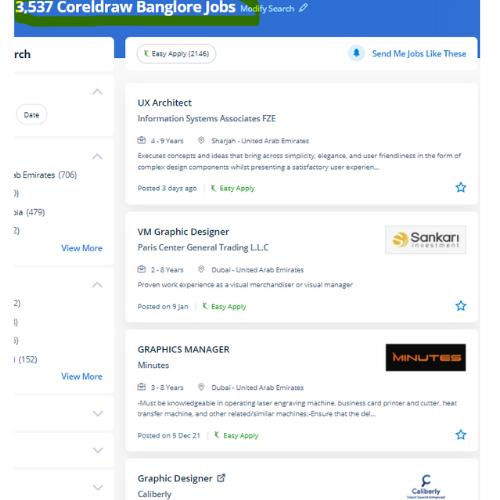
CorelDRAW Jobs in Chester

Enjoy the demand

Find jobs related to CorelDRAW in search engines (Google, Bing, Yahoo) and recruitment websites (monsterindia, placementindia, naukri, jobshybrid.com, indeed.co.in, shine.com etc.) based in Chester, chennai and europe countries. You can find many jobs for freshers related to the job positions in Chester.

  • Corel Draw Designer
  • Graphic Designer
  • CorelDraw trainer
  • UI/UX Designer
  • Digital graphic designer
  • Multimedia designer
  • Graphics manager
  • Layout artist
  • Creative graphic designer
  • Interior designer

CorelDRAW Internship/Course Details

CorelDRAW internship jobs in Chester
CorelDRAW CorelDraw is the best graphic designing and vector designing software, that would be a comprehensive collection of all tools and choices that are used for expert graphic designing fraternities. Nestsoft conducts the coaching courses for CorelDraw with our industry expert trainers. CorelDraw is also known in several names just like the Corel' Graphics Suite, Corel Photo-Paint, and alternative graphics-related programs. it is meant to change two-dimensional pictures, for example, logos, banners, and so on. It provides each necessary and value-adding tool for the artistic professionals and aspiring designers who wish to show their imagination into an incredible kind of art. it is simply accessible in other designing software because It works with file format PNG and CDR. CorelDraw offers some geometrical shapes as a tool that facilitates you in exploring your plan in your own manner with no limitations. Our live training classes are handled by specialists in this field and also the syllabus starts from the fundamentals to the most advanced of the subject. We will train you remotely, after completion of the course if you have got any doubt then our team can always assist you. Similarly, the software supports Hairline, with zero line-width.


Meet a Few of our Industry Experts 🚀 Your Pathway to IT Career

Rushi

Mobile: +91 9895490866
Location: Online (Chester, Uk)
Qualification: Bachelor's

Experience: Figma web design ui ux design illustrator wix wordpress  more..

Mahesh

Mobile: +91 94975 90866
Location: Online (Chester, Uk)
Qualification: BTech(cs)

Experience: I have used Java and Kotlin with MVVM MVC Architecture I have integrated Metamask ( Blockchain Wallet) Stripe Payment Sdk  more..

Ashutosh

Mobile: +91 98474 90866
Location: Online (Chester, Uk)
Qualification: PG diploma in computer application

Experience: Hardware and networking and basic CCNA and Red Hat knowledge  more..

Abinisha

Mobile: +91 8301010866
Location: Online (Chester, Uk)
Qualification: B.Tech

Experience: SQL python Pandas Numpy PowerBI Excel Matplotlib Seaborn Scikit-learn multilingual polyglot adaptive team player problem solving skills   more..

Renuka

Mobile: +91 8301010866
Location: Online (Chester, Uk)
Qualification: MCA

Experience: Hi I am Renuka Software Developer in php and mysql plat form presently looking for change  more..

Manoj

Mobile: +91 91884 77559
Location: Online (Chester, Uk)
Qualification: Btech

Experience: android developer firebase retrofit java kotlin flutter dart  more..

kamal

Mobile: +91 98474 90866
Location: Online (Chester, Uk)
Qualification: Btech in computer science

Experience: I am a WordPress developer having 3 years of experience I worked on multiple themes and plugins like elementor elementor  more..

Kavitha

Mobile: +91 89210 61945
Location: Online (Chester, Uk)
Qualification: B.tech

Experience: Selenium with java bdd TTD j meter Api postman and swagger (manually) version control CI CD Jira ajile methodology scrum  more..

Vyanktesh

Mobile: +91 8301010866
Location: Online (Chester, Uk)
Qualification: BE computer engineering

Experience: I have 1 7 year of experience in odoo Css html XML javascript python SQL psql  more..

Geerthana

Mobile: +91 8301010866
Location: Online (Chester, Uk)
Qualification: BE cse

Experience: I had an experience in both manual and automation testing known some frameworks like Testng bdd with cucumber data driven  more..

Piyush

Mobile: +91 9895490866
Location: Online (Chester, Uk)
Qualification: BTech computer science and engineering

Experience: I have experience in problem solving through c++ and web development through mern stack where I have used react js  more..

Manikaran

Mobile: +91 8301010866
Location: Online (Chester, Uk)
Qualification: B.Tech

Experience: Github Link : github com manikaran21 Certificates: drive google com drive folders 1Q-ptc395b998Lu111wdaudi_Lw73YVZ7?usp=sharing HackerRank Profile : hackerrank com masanmb17tes?hr_r=1 I  more..

karthik

Mobile: +91 94975 90866
Location: Online (Chester, Uk)
Qualification: M-tech

Experience: WordPress Developer UI UX Designer and full stack web development  more..

Mahendran

Mobile: +91 98474 90866
Location: Online (Chester, Uk)
Qualification: Btech

Experience: Skills : 1 User interface design 2 User experience design 3 Wireframing and prototyping 4 Interaction design 5 Usability testing  more..

Pragnesh

Mobile: +91 98474 90866
Location: Online (Chester, Uk)
Qualification: MCA-III

Experience: Android programming HTML CSS JAVA SCRIPT  more..

Akhil

Mobile: +91 89210 61945
Location: Online (Chester, Uk)
Qualification: Mca

Experience: ->Experienced Fullstack Developer skilled in the MERN stack (MongoDB Express React Node js) ->Proficient in asynchronous programming and REST API  more..

guddu

Mobile: +91 8301010866
Location: Online (Chester, Uk)
Qualification: B.tech CSE

Experience: Java kotlin dart flutter  more..

Anushka

Mobile: +91 91884 77559
Location: Online (Chester, Uk)
Qualification: Master's in computer application

Experience: I have good knowledge of python programming language C language along with I'm familiar with HTML CSS JAVASCRIPT   more..

Mohamad

Mobile: +91 89210 61945
Location: Online (Chester, Uk)
Qualification: Bsc computer science

Experience: 1 year experience in software test engineer at maxpi technologies Skills: Java selenium api manual testing automation testing jira rest  more..

Vignesh

Mobile: +91 91884 77559
Location: Online (Chester, Uk)
Qualification: BCA

Experience: My Skills are Html Css Python Django and My strength are honesty open minded listener good mentor My talents are  more..

Mohd

Mobile: +91 89210 61945
Location: Online (Chester, Uk)
Qualification: Undergraduate

Experience: Web design Social media marketing Graphic design   more..

Neha

Mobile: +91 91884 77559
Location: Online (Chester, Uk)
Qualification: BE

Experience: 3 years experience in software testing java selenium manual testing automation testing SQL TestNG Cucumber SoapUI BDD API Postman Jmeter  more..

Guna

Mobile: +91 9895490866
Location: Online (Chester, Uk)
Qualification: UG

Experience: "Passionate UI UX Designer with a strong foundation in design principles and a proven track record I successfully completed a  more..

Harshal

Mobile: +91 91884 77559
Location: Online (Chester, Uk)
Qualification: MASTER OF COMPUTER APPLICATIONS

Experience: Senior android developer  more..

Success Stories

The enviable salary packages and track record of our previous students are the proof of our excellence. Please go through our students' reviews about our training methods and faculty and compare it to the recorded video classes that most of the other institutes offer. See for yourself how TechnoMaster is truly unique.

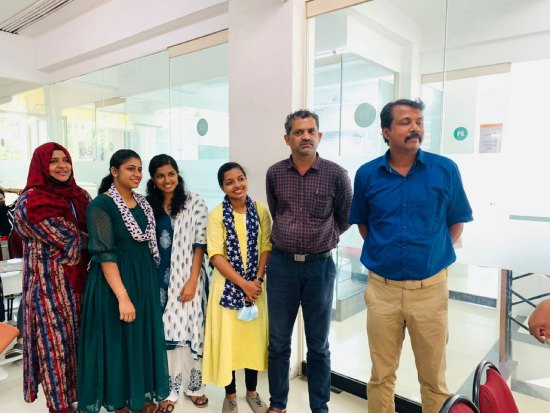
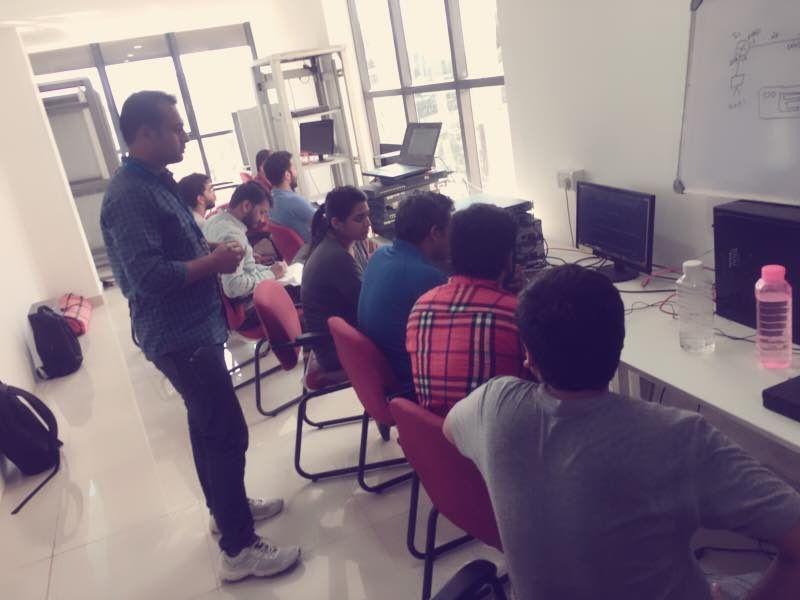
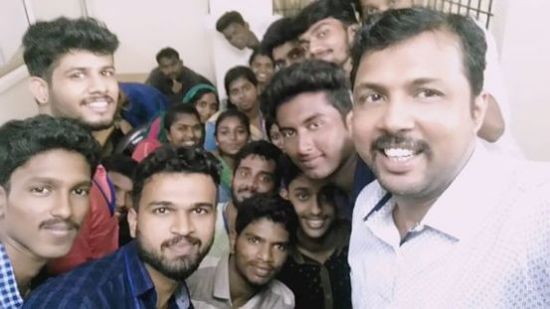
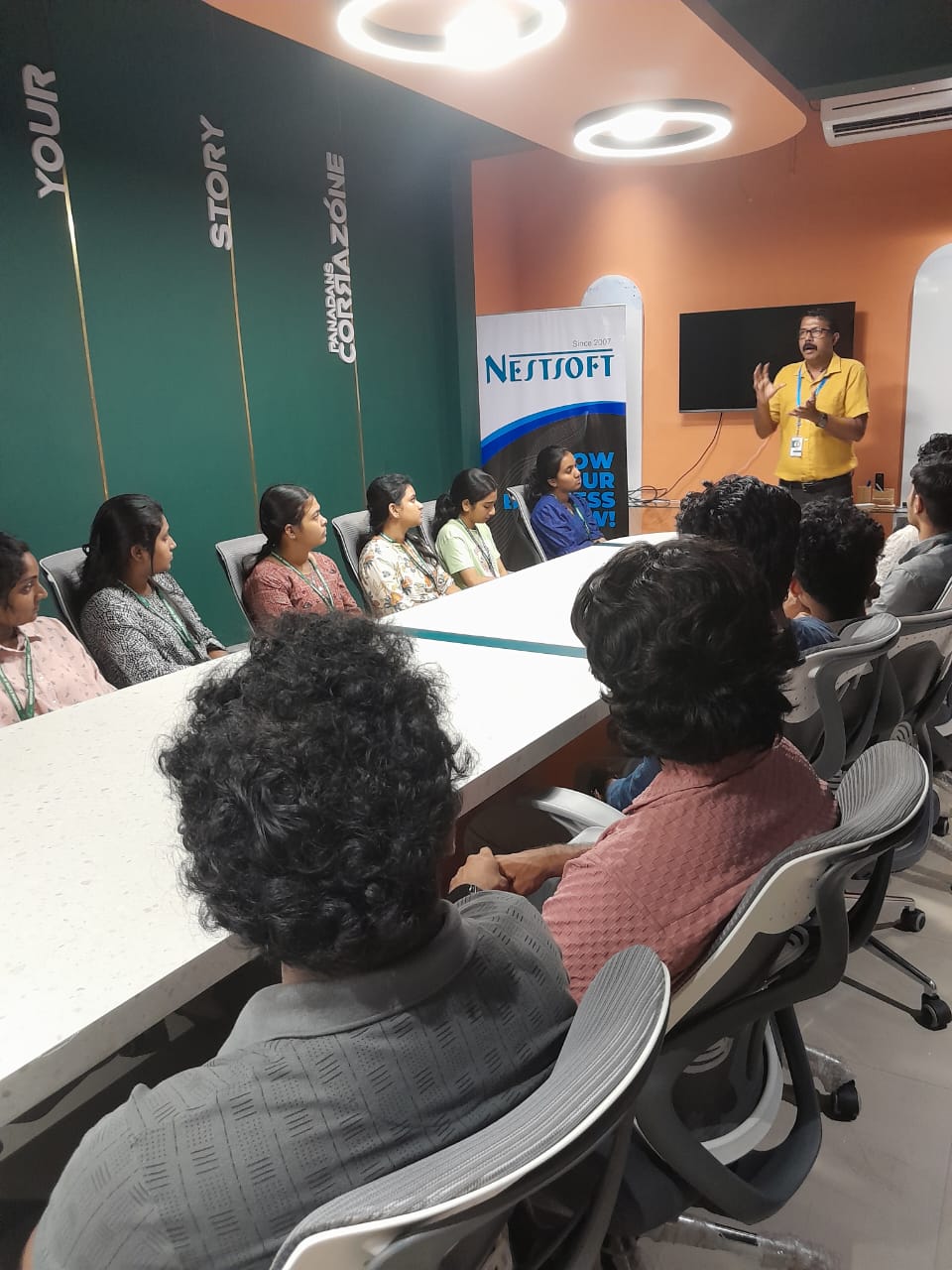
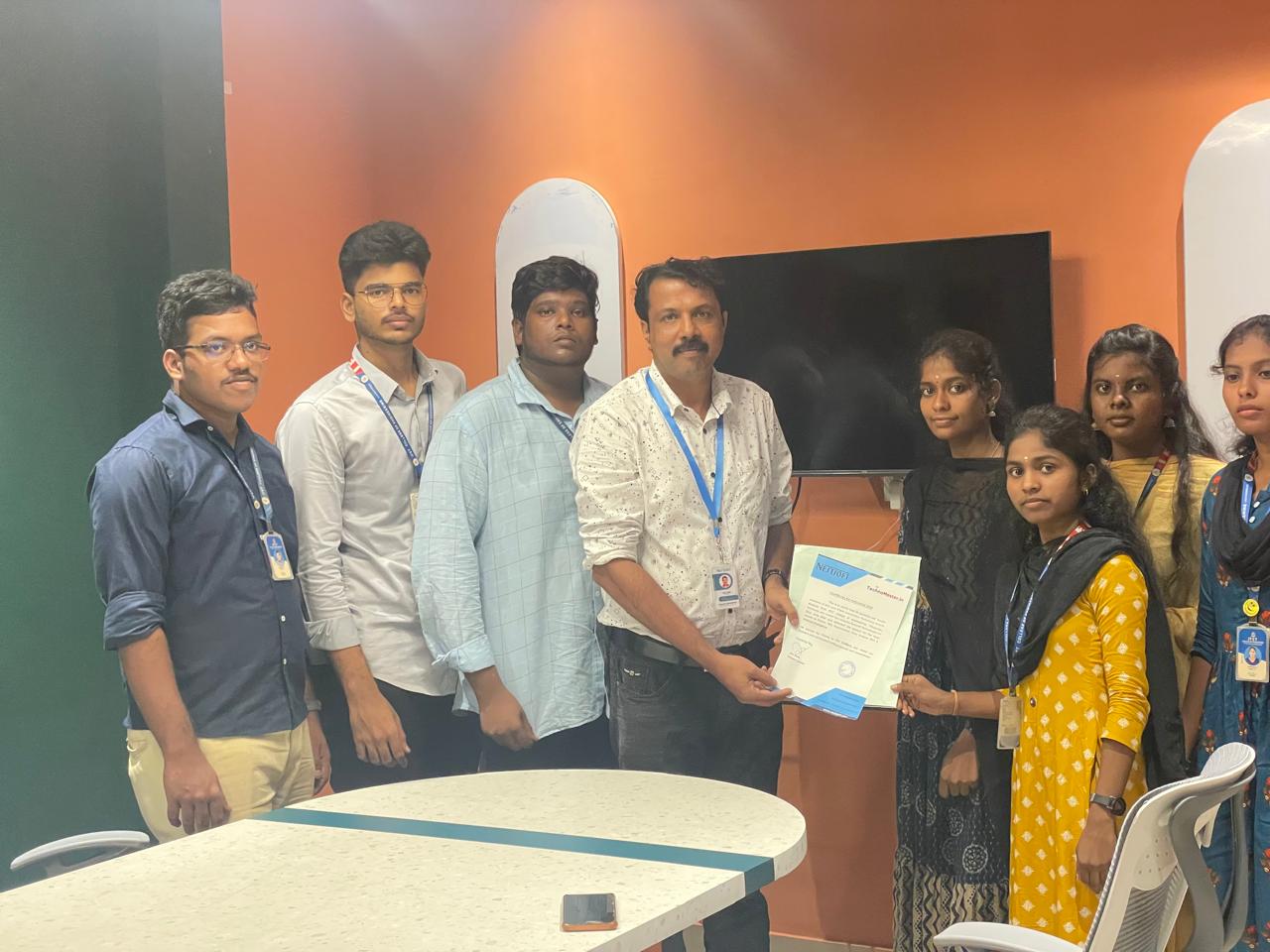
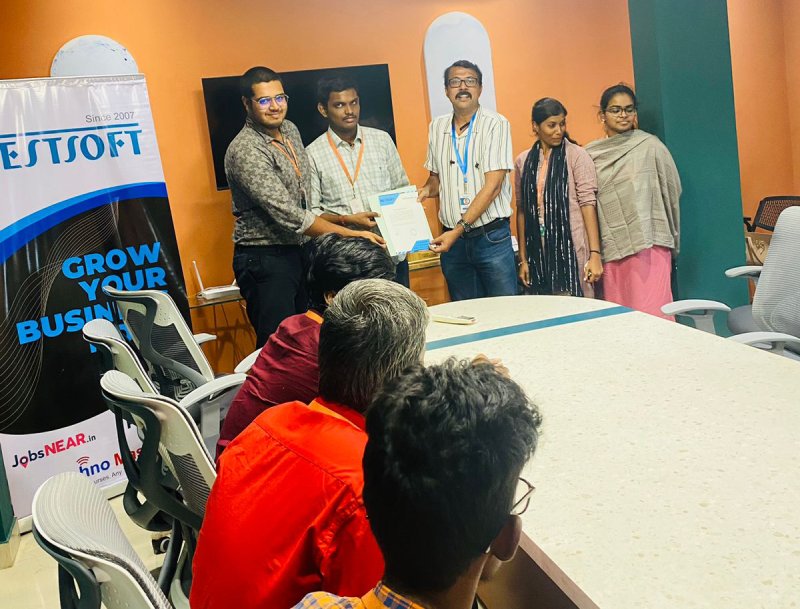
Photos of Training / Internships

Internship/projects in chester

Trained more than 10000+ students who trust Nestsoft TechnoMaster

Get Your Personal Trainer