Send enquiry ⏎

CorelDRAW Online Live Class by Experts

Our Training/Internship Process

CorelDRAW Online Live Classes in Durham | Free Demo Training

CorelDRAW - Syllabus, Fees & Duration

Module 1: Introduction to CorelDRAW

  • Installing CorelDRAW Graphics Suite 2019
  • Basics of CorelDRAW
    • Vector Graphics and Bitmaps
    • Starting and Opening Drawings
    • Previewing Drawings
    • Viewing Modes
    • Saving and Closing Drawings
  • CorelDRAW Workspace
  • Creative Tools and Content
  • Touchscreen and Wheel Devices

Module 2: Lines, Shapes, and Outlines

  • Lines, Outlines, and Brushstrokes
  • Shapes and Shape Objects
  • Symmetrical Drawing

Module 3: Working with Objects, Symbols, and Layers

  • Introduction to Objects
  • Linking and Embedding Objects
  • Layers and Symbols
  • Managing and Tracking Projects

Module 4: Colour, Fills, and Transparencies

  • Colour
    • Colour Models and Depth
    • Choosing Colours
    • Creating and Editing Colour Palettes
  • Uniform Fills and Fountain Fills
  • Vector and Bitmap Pattern Fills
  • Texture, PostScript, and Mesh Fills
  • Object Transparency
  • Managing Colours

Module 5: Exploring Special Effects

  • Lenses
  • Adding 3D Effects
  • Mosaics

Module 6: Working with Text

  • Adding and Manipulating Text
  • Formatting Text
  • Managing Fonts
  • Writing Tools

Module 7: Templates and Styles

  • Templates
    • Using and Finding Templates
    • Managing Templates
    • Creating and Editing Templates
  • Introducing Styles and Style Sets
    • Creating, Applying, and Editing Styles and Style Sets
    • Managing Default Object Properties
    • Importing and Exporting Style Sheets
  • Colour Styles
    • Creating and Applying Colour Styles
    • Editing and Viewing Colour Styles
    • Exporting and Importing Colour Styles

Module 8: Pages and Layout

  • Pages and Layout Tools
    • Page Layout and Background
    • Adding and Deleting Pages
    • Rulers
    • Document Grid and Pixel Grid
  • Tables
    • Adding Tables
    • Selecting, Moving, and Navigating Table Components
    • Inserting and Deleting Table Rows and Columns
    • Formatting Tables and Cells
    • Converting Tables to Text

Module 9: Introduction to Bitmaps

  • Working with Bitmaps
    • Converting Vector Graphics to Bitmaps
    • Importing and Cropping Bitmaps
    • Bitmap Dimensions and Resolution
    • Straightening Bitmaps
    • Image Adjustment Lab
    • Adjusting Colour and Tone
    • Tone Curve Filter
  • Special Effects Categories
  • Bitmap Colour Modes
  • Introducing Trace
    • RAW Camera Files

Module 10: Web Graphics

  • File Formats
    • Importing and Exporting Files
    • Exporting to PDF
    • Supported File Formats
  • Customising and Automating
    • Setting Basic Preferences
    • Customising CorelDRAW
    • Using Macros and Scripts for Automating Ta
  • Download Syllabus - CorelDRAW
    This syllabus is not final and can be customized as per needs/updates
   
10000+
20+
50+
25+

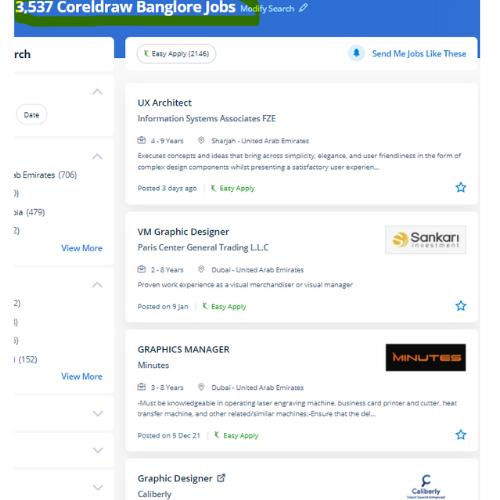
CorelDRAW Jobs in Durham

Enjoy the demand

Find jobs related to CorelDRAW in search engines (Google, Bing, Yahoo) and recruitment websites (monsterindia, placementindia, naukri, jobshybrid.com, indeed.co.in, shine.com etc.) based in Durham, chennai and europe countries. You can find many jobs for freshers related to the job positions in Durham.

  • Corel Draw Designer
  • Graphic Designer
  • CorelDraw trainer
  • UI/UX Designer
  • Digital graphic designer
  • Multimedia designer
  • Graphics manager
  • Layout artist
  • Creative graphic designer
  • Interior designer

CorelDRAW Internship/Course Details

CorelDRAW internship jobs in Durham
CorelDRAW we know CorelDraw could be a Vector graphics editor and designer computer code software it offers us a variety of exciting tools that creates the operating of CorelDraw software simple. CorelDraw Graphics Suite programming is accessible on the lookout, and once introduced on the computer, you will get effectively started together with your realistic planning work. it is simply accessible in other designing software because It works with file format PNG and CDR. CorelDraw is the best graphic designing and vector designing software, that would be a comprehensive collection of all tools and choices that are used for expert graphic designing fraternities. With a vector graphic vogue program that admires this software, laser engraving professionals and hobbyists will transfer and import any image they need to engrave for their projects. small businesses that turn out in-house promoting materials also benefit from the amazing capabilities of this software. Additionally, it has several predesigned templates, Clipart & photographic camera images accessible that help you in exploring your idea of graphics designing throughout working with it. CorelDraw offers some geometrical shapes as a tool that facilitates you in exploring your plan in your own manner with no limitations. Nestsoft conducts the coaching courses for CorelDraw with our industry expert trainers. It's quite probably the foremost thought of illustrations progressing to a program accessible on the lookout.


Meet a Few of our Industry Experts 🚀 Your Pathway to IT Career

Jaykishan

Mobile: +91 9895490866
Location: Online (Durham, Uk)
Qualification: Diploma computer engineering

Experience: I have make project in php Java MySQL development  more..

Niveda

Mobile: +91 9895490866
Location: Online (Durham, Uk)
Qualification: MSc Computer science with specialization in Data analytics

Experience: A Final yearbMSc computer science with specialization in data analytics student from Kerala Digital University of Science and innovation (  more..

Rahul

Mobile: +91 91884 77559
Location: Online (Durham, Uk)
Qualification: BE/ECE

Experience: 5 month networking side overall troubleshooting network issue  more..

SUBHAM

Mobile: +91 9895490866
Location: Online (Durham, Uk)
Qualification: B.tech

Experience: 1 year work experience in cognizant technology solution' proficient in design Banner Poster leflets Facebook post by using Canva   more..

Nikita

Mobile: +91 98474 90866
Location: Online (Durham, Uk)
Qualification: Finally year

Experience: I am a CCNA developer and i have certified in CCNA training I am seeking for a job opportunity which  more..

Aditya

Mobile: +91 98474 90866
Location: Online (Durham, Uk)
Qualification: be mechanical

Experience: java selenium spring api bavkend testing manual testing  more..

Bukka

Mobile: +91 91884 77559
Location: Online (Durham, Uk)
Qualification: Btech computer science

Experience: Linux windows Kali Linux tools OSINT CTF ethical hacking privilege escalation blog writing django mongodb SQL HTML Css JAVASCRIPT   more..

Suman

Mobile: +91 91884 77559
Location: Online (Durham, Uk)
Qualification: Bcom (honrs)

Experience: 1 Financial literacy: Understanding concepts like budgeting investing and managing personal and business finances 2 Analytical skills: Ability to analyze  more..

Rupamudra

Mobile: +91 8301010866
Location: Online (Durham, Uk)
Qualification: Mca

Experience: 1 5 years experience in frontend developer my skill Html Css javascript And SEO bootstrap SSL update   more..

Rutvik

Mobile: +91 91884 77559
Location: Online (Durham, Uk)
Qualification: BCA (Bachelor of Computer Applications)

Experience: php laravel code ignitor ajax jquery javascript core php mysql 5yr exp in backendApplication for PHP Laravel  more..

Priyanka

Mobile: +91 91884 77559
Location: Online (Durham, Uk)
Qualification: B-tech

Experience: Codeigniter developer 10 month experience   more..

ANAGHA

Mobile: +91 98474 90866
Location: Online (Durham, Uk)
Qualification: BTech IT

Experience: I have knowledge in HTML CSS Bootstrap MySQL Python Django Flask Pandas NumPy Data analysis and Github Recently i worked  more..

Priyanka

Mobile: +91 98474 90866
Location: Online (Durham, Uk)
Qualification: BBA Graduated

Experience: Working with a Youtuber "Biology at Ease" for past 2 years which recently crossed 1 Million subscribers & have great  more..

C

Mobile: +91 98474 90866
Location: Online (Durham, Uk)
Qualification: B.com

Experience: I’m an experienced UI UX designer I have 2 years of work experience in UI UX design I have a  more..

Divya

Mobile: +91 98474 90866
Location: Online (Durham, Uk)
Qualification: Btech cse

Experience: I had experience as a backend developer in nodejs expressjs javascript mongodb postgresql html css Working as a nodejs developer  more..

Rahul

Mobile: +91 94975 90866
Location: Online (Durham, Uk)
Qualification: Bsc.IT

Experience: Automation testing as well As Manual Testing POM Design Patterns TestNG SQL Stored procedure API Testing Using Postman   more..

Angel

Mobile: +91 94975 90866
Location: Online (Durham, Uk)
Qualification: M.E VLSIDESIGN

Experience: Selenium Java manual testing  more..

Kalaiselvi

Mobile: +91 9895490866
Location: Online (Durham, Uk)
Qualification: B.E., CSE

Experience: Currently I'm working as a Technical Supportive at a random jewellery shop in Coimbatore I was working like website maintenance  more..

Bhoomika

Mobile: +91 9895490866
Location: Online (Durham, Uk)
Qualification: B.Sc

Experience: business development CRM PNL Management  more..

Mohamed

Mobile: +91 91884 77559
Location: Online (Durham, Uk)
Qualification: NA

Experience: Core programming Principles:  Objected-Oriented Programming (OPP) Data Structures and Algorithms Programming Languages:  Python Java C++ C# JavaScript HTML  more..

Lavleen

Mobile: +91 91884 77559
Location: Online (Durham, Uk)
Qualification: M.Tech

Experience: - Proficient in utilizing software development tools and technologies such as HTML CSS PHP Laravel Javascript JQuery Git GitHub GitLab  more..

Perazhagan

Mobile: +91 8301010866
Location: Online (Durham, Uk)
Qualification: Bsc plant biotechnology

Experience: Basic java Basic selenium Software testing Write test cases in manual and automation testing Defect track with using jira tool  more..

Krishnapriya

Mobile: +91 91884 77559
Location: Online (Durham, Uk)
Qualification: B. Tech

Experience: Java kotlin flutter(basics) REST APIs JSON SQLite MYSQL XML JavaScript  more..

Amala

Mobile: +91 98474 90866
Location: Online (Durham, Uk)
Qualification: Btech Civil

Experience: Manual testing SQL Java Selenium Web application testing JMeter Postman Performance testing JIRA Git API testing  more..

Success Stories

The enviable salary packages and track record of our previous students are the proof of our excellence. Please go through our students' reviews about our training methods and faculty and compare it to the recorded video classes that most of the other institutes offer. See for yourself how TechnoMaster is truly unique.

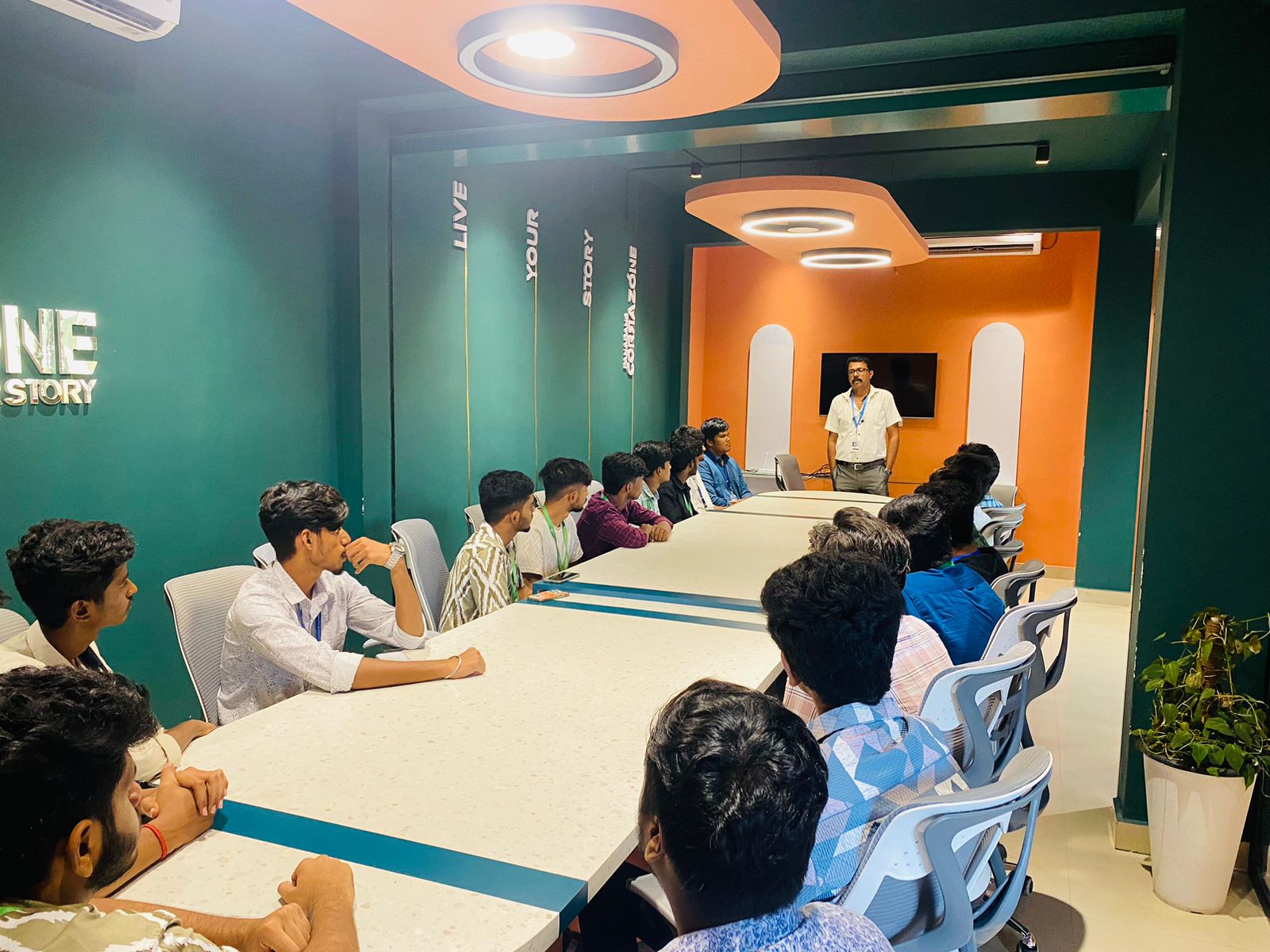
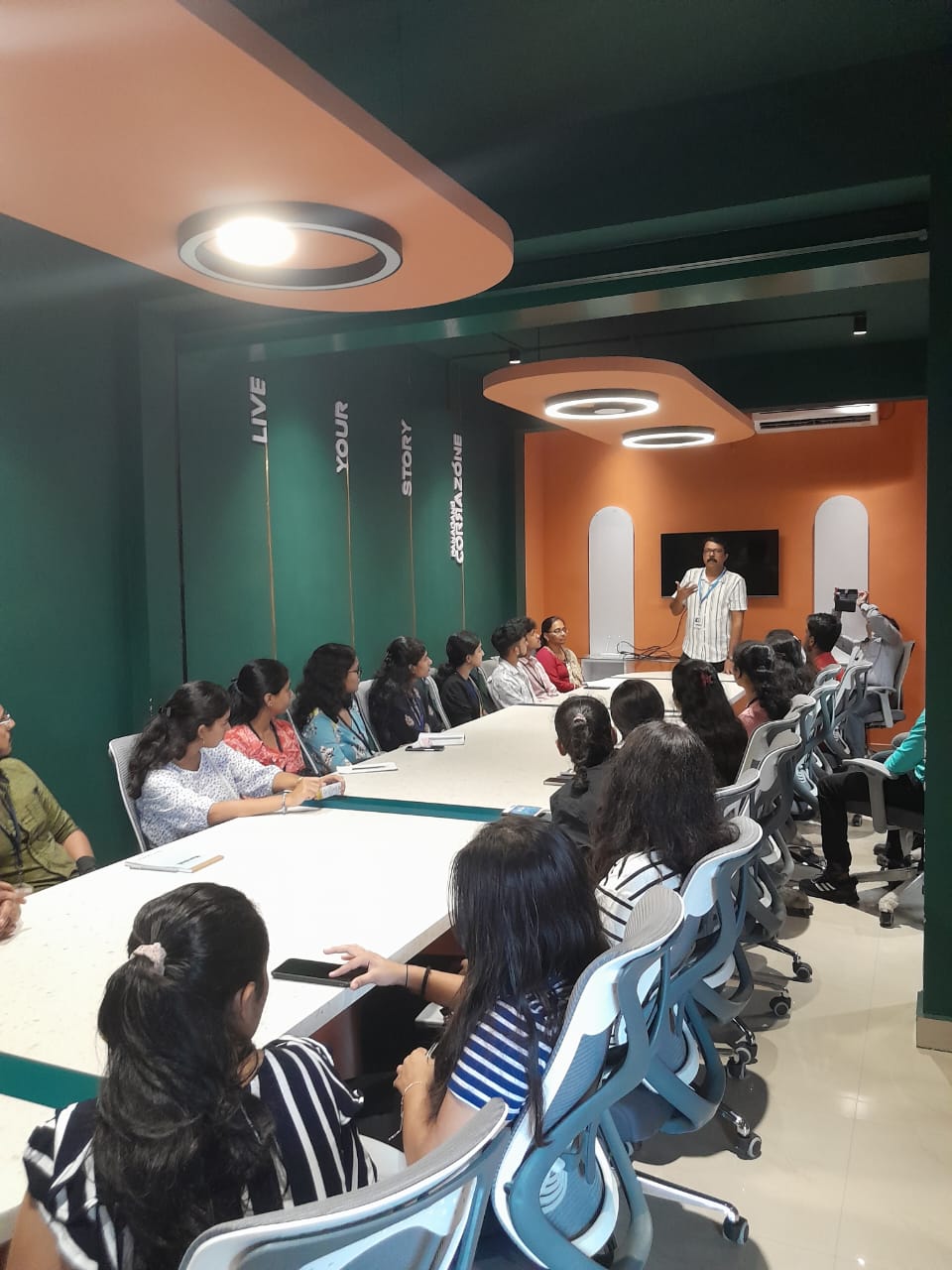
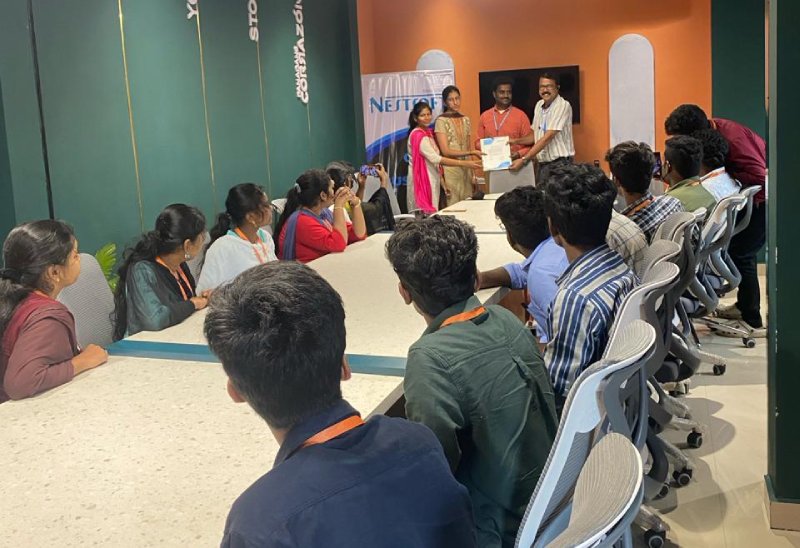
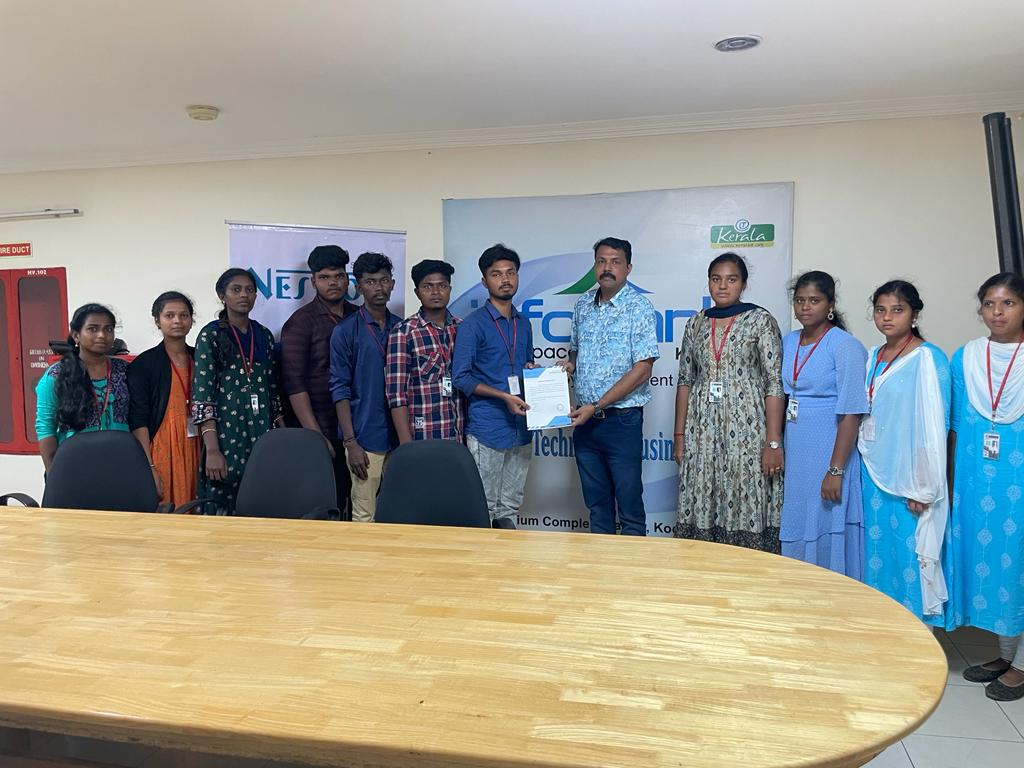
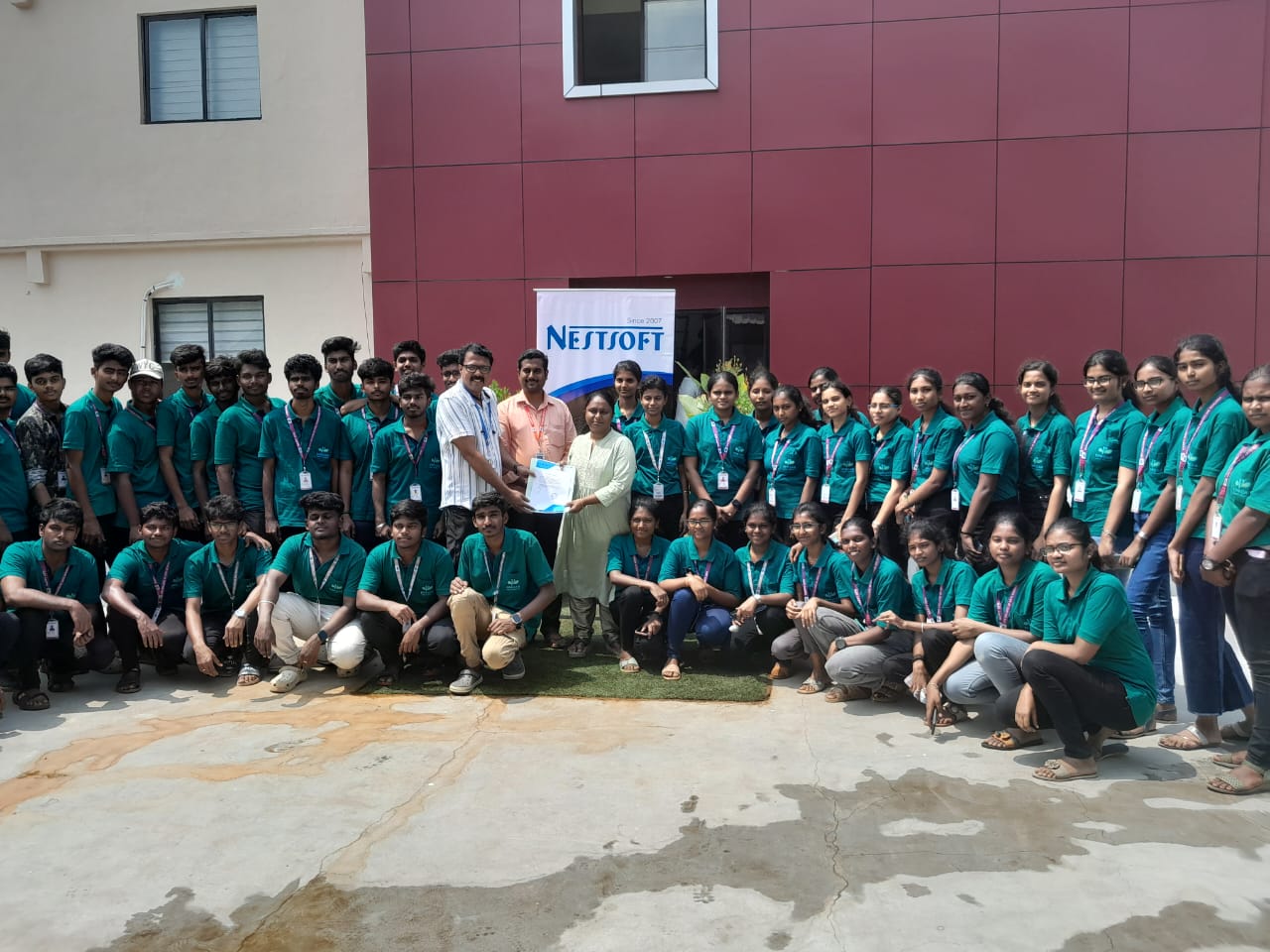
Photos of Training / Internships

Internship/projects in durham

Trained more than 10000+ students who trust Nestsoft TechnoMaster

Get Your Personal Trainer