Send enquiry ⏎

CorelDRAW Online Live Class by Experts

Our Training/Internship Process

CorelDRAW Online Live Classes in Brighton | Free Demo Training

CorelDRAW - Syllabus, Fees & Duration

Module 1: Introduction to CorelDRAW

  • Installing CorelDRAW Graphics Suite 2019
  • Basics of CorelDRAW
    • Vector Graphics and Bitmaps
    • Starting and Opening Drawings
    • Previewing Drawings
    • Viewing Modes
    • Saving and Closing Drawings
  • CorelDRAW Workspace
  • Creative Tools and Content
  • Touchscreen and Wheel Devices

Module 2: Lines, Shapes, and Outlines

  • Lines, Outlines, and Brushstrokes
  • Shapes and Shape Objects
  • Symmetrical Drawing

Module 3: Working with Objects, Symbols, and Layers

  • Introduction to Objects
  • Linking and Embedding Objects
  • Layers and Symbols
  • Managing and Tracking Projects

Module 4: Colour, Fills, and Transparencies

  • Colour
    • Colour Models and Depth
    • Choosing Colours
    • Creating and Editing Colour Palettes
  • Uniform Fills and Fountain Fills
  • Vector and Bitmap Pattern Fills
  • Texture, PostScript, and Mesh Fills
  • Object Transparency
  • Managing Colours

Module 5: Exploring Special Effects

  • Lenses
  • Adding 3D Effects
  • Mosaics

Module 6: Working with Text

  • Adding and Manipulating Text
  • Formatting Text
  • Managing Fonts
  • Writing Tools

Module 7: Templates and Styles

  • Templates
    • Using and Finding Templates
    • Managing Templates
    • Creating and Editing Templates
  • Introducing Styles and Style Sets
    • Creating, Applying, and Editing Styles and Style Sets
    • Managing Default Object Properties
    • Importing and Exporting Style Sheets
  • Colour Styles
    • Creating and Applying Colour Styles
    • Editing and Viewing Colour Styles
    • Exporting and Importing Colour Styles

Module 8: Pages and Layout

  • Pages and Layout Tools
    • Page Layout and Background
    • Adding and Deleting Pages
    • Rulers
    • Document Grid and Pixel Grid
  • Tables
    • Adding Tables
    • Selecting, Moving, and Navigating Table Components
    • Inserting and Deleting Table Rows and Columns
    • Formatting Tables and Cells
    • Converting Tables to Text

Module 9: Introduction to Bitmaps

  • Working with Bitmaps
    • Converting Vector Graphics to Bitmaps
    • Importing and Cropping Bitmaps
    • Bitmap Dimensions and Resolution
    • Straightening Bitmaps
    • Image Adjustment Lab
    • Adjusting Colour and Tone
    • Tone Curve Filter
  • Special Effects Categories
  • Bitmap Colour Modes
  • Introducing Trace
    • RAW Camera Files

Module 10: Web Graphics

  • File Formats
    • Importing and Exporting Files
    • Exporting to PDF
    • Supported File Formats
  • Customising and Automating
    • Setting Basic Preferences
    • Customising CorelDRAW
    • Using Macros and Scripts for Automating Ta
  • Download Syllabus - CorelDRAW
    This syllabus is not final and can be customized as per needs/updates
   
10000+
20+
50+
25+

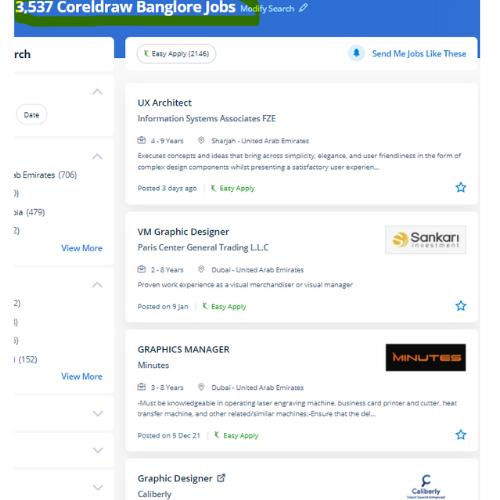
CorelDRAW Jobs in Brighton

Enjoy the demand

Find jobs related to CorelDRAW in search engines (Google, Bing, Yahoo) and recruitment websites (monsterindia, placementindia, naukri, jobshybrid.com, indeed.co.in, shine.com etc.) based in Brighton, chennai and europe countries. You can find many jobs for freshers related to the job positions in Brighton.

  • Corel Draw Designer
  • Graphic Designer
  • CorelDraw trainer
  • UI/UX Designer
  • Digital graphic designer
  • Multimedia designer
  • Graphics manager
  • Layout artist
  • Creative graphic designer
  • Interior designer

CorelDRAW Internship/Course Details

CorelDRAW internship jobs in Brighton
CorelDRAW This stunning design software meets the everyday requests of working architects. Nestsoft conducts the coaching courses for CorelDraw with our industry expert trainers. Our coaching session is taken in pleasant surroundings and thus members will perceive the ideas simply. we know CorelDraw could be a Vector graphics editor and designer computer code software it offers us a variety of exciting tools that creates the operating of CorelDraw software simple. CorelDraw is also known in several names just like the Corel' Graphics Suite, Corel Photo-Paint, and alternative graphics-related programs. it is a mixture of advanced illustration, image editing, designing planning, vector graphics, page layout designing, typography, pre-press layout designing, and plenty of extra options in one pack. it is meant to change two-dimensional pictures, for example, logos, banners, and so on. Our live training classes are handled by specialists in this field and also the syllabus starts from the fundamentals to the most advanced of the subject. Professionals working in the publishing and advertising business will produce distinctive brand identity assets victimization this software. CorelDraw Graphics Suite programming is accessible on the lookout, and once introduced on the computer, you will get effectively started together with your realistic planning work.


Meet a Few of our Industry Experts 🚀 Your Pathway to IT Career

ANAGHA

Mobile: +91 94975 90866
Location: Online (Brighton, Uk)
Qualification: MCA

Experience: C cpp java python html css javascript reactjs mysql nodejsApplication for Node JS  more..

Avinesh

Mobile: +91 98474 90866
Location: Online (Brighton, Uk)
Qualification: Bachelor of Engineering

Experience: I have 2 years experience as a wordpress developer other than that i have good knowledge in SEO html css  more..

Anand

Mobile: +91 8301010866
Location: Online (Brighton, Uk)
Qualification: Bachelor's degree BFA

Experience: Video editing video grapher managing social media content creation and graphic design  more..

Rashee

Mobile: +91 91884 77559
Location: Online (Brighton, Uk)
Qualification: B. Tech

Experience: HTM CSS JavaScript ReactJS Redux MongoDB WordPress Blender Adobe Photoshop Illustrator Canva Web Developer Intern Assist Design Automation Pvt Ltd  more..

Priyanka

Mobile: +91 91884 77559
Location: Online (Brighton, Uk)
Qualification: Graduate

Experience: Learning Management Creativity Teamwork Business development executive   more..

S.

Mobile: +91 94975 90866
Location: Online (Brighton, Uk)
Qualification: BE (civil)

Experience: Oops concept SQL cucukumber framework jankins API testing TestNG   more..

Jeevitha

Mobile: +91 91884 77559
Location: Online (Brighton, Uk)
Qualification: B. E

Experience: 3 6 years of experience in Android application development using java and Kotlin Worked as a single developer to release  more..

Dhanalakshmi

Mobile: +91 8301010866
Location: Online (Brighton, Uk)
Qualification: BE

Experience: Back end developer C c++ AI ML  more..

Gokul

Mobile: +91 89210 61945
Location: Online (Brighton, Uk)
Qualification: diploma in computer engineering

Experience: php laravel  more..

Akash

Mobile: +91 89210 61945
Location: Online (Brighton, Uk)
Qualification: B Tech (Mechanical)

Experience: C programming language C++  more..

Dnyaneshwar

Mobile: +91 9895490866
Location: Online (Brighton, Uk)
Qualification: B.E.

Experience: 2 years of experience in odoo development As a developer As a tester As a technical support person As a  more..

Adinath

Mobile: +91 89210 61945
Location: Online (Brighton, Uk)
Qualification: 12 sci pass

Experience: 2 years billing And marketing Graphic design |   more..

Muaaz

Mobile: +91 91884 77559
Location: Online (Brighton, Uk)
Qualification: 12th

Experience: I m graphic design social media flyer Software photoshop and premier pro  more..

Himna

Mobile: +91 9895490866
Location: Online (Brighton, Uk)
Qualification: MSc Computer Science with specialization in Data Science

Experience: I am confident that with my strong technical skills and experience in both full-stack development and data science I possess  more..

Ragithu

Mobile: +91 94975 90866
Location: Online (Brighton, Uk)
Qualification: Btech it

Experience: My skills are c java oracle autocad google maps I am having more than 9 years experience in gis Due  more..

Deepshika

Mobile: +91 89210 61945
Location: Online (Brighton, Uk)
Qualification: BE

Experience: Core java Manual testing Automation testing using selenium framework   more..

Subashkumar

Mobile: +91 91884 77559
Location: Online (Brighton, Uk)
Qualification: B.E

Experience: Software testing QA Software developy  more..

Abhishek

Mobile: +91 94975 90866
Location: Online (Brighton, Uk)
Qualification: Btech

Experience: Semi Conductor Laboratory Mohali Dept of space Govt of India FSG advantages over USG inter-metal dielectric (Thin Film) and Unit  more..

Aravindan

Mobile: +91 91884 77559
Location: Online (Brighton, Uk)
Qualification: BE Computer science and engineering

Experience: Odoo and python   more..

Vanshika

Mobile: +91 89210 61945
Location: Online (Brighton, Uk)
Qualification: B.Tech

Experience: Computer Skills C & python Programming language  more..

Laxmi

Mobile: +91 91884 77559
Location: Online (Brighton, Uk)
Qualification: Graduation

Experience: Hii I am a uiux designer and as an uiux designer creating the user interface and user research including wireframing  more..

Chaitanya

Mobile: +91 91884 77559
Location: Online (Brighton, Uk)
Qualification: b.tech

Experience: python pandas numpy matplotlib seaborn logistics regression linear model decision tree svm supervised and unsupervised machine learning sql excel   more..

ABI.

Mobile: +91 8301010866
Location: Online (Brighton, Uk)
Qualification: Mca

Experience: Html css Java script react js redux dca  more..

Roshan

Mobile: +91 94975 90866
Location: Online (Brighton, Uk)
Qualification: undergraduation

Experience: html CSS php known to design brouchers completed project based on online voting system  more..

Success Stories

The enviable salary packages and track record of our previous students are the proof of our excellence. Please go through our students' reviews about our training methods and faculty and compare it to the recorded video classes that most of the other institutes offer. See for yourself how TechnoMaster is truly unique.

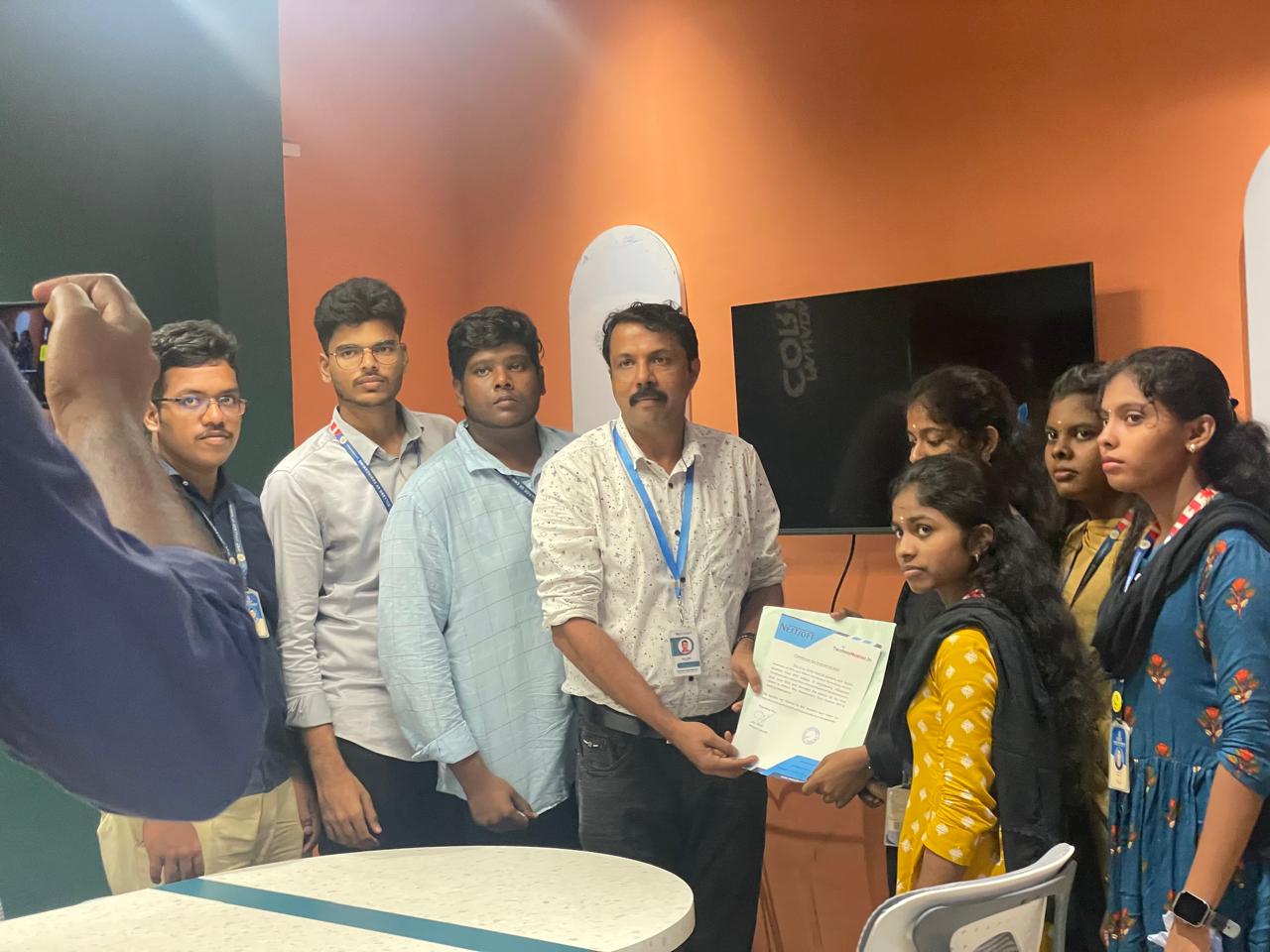
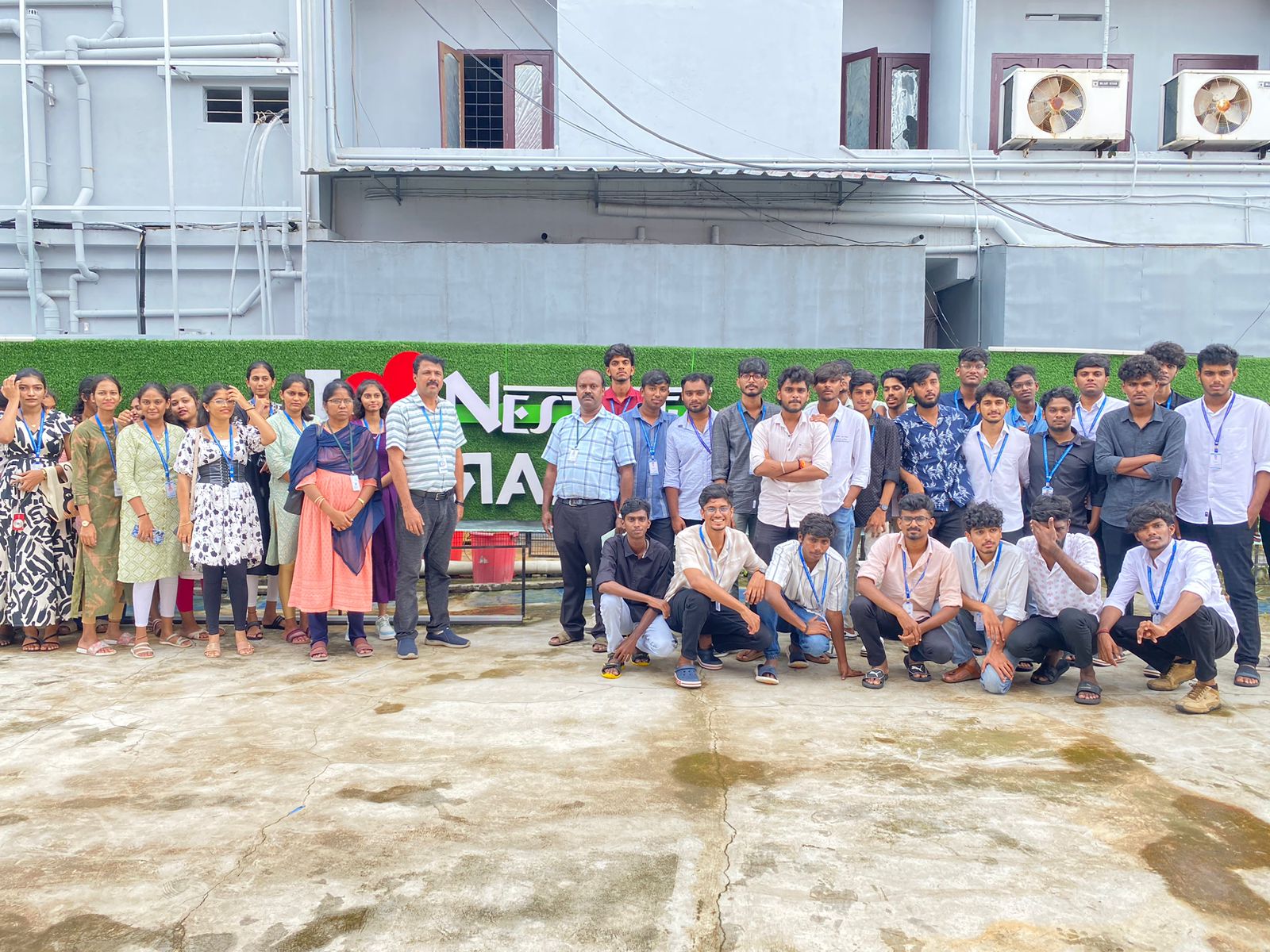
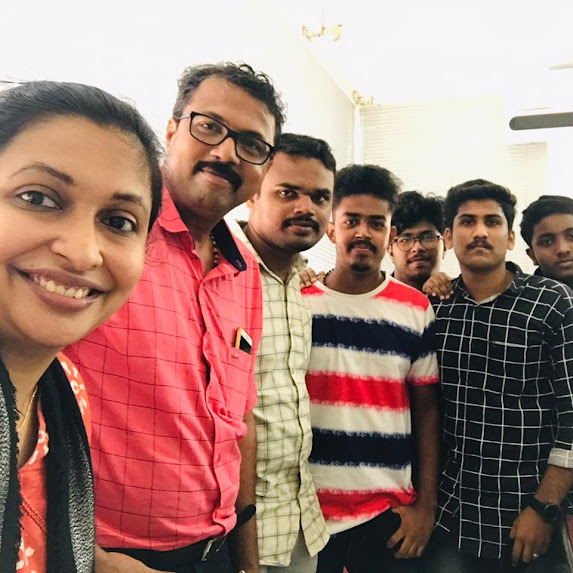
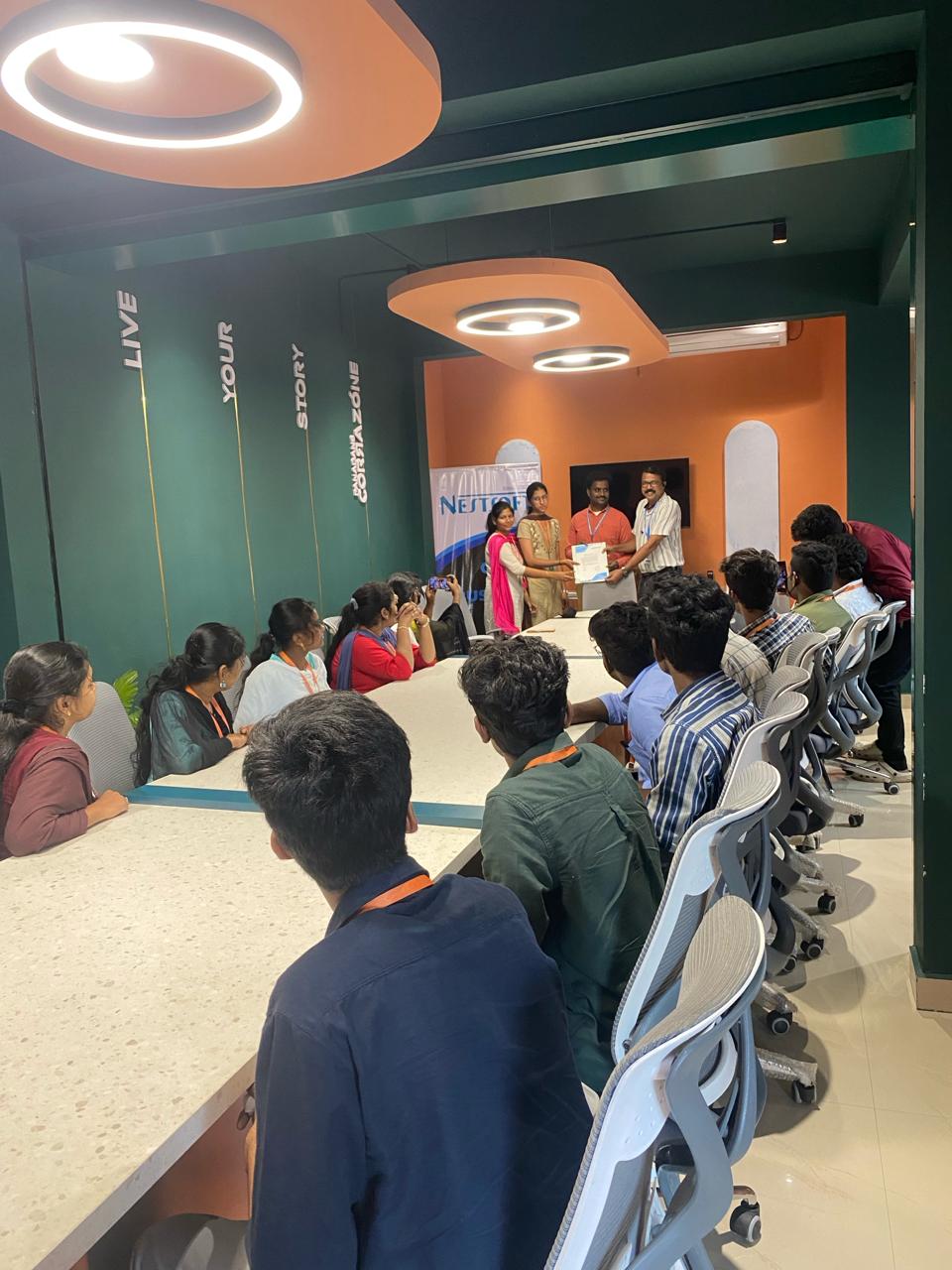
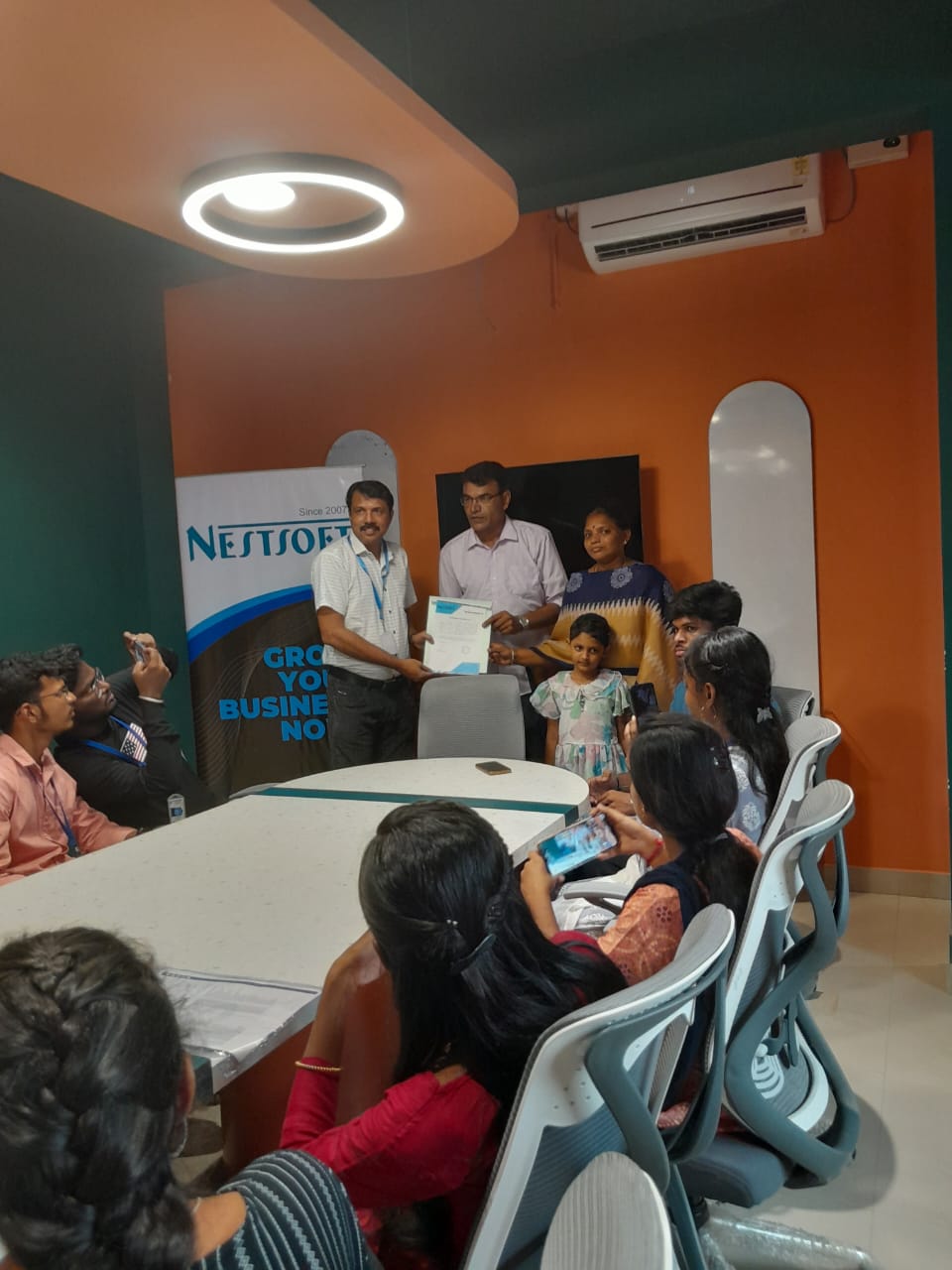
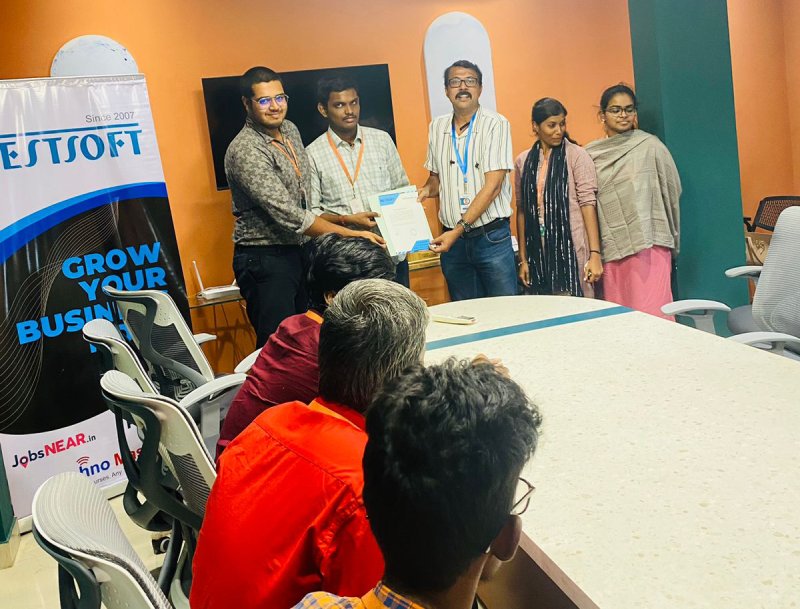
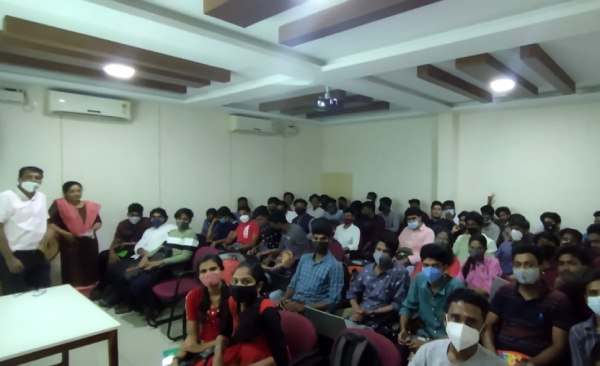
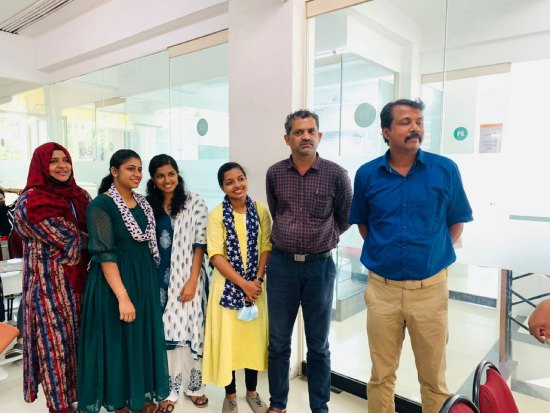
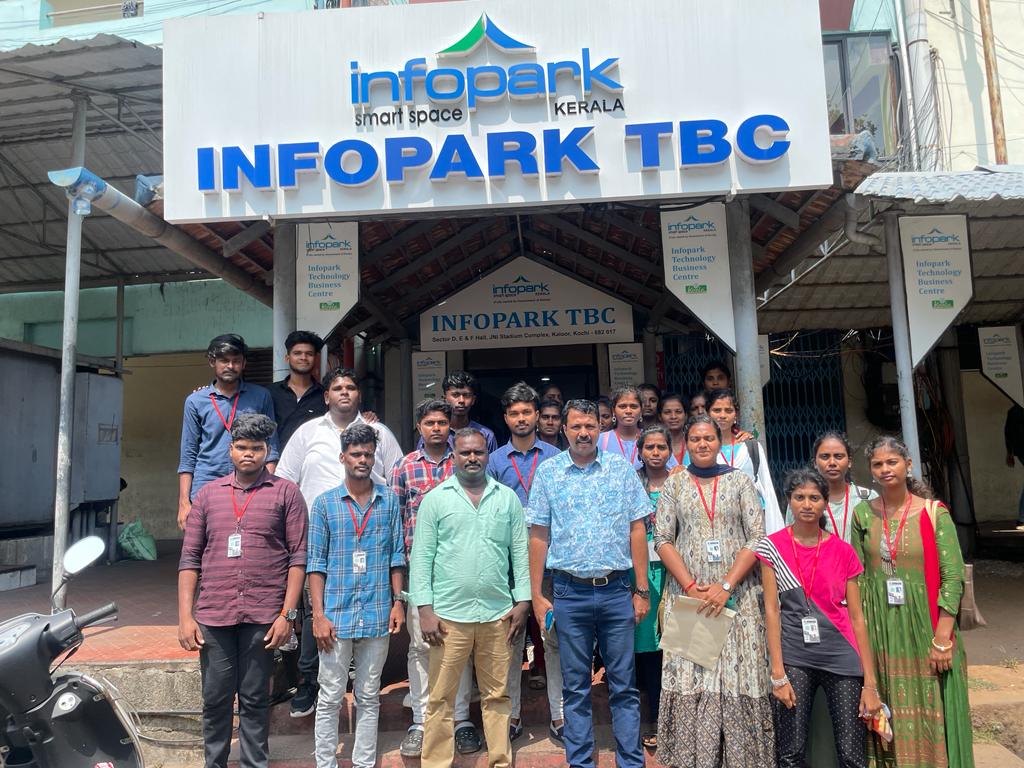
Photos of Training / Internships

Internship/projects in brighton

Trained more than 10000+ students who trust Nestsoft TechnoMaster

Get Your Personal Trainer